9
If the date and time are correct, tap [Next]
* If the date and time are not correct, tap to adjust them.
4
Do the [Book Place] settings
5
1. Tap [Register as a member for free now]
2. Enter your member information
* If the display on the screen is disrupted because of transmission condi-
tions, tap [Refresh screen].
Email address,
password, password
(for conrmation),
and nickname
Tap the text eld and type using the keyboard
that is displayed
* For "@" on the QWERTY keyboard, change the
type of characters being used to numbers.
* Your nickname is the name used in Book Place. It
is displayed when you upload reviews of books.
Date of birth, sex Tap , and tap the relevant selection
Secret question and
answer Enter them the same as above
Agree to the user
agreement and
register
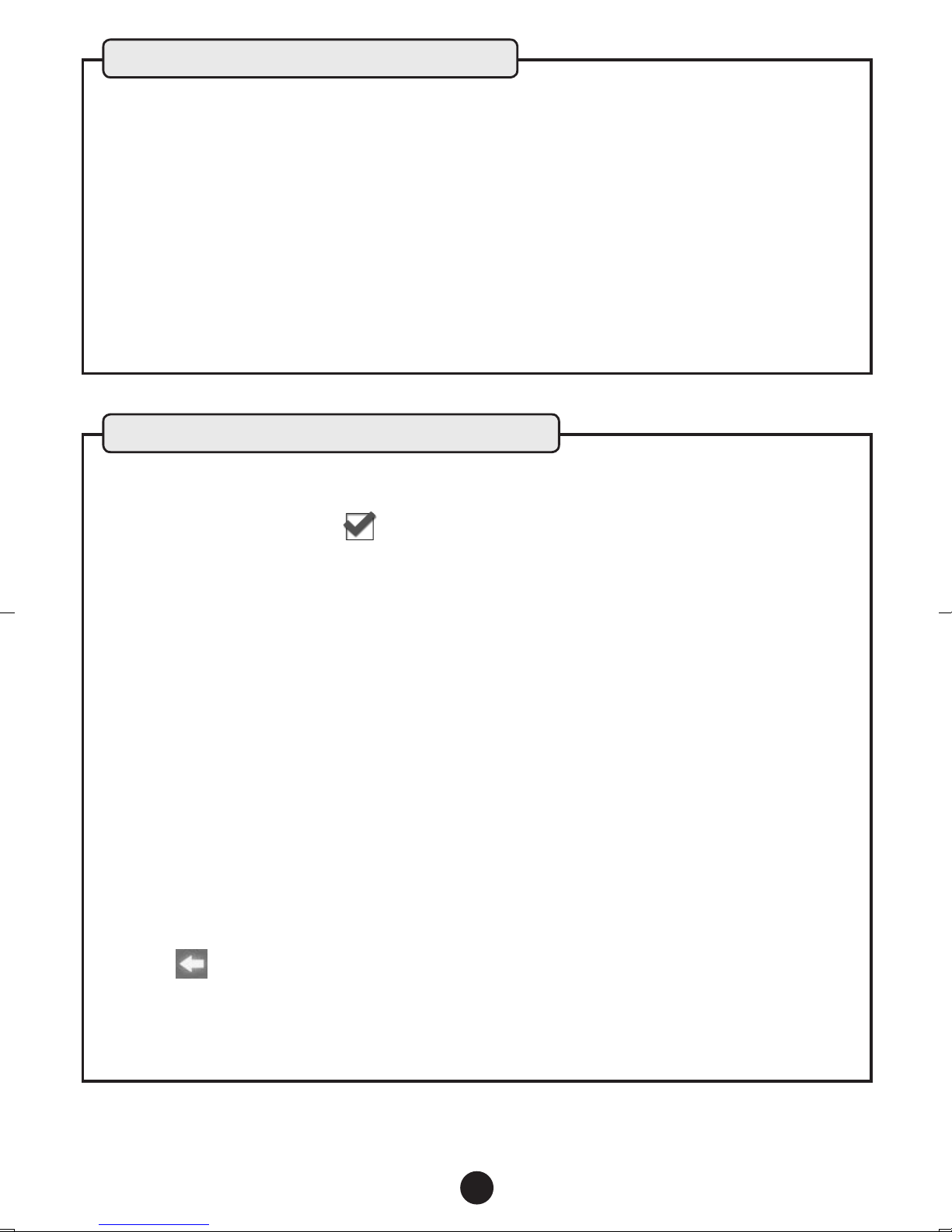
Tap to check it
* You can view the user's agreement by tapping
"User's agreement" above the "Email address".
Press the [Back] button on the main unit to return
to this screen.
* If you cannot see some items on the screen because they are hidden by
the keyboard that is displayed, tap on the keyboard to close it. Tap
the text eld to display the keyboard again.
Using "Book Place" for the rst time
TinkerBell_EN_SetupGuide.indd 9 12/12/26 13:34