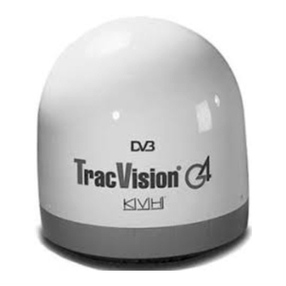
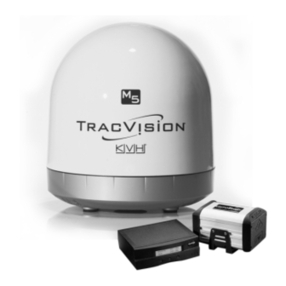
TracVision M3DX Conversion System Instructions
1
IMPORTANT! Special Instructions for the
TracVision M3DX Conversion System (01-0279-05)
You have purchased a special TracVision®M3DX conversion system
that can be configured for either circular or linear satellite signals.
These instructions explain how to configure the system for your
desired satellite(s). For example, if you travel from the U.S. to Mexico,
refer to these instructions to convert the system from a circular
configuration to a linear configuration.
Tools Required
Table of Contents
Overview of Circular and Linear Configurations..........................................2
Configuring for Circular Signals, Out of the Box .........................................3
Converting from Circular to Linear..............................................................4
Converting from Linear to Circular............................................................10
Modified Wiring Diagrams for Circular Signals.........................................15
Wiring Diagram for Linear Signals ............................................................16
To configure the system for circular signals, you will need to wire
the system differently from the wiring diagrams shown in the
Installation Guide and User’s Guide. Your conversion system comes
with a linear interface box, which gives you the flexibility to
simply add a destacker for circular use. Be sure to read these
special instructions for complete details.
IMPORTANT!
• #2 Phillips-head screwdriver
• 7/16" open-end wrench
• Cutting pliers
• Flashlight
54-0390 Rev. B