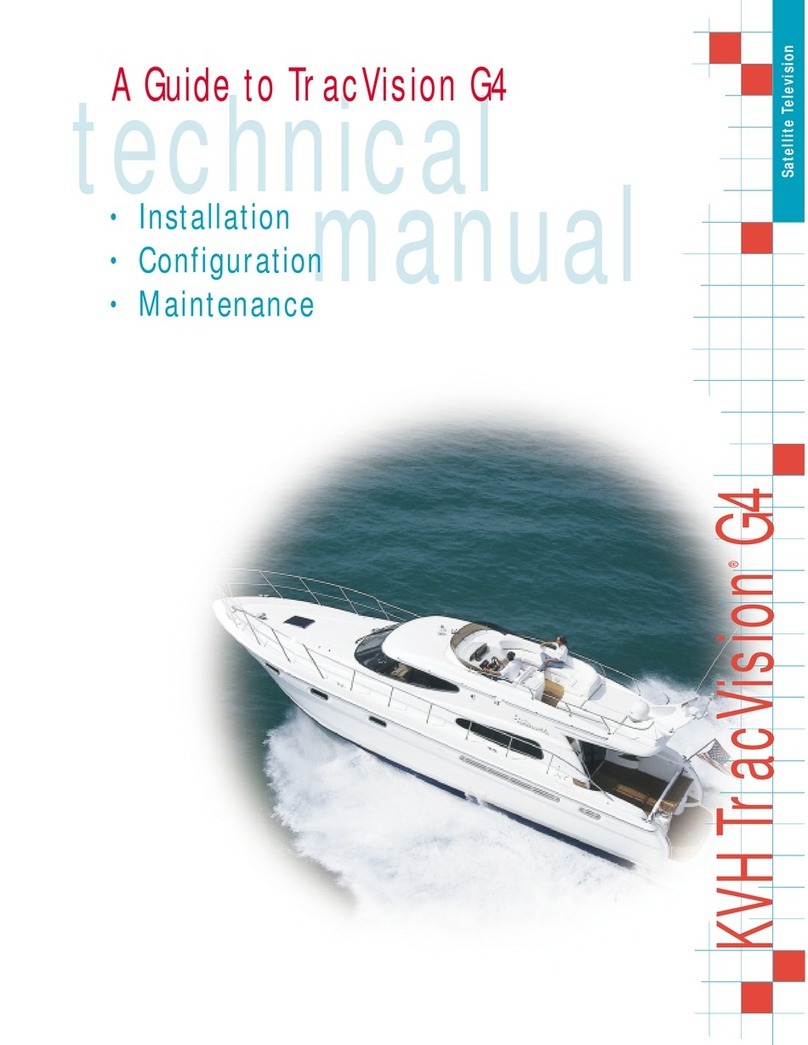
TracVision M5/M7 User’s Guide
6
Chapter 1 - Introduction
System Features
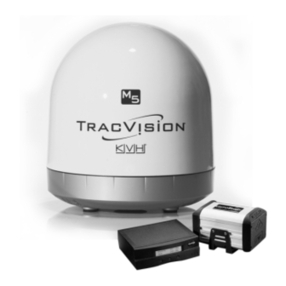
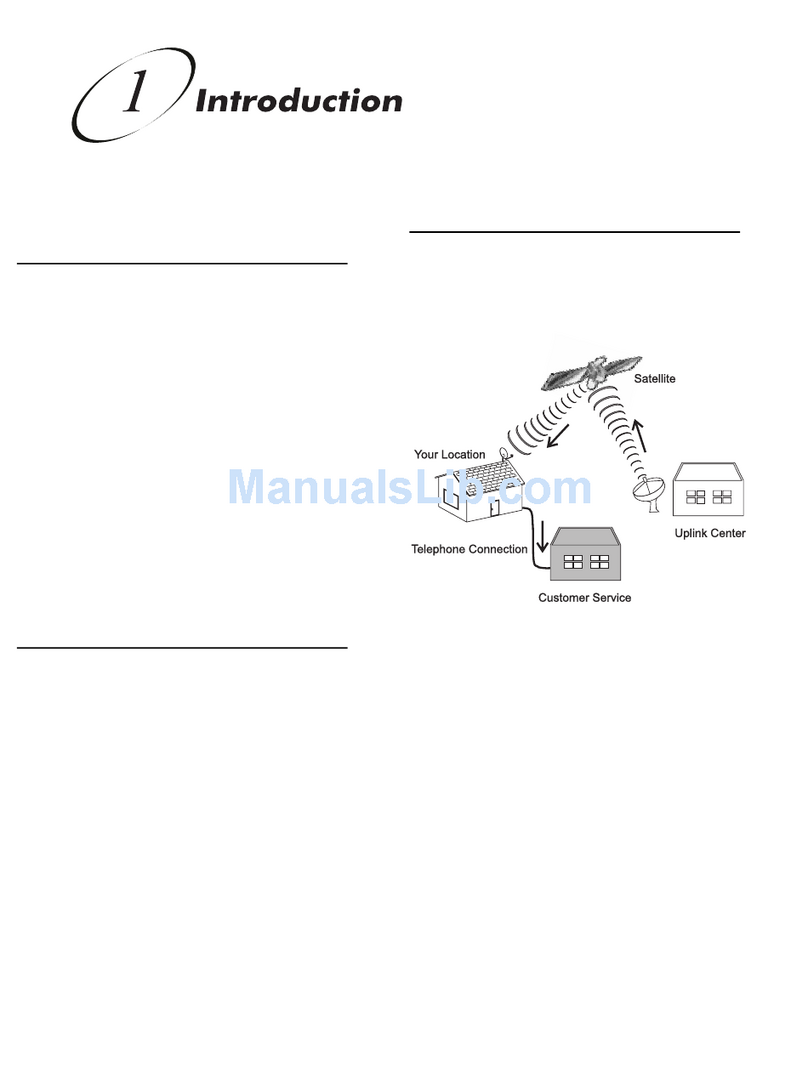
Your TracVision M5/M7 system uses integrated DVB technology to
quickly acquire and track the correct satellite, switch between your
selected satellites, and send TV signals to the receiver.
In-motion Tracking
The TracVision system includes a state-of-the-art actively stabilized
antenna. Once the antenna acquires the satellite, its internal gyros
continuously measure the heading, pitch, and roll of your vessel and
send commands to the antenna motors, keeping the antenna pointed
at the satellite at all times - even while you’re on the move!
Satellite Tracking and Switching
Your TracVision M5/M7 system tracks your selected satellites as long
as the vessel is located within the selected satellites’ coverage area.
During installation, your TracVision system should have been set up
to track your desired satellites, allowing you to switch between them
quickly and easily.
Satellite Library
The TracVision M5/M7 system includes a pre-programmed library of
the most popular satellites, offering a wide variety of satellite services
to choose from. For complete information on the satellite library, see
Chapter 3 ”Settings” on page 25.
TIP: Two more satellites of your choice can also be added to the satellite
library. For complete information on adding satellites to the library, refer to
the associated Application Note on the KVH Partner Portal (KVH-authorized
technicians only).