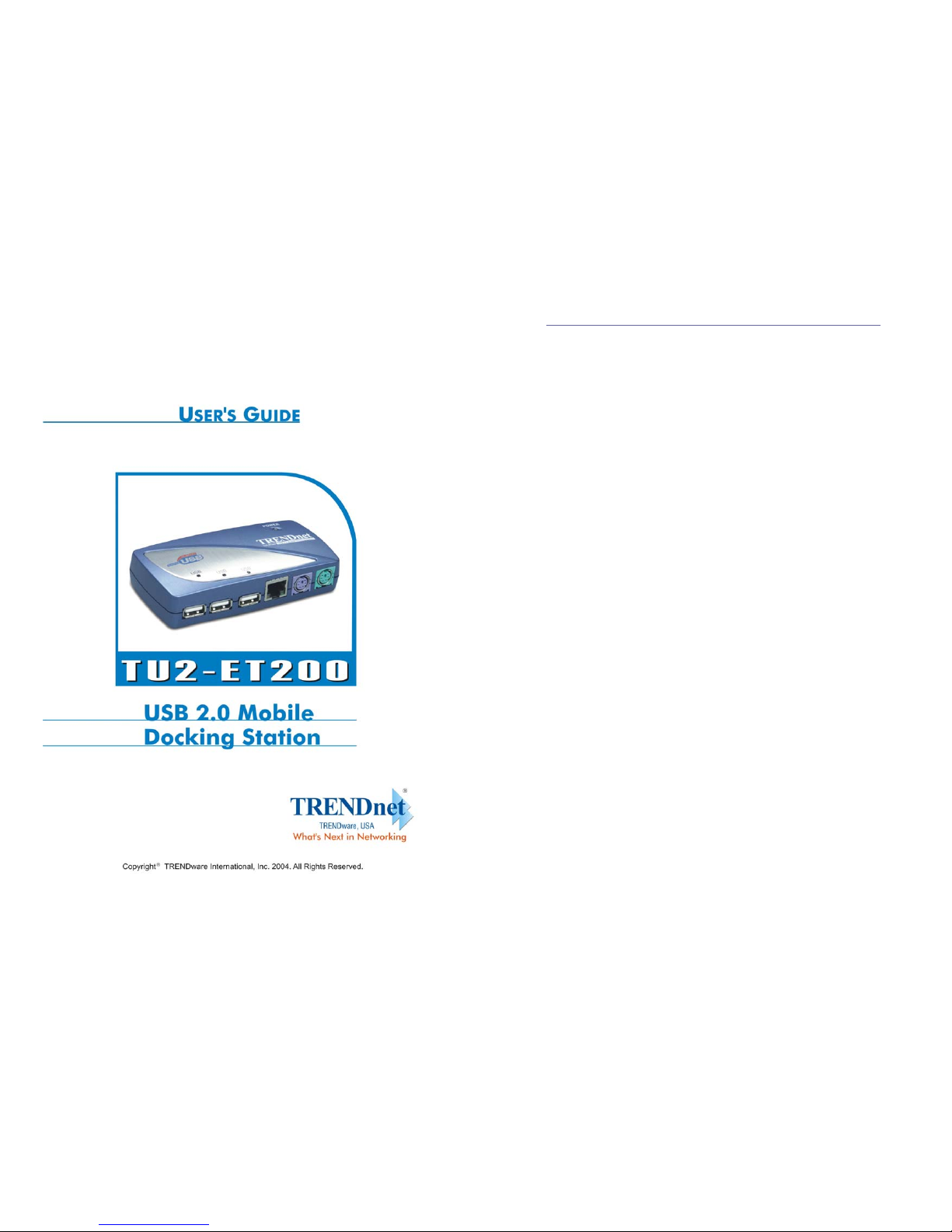
TU2-ET200 User’s Guide
March 11, 2004 3
1. Introduction
Thank you for ordering the USB 2.0 Mobile Docking Station. The USB 2.0
Mobile Docking Station is an intelligent expansion module, which connects to a
PC or notebook via the Universal Serial Bus (USB) port, providing one
high-speed RS-232 serial port, one printer port, one PS/2 keyboard & mouse, 3
downstream USB2.0 ports and one Ethernet access. The USB 2.0 Mobile
Docking Station features easy connectivity for traditional serial devices,
keyboards, mice and other USB devices, and provides up to 480Mbps USB2.0
High Speed capability. You can also add one extra Ethernet port to your PC or
notebook in seconds.
1.1 Features and Specifications
zAdd one high-speed serial port, one printer port, one PS/2 keyboard &
mouse, 3 USB 2.0 High Speed downstream ports and one Ethernet port to
your PC or notebook in seconds.
zImprove the inconvenience of configuring old PC solutions like card
extension solutions, which require adjusting IRQ or jumper settings and the
incompatibility of various brands of docking solutions or bus repeaters.
zAvoid the hassle of removing your PC case, or rebooting the operating
system during installation.
zBuilt-in 10/100Mbps Fast-Ethernet and IEEE802.3x flow control functions
for 100BASE-TX and 10BASE-T.
zComplies with USB specifications 2.0 (and under), with IEEE802.3u
100BASE-TX and with IEEE802.3 10BASE-T standards.
1.2 System Requirements
1. PC with Pentium series processor, or equivalent
2. Minimum of 16M bytes of RAM
3. One available USB type A downstream port (UHCI, OHCI, or EHCI)
4. Windows 98 or later
TU2-ET200 User’s Guide
March 11, 2004 4
1.3 Package Contents
The product you purchased should contain the equipment and accessories shown
as follows:
•USB 2.0 Mobile Docking Station
•One 6ft USB AB type cable
•One 2A switching power adapter
•One USB 2.0 Mobile Docking Station Driver and User’s Guide CD
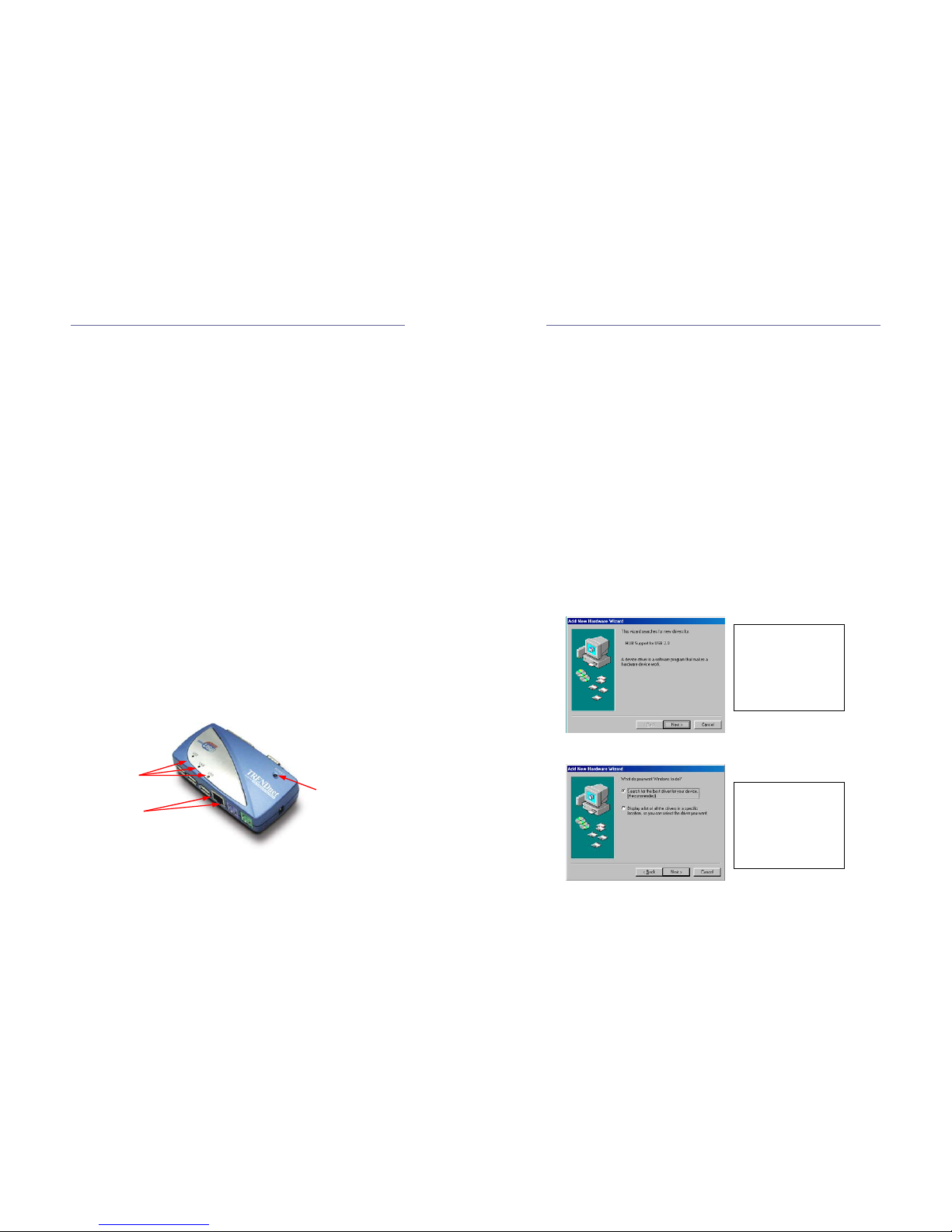
1.4 Connectors (Ref. Fig.1)
1. One DB-9 RS-232 serial interface connector supports baud rates from 2,400
to 115.2K.
2. One DB-25 parallel connector supports IEEE-1284 bi-directional printer port.
3. One Mini-din for PS/2 keyboard, mouse.
4. Three USB receptacle, type A downstream ports.
5. One USB type B upstream connector.
6. One RJ45 Ethernet connector.
Fig.1
1.5 Available Functions
The available functions of USB 2.0 Mobile Docking Station depend on the status
of the power supplied:
zBus powered
1. Connect the USB 2.0 cable to your PC to provide bus power.
2. When you provide bus power only, the PS/2 mouse & keyboard, RS232,
printer and Ethernet ports will be enabled. However, the USB 2.0
USB 2.0 Downstream
RJ45 Ethernet
PS/2 Keyboard
PS/2 Mouse
Parallel Port
Serial Port
USB Upstream Port
Power Connector