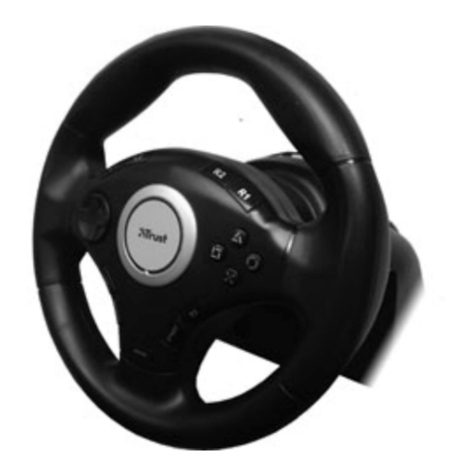
Vibration Feedback Rally Master
7
3.2.3. Windows 98 through the USB adapter (Combined version)
This sections applies only to the Combined version of the steering wheel. If you do not
have the Combined version, proceed with section 3.2.2.
Using the USB adapter supplied, the Vibration Feedback Rally Master can be
connected to the USB port of the system. The advantage of using the USB is that
installation will be automatic, and that the joystick and steering wheel are easily
exchangeable. The USB adapter works only in combination with Windows 98.
Note: Make sure that all installed joysticks have been removed from the game
controllers list (see figure 2) before you connect the USB adapter.
Follow the instructions below to install the USB adapter. These steps are required only
when the adapter is connected for the first time.
1. Start Windows 98.
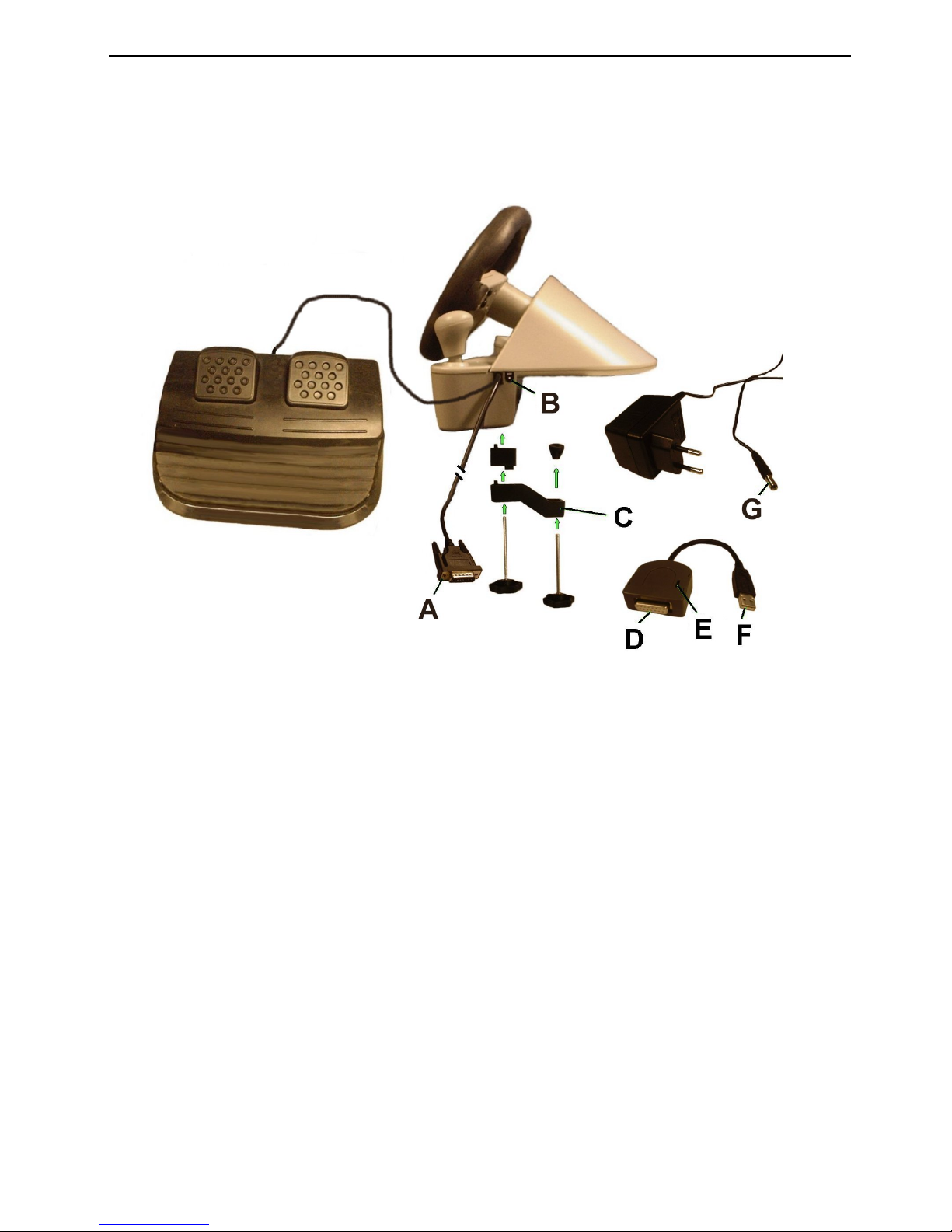
2. Set the switch (E) on the USB adapter to ‘Steering Wheel’. See figure 1.
3. Connect the plug (A) on the steering wheel to the plug (D) of the USB adapter.
4. Connect the plug (F) of the USB adapter to the USB port of your computer.
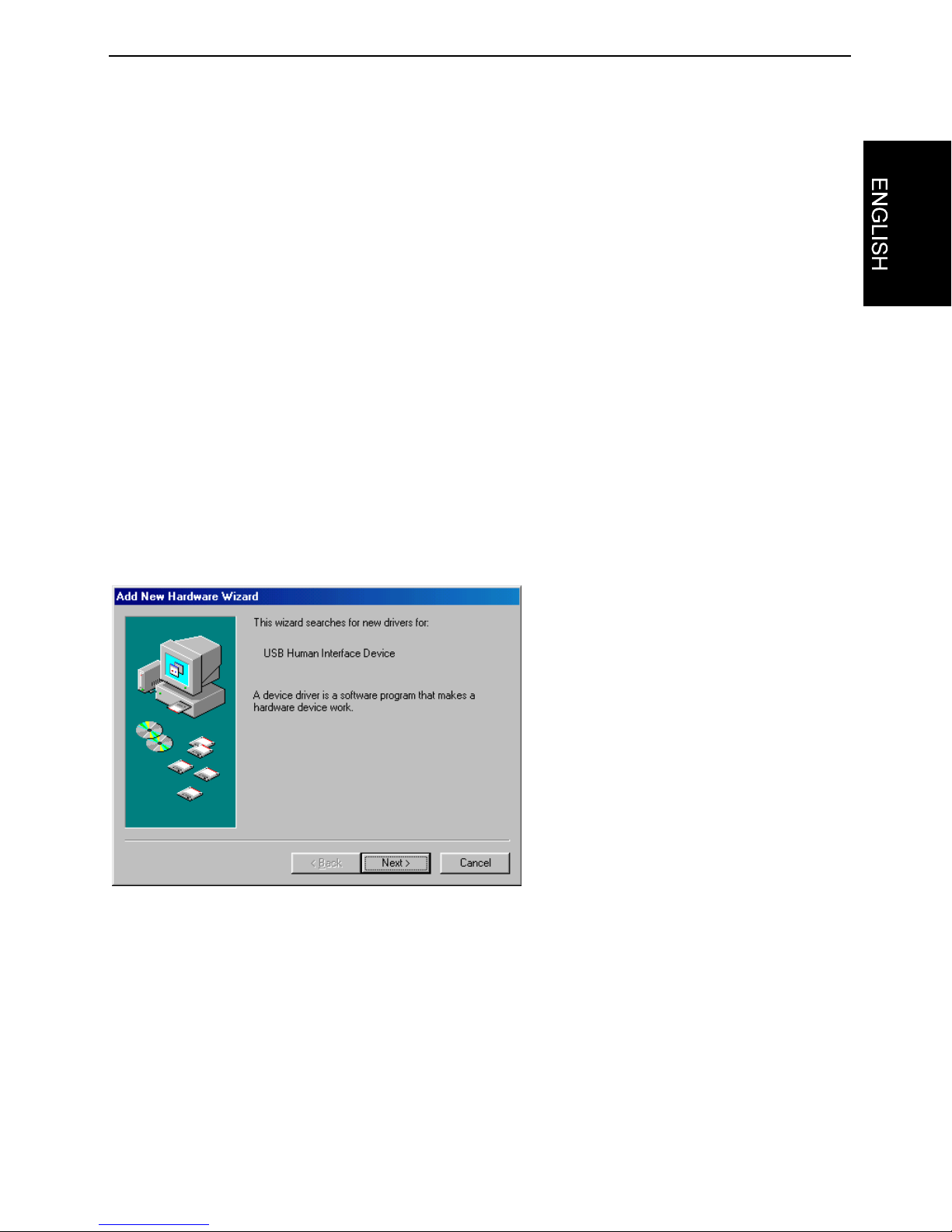
5. The USB adapter will be detected, and a screen like the one in figure 3 will be
displayed. Click on ‘Next’.
Figure 3: The USB adapter has been found
6. Select the option to have Windows search for the best driver, and click on ‘Next’.
7. In the next screen, disable all options, and click on ‘Next’.
8. The driver will be found. Click on ‘Next’.
9. Click on ‘Finish’ to complete the installation.
10. Proceed to the Control Panel, and double-click on the ‘Game Controllers’ icon.
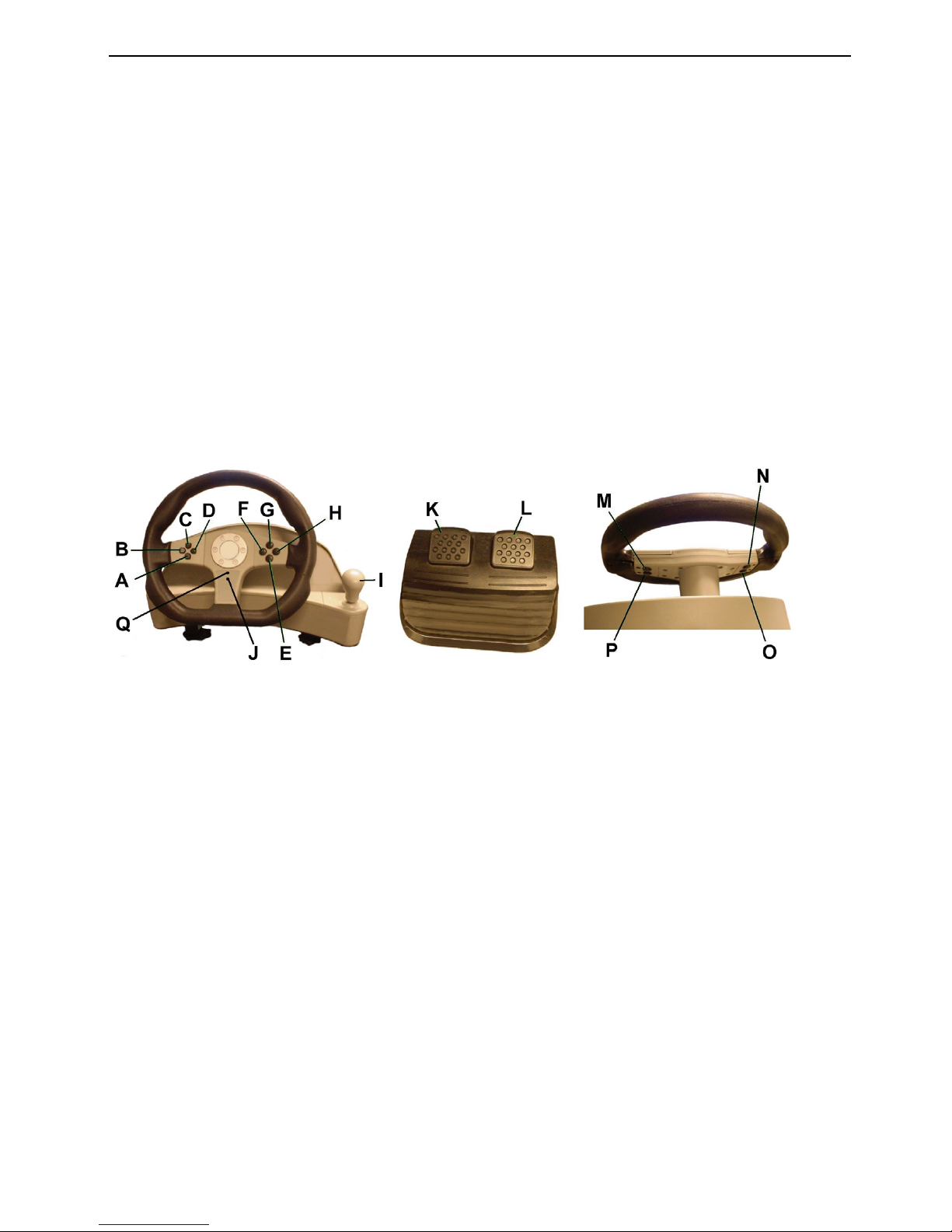
11. The USB adapter will be installed as a joystick with 4 axes, 8 buttons, and field of
vision control. Click on ‘Properties’.