8
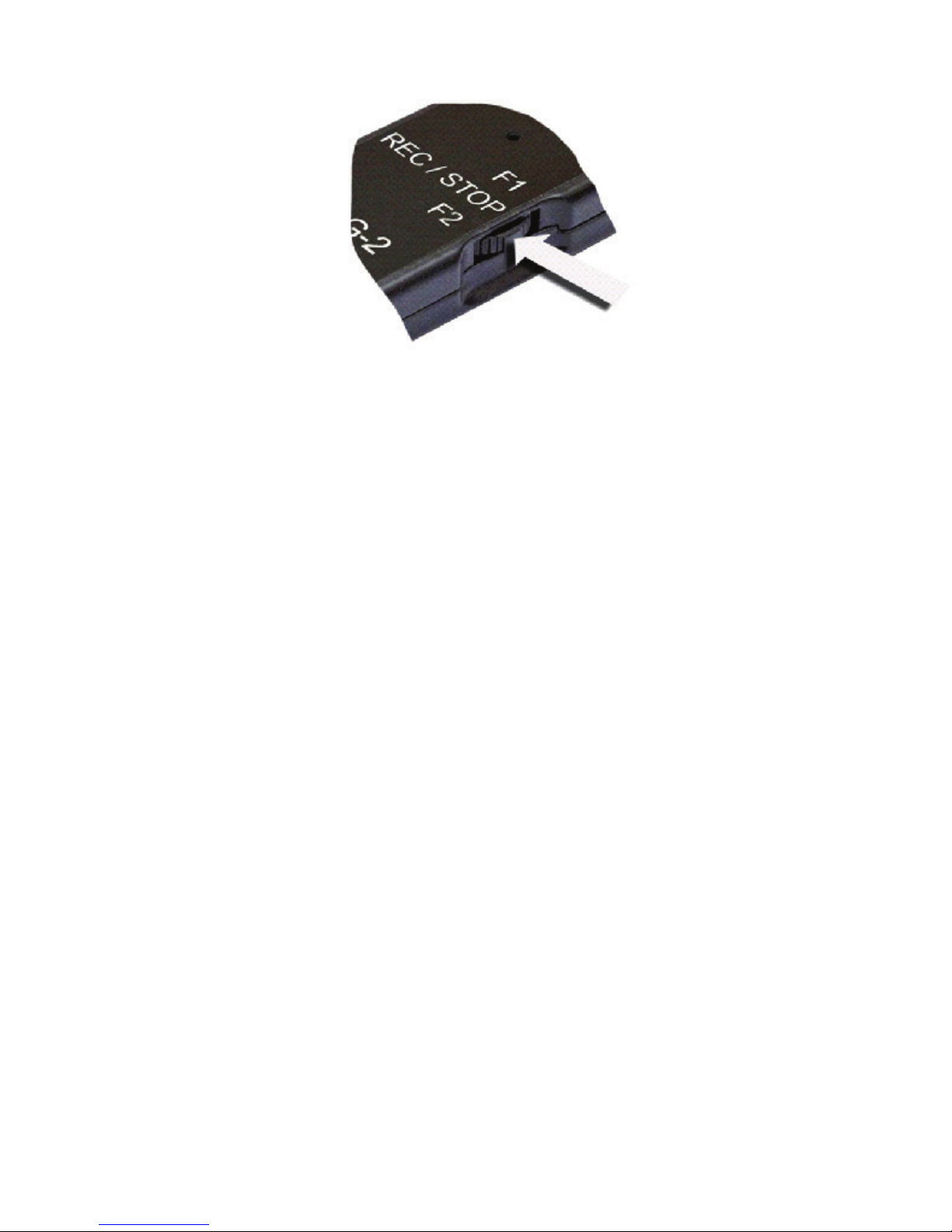
To nd out current status of the recorder move the
REC/STOP switch to F2 position (don’t hold):
• The LED is on for several seconds – the
recorder is in stand-by mode (at that color of
the LED indicates battery charge level: green
– battery is charged more than 50%; red –
battery is charged less than 50%).
• The LED blinks shortly – the recorder is
recording (at that color of the LED indicates
battery charge level: green – battery is charged
more than 50%; red – battery is charged less
than 50%).
ATTENTION!
If during recording the recorder memory is
lled or battery is fully discharged, the recorder
automatically switches off.
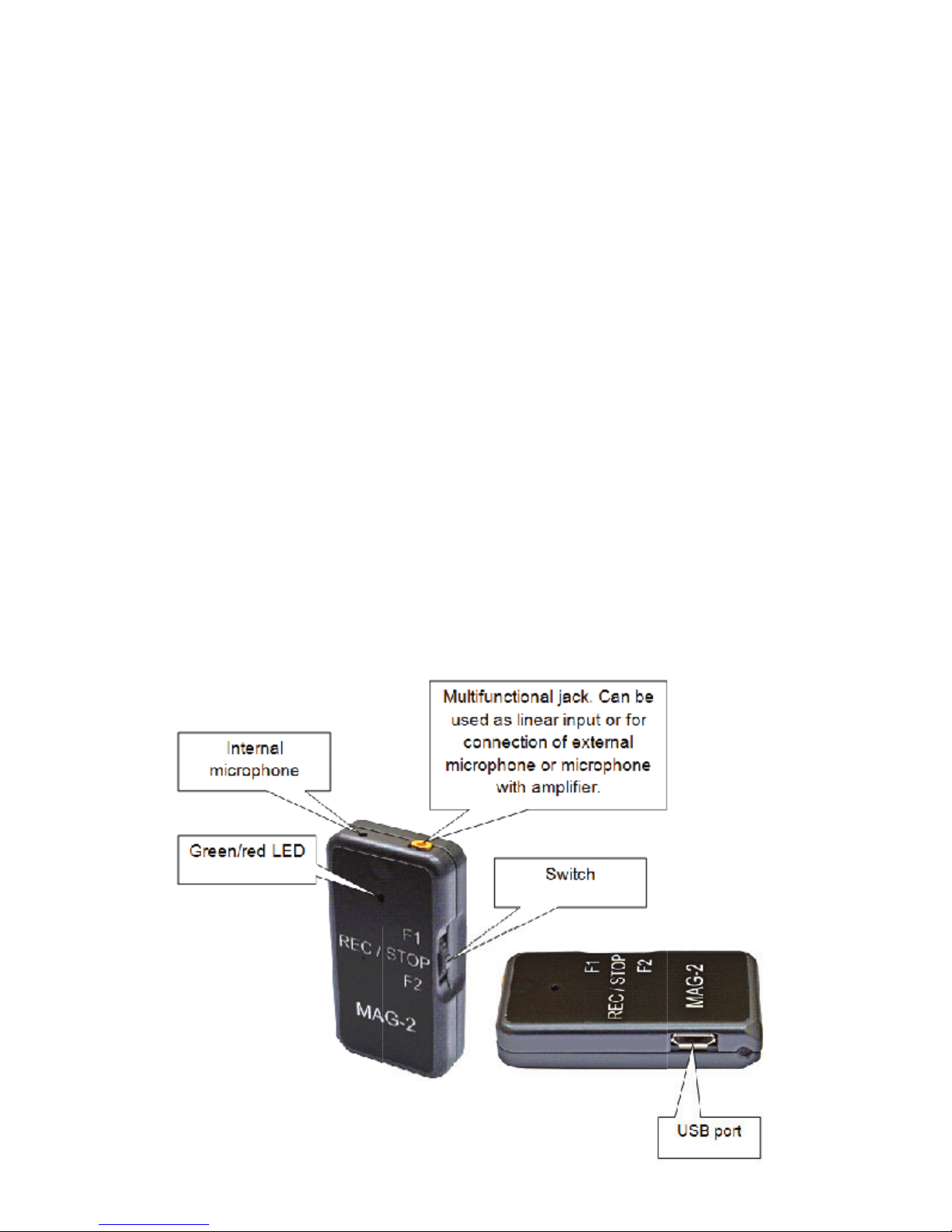
Operation with external microphone
1. Using NOVO PC SUIT MAG-2 program, select
external microphone as a source of recording.
2. Connect external microphone to corresponding
jack on the recorder.
3. To start recording press and hold REC/STOP
switch button till the red LED lights up. When