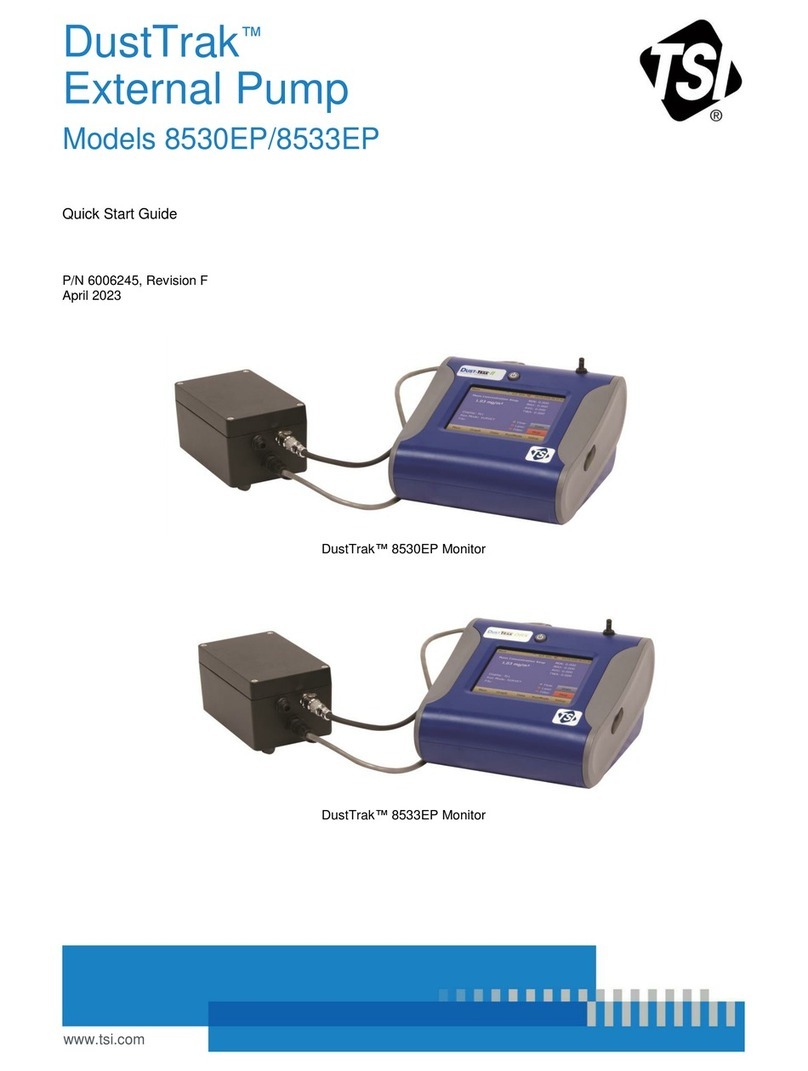
DustTrak™
External Pump
Models 8530EP/8533EP
Quick Start Guide
Thank you for purchasing a TSI®DustTrak™
Model 8530EP/8533EP dust monitor. This guide will
help you quickly connect the external pump to the
DustTrak™Model 8530EP/8533EP dust monitor.
Setup Instructions
DustTrak™8530EP/8533EP does not come with an
internal pump. It must be connected to an external pump
module available from TSI®. The following parts are
needed to set up the DustTrak monitor with the external
pump. Contact TSI®immediately if any of the items are
missing or broken.
More detailed information is in the user manual provided
with the instrument in the carry case. Please refer to the
manual if you have questions on the operation of your new
dust monitor.
The external pump is completely powered by the
DustTrak™monitor. DO NOT attempt to power the
pump module using an external power source.
1. The power connector and the flow quick connect
“click” when securely connected. The power
connector must be rotated clockwise past the
locking pin.
2. DO NOT hot-plug the External Pump Module when
the DustTrak™monitor is turned ON. Always
connect the External Pump module first and then
turn the DustTrak monitor ON.
3. TSI®recommends that the DustTrak monitor with
the external pump be operated in the Model 8535
Environmental Enclosure.
4. TSI®recommends that the pump module be
operated when mounted on its feet and avoid
operating at other orientations as much as possible.
5. Pump module and the DustTrak monitor should be
at the same electrical potential.
6. The additional port on the external pump module is
where the pump exhausts the flow. For applications
where the DustTrak monitor is sampling from a
chamber or a duct at pressures significantly different
from the ambient, TSI®recommends plumbing the
exhaust of the external pump back in to the
chamber/duct.