EN –10
Power supply:
WARNING: In order to avoid the risk of an electrical shock, the device may only be
connected to the power supply via a ground wire.
The system may not be connected to the power supply via extension cables.
Repairs:
Always contact the manufacturer for repairs!
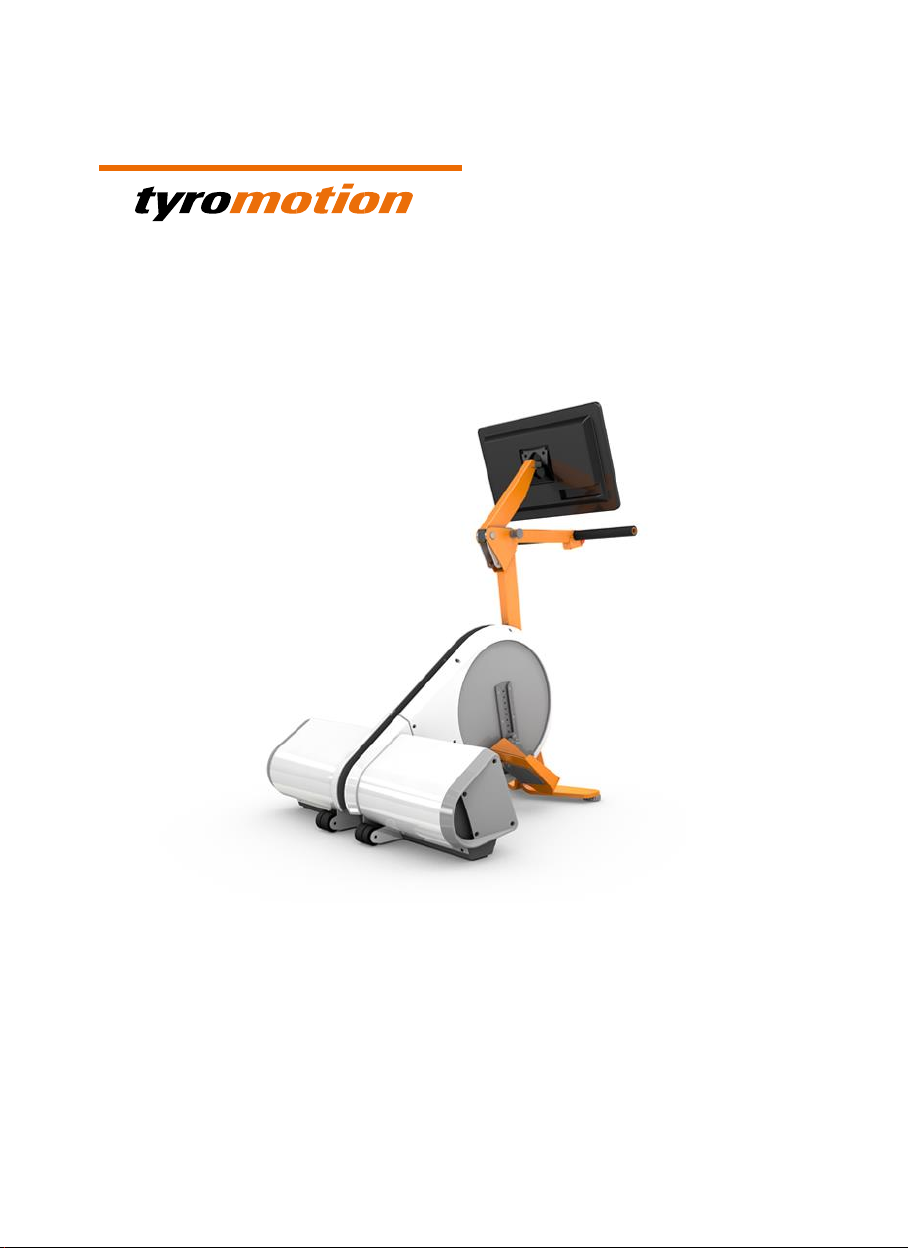
Height adjustment of monitor handle bracket:
The height of the monitor handle bracket may only be adjusted by a therapist.
The height is to be adjusted slowly and taking into consideration spatial requirements as
well as the patient’s range of motion.
Always hold the handle/PC carrier tube with one hand before pulling out the catch bolt in
order to prevent the handle/PC carrier tube from falling to the ground or tilting
backwards, as this could pose a risk of injury for both the therapist and the patient or
could damage the All-IN-ONE PC!
Monitor handle jamming risk
Adjust the position of the monitor handle bracket with care and never grasp the bracket’s
locking mechanism.
Pedal radius adjustment:
Adjusting the pedal radius while the cranks are in motion or during therapy poses a
jamming hazard:
While the cranks are spinning or a therapy session is in process, neither the operator nor
any other person may modify the device’s pedal radius. Always end the therapy session
before entering the main menu for modifications.
Never attempt to modify a moving part!
Foot rest replacement:
Trying to replace the foot rests while the cranks are in motion or during therapy poses a
jamming hazard:
While the cranks are spinning or a therapy session is in process, neither the operator nor
any other person may modify the device’s pedal radius. Always end the therapy session
before entering the main menu for modifications.
Never attempt to modify a moving part!