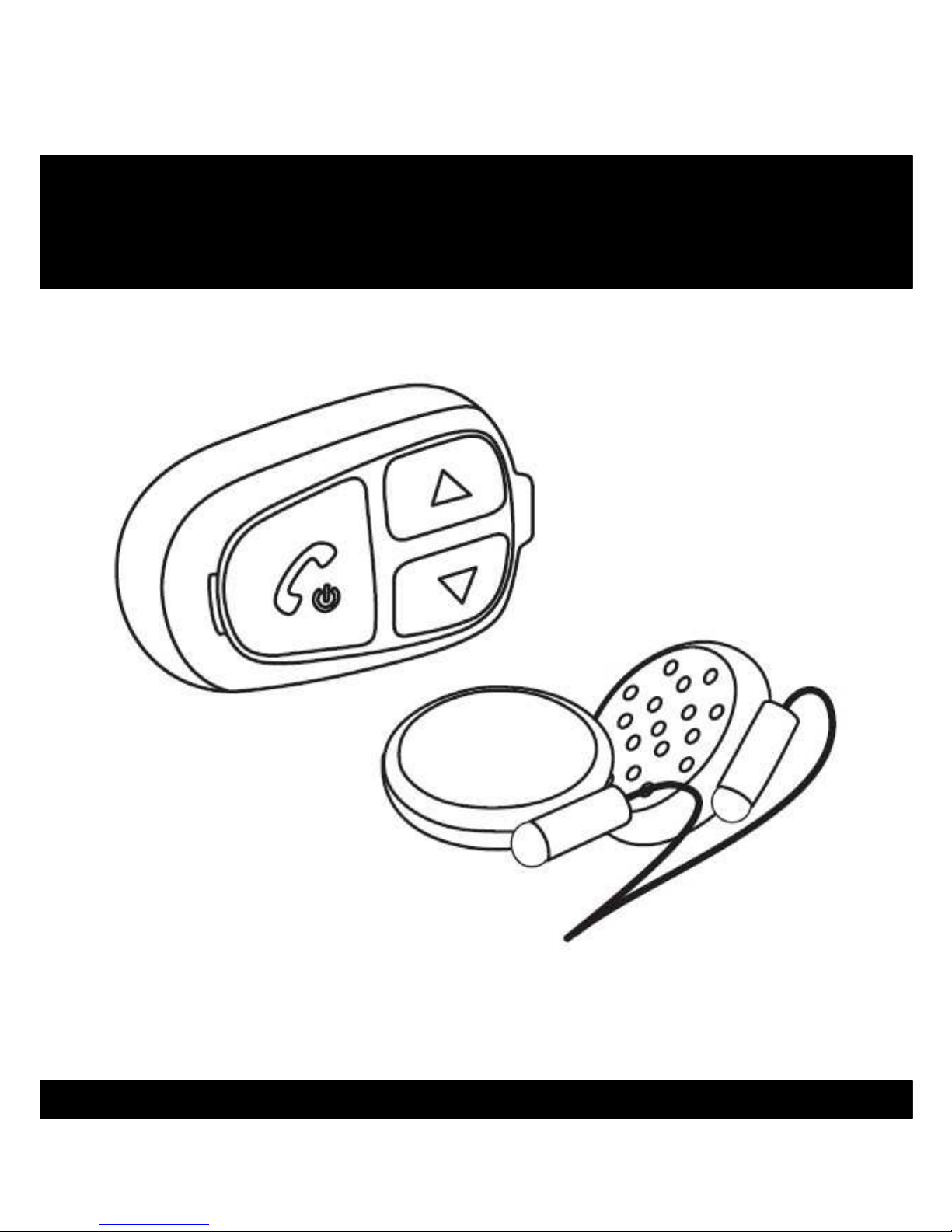
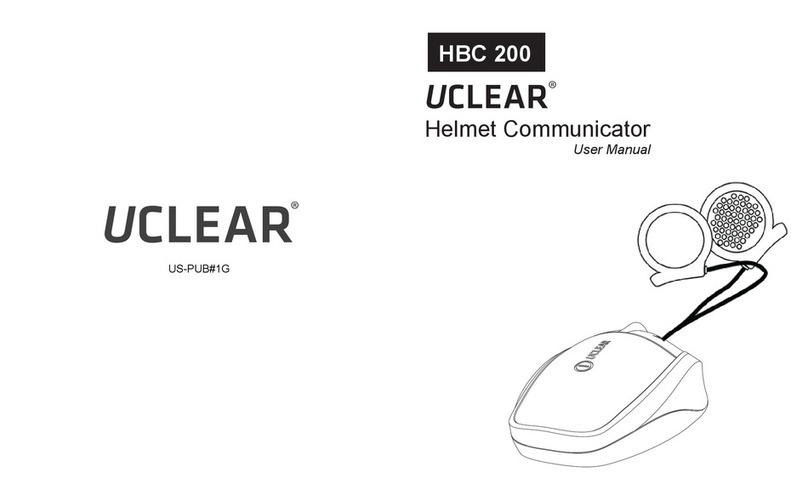
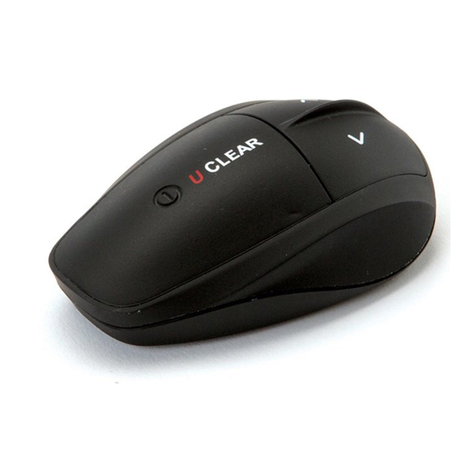
Uclear HBC 100 User manual

HBC 100
User Manual
Helmet Communicator
UC
LEAR
TM

UC
LEARTM
1
HBC100
Helmet Communicator User Manual
Welcome to UC
LEAR
TM

UC
LEARTM
2
Note

UC
LEARTM
3
Contents --------------------------------------------- 2
Quick User Guide ------------------------------------ 3
Warnings and Safety Instructions ------------------ 7
eatures --------------------------------------------- 9
Installation ------------------------------------------ 10
General Operations --------------------------------- 13
Mobile Phone Operations --------------------------- 15
Music Streaming Operations ----------------------- 17
Intercom Operations ------------------------------- 18
Button Configurations Summary ------------------ 19
Status Indicator Configurations Summary -------- 20
Technical Data -------------------------------------- 21
Notices ---------------------------------------------- 22
Contents

UC
LEARTM
4
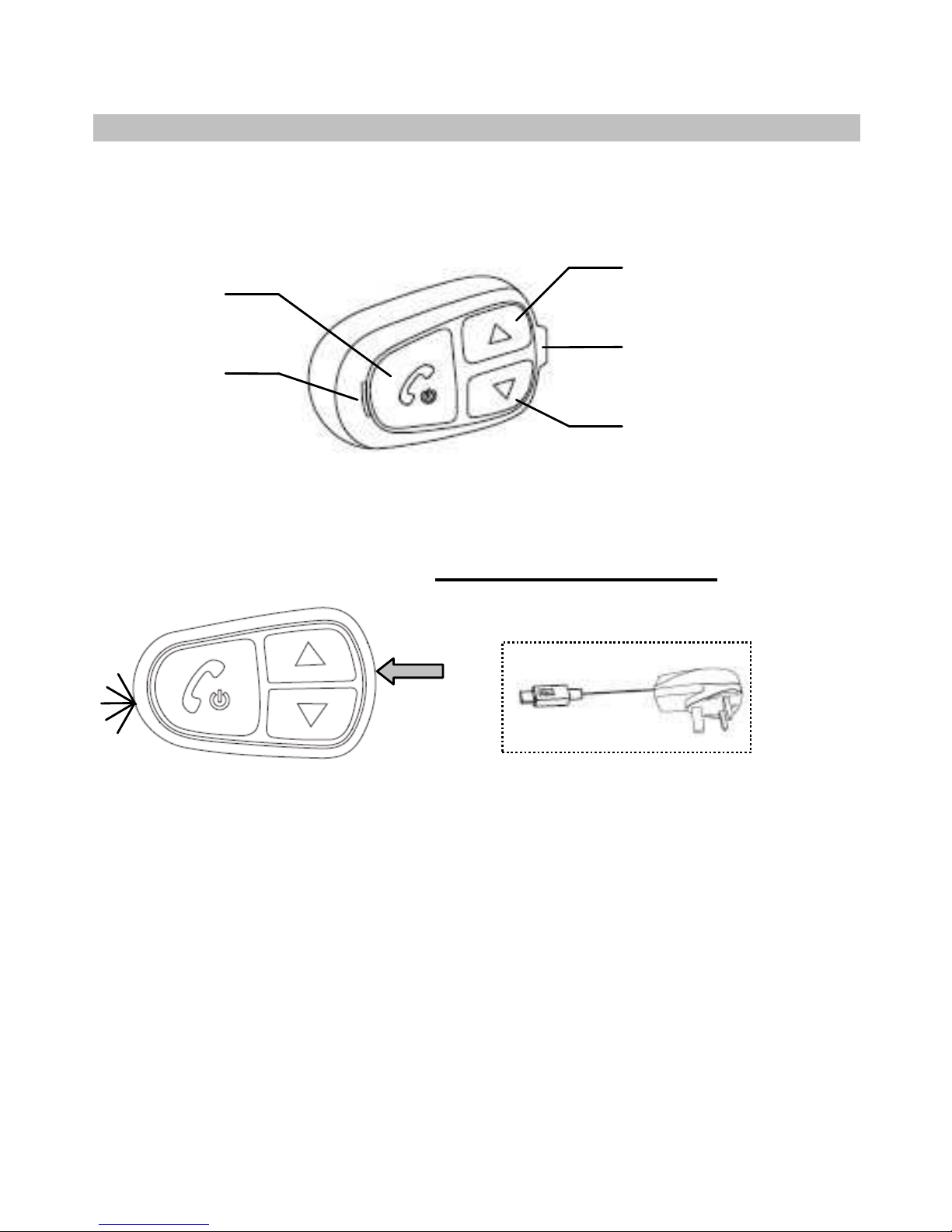
Your HBC100 at a glance
Up button
Speaker /
charging socket
Down button
Status
indicator
Answer
button
Charge
oTo charge, use the provided charging cable connecting it
either to a USB port or to the adaptor provided.
oWhile charging, the status indicator would show red.
oUpon fully charged, the status indicator would show blue.
Low Battery Indicator
oYou would need to charge the helmet communicator when
the status indicator blinks red twice every 2 seconds with
a beep every minute.
Charger
Attach
G
ENERAL
F
UNCTIONS
Before using your HBC100 please c arge it first!
Quick User Guide

UC
LEARTM
5
M
OBILE
P
HONE
F
UNCTIONS
Pairing your HBC100 with your mobile phone
Power On
oHold Answer for 2 seconds.
Power Off
oHold Answer for 5 seconds.
Reset
oPress all 3 buttons
together.
Volume Up
oPress Up once.
*NOTE: The volumes for mobile phone, music and intercom
functions are controlled separately.
Volume Down
oPress Down once.
Pairing
oHold Up and Down buttons together for 2 seconds. The
status indicator would alternately blink blue and red.
orom your mobile phone Bluetooth menu, search for
‘UCLEAR HBC100’.
oYour phone would prompt you for a passcode, enter
‘0000’.
Quick User Guide

UC
LEARTM
6
Answer Incoming Call
oUse voice pickup, say ‘hello’
or ‘pickup’.
OR
oManually press Answer
button once.
Voice Dial
oHold Answer and Down
button for 2 second.
Last umber Redial
oHold Answer and Up
button for 2 second.
Reject/ End Incoming Call
oHold Answer button for 2 seconds.
3 Way Calling
oTo swap between 2
concurrent calls, press
the Answer button once.
M
USIC
S
TREAMING
F
UNCTIONS
*NOTE: or music dongles you would need to pair the
music dongle before using it with HBC100.
Play/ Stop (Toggle
Functions)
oPress the Answer button
2 times.
Pairing (for Music
Dongle Only)
oHold Up and Down buttons
together for 2 seconds.
Quick User Guide

UC
LEARTM
7
I
NTERCOM
F
UNCTIONS
Pairing your HBC100 to another HBC100
Helmet 1
(Master Unit)
Helmet 2
(Secondary Unit)
Pairing ( eeds to be done once)
oThe helmet communicator needs to be switched off
before performing the following steps:
Press Answer and Down buttons for 5 seconds on
helmet 1 & press Answer and Up buttons for 5
seconds on helmet 2.
Initiate or Terminate Conversation
(Toggle Functions)
oHold the Up button for 2 seconds.
Fast Forward
oPress the Up button 2
times.
Backtrack
oPress the Down button
2 times.
Quick User Guide

UC
LEARTM
8
This manual uses the and icons to highlight
certain instructions. Below is an explanation of the icons.
Attention
- This icon highlights special instructions and precautions
intended to avoid damage to the system. Non-compliance
may void the product warranty.
Warning
- This icon provides precautions important to prevent injuries to
the user.
Attention
- Please read through the operating instructions to understand
how to operate the system, in particular the safety
instructions.
Warning
- Please note that there are some countries that by law disallow
the rider to set the UC
LEAR
TM
helmet communicator to a
volume that prevents you from perceiving the surrounding.
- Please note that in some countries the use of both speakers
simultaneously is authorised only out of pubic traffic
conditions.
- Please check with the relevant authorities for local safety
legislation before using the UC
LEAR
TM
helmet communicator on
the road.
!
!
Warnings and Safety Instructions
!

UC
LEARTM
9
- Prolonged exposure to loud sounds may lead to permanent
hearing damage.
- Do not attempt to place an outgoing call through the mobile
phone while riding on the motorcycle at any point of time.
- Please do not use the UC
LEAR
TM
helmet communicator in
anyway that may distract you or hinder your judgment whilst
on the move. Never ever compromise your safety and the
safety of others.
Attention
- Charging and handling rechargeable battery products
incorrectly may cause them to overheat, catch fire or explode.
To prevent this please follow the instructions below:
i) Never change the batteries yourself, always bring it to an
authorised dealer to perform the replacement for you.
ii)When charging, use ONLY the charging cable provided or a
replacement cable from the UC
LEAR
TM
dealer. Using similar,
compatible or any other cables may lead to permanent
product damage
and will void the product warranty.
- Never make any modifications to any parts of the UC
LEAR
TM
helmet communicator in any way as it may cause the system
to malfunction causing hurt to you.
- Do not modify your helmet to use with this system – it is not
necessary to do so.

!
Warnings and Safety Instructions
Other manuals for HBC 100
2
Table of contents
Other Uclear Cell Phone manuals