manuals.online logo
Brands
  1. Home
  2. •
  3. Brands
  4. •
  5. Unicare Health
  6. •
  7. Wheelchair
  8. •
  9. Unicare Health ANSA Instruction Manual

Unicare Health ANSA Instruction Manual

Other manuals for ANSA

3

Other Unicare Health Wheelchair manuals

Unicare Health Power Assist HD Instruction Manual

Unicare Health

Unicare Health Power Assist HD Instruction Manual

Unicare Health ANSA Relax Instruction Manual

Unicare Health

Unicare Health ANSA Relax Instruction Manual

Unicare Health Ansa 5100 Instruction Manual

Unicare Health

Unicare Health Ansa 5100 Instruction Manual

Unicare Health Breezy Basics2 Instruction Manual

Unicare Health

Unicare Health Breezy Basics2 Instruction Manual

Popular Wheelchair manuals by other brands

Handicare IBIS user manual

Handicare

Handicare IBIS user manual

Neatech JOB User and maintenance manual

Neatech

Neatech JOB User and maintenance manual

Invacare Action 4NG series user manual

Invacare

Invacare Action 4NG series user manual

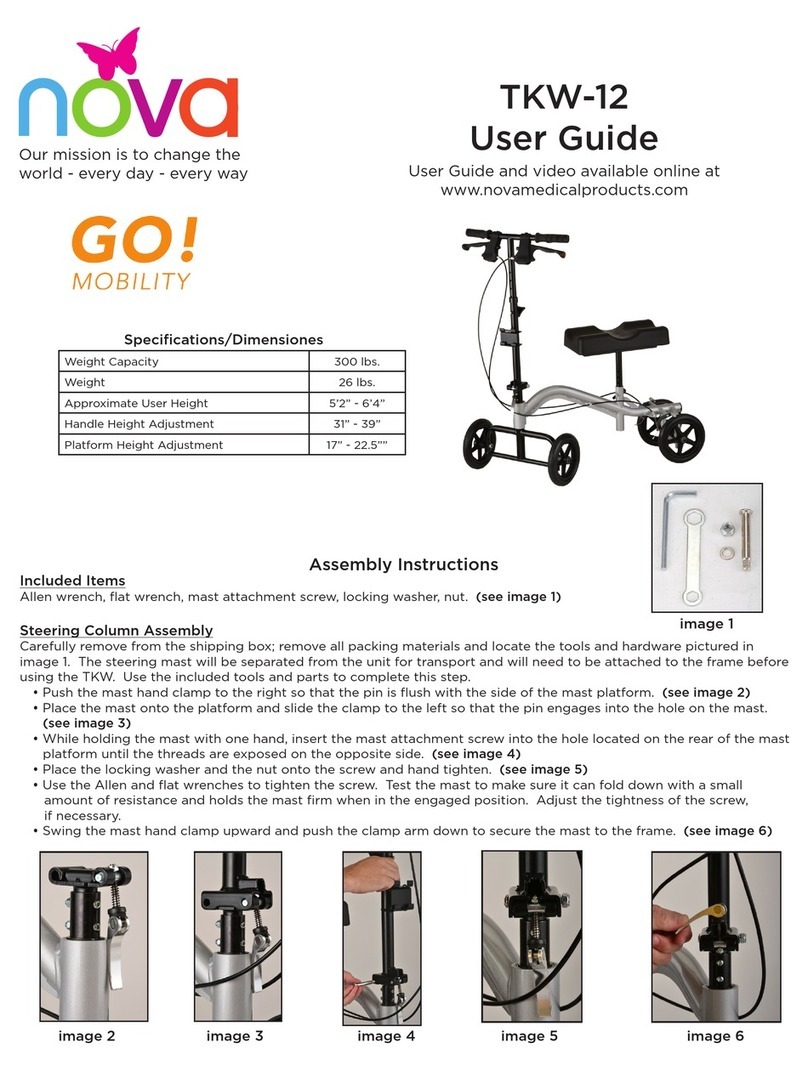
Nova TKW-12 user guide

Nova

Nova TKW-12 user guide

Drive Medical Titan owner's manual

Drive Medical

Drive Medical Titan owner's manual

Autoadapt Carolift 40 user manual

Autoadapt

Autoadapt Carolift 40 user manual

Excel Mobil user manual

Excel

Excel Mobil user manual

Valex M-MU 18-MULTI ONE instruction manual

Valex

Valex M-MU 18-MULTI ONE instruction manual

Sunrise Medical Guardian Escort User instruction manual & warranty

Sunrise Medical

Sunrise Medical Guardian Escort User instruction manual & warranty

Invacare Ranger X Brochure & specs

Invacare

Invacare Ranger X Brochure & specs

REA Clematis Service manual

REA

REA Clematis Service manual

Vicair VECTOR O2 Important notice

Vicair

Vicair VECTOR O2 Important notice

Küschall K-SERIES Service manual

Küschall

Küschall K-SERIES Service manual

dynarex DynaRide 10233 manual

dynarex

dynarex DynaRide 10233 manual

Monarch Ezi-Fold D10 operating manual

Monarch

Monarch Ezi-Fold D10 operating manual

Quickie One-Arm Drive Quickie 2 owner's manual

Quickie

Quickie One-Arm Drive Quickie 2 owner's manual

R82 Wombat Living 1 user guide

R82

R82 Wombat Living 1 user guide

GRIT GRITJunior Assembly guide & user's manual

GRIT

GRIT GRITJunior Assembly guide & user's manual

manuals.online logo
manuals.online logoBrands
  • About & Mission
  • Contact us
  • Privacy Policy
  • Terms and Conditions

Copyright 2025 Manuals.Online. All Rights Reserved.

Wheelchair Walker, Trekker
Instruction & Safety Manual
Please read this manual before operation, for
maintenance instructions and safe usage
The enabling power
of applied knowledge
1
Wheelchair Walker, Trekker Instruction & Safety Manual
T08 9351 7500 E[email protected] Wwww.unicarehealth.com.au
P NQ O
GH
I
K
F
E
C
B
A
L
A. Handgrip
B. Brake handle
C. Hand screw
D. Folding strap
E. Seat support
F. Brake cable guide
G. Reversible backrest
H. Backrest screw
I. Handlebar
K. Brake cables
L. Seat
M. Soft basket
N. Footrests
O. Front wheels
P. Brake adjustment knob
Q. Rear wheels
R. Safety lock
S. Folding clip
2
Wheelchair Walker, Trekker Instruction & Safety Manual
T08 9351 7500 E[email protected] Wwww.unicarehealth.com.au
S
M
Check All Parts
Carefully examine all parts for shipping damage. DO NOT use the Fusion if there is
apparent damage or if any parts are missing. If there are missing or damaged parts
refer to the warranty on the other side of this guide.
Wheelchair Walker, Trekker Instruction & Safety Manual
3T08 9351 7500 E[email protected] Wwww.unicarehealth.com.au
x 2 x 2
x 2
x 2
x 2
Unfold the Trekker Frame
Place the frame standing upright on level ground. Push down on the Seat Supports
(E) to expand and open the frame. You will hear the Safety Lock (R) click into place
when the frame is fully unfolded.
Insert the Handlebars
Insert the Handlebars (I) into the openings of the frame, as shown. Ensure the
Brake Cables (K) are on the outside of the handle and frame. Make sure the Brake
Cable (K) passes through the Brake Cable Guide (F).
Wheelchair Walker, Trekker Instruction & Safety Manual
4
T08 9351 7500 E[email protected] Wwww.unicarehealth.com.au
CLICK!
Wheelchair Walker, Trekker Instruction & Safety Manual
5T08 9351 7500 E[email protected] Wwww.unicarehealth.com.au
Adjust the Handlebars
Stand upright behind your Unicare Health Trekker, shoulders relaxed, arms hanging
at your side, and eyes looking straight ahead. In this position, adjust the Handgrips
(A) to a height even with your wrists. Secure the Handlebars (I) at the closest hole
to the desired height. Insert and tighten the triangular Hand Screws (C) until secure.
HAND TIGHTEN ONLY.
Install the Backrest & The Basket
Insert the Backrest (G) so that the Fusion logo faces towards the Front Wheels (O).
Slide one end of the Backrest into the fan bracket located near the Hand Screw
(C). Slide the Backrest Screw (H) from outside of the unit through the hole in the
fan bracket, then secure it with the nut and tighten using the Allen key and wrench
provided. Repeat on the other side. Place the soft basket (M) onto the frame by
slipping it onto the frame mounts. Start by slipping on by the back and then pulling
toward the front.
Wheelchair Walker, Trekker Instruction & Safety Manual
6
T08 9351 7500 E[email protected] Wwww.unicarehealth.com.au
Install the Footrests
The legrests simply slide into position on the brackets loacted on the Trekker frame.
see below:
Legrest bracket on
frame of Trekker
Legrest locator on
end of Trekker Legrest
Slide Legrest into the
bracket on the Trekker
Wheelchair Walker, Trekker Instruction & Safety Manual
7T08 9351 7500 E[email protected] Wwww.unicarehealth.com.au
Transsport Chair Mode
Flip the Backrest (G) toward the Handlebars (I) so that it is positioned to the back
of the Fusion. Then, for each footrest, press on the push-buttons above the front
wheel and rotate the footplate toward the front of the Fusion until it locks into place.
before entering or exiting the Seat (L), always ensure that the footrest plates are
folded up and that the brakes are locked. Once the user is seated, deploy the
footrest plates as illustrated. Their height can be adjusted using the push-buttons
on their tubing.
CAUTION WHEN SEATED
Leaning out of the Fusion without proper assistance could cause tipping. To reduce
the risk of an accident, NEVER reach or lean when you are seated in your Fusion.
Instead, have someone present to help you.
CAUTION WHEN PUSHING
When pushing someone in the Fusion, do not roll across small uneven surfaces.
Doing so can cause the unit to tip forward. To safely cross curbs, uneven surfaces
or use on large inclines, the person sitting on the Fusion must get out of the seat.

Wheelchair Walker, Trekker Instruction & Safety Manual
8
T08 9351 7500 E[email protected] Wwww.unicarehealth.com.au
Flipping the Backres
Flip the Backrest (G) away from the Handlebars (I) so that it is positioned towards
the front wheels. Before entering or exiting the seat always ensure the brakes are
in the locked position by pushing down on both Brake Handles (B) until you hear
them click.
Wheelchair Walker, Trekker Instruction & Safety Manual
9T08 9351 7500 E[email protected] Wwww.unicarehealth.com.au
Periodic Brake Adjustment
To adjust the brakes, simply push down the orange Brake Adjustment Knob (P) and
rotate. Rotating the adjustment knob clockwise will loosen the brakes while rotating
it counter-clockwise will tighten them.
IMPORTANT
Before using your Fusion again, ensure the brakes are working properly. DO NOT
use if it moves while the brakes are in the locked position. If you are unsure of how
to adjust your brakes please see your authorized Unicare Health dealer or call
Unicare Health on 08 9351 7500 for help.