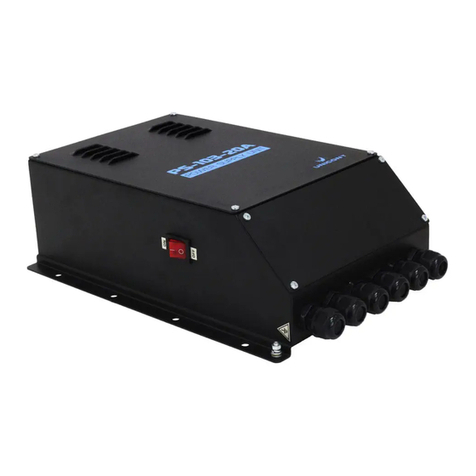
Unicont SPb Ltd Technical Documentation PS-303
Page 5
The PS-303 is protected from a short circuit in the load circuit with two fuses. If the
short circuit protection has been activated, switch the PSU off, eliminate the cause of the short
circuit, replace the fuses and switch the PSU on again.
Figure 1 PS-303 structural diagram
5. Installation and Connection
1. Mount your PS-303 on a vertical bulkhead or on a mounting panel, marking the
holes and taking into account the dimensions as per the drawing (see Figure 2). Special fixing
holes are provided on the outside of the PSU enclosure.
2. This paragraph is applicable only to power supply units designed for the main
supply of 110 or 220 V AC. Check if the shipboard power supply meets the requirements of this
Operating Manual (110 or 220 V AC). The PSU input-power factory setting is 220 V 50/60 Hz.
If the main power supply of the PSU is going be 110 V 50/60 Hz, 110 V should be selected on
the power block of the PSU. To do that, move the voltage switch from 220 V to 110 V (right to
left). The voltage switch is on the right side of the power block, where the PCB is (Figure 1).
Unscrew the four bolts on the PCB sides, switch the power and place the PCB back.
3. Connect cables from external devices and power sources to the PSU terminals as
shown in the respective connection diagrams (Figure 4, Figure 5, Figure 6, Figure 7, Figure 8,
Figure 9, Figure 10) (check with Table 1).
4. Ground the PSU enclosure using the M5 grounding bolt.
5. Energize the PSU with the power switch located on the side wall of the enclosure.
6. Check the PSU in operation (energize the devices connected to the outputs of your
PSU and make sure they work) and cover the enclosure.