
Urbanworx SMART UXLibra-8B User manual
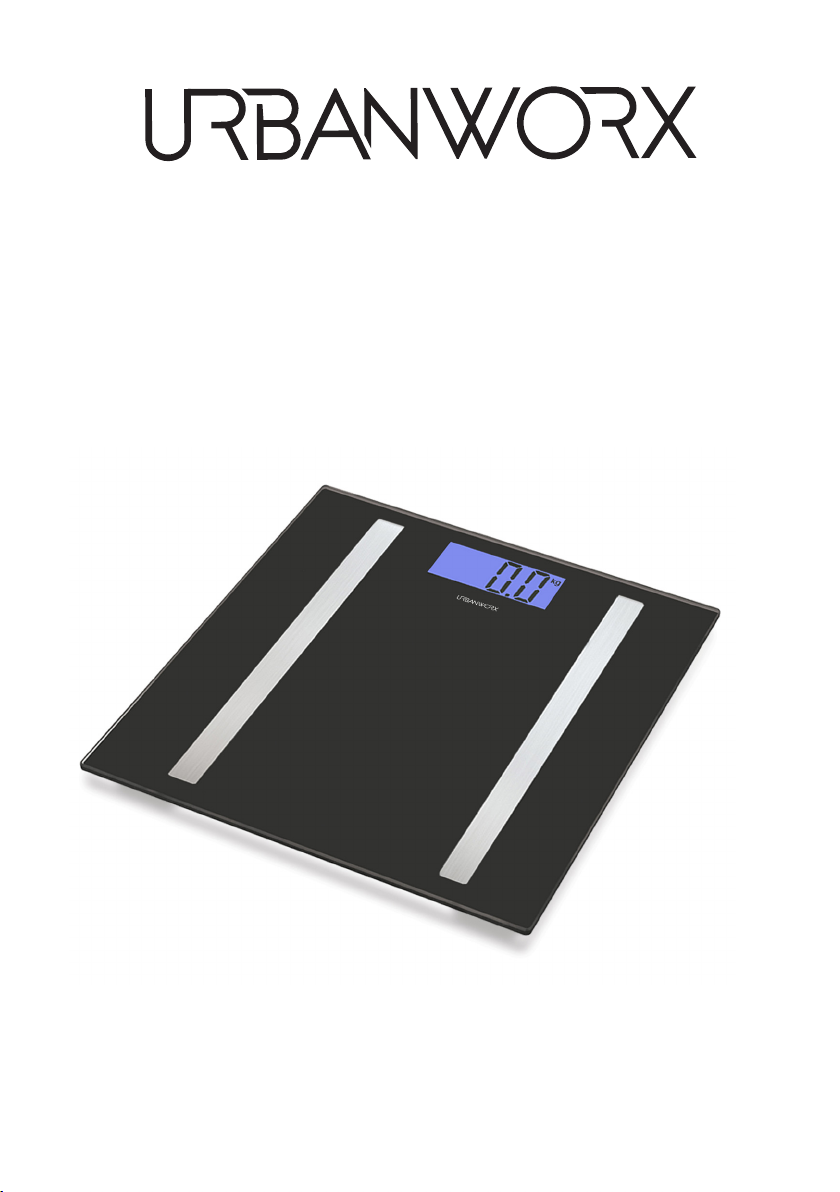
INSTRUCTION MANUAL
Please read this manual carefully before using, and keep it for future reference.
SMART
BODY SCALE
UXLibra-8B


CONTENTS
General Safety 4
Unit of Measure 6
Batteries 6
How to use 6
Product Setup 7
App Download 7
Connect App to Smart device process 8
Extra app information 13
Troubleshooting 13
Specification Last Page
Customer Support Last Page

4
GENERAL SAFETY
Read this manual thoroughly before you start using the Body Scale.
Store this manual, the completed warranty card, your receipt and the product
packaging.
Please follow all instructions and take notice of all warnings.
• The apparatus shall not be exposed to dripping or splashing and no objects
filled with liquids, such as vases, shall be placed on the product. Dry location
use only.
• No naked flame source, such as candles, should be placed on the product.
• This appliance is not to be used by persons (including children) with reduced
physical, sensor or mental capabilities, or lack of experience and knowledge,
unless they have been given supervision or instruction.
Children being supervised not to play with the appliance.
• Do not open the housing; instead, have a qualified workshop for this. Liability
and warranty claims are waived in the event of repairs performed by a user,
improper connection or incorrect operation.
• Never jump or stomp on the scale.
• Do not try to disassemble the scale.
• Handle with care and avoid dropping the scale while moving to prevent
from accidentally damaging the scale.
• Do not allow metal objects to touch or pierce the battery in the device.
• Do not expose batteries to excessive heat and direct sunlight.
WARNING - KEEP BATTERIES OUT OF REACH OF CHILDREN
• Examine devices and make sure the battery compartment is correctly
secured, e.g. that the screw or other mechanical fastener is tightened.
Do not use if compartment is not secure.

5
GENERAL SAFETY (CONT.)
• If you notice any unusual odors or smoke around the unit, immediately
turn o the device and contact the service center. Failure to do
so may result in fire or electric shock.
• To maintain the product do not use any chemical or cleaning agent or wet
cloth, please only ensure to utilize a dry cloth to wipe it down from marks or
dust and only after unplugging the product from the power socket.
• Please ensure to contact our call center for any repair or service required for
the products.
Please make sure upon positioning this product, the place is:
• Not wet or damp and Well ventilated
• Away from direct heaters.
• Away from splashes or food.
• Protected from excessive dust or grease.
• Do not place the Product near heat sources such as radiators, stoves or other
audio visual equipment that produce heat.
• Do not place small metallic objects on top of the unit.
CAUTION
1. To ensure accuracy, it is recommended measure your weight
at the same time every night or morning.
2. Please make sure new batteries are inserted when “LO” appears
on the LCD screen which indicates batteries are out of power.
3. “Err” shows on LCD then indicates overload or error in taking
weight measurement.

6
GENERAL SAFETY (CONT.)
HOW TO USE
UNIT OF MEASURE
BATTERIES
Before first use
• Unpack the product and accessories and ensure all parts of the product
are undamaged and in good working order.
• Plastic wrapping can be a suocation hazard for babies and young
children, so ensure all packaging materials are out of their reach and
disposed of safely.
• Ensure the product is not exposed to direct sunlight or placed near a
heater or other heat source.
• Stand with both feet on the positioned body scale, the device will
automatically turn on and display the weight of the user after a few seconds.
• When stepping o the device, the body scale will turn o after a few seconds.
To change the unit of measurement to either KG or LB, turn the Smart body
scale over and press the UNIT button located near the battery compartment.
View the front screen while press to see which UNIT body weight is selected.
For the Smart body scale to work,
2 x AAA batteries (included) must be
placed into the battery compartment
located at the back of the unit.
7
PRODUCT SETUP (APP CONTROL)
Make sure to download and install the application before proceeding
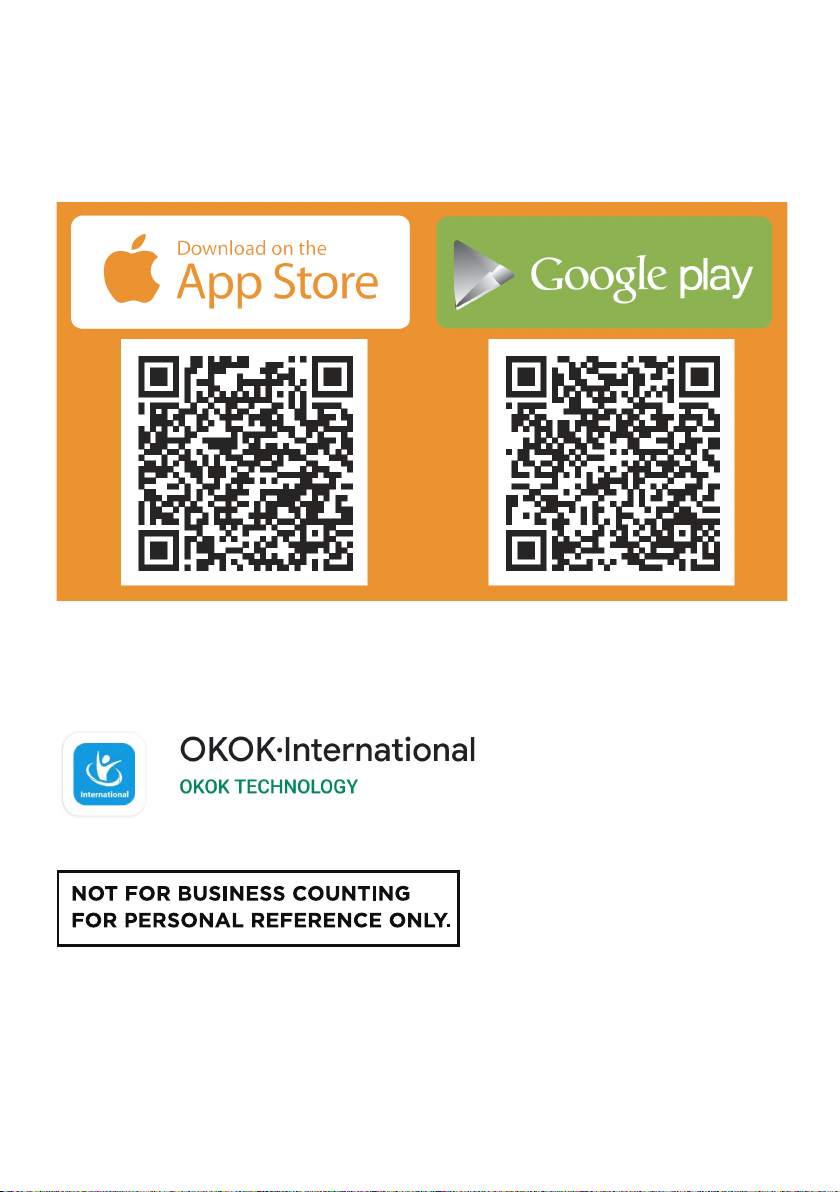
- Scan the below QR codes to download the app:
If you cannot scan the QR codes, please search for OKOKInternational app for
body scales, see below app image:

8
PRODUCT SETUP (APP CONTROL)
STEP 1
When you open the app, you
must setup an account in order
to connect to your smart body
scale. If you do not have an
account, please select “JOIN US”.
STEP 2
Enter in an email address and
password that you will
remember to create an account,
before selecting “JOIN US” you
must tick the box accepting the
user agreement and privacy
policy in order to proceed.
Once you have downloaded and installed the app, please open the app and
follow the below steps.
9
PRODUCT SETUP (APP CONTROL) (Cont.)
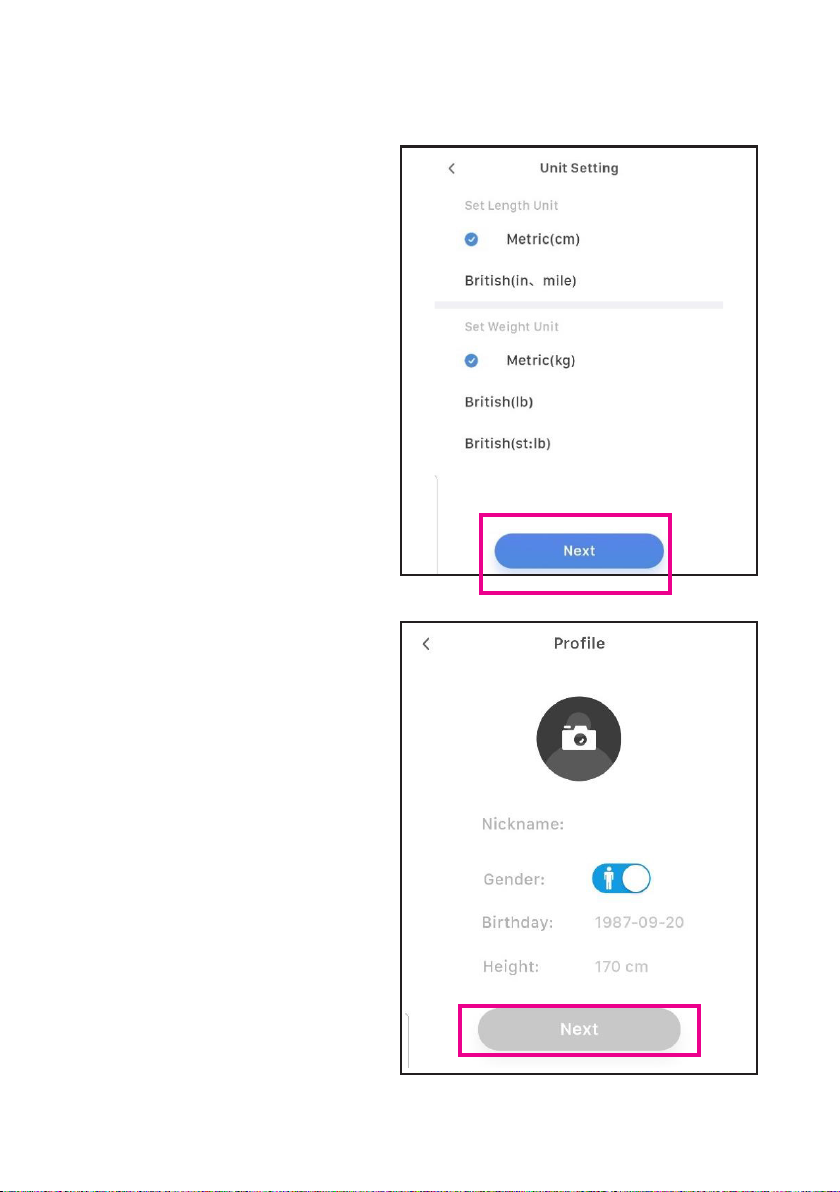
STEP 3
Select your metrics you want to
use with your app.
CM length unit (recommended)
KG weight unit (recommended)
Once selected, press “NEXT”.
STEP 4
Fill in your information,
nickname, gender, birthday and
the height.
Height is important as it
contributes to statistics the body
scale provides to you.
Once completed, select “NEXT”.

10
PRODUCT SETUP (APP CONTROL) (Cont.)
STEP 5
Scroll across to the left or right
to select your desired weight
goal you want to achieve.
Once your target weight is set,
press “OK” to proceed.
STEP 6
Now that you have entered the
DYNAMIC dashboard. No statistics
will be displayed as the Smart body
scale has not measured your
weight yet.
Press the Blue Scale icon at the
bottom of app screen to enter
the next page and begin
weighing process.
Table of contents
















