6
6) BLEED THE HOSE
Pull the trigger on the hose handle for 10 seconds to BLEED excess water from the hose.
Hold over sink to catch excess water.
ØWhen only steam is released from the hose, your SeaHawk is ready to use
8) VA C U U M
Push the vacuum button on the SeaHawk to turn ON the vacuum.
ØOne solid light = LOW vacuum
ØTwo lights = Medium vacuum
ØIf lights are blinking, push the vacuum button again on the SeaHawk
ØPress the vacuum button on the hose handle to activate
ØIncrease or decrease suction, push and HOLD the vacuum power
button on the handle
ØTo turn the vacuum OFF, push the power button on the handle
The vacuum can only be used on low or medium setting while
using the steam or extraction function.
9) EXTRACTION
When activated, the extraction feature sprays hot water along with steam
for deep cleaning.
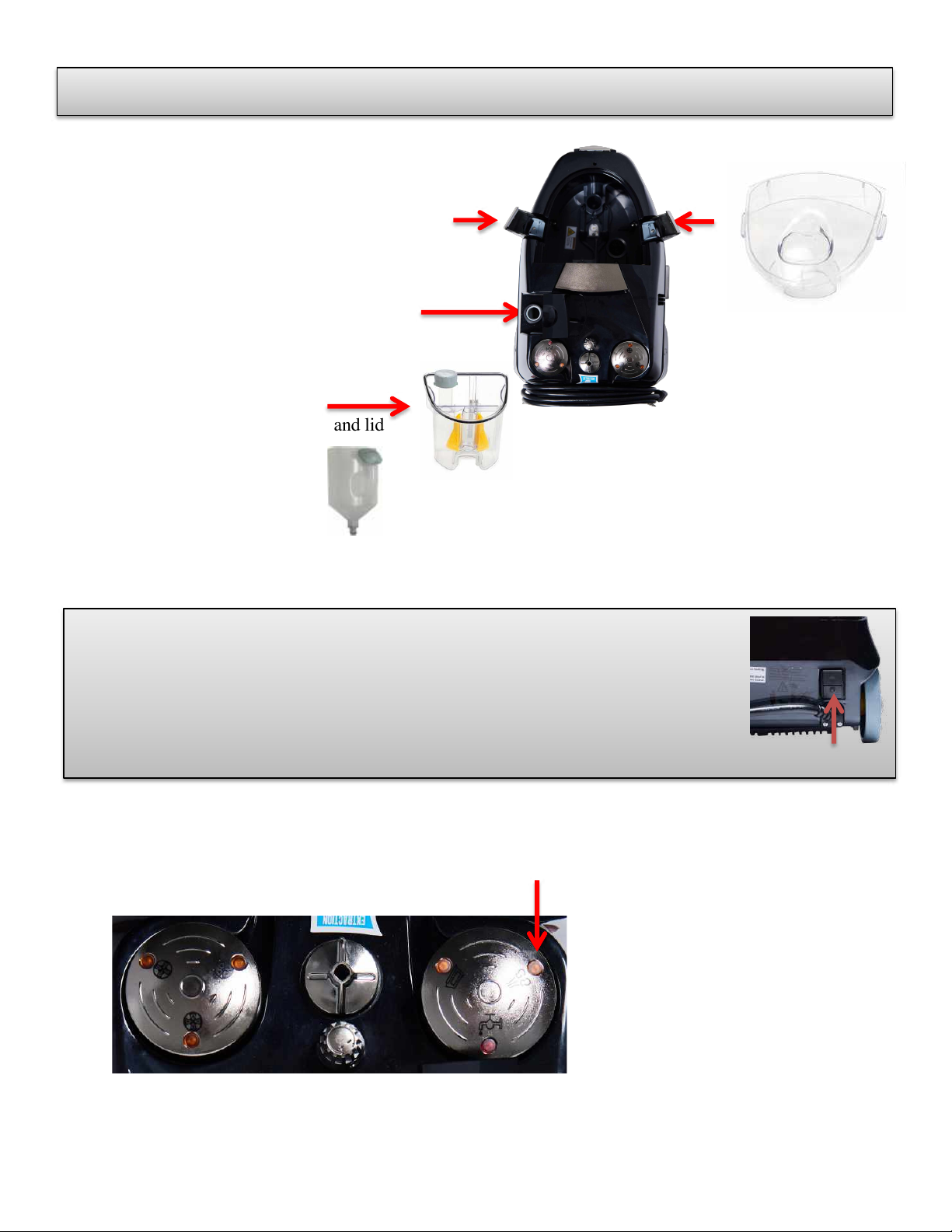
ØFill extraction bottle with water and insert on back of the SeaHawk.
ØActivate: Push and hold the button on the hose handle
ØThe light on the handle turns ON during extraction mode
10) REFILLING
ØWhen your SeaHawk runs low on water, the Red low water light on the SeaHawk
comes on and the steamer will start beeping
ØPush the steam button on the SeaHawk to reset the alarm
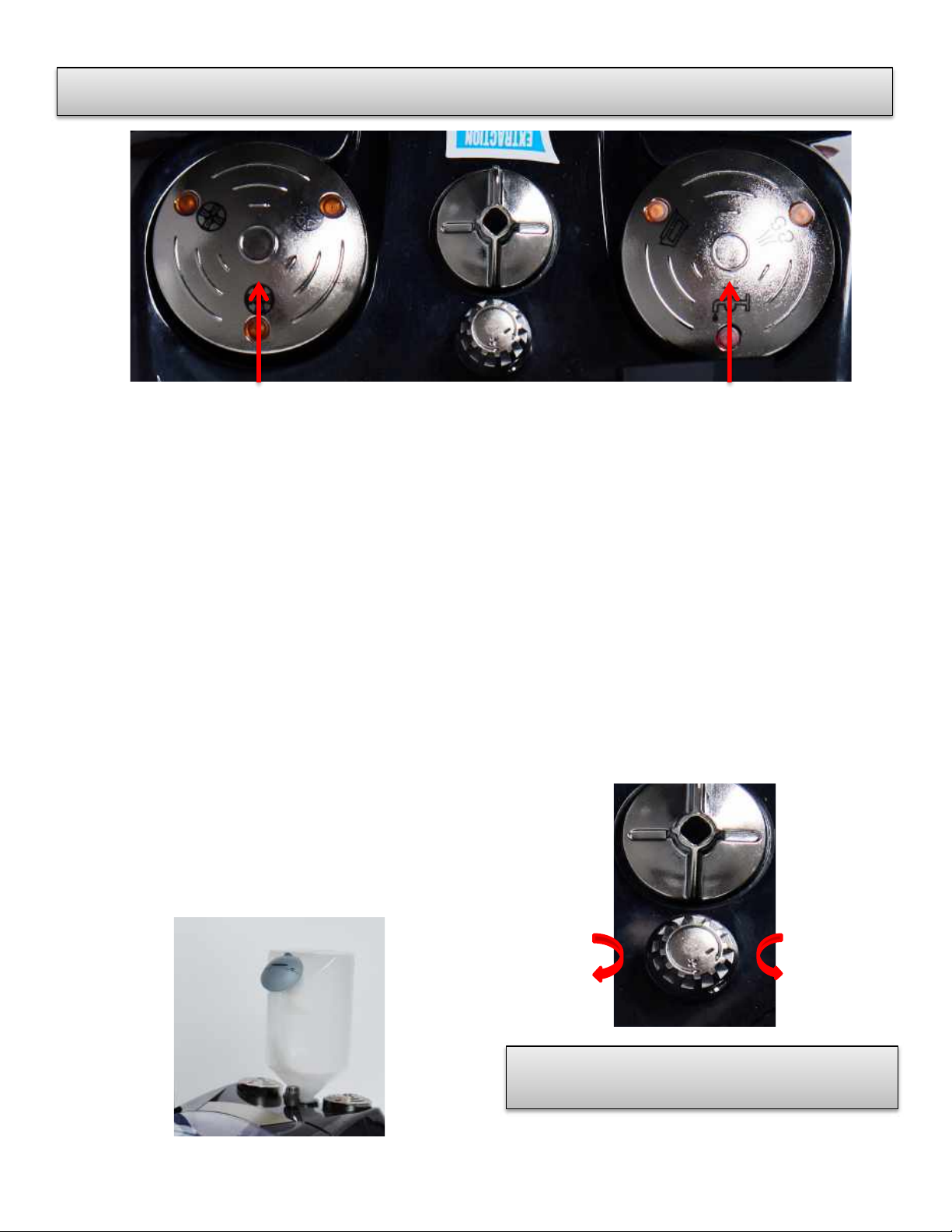
7) STEAM CONTROL DIAL controls the amount of steam released.
ØIncrease steam pressure by turning the dial toward the (+) sign
ØDecrease steam pressure by turning the dial toward the (-) sign
ØTurning the dial all the way to (-) is the lowest possible setting
and no steam will be released from the hose
Quick Start