Turning Device On
•Ensure that a AA alkaline battery is properly installed.
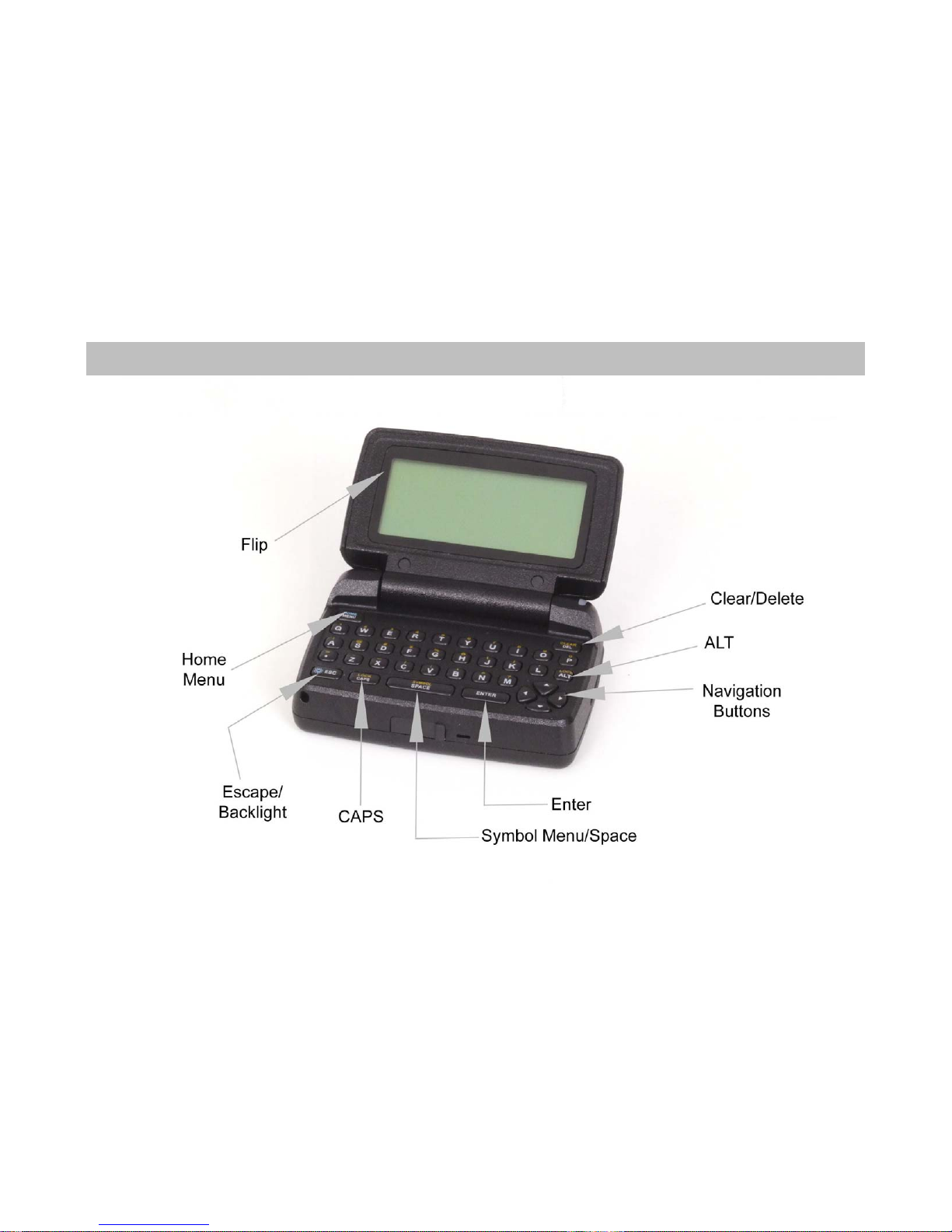
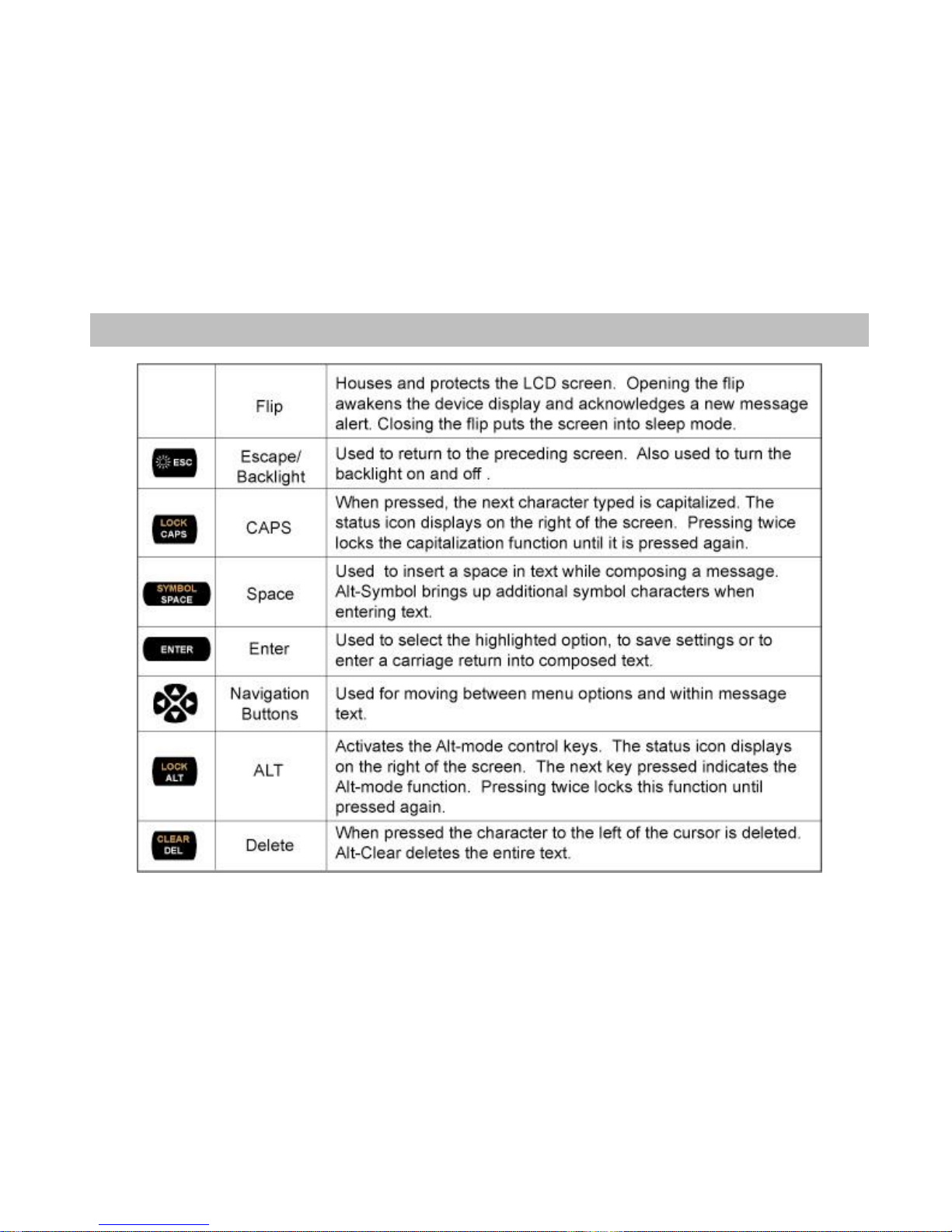
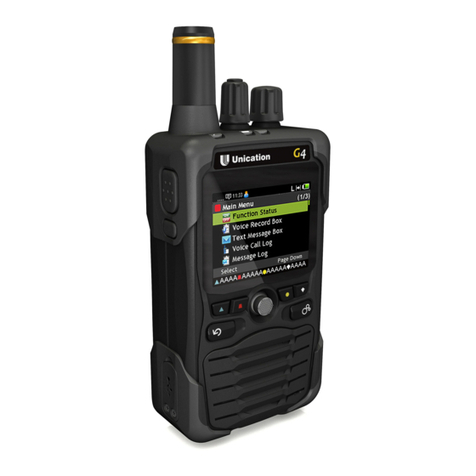
•Open the lid and press the ENTER key to power on the device. Upon powering on, the ST902 will
take several seconds to initialize before displaying the Home Screen.
•From the Home Screen, press any key (except ESC key) to display the Main Menu.
•If a menu item is not selected, the device reverts to Standby mode after a predefined amount
of time (configurable in the Display/Keyboard/Screen Saver section of Preferences)
•If the device contains one or more unread messages, a circle indicator icon on the left side of
the screen will flash (while in Standby mode).
Turning Device Off
•From the Main Menu, press the Navigation button to scroll down to Power Off and press ENTER.
•Highlight Yes and press Enter.
3
Replacing Battery
•Remove the old battery
•Wait 10 seconds for the device to clear its “Low Battery”condition
•Insert a new alkaline AA battery
If your device does not register with “Full Service”or you experience issues with sending messages or
replies it may be necessary to insert a new AA battery in the device and wait up to 4 hours for the
internal battery to fully charge.