EnglishDeutsch
 logo
Brands
  1. Home
  2. •
  3. Brands
  4. •
  5. Vax
  6. •
  7. Vacuum Cleaner
  8. •
  9. Vax Alladin User manual

Vax Alladin User manual

Other Vax Vacuum Cleaner manuals

Vax PowerCompact U85-PC-Be Installation instructions

Vax

Vax PowerCompact U85-PC-Be Installation instructions

Vax V-039 Series User manual

Vax

Vax V-039 Series User manual

Vax VZL-7022 User manual

Vax

Vax VZL-7022 User manual

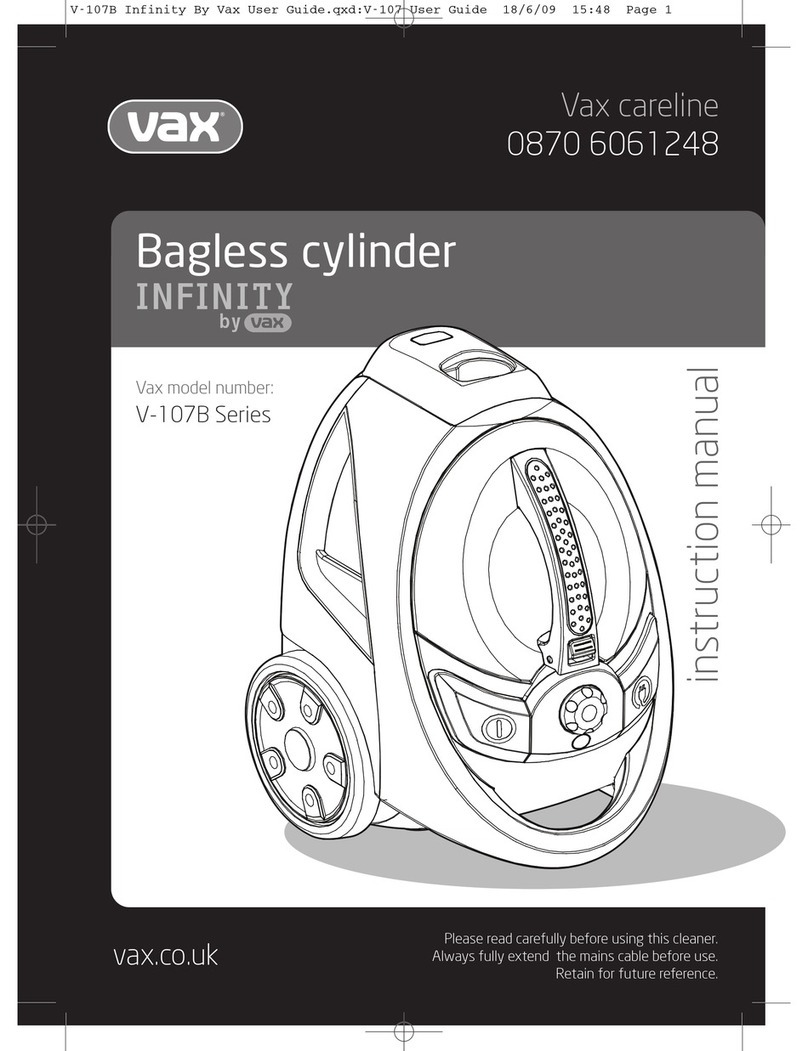
Vax V-102E User manual

Vax

Vax V-102E User manual

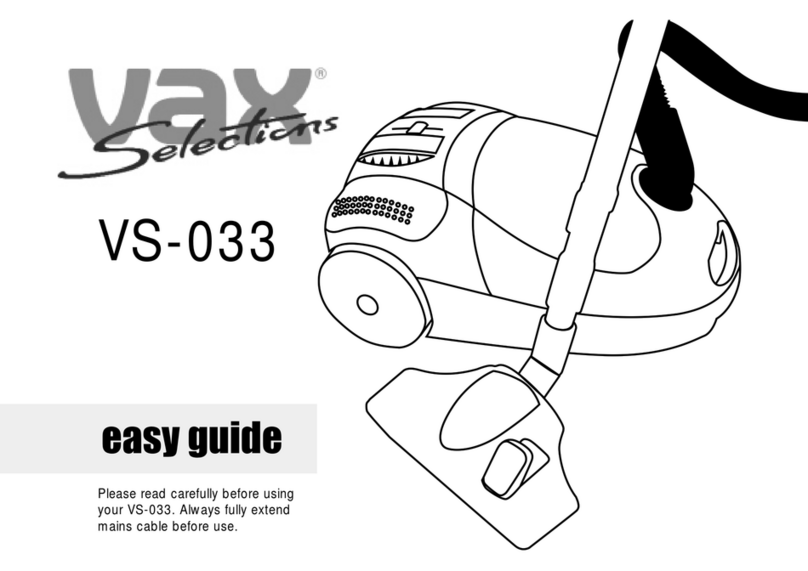
Vax VS-033 Product information sheet

Vax

Vax VS-033 Product information sheet

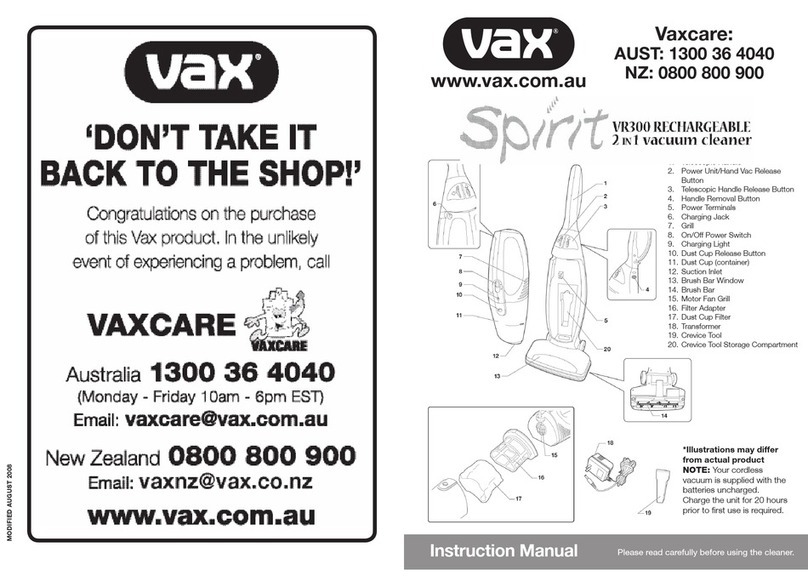
Vax Sirit VR300 User manual

Vax

Vax Sirit VR300 User manual

Vax U90-CX-P-A User manual

Vax

Vax U90-CX-P-A User manual

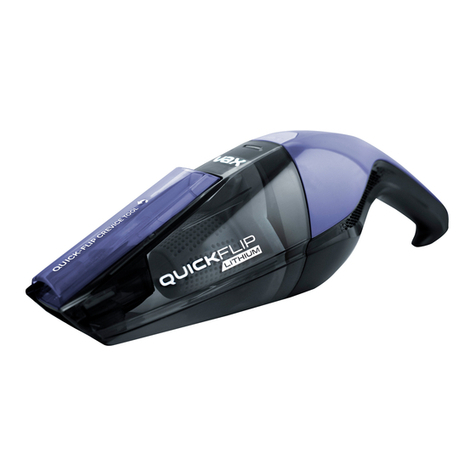
Vax Quick Flip VX85 Installation instructions

Vax

Vax Quick Flip VX85 Installation instructions

Vax V-118SP User manual

Vax

Vax V-118SP User manual

Vax Rapide Delux Product information sheet

Vax

Vax Rapide Delux Product information sheet

Vax V-091Series User manual

Vax

Vax V-091Series User manual

Vax RAPID POWER Series User manual

Vax

Vax RAPID POWER Series User manual

Vax Power 1 Series User manual

Vax

Vax Power 1 Series User manual

Vax Cadence V-044AA User manual

Vax

Vax Cadence V-044AA User manual

Vax V-112P User manual

Vax

Vax V-112P User manual

Vax V-008T User manual

Vax

Vax V-008T User manual

Vax C85-Z1-Be Installation instructions

Vax

Vax C85-Z1-Be Installation instructions

Vax PickUp Pet CVRAV013 Installation instructions

Vax

Vax PickUp Pet CVRAV013 Installation instructions

Vax Workman VCC-07 User manual

Vax

Vax Workman VCC-07 User manual

Vax C91-MZ SERIES User manual

Vax

Vax C91-MZ SERIES User manual

Vax VAU1200 User manual

Vax

Vax VAU1200 User manual

Vax VX Series User manual

Vax

Vax VX Series User manual

Vax Silentium VBGS1800 User manual

Vax

Vax Silentium VBGS1800 User manual

Vax Oasis Complete V-133 User manual

Vax

Vax Oasis Complete V-133 User manual

Popular Vacuum Cleaner manuals by other brands

Bissell LittleGreen Proheat 1425 Series user guide

Bissell

Bissell LittleGreen Proheat 1425 Series user guide

Panasonic MC-YL637S147-AE Service manual

Panasonic

Panasonic MC-YL637S147-AE Service manual

LG A9 Series owner's manual

LG

LG A9 Series owner's manual

Oreck Cordless Captura BK51700 Series user guide

Oreck

Oreck Cordless Captura BK51700 Series user guide

Kogan KAVACROBVWA user manual

Kogan

Kogan KAVACROBVWA user manual

Kränzle VENTOS 50 ID Use and maintenance

Kränzle

Kränzle VENTOS 50 ID Use and maintenance

NEFF N17XH10 0 Series instruction manual

NEFF

NEFF N17XH10 0 Series instruction manual

EVVO Ai35 instruction manual

EVVO

EVVO Ai35 instruction manual

DeWalt DWH200D instruction manual

DeWalt

DeWalt DWH200D instruction manual

Pontec Pondomatic Vacuum Cleaner operating instructions

Pontec

Pontec Pondomatic Vacuum Cleaner operating instructions

Cleanmaxx PC-P007E instruction manual

Cleanmaxx

Cleanmaxx PC-P007E instruction manual

RIDGID WD1685AU0 owner's manual

RIDGID

RIDGID WD1685AU0 owner's manual

Ezviz RE4P manual

Ezviz

Ezviz RE4P manual

STG global TANVAC HDV3000 Operator's manual

STG global

STG global TANVAC HDV3000 Operator's manual

Shark ROTATOR PRO COMPLETE NV550 Series manual

Shark

Shark ROTATOR PRO COMPLETE NV550 Series manual

Factory M3340 operating manual

Factory

Factory M3340 operating manual

Shop-Vac VN92 SERIES user manual

Shop-Vac

Shop-Vac VN92 SERIES user manual

Nobles 608669 Operator and parts manual

Nobles

Nobles 608669 Operator and parts manual

https://manuals.online logo
https://manuals.online logoBrands
  • About & Mission
  • Contact us
  • Privacy Policy
  • Terms and Conditions

Copyright 2026 Manuals.Online. All Rights Reserved.

Instructions For Use
If you require any further assistance or advice about any
VAX please call VAXCARE on
1300 36 4040 (Australia - cost of a local call)
and 0800 800 900 (NZ)
296 Victoria Road Malaga Western Australia 6090.
EMAIL: [email protected]
WEBSITE: www.vax.com.au
VAXCARE
Please register your warranty.
Send in your completed Warranty Card.
VAX Appliances (Australia) Pty Ltd
A.C.N. 009099736
• NSW/ACT
Unit 2, 30 Heathcote Road,
Moorebank, New South Wales 2170
Ph: (02) 9602 6800 Fax: (02) 9602 6900
• VICTORIA/TASMANIA
Unit 3, 46 Burgess Road,
Bayswater North, Victoria 3153
Ph: (03) 9761 7160 Fax: (03) 9761 7175
• SOUTH AUSTRALIA/
NORTHERN TERRITORY
Unit 3, 75-77 Grange Road,
Welland, South Australia 5007
Ph: (08) 8340 2222 Fax: (08) 8346 7933
• QUEENSLAND
186 Kerry Road,
Archerfield, Queensland 4108
Ph: (07) 3216 7350 Fax: (07) 3216 7375
• WESTERN AUSTRALIA
296 Victoria Road,
Malaga, Western Australia 6090
Ph: (08) 9247 8100 Fax: (08) 9247 8192
• VAX APPLIANCES NEW ZEALAND
27 Clemow Drive
Mt Wellington, Auckland
Ph: (09) 5736220 Fax: (09) 5736224
Email: [email protected]
AUST. & NZ BRANCHES
MODIFIED FEB 2007 P/N 59410
Please read instructions in full
before using this appliance.
Replacement Filters
Replacement filters are available from your
Vax stockist or Vax direct. Phone Vaxcare or
visit: www.vax.com.au
VAXCARE Service & Help:
AUSTRALIA 1300 36 4040
NEW ZEALAND 0800 800 900
If you have any queries or concerns about using
your Vax, call VAXCARE.
Please make a note of the serial number and
model number of the appliance before calling.
(Aust only: Mon-Fri. 10.00am to 6.00pm. EST)
Calls are charged at the local rate.
An answerphone is available outside of these
hours.
There are over 300 approved Vax Service Agents
in Australia and New Zealand. For the nearest
Service Agent, please refer to your Vax warranty
or call VAXCARE or visit www.vax.com.au
Vaxcare:
AUST: 1300 36 4040
NZ: 0800 800 900
www.vax.com.au
Installation
Insert the charging bracket into
the floor stand and connect the
charger to the floor stand (Fig.1).
Connect the swivel nozzle to the
main body (Fig.2).
Put the floor unit on the floor
stand for recharging (Fig.3)
Fig.3
Fig.1 Fig.2
IMPORTANT: For maximum
Ni-Cd battery life and to
avoid memory effect, fully
discharge the battery
(by running down) then
completely re-charge at
least once a month.
Instructions For Use
Charging
NOTE: The vacuum cleaner must be turned
off before recharging. The Aladdin can only
be connected to 220-240V, 50-60Hz supply.
When the red light is illuminated the Aladdin
is being charged. (When the Aladdin is in use
the light is also red).
When Aladdin is completely discharged, 16
hours of charging is required to reach full
capacity.
IMPORTANT: For maximum Ni-Cd battery
life and to avoid memory effect, fully
discharge the battery (by running down)
then completely re-charge at least once
a month.
Operation
Remove the floor unit from the
floor stand for doing carpets or
floor vacuum cleaning (Fig.4).
Important Information
FOR HOUSEHOLD USE ONLY
When using an electrical appliance, basic
precautions should always be observed,
including the following:
• The vacuum cleaner requires some care
to ensure correct operation. Please follow
these instructions.
• This appliance is not intended for use
by young or infirm persons unless they
have been adequately supervised by a
responsible person to ensure that they can
use the appliance safely.
Young children should be supervised
to ensure that they do not play with the
appliance.
• The vacuum cleaner must not be charged
where the temperature is lower than 00C or
higher than 400C.
• The charger is warm during charging, this
is normal.
• Always use original charging device
intended for Aladdin.
• Always re-charge the Aladdin after use. If
unused for long periods of time, keep the
vacuum cleaner in a cool place and re-
charge at least every 3 months.
• Always turn the vacuum cleaner off when
changing filter.
• Do not vacuum clean surfaces which have
been exposed to inflammable solvents
before they are completely dry.
• Do not vacuum glowing particles which
may cause a fire.
• Never lubricate the motor.
• Do not leave the vacuum cleaner in direct
sunlight.
• If the vacuum cleaner is damaged by
accident and the battery is exposed:
• Do not leave the battery near a source of
heat.
• Do not short-circuit the battery.
• Do not dismantle or open the battery.
• The vacuum cleaner contains a nickel
cadmium (Ni-Cd) battery.
• Do not throw away or burn the battery.
• Dispose of battery properly.
• Service and repairs must be carried out by
an Authorised VAX Service Agent.
• Unplug the charger from the outlet before
any routine cleaning or maintenance.
• Do not put any object into openings.
• Do not use with any opening blocked; keep
free of dust, lint, hair, and anything that may
reduce air flow.
• Keep hair, loose clothing, fingers, and all
parts of body away from openings and
moving parts.
• Do not pick up anything that is burning or
smoking, such as cigarettes, matches, or
hot ashes.
• Do not use without filters in place.
• Turn off all controls before unplugging.
• Use extra care when cleaning on stairs.
• Do not use to pick up flammable or
combustible liquids such as gasoline or use
in areas where they may be present.
SAVE THESE INSTRUCTIONS
Battery Information
• This product includes rechargeable
nickel cadmium (Ni-Cd) batteries. Do not
incinerate batteries or expose to high
temperatures, as they may explode.
• Charge the battery for approximately 12
hours before using the vacuum cleaner the
first time.
A fully charged battery lasts for up to 15
minutes of vacuum cleaning.
IMPORTANT: For maximum Ni-Cd
battery life and to avoid memory
effect, fully discharge the battery
(by running down) then completely
re-charge at least once a month.
Battery Disposal
The vacuum cleaner contains a 12 Volt Nickel
Cadmium (Ni-Cd) battery pack.
Dispose of battery properly. Refer to your
local council or recycle centre for disposal
information.
Call your nearest recycling centre or local
authority for information on the recycling
and disposal of Ni-Cd batteries.
32
Adjust the
telescopic handle
to a suitable
length (Fig.5).
Switch machine
on (Fig.5).
When vacuum
cleaning items
such as furniture,
tables, car seats,
release and use
the hand unit only
(Fig.6).
For places that are difficult to
reach, use together with the
crevice tool or brush (Fig.7).
If necessary the vacuum cleaner
(hand held) can be charged
separately by connecting the
charging socket directly
to the vacuum
cleaner. (Fig.8).
Fig.4
Fig.5
Fig.6
Fig.7
Fig.8
Maintenance
Release the dust collector (Fig.9), and empty
it (Fig.10a).
Unscrew the brush cover,
remove the power brush
for easy cleaning (Fig.11).
Clean the filter when it starts to fill up or,
to maintain maximum cleaning efficiency,
replace it with a new one after 4 or 5 uses
(Fig.10b).
Fig.9
Fig.10b
Fig.11
After finishing cleaning, put Aladdin into the
charging stand to recharge.
Fig.10a