8
GB
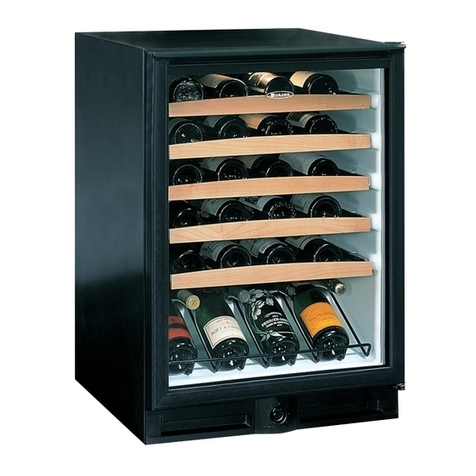
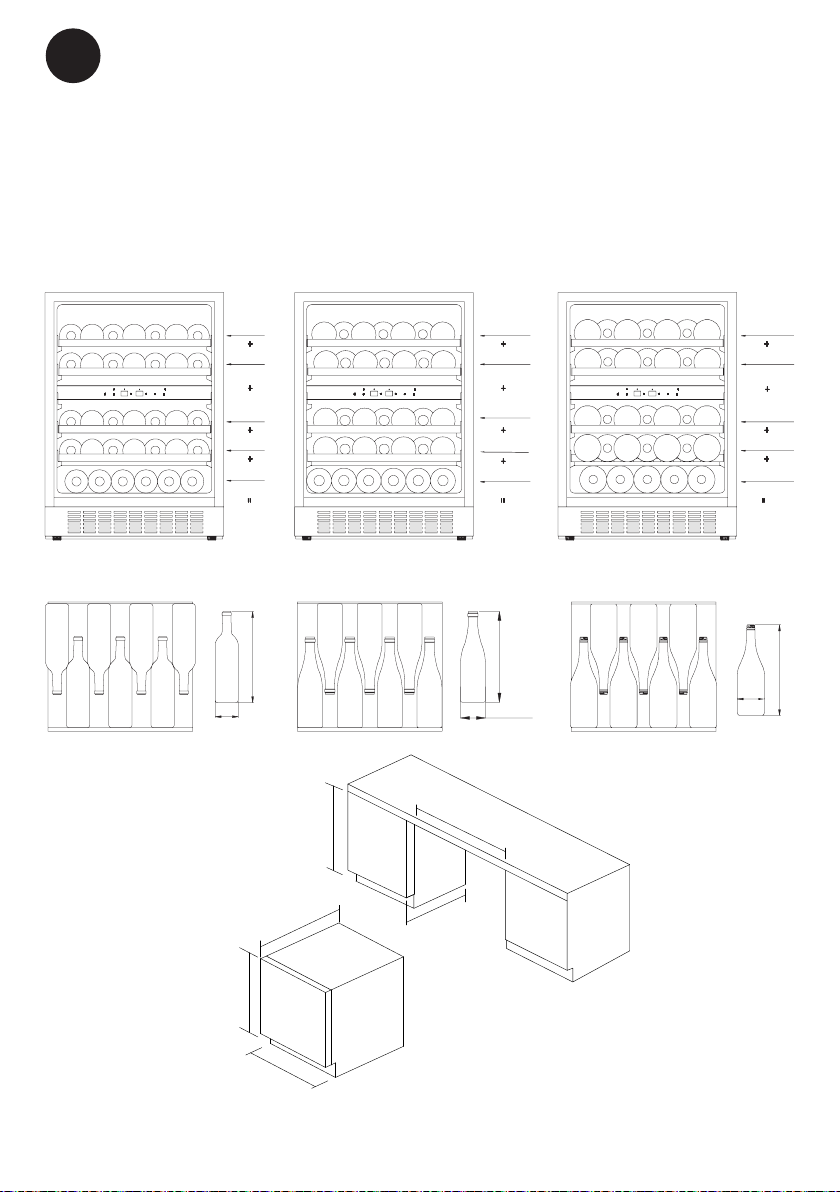
Shelves
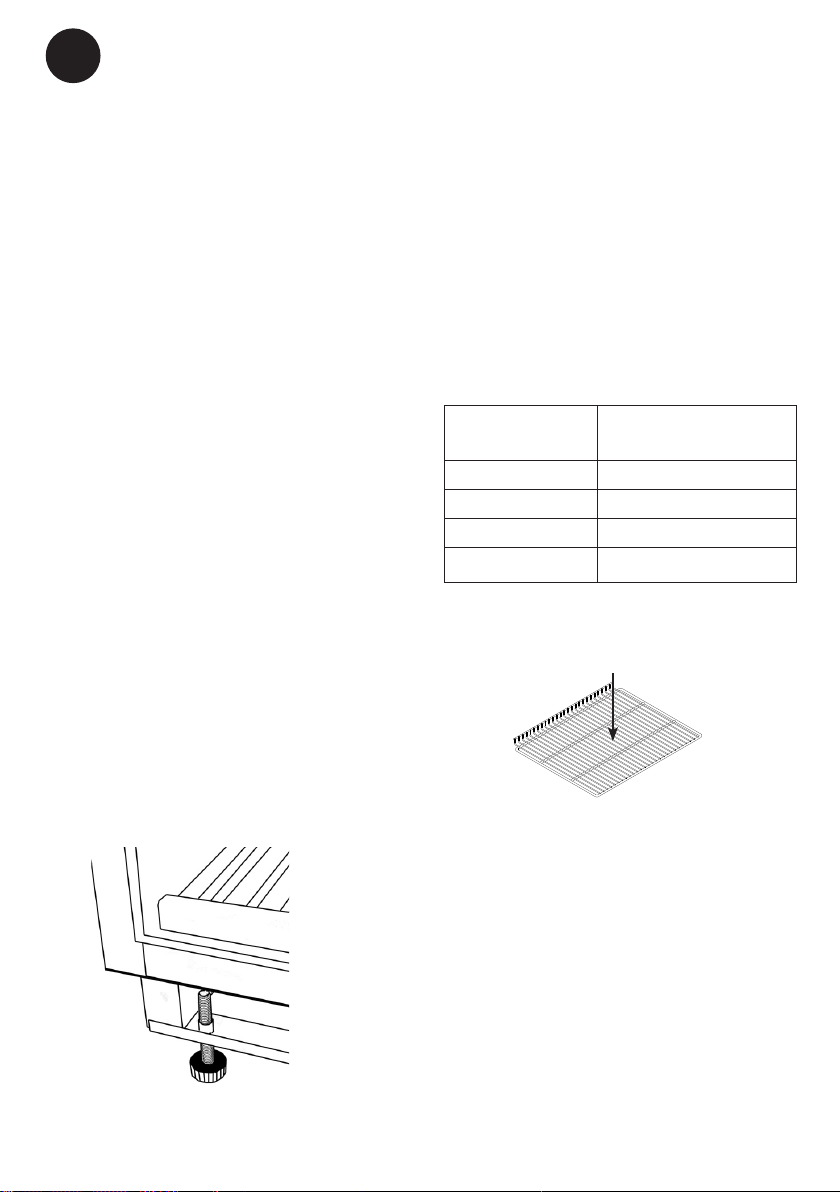
In order, not to damage the gasket on the
door, it is very important to open the door
completely before pulling out the shelves.
Shelves should be tilted slightly before
being removed or inserted, as shown at the
right.
For easy access to the stored content, pull
the shelves approximately 1/3 out of the
compartment. The wooden shelves are
designed with concave grooves, so that tall
wine bottles can be stored crossways.
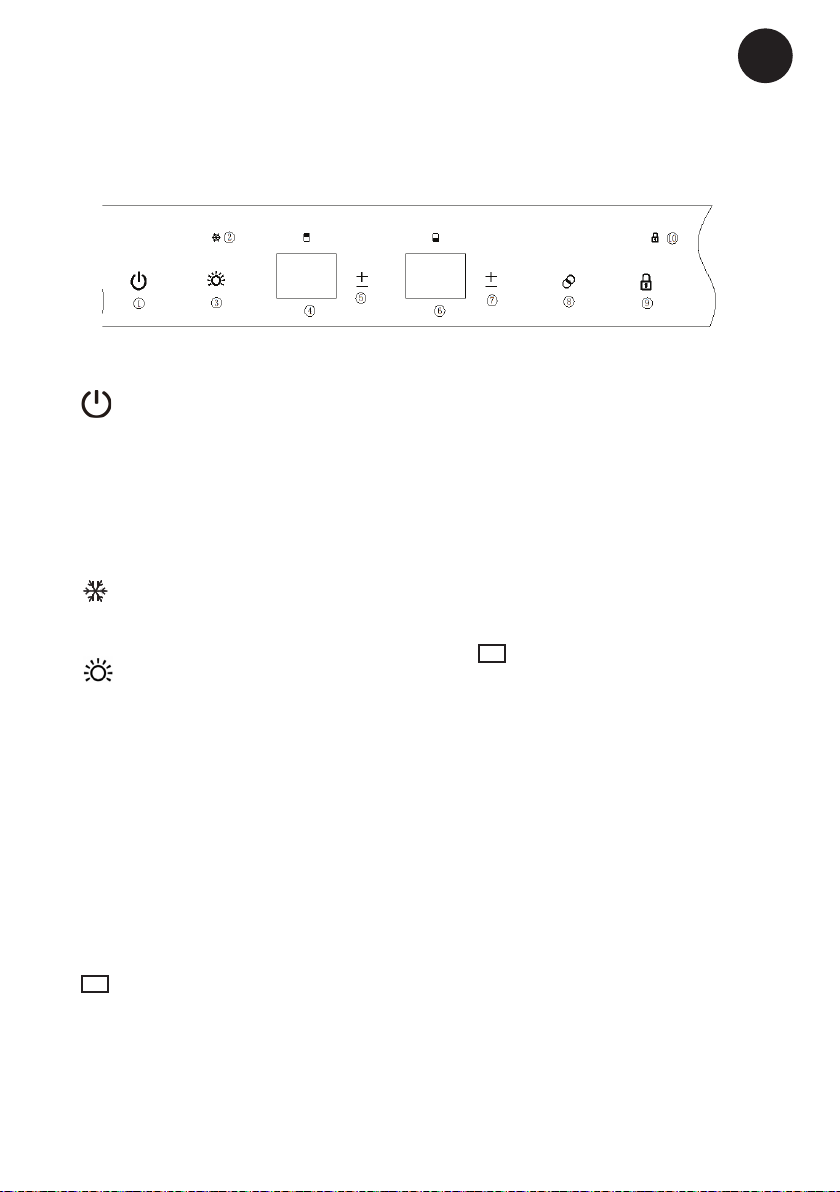
8. Light colour button(beep sound)
Press this button to alternate the light
colour. The default setting is white
light. Each pressure alternates the light
colour between White - Blue - Orange.
The button background colour also
changes at the same time.
9. Child Lock button (beep sound)
The default setting is unlocked. Press
and hold this button for 3 seconds
to lock or unlock the appliance. The
indicator lamp is on when in locked
condition.
10. Indicator lamp
The indicator lamp is on when the ap-
pliance is in locked condition.
NOTE
To switch between ºC and ºF, press and
hold the 5 or 7 temperature adjust button
for 3 seconds. The display will show the
desired setting.
Temperature Alarm
If the inside temperature is higher than 23
ºC, the display will show “HI”, and after one
hour the alarm / buzzer will sound. This
indicates that the inside temperature is too
high. If the inside temperature is lower than
0 ºC, the display will show “LO”, and at the
same time the alarm malfunction indicator is
also active (beep sound).
Open door Alarm
When you forget to close the door, or the
door is not closed completely, the alarm
/ buzzer sounds after 5 minutes. Please
close the door completely to avoid loss of
the cold air.
Temperature memory function
In the event of a power failure, the wine
cooler can remember the previous tem-
perature settings, and when the power is
recovered, the temperature will revert to
the same temperature setting as before the
power failure.