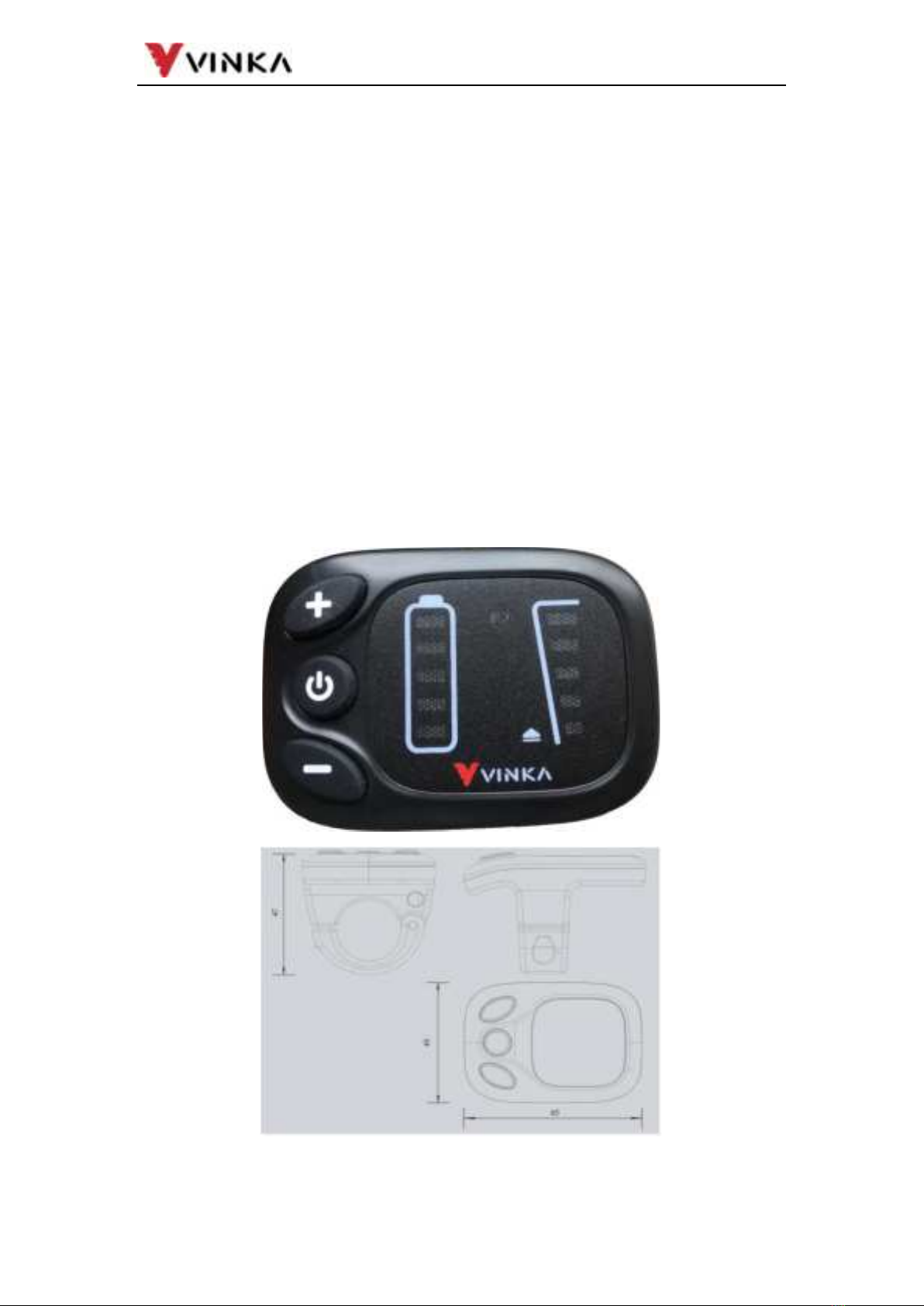
Function Summary and Button Definition
Function Summary
DR21 has many functions to meet riders’ needs. The indication elements
are as follows:
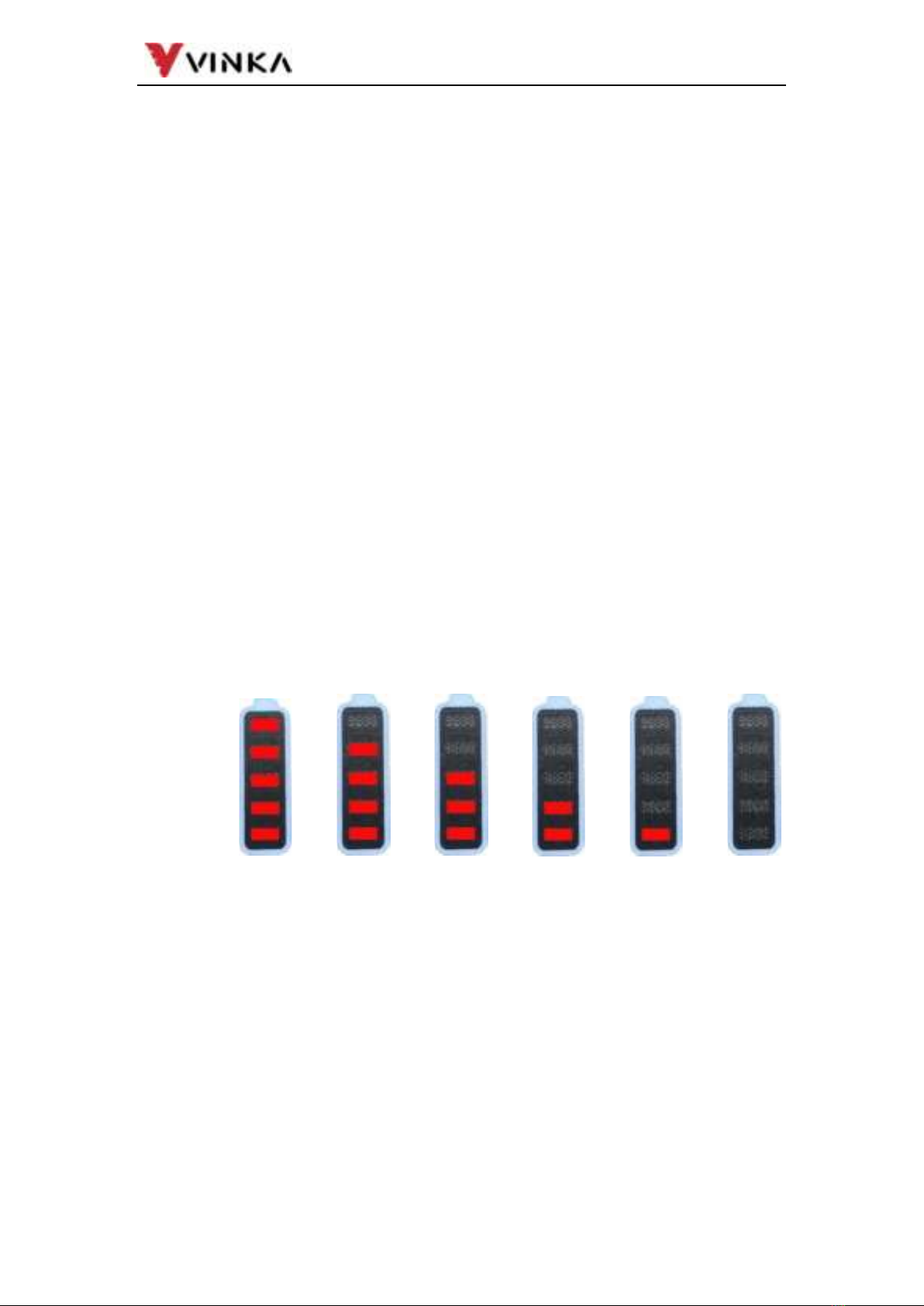
Intelligent battery SOC indicator
Assist level selection and indicator
The lighting ON/OFF
Push-assistance function and indicator
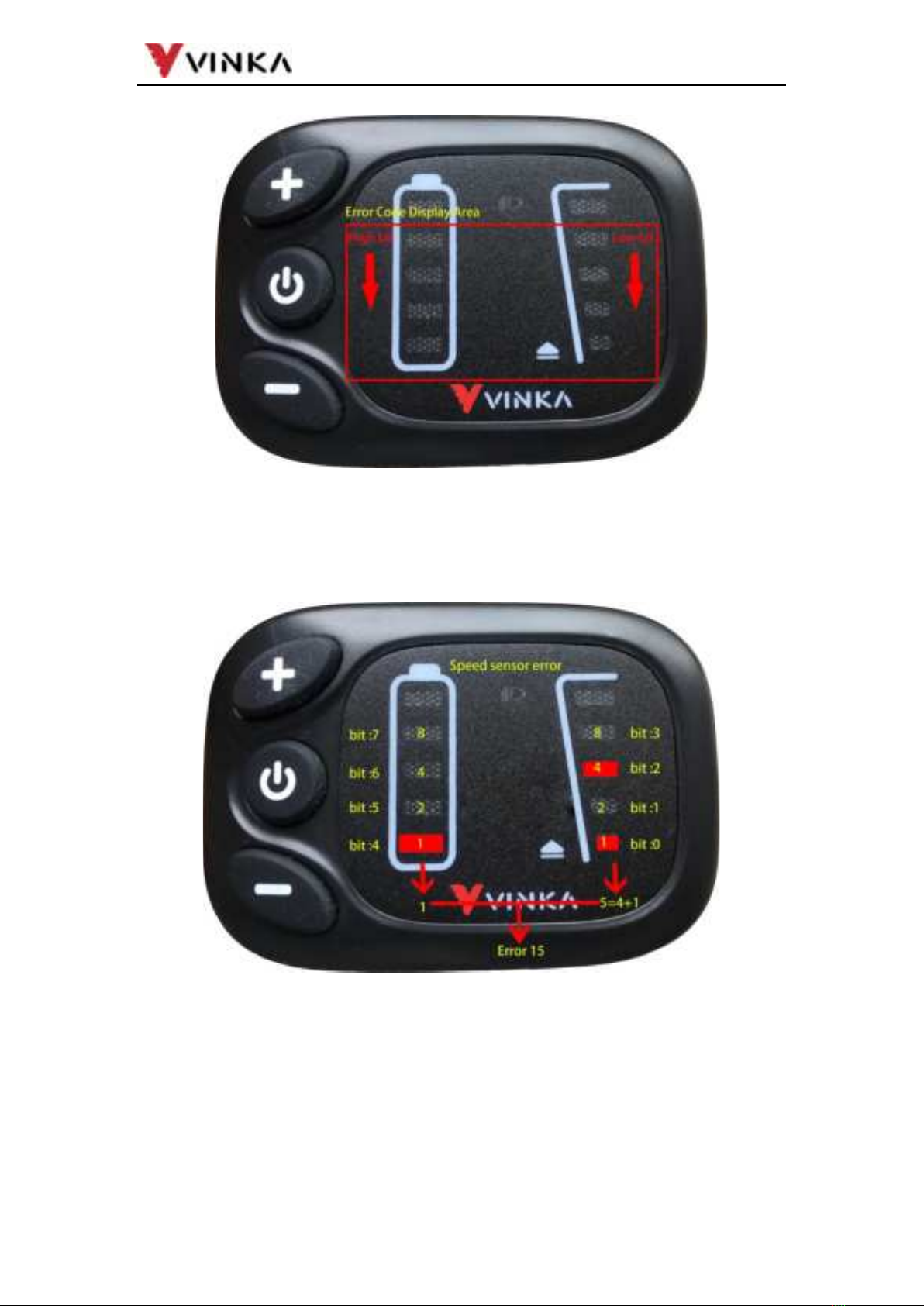
Error code indicator
Button Definition
There are three buttons (
) on the DR21 display
represent functions respectively ON/OFF, UP and DOWN.
Installation
DR21can be mounted on the left side of handlebar close to its grip. Adjust
the angle for a good screen view. Cut off the power before connecting the
corresponding connectors between display and controller.
General Operation
Switching the E-bike System mode ON/OFF
To switch on the E-bike system and provide the power supply to the
controller, hold the ON/OFF button for 1s.
To switch off E-bike system, hold the ON/OFF button for 1s. The E-bike
system no longer uses the battery power.
When E-bike system is switched off, the leakage current is less than
1μA.
When the E-bike is parked for over 15 minutes, the E-bike system
switches off automatically.
Switching the Lighting ON/OFF
When display is on, long press the UP button for more than 1S to turn
on the headlights. The light icon on the display sticker goes on and the
battery LEDs and assist level LEDs darken at the same time.
Switching Push-assist Mode ON/OFF
To activate the push-assistance function, short press ON/OFF
button and press down DOWN button within 3S and hold DOWN button