
manuals.online logo
Brands
  1. Home
  2. •
  3. Brands
  4. •
  5. Virtual Reality
  6. •
  7. Automobile Accessories
  8. •
  9. Virtual Reality Hands-Free Car Kit VRBT200V User manual

Virtual Reality Hands-Free Car Kit VRBT200V User manual

This manual suits for next models

1

Other Virtual Reality Automobile Accessories manuals
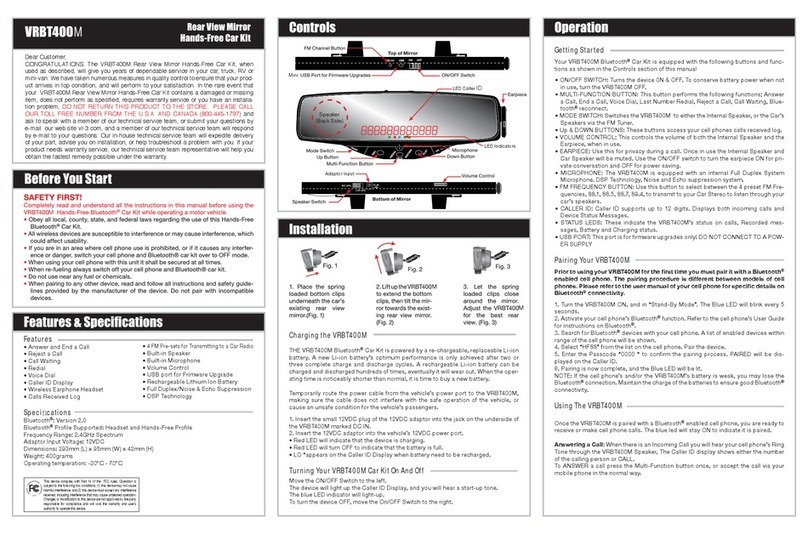
Virtual Reality Rear View Mirror Hands-Free Car Kit VRBT400M User manual
Virtual Reality

Virtual Reality Rear View Mirror Hands-Free Car Kit VRBT400M User manual

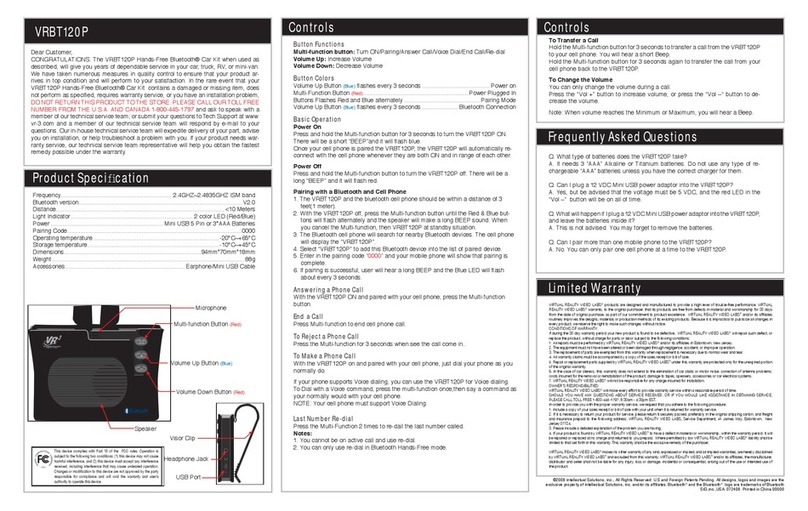
Virtual Reality Hands-Free Bluetooth Car Kitpdf VRBT120P User manual
Virtual Reality

Virtual Reality Hands-Free Bluetooth Car Kitpdf VRBT120P User manual

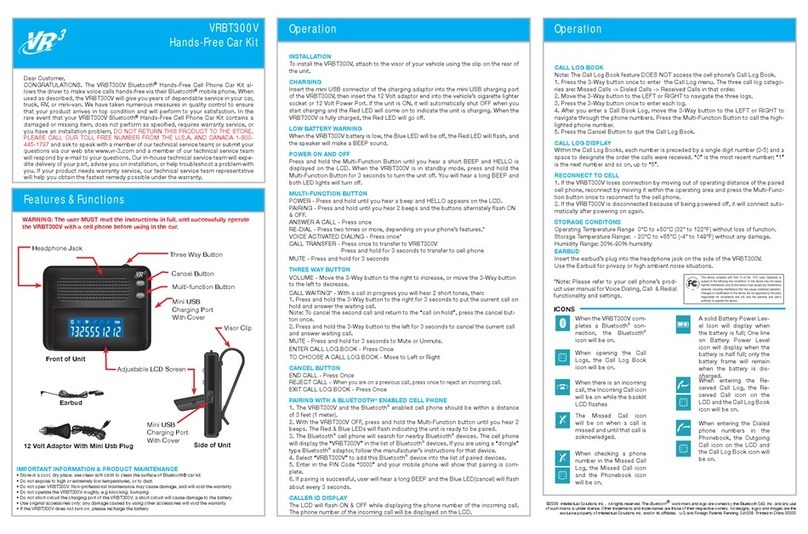
Virtual Reality Hands-Free Car Kit VRBT300V User manual
Virtual Reality

Virtual Reality Hands-Free Car Kit VRBT300V User manual

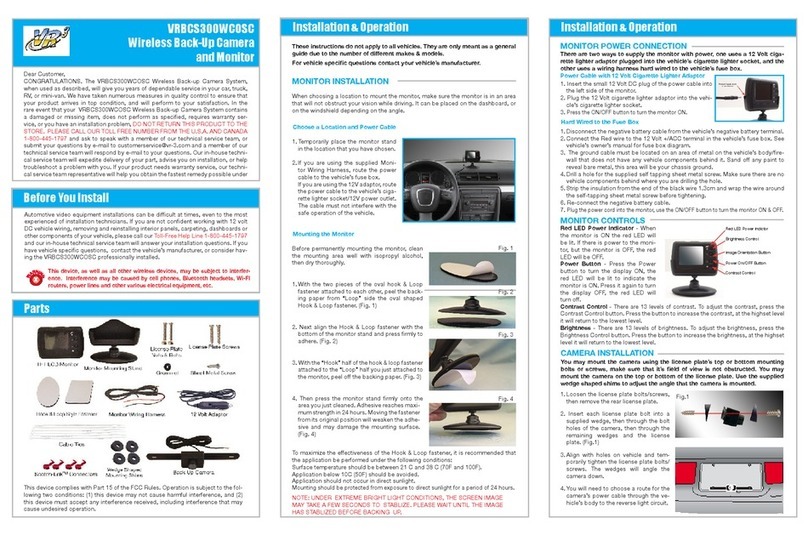
Virtual Reality VRBCS300WCOSC Guide

Virtual Reality

Virtual Reality VRBCS300WCOSC Guide

Virtual Reality VRBT200V User manual

Virtual Reality

Virtual Reality VRBT200V User manual
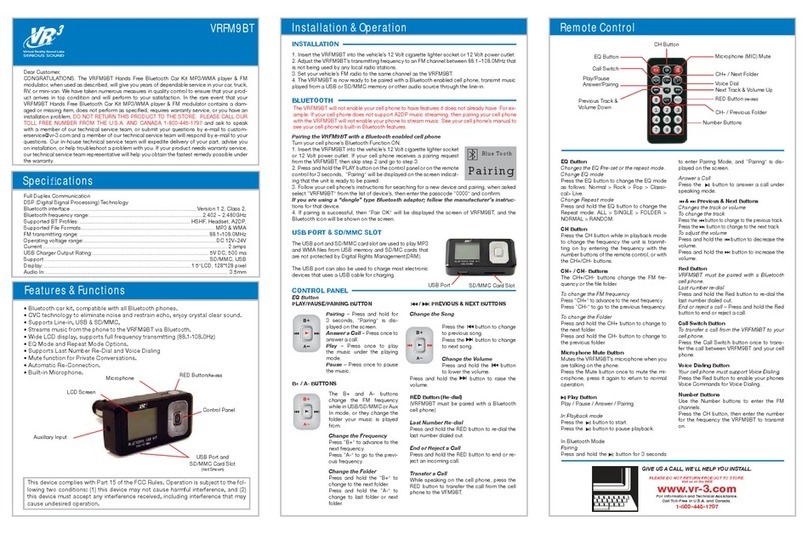
Virtual Reality Hands Free Bluetooth Car Kit MP3/WMA player & FM modulator... Owner's manual

Virtual Reality

Virtual Reality Hands Free Bluetooth Car Kit MP3/WMA player & FM modulator... Owner's manual

Virtual Reality VRFM8R User manual

Virtual Reality

Virtual Reality VRFM8R User manual

Popular Automobile Accessories manuals by other brands

Magneti Marelli AC161 Installation instruction

Magneti Marelli

Magneti Marelli AC161 Installation instruction

FDI uEZ GUI Start here

FDI

FDI uEZ GUI Start here

JCROffroad JT Install instructions

JCROffroad

JCROffroad JT Install instructions

Rostra VOXXElectronics 250-1930 owner's guide

Rostra

Rostra VOXXElectronics 250-1930 owner's guide

TOP VEHICLE TECH GR3FORD5 installation manual

TOP VEHICLE TECH

TOP VEHICLE TECH GR3FORD5 installation manual

Safe Fleet PRIME DESIGN AR-2000-BLK manual

Safe Fleet

Safe Fleet PRIME DESIGN AR-2000-BLK manual

Skoda Fabia Combi 5J Fitting instructions

Skoda

Skoda Fabia Combi 5J Fitting instructions

Camcar 40077 Al Mounting instructions

Camcar

Camcar 40077 Al Mounting instructions

Camcar 40089 AL Mounting instructions

Camcar

Camcar 40089 AL Mounting instructions

Impac Tradesman 2000 installation manual

Impac

Impac Tradesman 2000 installation manual

DVB OFFROAD BRSB-01 installation manual

DVB

DVB OFFROAD BRSB-01 installation manual

Safari Snorkel SS385HF installation guide

Safari Snorkel

Safari Snorkel SS385HF installation guide

ULTIMATE SPEED 279746 Assembly and Safety Advice

ULTIMATE SPEED

ULTIMATE SPEED 279746 Assembly and Safety Advice

SSV Works DF-F65 manual

SSV Works

SSV Works DF-F65 manual

ULTIMATE SPEED CARBON Assembly and Safety Advice

ULTIMATE SPEED

ULTIMATE SPEED CARBON Assembly and Safety Advice

Witter F174 Fitting instructions

Witter

Witter F174 Fitting instructions

WeatherTech No-Drill installation instructions

WeatherTech

WeatherTech No-Drill installation instructions

TAUBENREUTHER 1-336050 Installation instruction

TAUBENREUTHER

TAUBENREUTHER 1-336050 Installation instruction

manuals.online logo
manuals.online logoBrands
  • About & Mission
  • Contact us
  • Privacy Policy
  • Terms and Conditions

Copyright 2025 Manuals.Online. All Rights Reserved.

12 Volt Adaptor With Mini Usb Plug
Earbud
When the VRBT200V
completes a Bluetooth®
connection, the Bluetooth®
icon will be on.
When opening the Call
Logs, the Call Log Book
icon will be on.
When there is an incoming
call, the Incoming Call icon
will be on while the backlit
LCD flashes
The Missed Call icon will
be on when a call is missed
and until that call is ac-
knowledged.
When checking a phone
number in the Missed Call
Log, the Missed Call icon
and the Phonebook icon
will be on.
A solid Battery Power Level
Icon will display when the
battery is full; One line on
Battery Power Level icon
will display when the bat-
tery is half full; only the bat-
tery frame will remain when
the battery is discharged.
When entering the Re-
ceived Call Log, the Re-
ceived Call icon on the
LCD and the Call Log Book
icon will be on.
This device complies with Part 15 of the FCC rules. Operation is
subject to the following two conditions: (1) this device may not cause
harmful interference, and (2) this device must accept any interference
received, including interference that may cause undesired operation.
Changes or modification to this device are not approved by the party
responsible for compliance and will void the warranty and user’s
authority to operate this device.











