Vivo 108IP
www.hotel-tech.com
Tables of Contents
1.Getting Started...............................................................................................................................1
Technical Features..................................................................................................................... 1
2.Phone overview .............................................................................................................................2
3. Basic Call Handling ........................................................................................................................3
Do Not Disturb (WEB set >SIP account>Account 1> Do Not Disturb ) ......................................4
4. Web Settings .................................................................................................................................5
Configure Guide ........................................................................................................................5
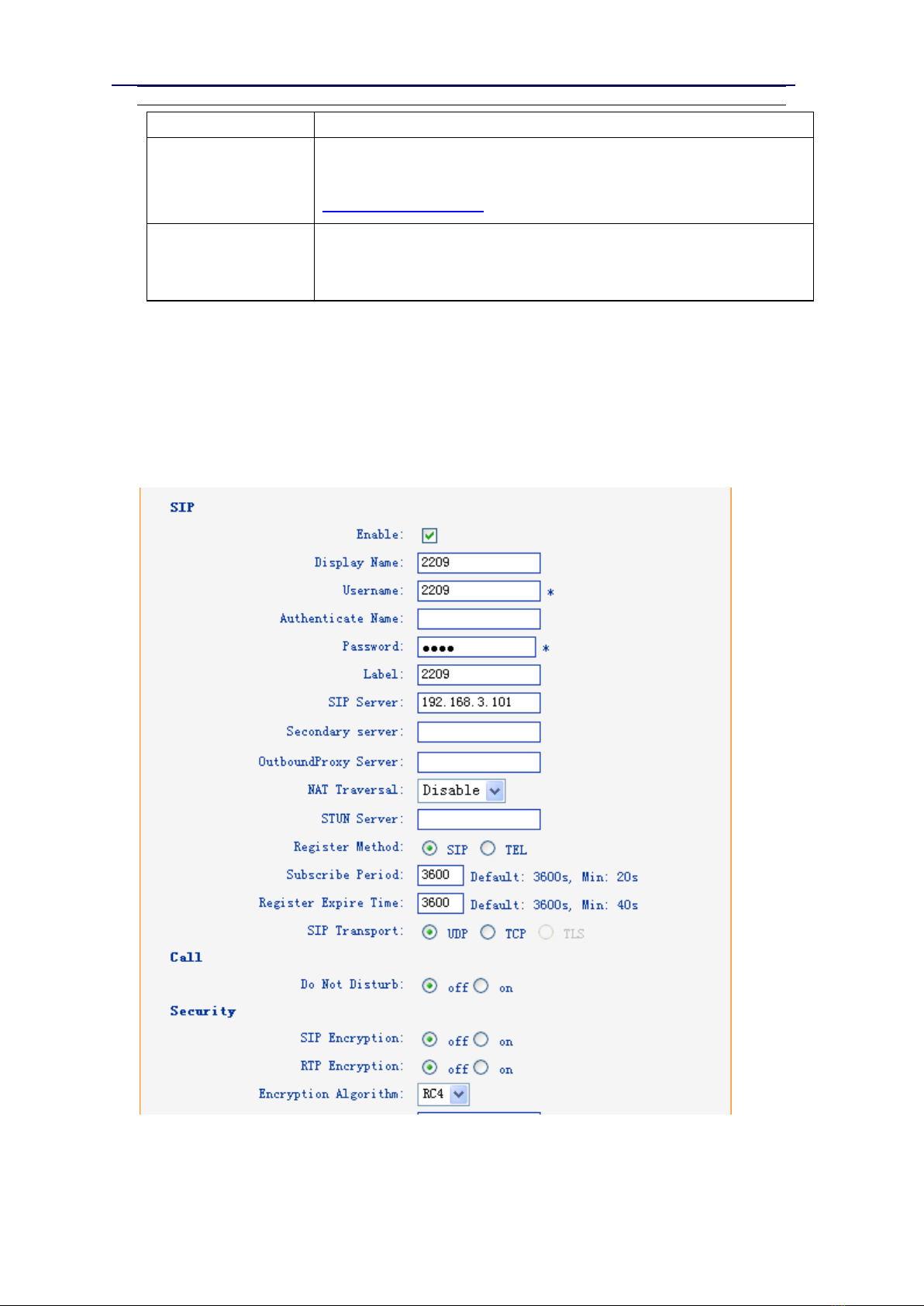
SIP Account................................................................................................................................8
Audio......................................................................................................................................... 9
Advance...................................................................................................................................10
Phone Setting ..................................................................................................................10
VLAN Setting ...................................................................................................................12
VPN Setting .....................................................................................................................12
Dial Plan setting...............................................................................................................13
Global SIP ........................................................................................................................14
Phone Maintenance................................................................................................................15
Log...................................................................................................................................15
Password .........................................................................................................................16
Default Setting.................................................................................................................16
Auto Provision .................................................................................................................17
FTP Upgrade ....................................................................................................................19
TFTP Upgrade ..................................................................................................................20
HTTP Upgrade..................................................................................................................21
Reboot.............................................................................................................................22
Phone Status ...........................................................................................................................22
System Info..............................................................................................................................23
Tips:Please check IP address by pressing the button “*1*1*2” in the
on hook status.