manuals.online logo
Brands
  1. Home
  2. •
  3. Brands
  4. •
  5. Vizio
  6. •
  7. Speakers System
  8. •
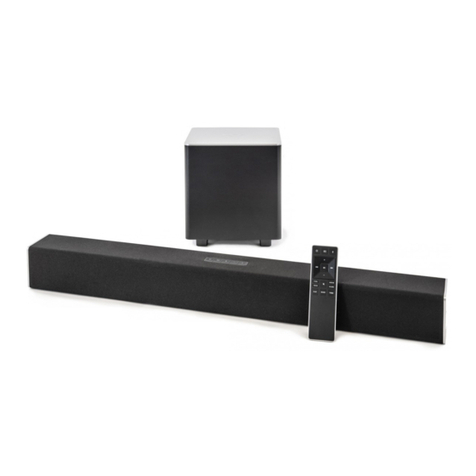
  9. Vizio V21t-J8 User manual

Vizio V21t-J8 User manual

Other Vizio Speakers System manuals

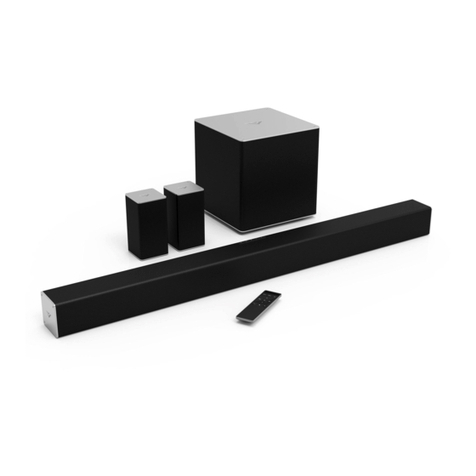
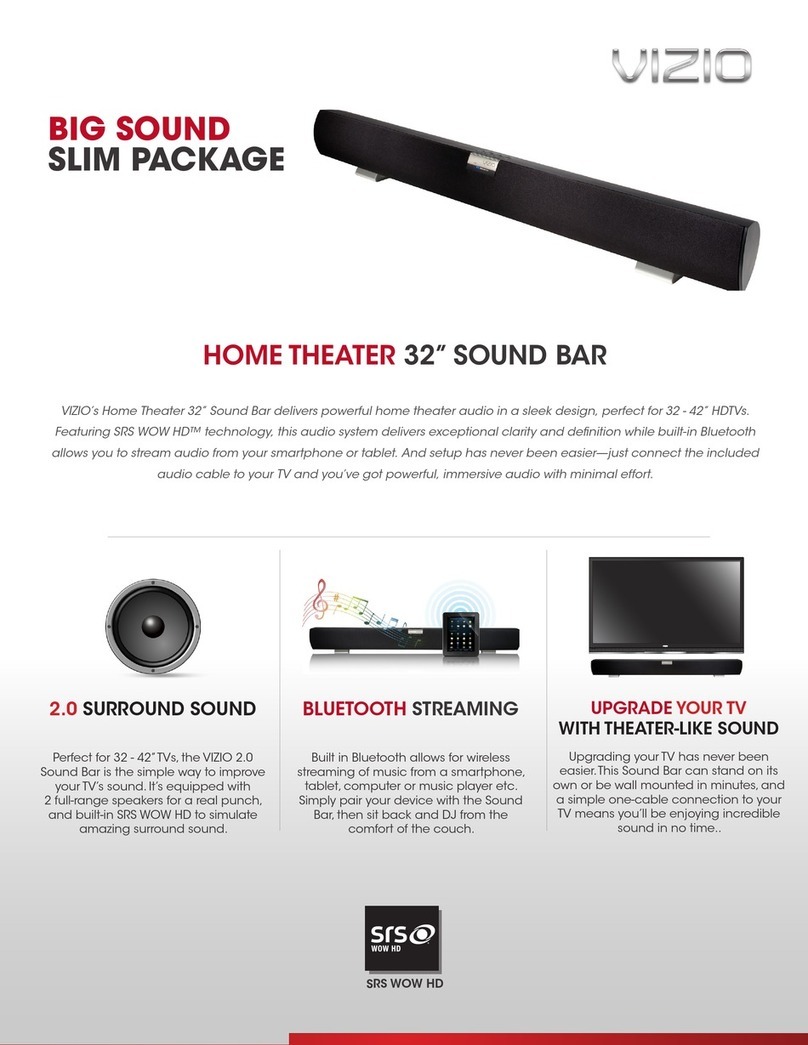
Vizio Sound Bar User manual

Vizio

Vizio Sound Bar User manual

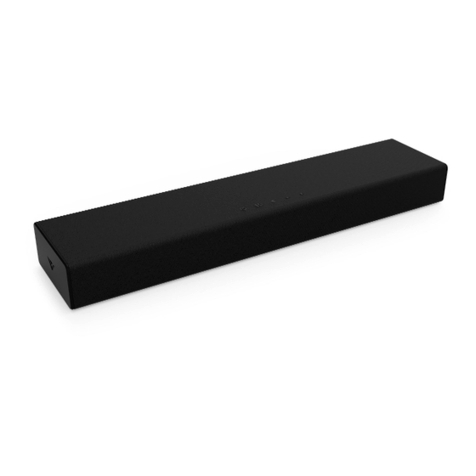
Vizio SB2920-C6 User manual

Vizio

Vizio SB2920-C6 User manual

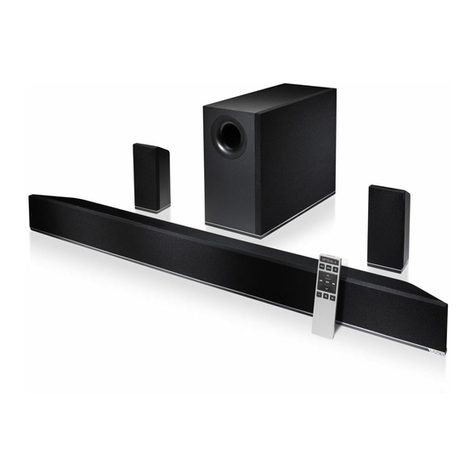
Vizio S4220w-E4 User manual

Vizio

Vizio S4220w-E4 User manual

Vizio SB2020n-H6 User manual

Vizio

Vizio SB2020n-H6 User manual

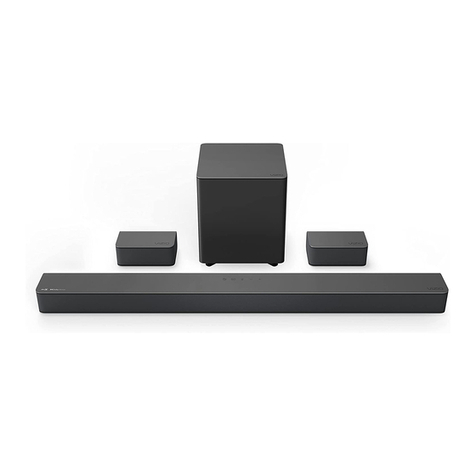
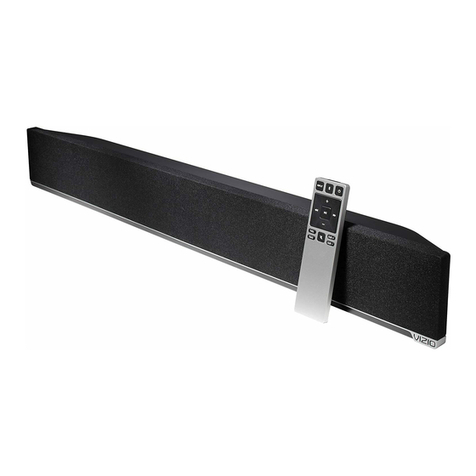
Vizio V Series User manual

Vizio

Vizio V Series User manual

Vizio SB2021n-G6 User manual

Vizio

Vizio SB2021n-G6 User manual

Vizio SB3851-C0 User manual

Vizio

Vizio SB3851-C0 User manual

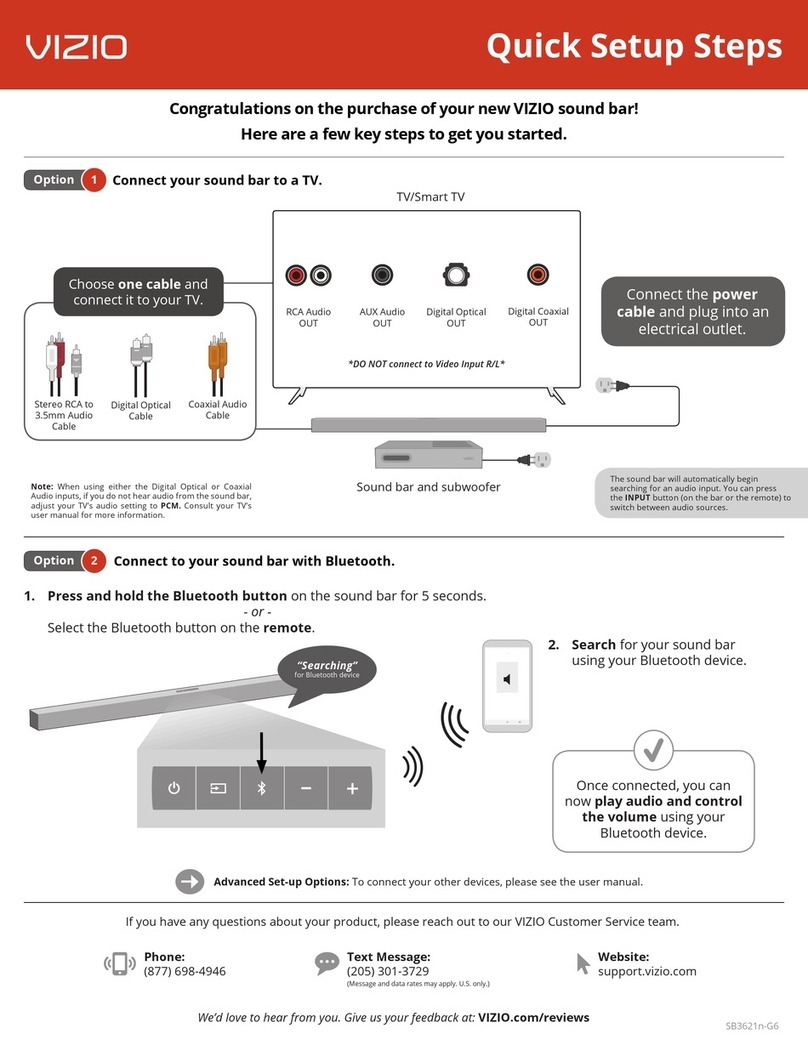
Vizio SB3621n-E8M User manual

Vizio

Vizio SB3621n-E8M User manual

Vizio WSS1A User manual

Vizio

Vizio WSS1A User manual

Vizio VSB205 User manual

Vizio

Vizio VSB205 User manual

Vizio S3820w-C0NA User manual

Vizio

Vizio S3820w-C0NA User manual

Vizio SB3820-C6 User manual

Vizio

Vizio SB3820-C6 User manual

Vizio SB2021n-J6 User manual

Vizio

Vizio SB2021n-J6 User manual

Vizio SB3241n-H6 User manual

Vizio

Vizio SB3241n-H6 User manual

Vizio V21-H8 User manual

Vizio

Vizio V21-H8 User manual

Vizio SB4020E0-B0 User manual

Vizio

Vizio SB4020E0-B0 User manual

Vizio SB362An-F6E User manual

Vizio

Vizio SB362An-F6E User manual

Vizio SB3651n-H6 User manual

Vizio

Vizio SB3651n-H6 User manual

Vizio VSB207BT User manual

Vizio

Vizio VSB207BT User manual

Vizio SB362An-F46 User manual

Vizio

Vizio SB362An-F46 User manual

Vizio 1362121 Specification sheet

Vizio

Vizio 1362121 Specification sheet

Vizio S4251w-B4 User manual

Vizio

Vizio S4251w-B4 User manual

Vizio SB2020n-J6 User manual

Vizio

Vizio SB2020n-J6 User manual

Vizio SB3620n-H6 User manual

Vizio

Vizio SB3620n-H6 User manual
Popular Speakers System manuals by other brands

Monster MT-SB21 user manual

Monster

Monster MT-SB21 user manual

Monacor ESP-76AB/ WS manual

Monacor

Monacor ESP-76AB/ WS manual

Samsung HW-J430 user manual

Samsung

Samsung HW-J430 user manual

WILSON AUDIO WATT owner's manual

WILSON AUDIO

WILSON AUDIO WATT owner's manual

Hisense AX3125H user manual

Hisense

Hisense AX3125H user manual

EisSound KBSound iSelect user manual

EisSound

EisSound KBSound iSelect user manual

Boston Acoustics VRi793 manual

Boston Acoustics

Boston Acoustics VRi793 manual

Sven SPS-707bL Operation manual

Sven

Sven SPS-707bL Operation manual

Monacor DSM-26LAN instruction manual

Monacor

Monacor DSM-26LAN instruction manual

JVC CS-SR100 instructions

JVC

JVC CS-SR100 instructions

Samsung HW-C450 user manual

Samsung

Samsung HW-C450 user manual

TaoTronics evatronic ET-SK011 user guide

TaoTronics

TaoTronics evatronic ET-SK011 user guide

JVC HX-D7C instructions

JVC

JVC HX-D7C instructions

Pyle PBMSPG190 user manual

Pyle

Pyle PBMSPG190 user manual

Sven SPS-607 Operation manual

Sven

Sven SPS-607 Operation manual

iSP Technologies LT2 series owner's manual

iSP Technologies

iSP Technologies LT2 series owner's manual

Samsung Crystal Surround Air Track HW-F550 user manual

Samsung

Samsung Crystal Surround Air Track HW-F550 user manual

Bose Acoustimass 6 Series II owner's guide

Bose

Bose Acoustimass 6 Series II owner's guide

manuals.online logo
manuals.online logoBrands
  • About & Mission
  • Contact us
  • Privacy Policy
  • Terms and Conditions

Copyright 2025 Manuals.Online. All Rights Reserved.

Quick Setup Guide
Connect.
• Plug in power cables to power on your
sound bar and subwoofer.
1
Place subwoofer in the rear of the room.
More questions?
Get customer support help
and view the User Manual here:
support.vizio.com
Unlock the best picture and audio quality
with a VIZIO SmartCast® TV.
Scan here to shop our V-series™TVs:
HDMI ARC
(to TV)
HOME THEATER DISPLAY | QUICK START GUIDE
Installation Guide | Models:
HDMI (ARC or eARC)
• Then use the included HDMI
cable to connect to your TV.
2
Why HDMI? Highest Quality Connection.
Connect to the HDMI ARC/eARC port on your TV
for the best possible sound quality.
Get easy setup videos and more.
Scan with your phone camera or QR reader.
vizio.com/qr/V21t-J8
FAQs
Best speaker placement for my sound bar?
For the best sound experience, position the sound bar and
subwoofer as shown. The sound bar should be close to
ear level.
If the subwoofer is too boomy or lacking impact, adjust
the Subwoofer level with your remote control or try
various placements.
How do I adjust sound settings and levels?
Using the included remote, you can easily adjust many different sound settings
and levels to optimize your listening experience, including EQ modes, bass level,
subwoofer level, and more.
1. Push a setting button to adjust, and/or
2. Use the Left/Right buttons to change each setting.
(See the User Manual for more mode and level settings.)
Can I connect to a Voice Assistant (VA) device?
Connect your voice assistant devices (sold separately) to the sound bar for an amplied audio
experience that’s always ready to respond. Please see the User Manual for more information.
The sound bar will automatically lower the
volume while watching a movie or listening
to music, when a VA device is connected.
OR
Bluetooth ConnectionConnect to the AUX VA port