manuals.online logo
Brands
  1. Home
  2. •
  3. Brands
  4. •
  5. VXI
  6. •
  7. Switch
  8. •
  9. VXI TuffSet CT Switch System User manual

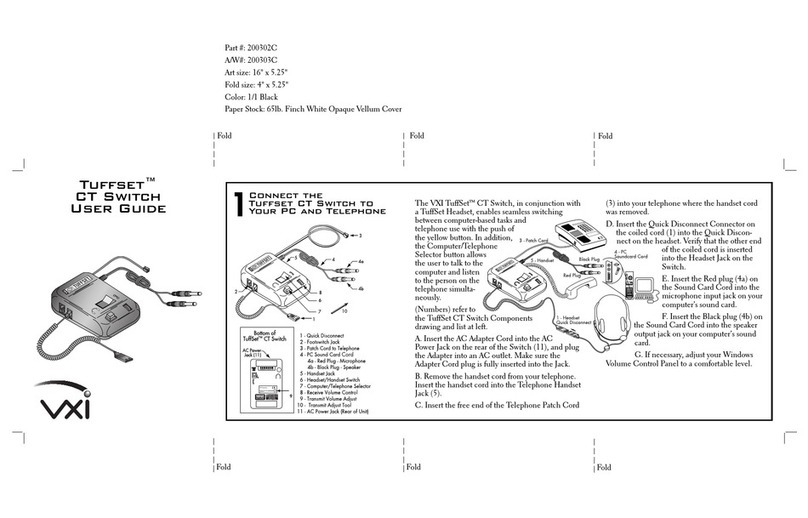
VXI TuffSet CT Switch System User manual

Other VXI Switch manuals

VXI EX7000 SERIES User manual

VXI

VXI EX7000 SERIES User manual

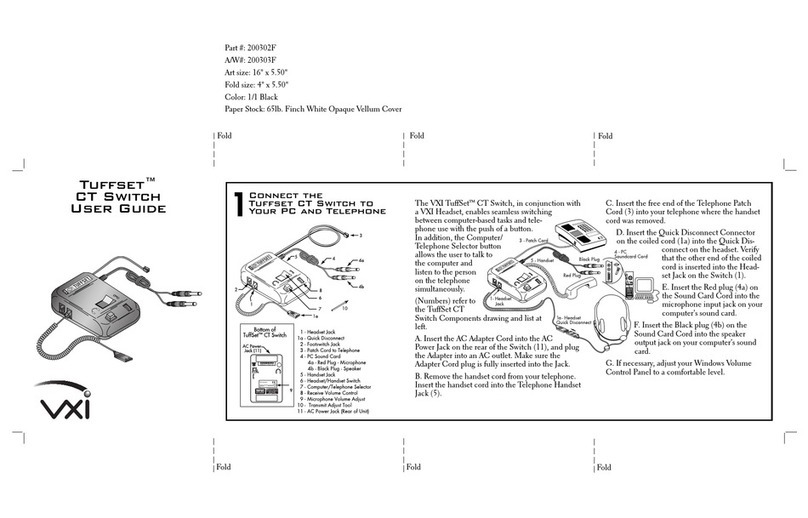
VXI CT Switch User manual

VXI

VXI CT Switch User manual

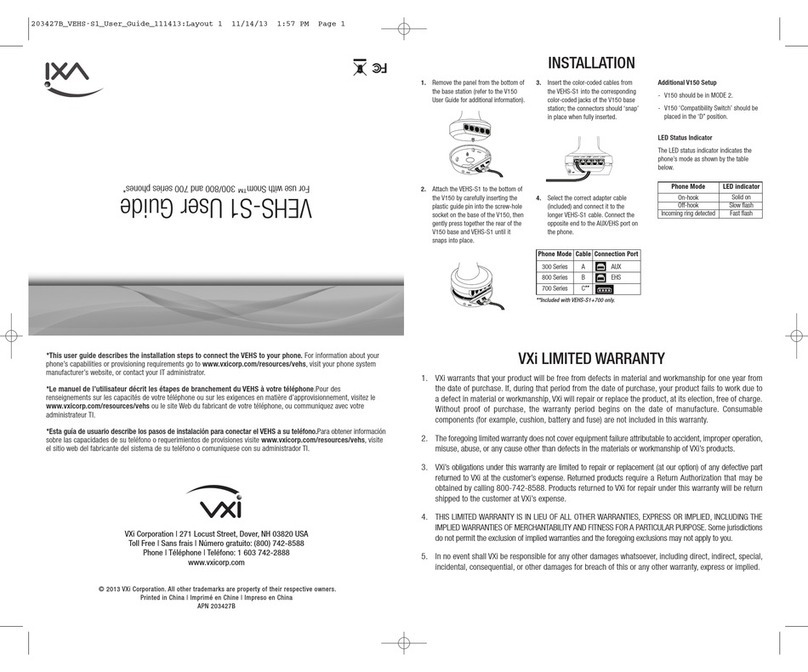
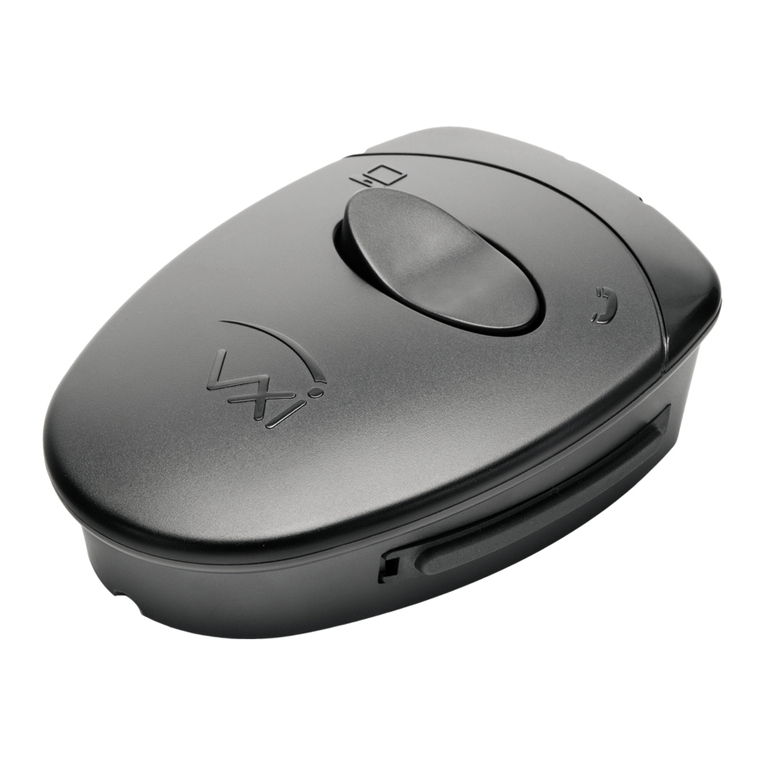
VXI VEHS-S1 User manual

VXI

VXI VEHS-S1 User manual

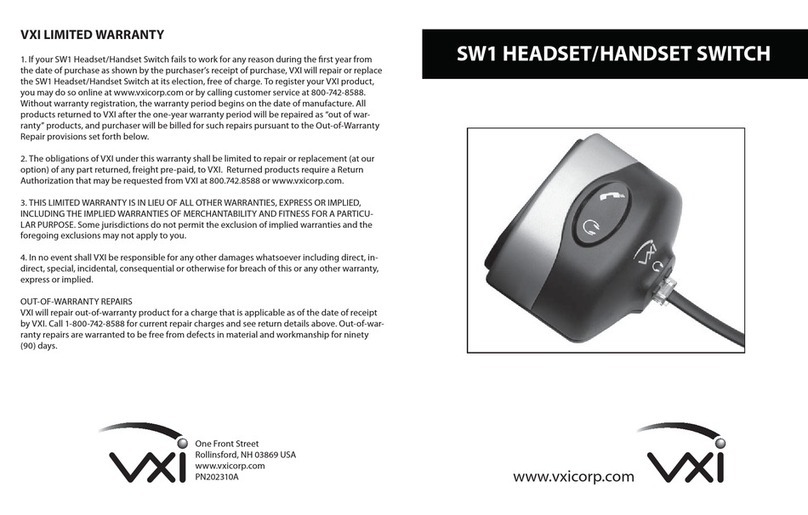
VXI SW1 User manual

VXI

VXI SW1 User manual

VXI Tuffset 200302F User manual

VXI

VXI Tuffset 200302F User manual

VXI SM8000 Series User manual

VXI

VXI SM8000 Series User manual

VXI Connext User manual

VXI

VXI Connext User manual

Popular Switch manuals by other brands

SMC Networks SMC6224M Technical specifications

SMC Networks

SMC Networks SMC6224M Technical specifications

Aeotec ZWA003-S operating manual

Aeotec

Aeotec ZWA003-S operating manual

TRENDnet TK-209i Quick installation guide

TRENDnet

TRENDnet TK-209i Quick installation guide

Planet FGSW-2022VHP user manual

Planet

Planet FGSW-2022VHP user manual

Avocent AutoView 2000  AV2000BC AV2000BC Installer/user guide

Avocent

Avocent AutoView 2000 AV2000BC AV2000BC Installer/user guide

Moxa Technologies PT-7728 Series user manual

Moxa Technologies

Moxa Technologies PT-7728 Series user manual

Intos Electronic inLine 35392I operating instructions

Intos Electronic

Intos Electronic inLine 35392I operating instructions

Cisco Catalyst 3560-X-24T Technical specifications

Cisco

Cisco Catalyst 3560-X-24T Technical specifications

Asante IntraCore IC3648 Specifications

Asante

Asante IntraCore IC3648 Specifications

Siemens SIRIUS 3SE7310-1AE Series Original operating instructions

Siemens

Siemens SIRIUS 3SE7310-1AE Series Original operating instructions

Edge-Core DCS520 quick start guide

Edge-Core

Edge-Core DCS520 quick start guide

RGBLE S00203 user manual

RGBLE

RGBLE S00203 user manual

Thrustmaster FLIGHT SIMULATOR X quick guide

Thrustmaster

Thrustmaster FLIGHT SIMULATOR X quick guide

Southwire SURGE GUARD 41390 RVC troubleshooting guide

Southwire

Southwire SURGE GUARD 41390 RVC troubleshooting guide

Buhler Nivotemp NT 61 Brief instructions

Buhler

Buhler Nivotemp NT 61 Brief instructions

Kramer VS-41HDCP user manual

Kramer

Kramer VS-41HDCP user manual

Techly IDATA AU-270 user manual

Techly

Techly IDATA AU-270 user manual

Belkin F1U109 user manual

Belkin

Belkin F1U109 user manual

manuals.online logo
manuals.online logoBrands
  • About & Mission
  • Contact us
  • Privacy Policy
  • Terms and Conditions

Copyright 2025 Manuals.Online. All Rights Reserved.

VXI TuffSet Headsets Include
•Superior noise canceling microphones for professional
sound quality
•All day wearing comfort
•“Gooseneck” microphone boom that always stays where
you put it for continually great sound quality
•Left or right side microphone placement
•Concave ear cushions for the ultimate in comfort, fit and sound
•Stainless steel headband won’t snag hair
•Quick Disconnect
•Strong Lexan plastic construction for long headset life
•Attractive translucent graphite color
•TuffClip clothing clip for easy cord management
•VXI’s unconditional two-year warranty
VXI Corporation, 1 Front Street Rollinsford, NH 03869 T: 800-742-8588 F: 603-742-5065
email: [email protected] website: www.vxicorp.com
CT Switch Benefits
•Easy alternation of computer and telephone applications increases
productivity and reduces equipment requirements
•Headset/Handset switch
•Sound card connection
•Compatible with most phones and all sound cards
•Includes AC adapter
•Durable TuffSet components for long product life
•5 headset styles to suit user’s preferences
•Same Quick Disconnect as all TuffSet products for easy interchangeability
in your call center
•Pricing comparable to or often lower than headset systems that connect
solely to the telephone
•Ergonomically designed with easy to use volume control
and microphone mute
•Backed by VXI’s unconditional two-year warranty
The TuffSet CT Switch System
Allows the Use of One Headset for Both
Computer and Telephone Applications
The TuffSet CT Switch System is perfect for customer service
representatives who need to operate both telephone and computer
for audio applications. A powerful compliment to our family of TuffSet
products specifically designed for web enabled call centers. Instead of
alternating between two headsets, call center representatives can now wear
one headset and simply switch between phone and computer applications
with the touch of a button. Combining durability, comfort, and superior
sound quality, TuffSet headsets have been designed and built to meet the
heavy use demands of today’s 24/7-call center. The TuffSet CT Switch
works with all previous call center headset models including the Bear and
the Gold Series and the current VXI TuffSet headset styles; the TuffSet 20
binaural, TuffSet 10 monaural, the TuffSet 36 over-the-ear, and the
noise-attenuating TuffSet 15 and TuffSet 25.
Headsets available in five
versions, dual-ear, single-ear, and
over-the-ear. Plus two noise
attenuating models.