3
816820_g•en•2017-12-01 We reserve the right to carry out improvements
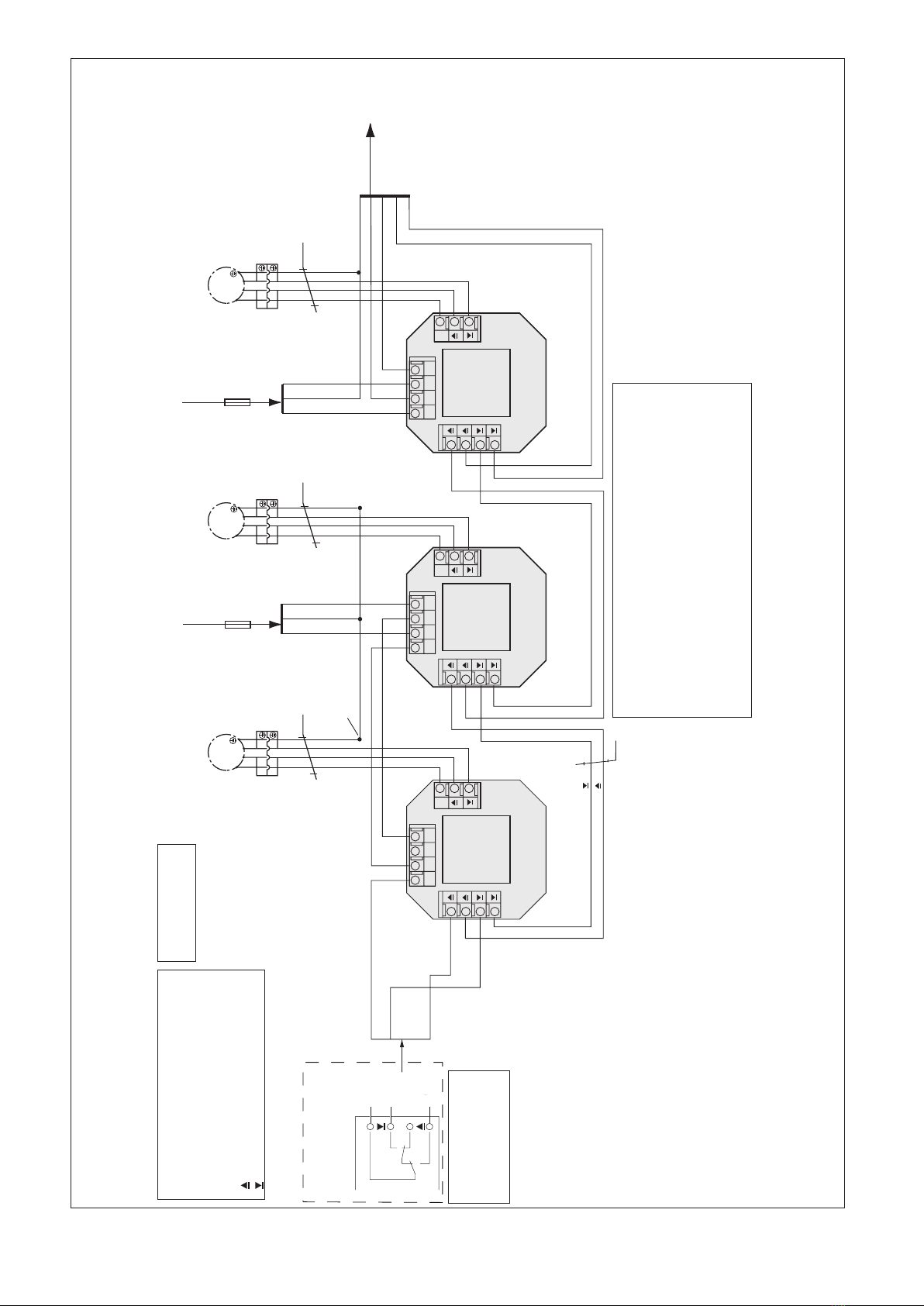
Learning channel 3 into external venetian blind 1
Place receiver1 into learn
mode: Select channel1,
press and hold the learn
button, external venetian
blind1 waves once, re-
lease the button.
Learn channel3 as an
auxiliary channel: Select
channel3. Press and hold
the learn button, external
venetian blind1 waves
once, release the button.
Channel3 is now an aux-
iliary channel for external
venetian blind1.
End the learn mode: Se-
lect channel1 and press
the "Up" or "Down" button.
Result: External venetian blind1 now can also be oper-
ated with channel3.
Learning channel 3 into external venetian blind 2
Place receiver2 into
learn mode: Select chan-
nel2, press and hold the
learn button, external vene-
tian blind 2 waves once,
release the button.
Learn channel3 as an
auxiliary channel: Select
channel3, press and hold
the learn button, external
venetian blind2 waves
once, release the button.
Channel3 is now an aux-
iliary channel for external
venetian blind2.
End the learn mode: Se-
lect channel2 and press
the "Up" or "Down" button.
Result: External venetian blind2 now can also be oper-
ated with channel3.
Deleting an auxiliary channel
You can delete all auxiliary channels learned into the
receiver if you have committed an error and you want to
start over again. Note the following example:
1
1
2
ΙΙ Ι
2
3
= Master channel = Auxiliary channel
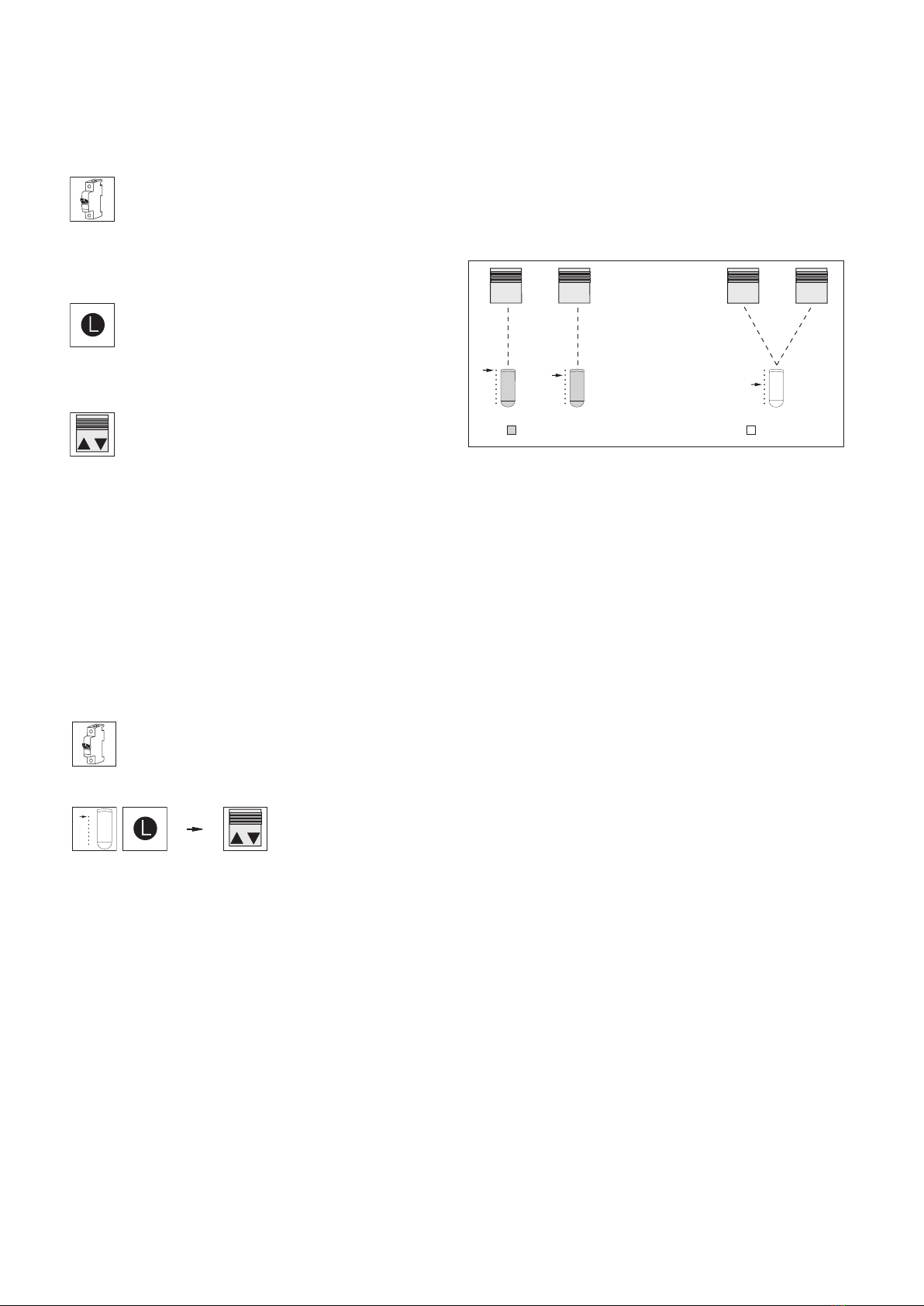
Fig. 3 Auxiliary channels in receiver 1 and 2 are to be deleted.
1
Ι
3
Ι
1
Ι
2
Ι
3
Ι
2
Ι
n Carry out the following operation steps consecutively
with the respective master channel:
Delete all auxiliary chan-
nels in receiver 1: Select
master channel 1, push
the learn button and hold
it for at least 20 seconds
until the external venetian
blind no longer carries out
any movement!
End the procedure: Select
channel1 and press the
"Up" or "Down" button.
Delete all auxiliary chan-
nels in receiver 2: Select
channel 2, push the learn
button and hold it for at
least 20 seconds until the
external venetian blind
no longer carries out any
movement!
End the procedure: Se-
lect master channel 2 and
push the "Up" or "Down"
button.
Result: All auxiliary channels in receiver 1 and receiver 2
were deleted.
OTICEN Only one master channel and 15 auxiliary
channels can be learned into each receiver.
The master channel cannot be deleted but can
only be overwritten with a new channel. The
auxiliary channels are not deleted when you
learn in a new master channel. The weather sta-
tion can be learned in as an auxiliary channel.
Heartbeat function
When a weather station is learned into the device, the
heartbeat function becomes active. The weather station cy-
clically sends a so-called "heartbeat pulse" to all receivers
into which the weather station was learned. If the power
supply of the weather station fails, for example, the station
does not send a heartbeat. The receiver may also fail to
receive a heartbeat pulse from a learned weather station
when the installation situation is unfavourable. If a heart-
beat signal does fail to arrive for 24 h, this is considered
by the receiver to be a weather station failure and the sun
shading system is raised for safety reasons. In this phase,
the sun shading system cannot be operated as usual:
When it is lowered manually, the movement is stopped
automatically after approx. 5seconds. Pressing the button
again causes the same reaction. The sun shading system
can be raised as usual. This is a safety function and not
an error.
AUTIONC
If you force the sun shading system to move
down by repeatedly activating the DOWN
button when the weather station has failed,
the safety functions are not active. The sun
shading system may become damaged (e.g.
due to high winds).
1
Ι
1
Ι
2
Ι
2
Ι