The Procedure of Fabricating for MS2500
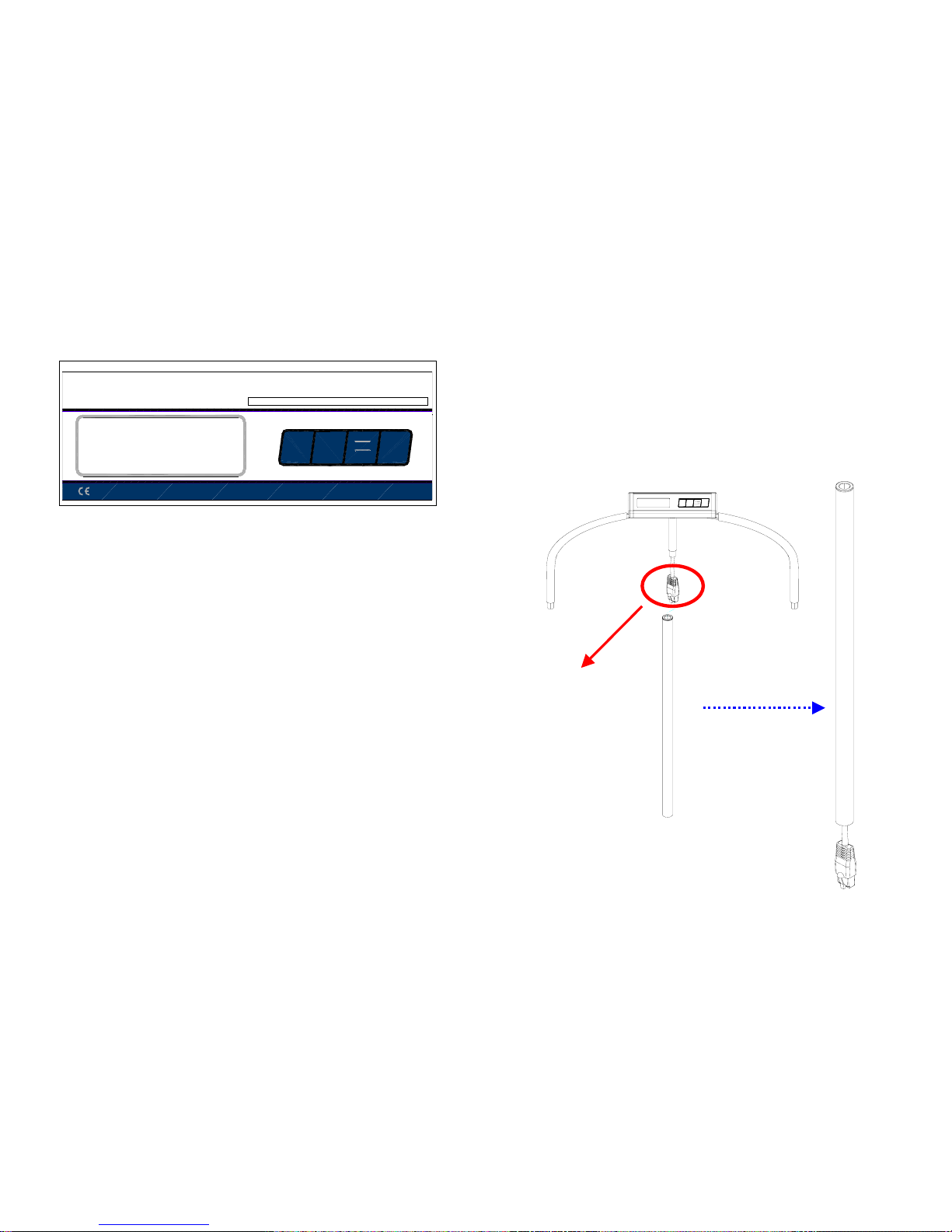
1. Put the four adjustable feet into each of hole which rear of
platform.
See figure 1.
Figure 1
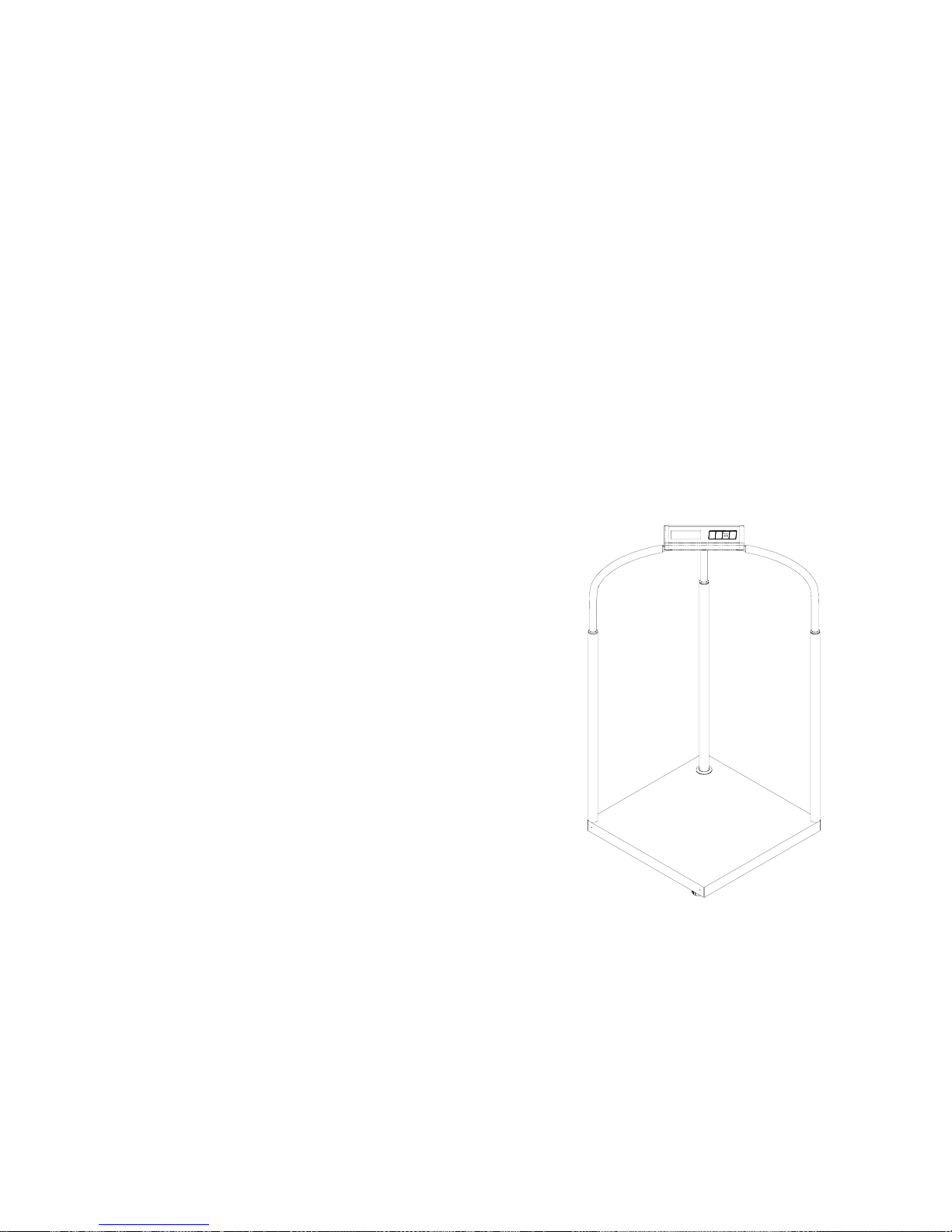
2. Screw two stainless steel sticks into two sides of platform.
See figure 2.
Figure 2
6
DISPLAY SYMBOLS
Symbol Description
scale in auto zero range (indication = accurate zero)
result is stable
kg , lb or oz scale in weighing mode
Lo-bAt Battery is weak, after 5 minutes the scale will turn off
Show the Net Weight is being display (NW) or the
Gross Weight is displayed (GW)
●
CALIBRATION
Occasionally the scale should be verified that it is weighing correctly
by measuring a known mass of approximately the scale capacity.
Tare the scale, place the mass on the center of the platform and
note the reading. Calibrate the scale if necessary.
Before beginning make sure you have the mass specified and you
know the mass is accurate.
●
PROCEDURE
Turn the scale off.
Press and hold the On/Zero/Off key then press the Units key 3
times. Release the ON/Zero/OFF key. The display will show the
gravity value of the factory—9.789. Press the Tare key to move
to the desired digit, and press the Units key to set the gravity of
destination. Then press the Tare key to confirm the entered
gravity. Display will show zero.
Place the calibration weight (below) on the scale, centered on the
platform.
MS2500 300kg mass
Press the Tare key again.
The display will show " CAL" then return to weighing showing the
value of the weight used.
Remove the weight. Verify the scale is calibrated correctly.