5019 318 33058
AKR 998 PRODUCT SHEET
CONTROL PANEL
1. ON butt n (Stand by)/OFF extraction/Reset filter saturati n indicat r:
- ON (Stand by) - the display shows a lighted dot only.
- OFF - the display is OFF: all controls, except for the light button, are disabled.
Reset filter saturati n indicat r. Press and hold for at least 3 seconds, an acoustic signal will sound.
2. Light ON/OFF button.
3. Manual/aut matic (sens r) mode switch:
In the automatic mode (Indicator light -8- turned on) the hood will function (extractor operation) depending on the
envir nmental c nditi ns detected by the hood.
Warning! The hood is supplied with an automatic calibrati n system that defines normal environmental conditions.
In the event of abnormal operation, the calibrati n can be carried ut manually:
- press button 1 and switch OFF the hood (display OFF)
- simultaneously press and hold buttons 5 and 6 for approx. 3 sec. - an acoustic signal will indicate that calibration is
completed.
Before performing calibration, make sure that the burners are off, that room temperature is normal and that there is
not a large amount of steam.
4. Timed intensive speed butt n: The hood operates at this speed for 5 minutes and then returns to the previous
settings.
The display will show P and a blinking dot.
This function can be cancelled by pressing button 1.
5. Extraction speed decrease button.
6. Extraction speed increase button.
7. Display: sh ws the selected extracti n speed, grease filter (F) r Carb n filter (C) saturati n, aut matic perati n
(led r tati n) and Stand by mode (lighted d t).
8. Automatic operation indicator light.
Warning! The carbon filter saturation indicator is normally deactivated (for extractor version see attached
instructions manual). In order to activate it (for filter operation - see attached instructions manual), simultaneously
press buttons 5 and 6 until C appears on the display. To deactivate the carbon filter saturation indicator,
simultaneously press AND HOLD buttons 5 and 6: letter F will appear on the display, followed by C. The latter will
disappear after a few seconds.
N te: If the - 8 - appears on the display, contact the After-sales Service.
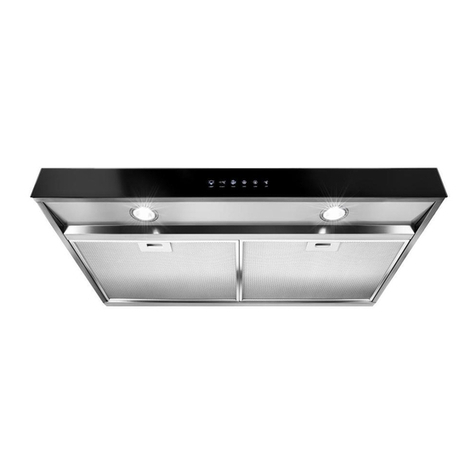
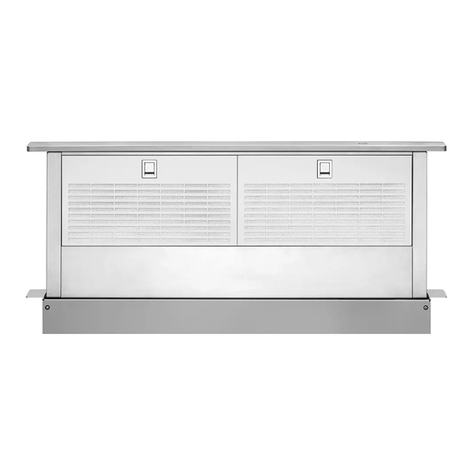
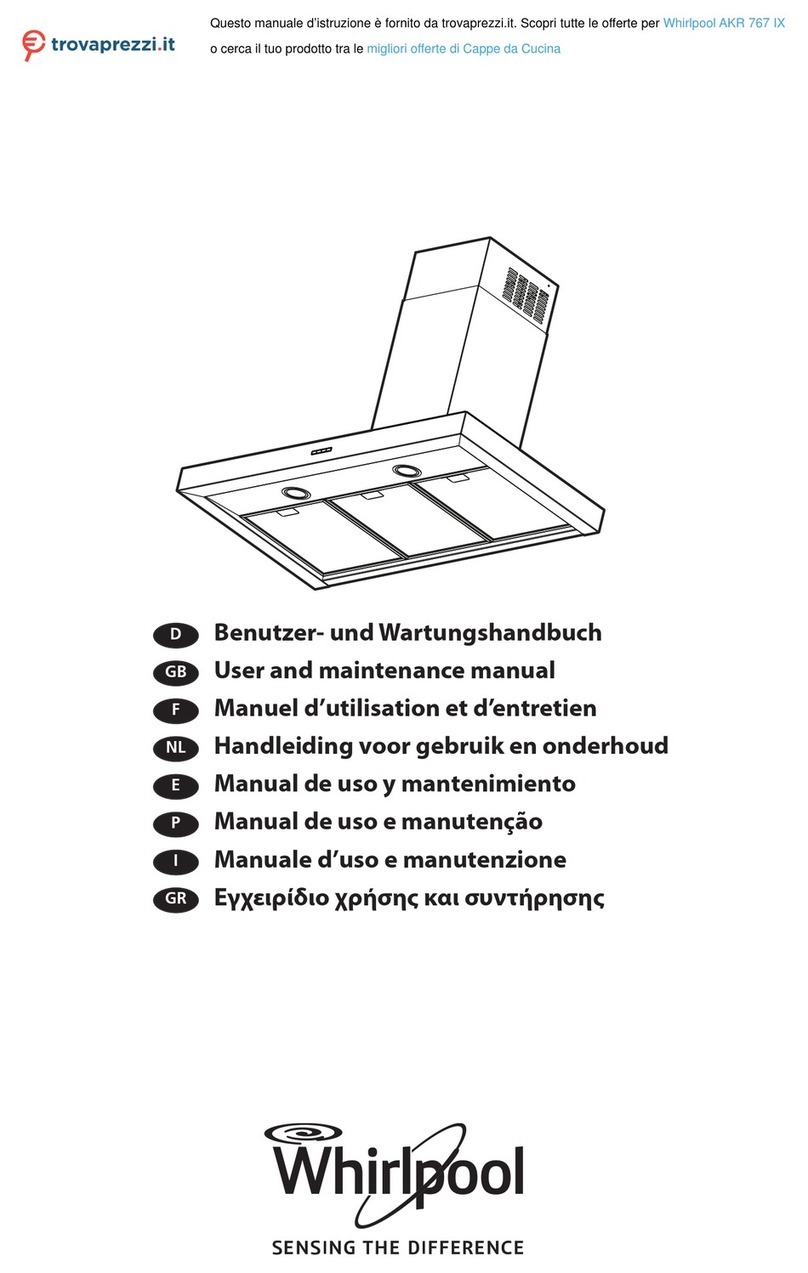
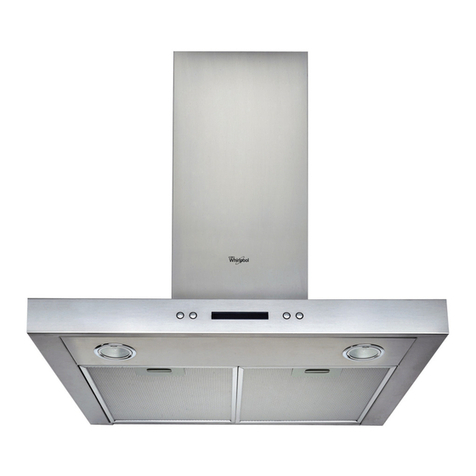
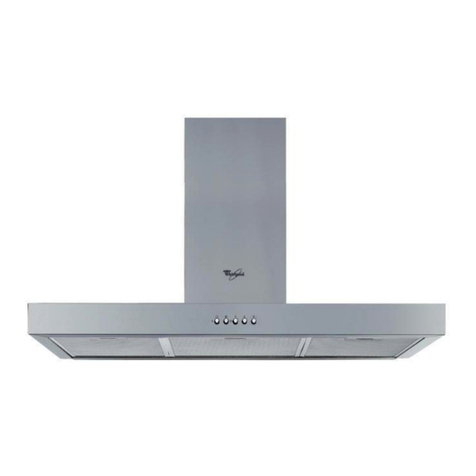
1. Control panel.
2. Grease filters.
3. Grease filter handles.
4. Bottom halogen bulbs.
5. Telescopic flue.
6. Sensors.
D F NL E
GB P I GR
31833058.fm Page 5 Wednesday, October 30, 2002 6:20 PM