Data :
- Aluminium container : 90 mm diameter
- 10 temperatures levels
- Power consumption : 60 W
USING
USING
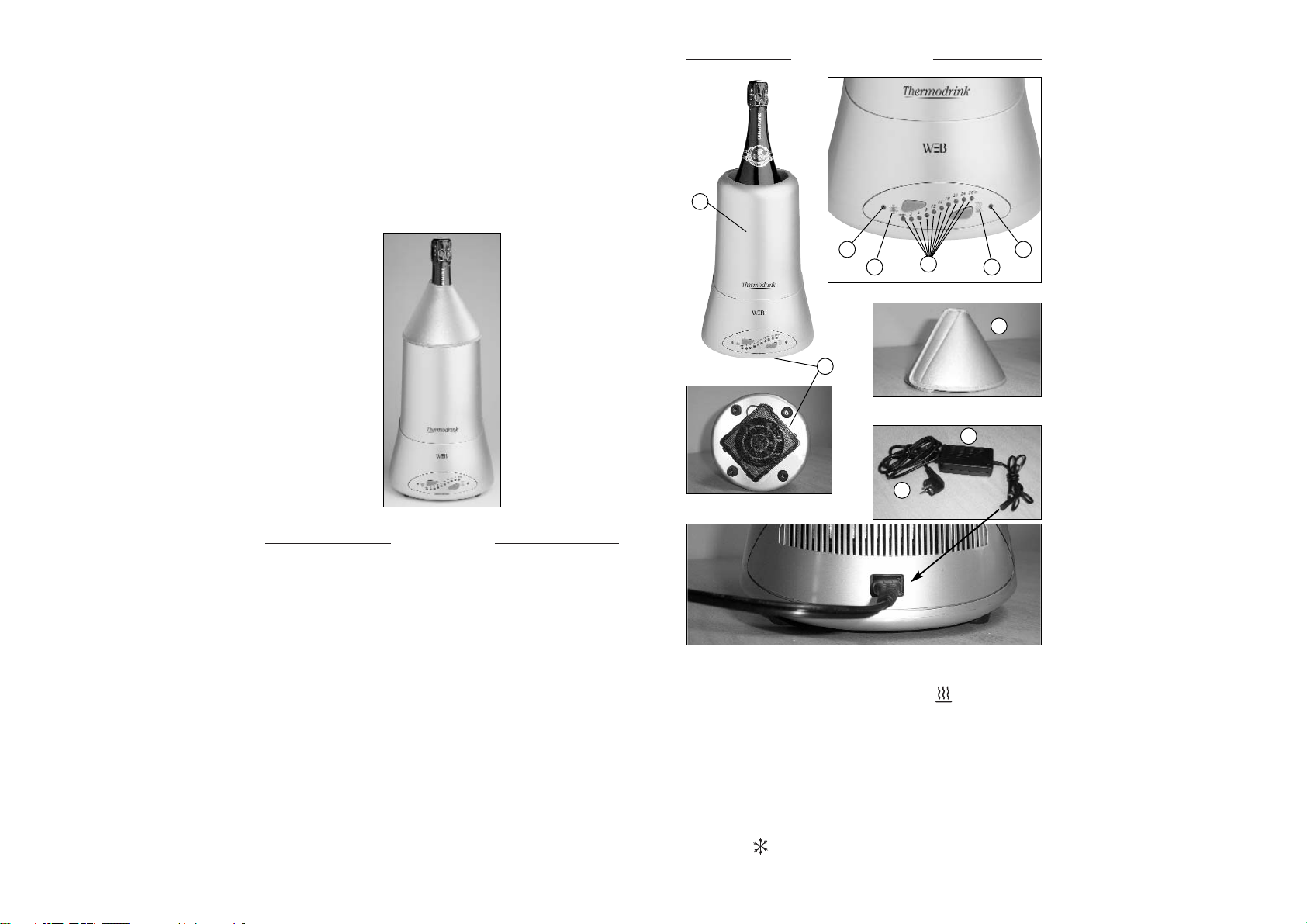
•After removing the packaging materials, there should be
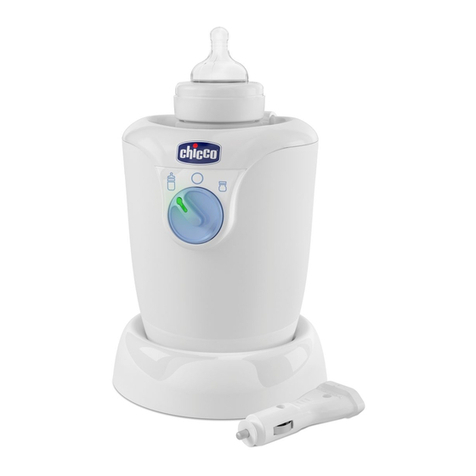
3 items : bottle unit, power cord and adaptator, insulation
sleeve.
•Plug the power cord and the adaptator. The default
temperature is set at minimum and the green LED at the
left hand side of the control panel that indicates cooling
will be on after 5 seconds. You may press the front “up”
button or “down” button to select required temperature
and the 10 green LED indicators will show your
temperature selection. The sensors unit detects
temperature of the aluminium container and the CPU will
compare it with your temperature setting to decide
whether it should be cooled or warmed :
•Cooling if the temperature of the aluminium container is
higher than the temperature set, the green cooling LED at
the left of the control panel will be on.
•Warning if the temperature of the aluminium container is
lower than the temperature set, the red warning LED at
the right of the control panel will be on.
When the temperature of aluminium container has
reached the temperature set, the green and red LED at the
two sides of the control panel will both be off, leaving only
the green LED that indicates the set temperature on.
It takes the sensor 5 seconds to switch from heating to
cooling and vice versa.
9
Caractéristiques :
- Diamètre du seau : 90 mm
- Réglage température : 10 niveaux
- Consommation : 60 W
UTILISA
UTILISATION
TION
•Sortir le produit de son emballage et vérifier les
accessoires : le seau isolant, le transformateur, la
rallonge électrique et le manchon isolant.
•Brancher le transformateur et la rallonge électrique, puis
raccorder le tout à l’appareil. L’appareil démarre, il est
automatiquement réglé sur la température « mini » et le
voyant vert est allumé (1). Après 5 secondes, l’appareil
fonctionne en mode refroidissement.
•Pour sélectionner la température désirée, appuyer sur les
touches pour réduire la température ou pour
augmenter la température. Les 10 voyants indicateurs de
température (3) permettent de visualiser la température
sélectionnée.
•Le capteur placé à l’intérieur de l’appareil détecte la
température interne du seau et la compare à la
température sélectionnée. Si celle-ci est supérieure à la
température sélectionnée, l’appareil passe
automatiquement en mode FROID (voyant vert). Mais si
elle est inférieure, l’appareil fonctionnera en mode CHAUD
(voyant rouge). L’appareil met environ 5 secondes pour
passer du mode FROID au mode CHAUD, et vice versa.
Lorsque la température sélectionnée est atteinte, les
voyants FROID - CHAUD s’éteignent. Seul le voyant
indicateur de température reste allumé. De temps en
temps, les voyants FROID – CHAUD se rallumeront pour
réguler la température.
4