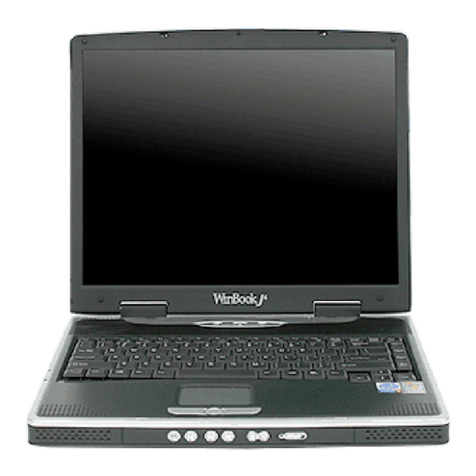
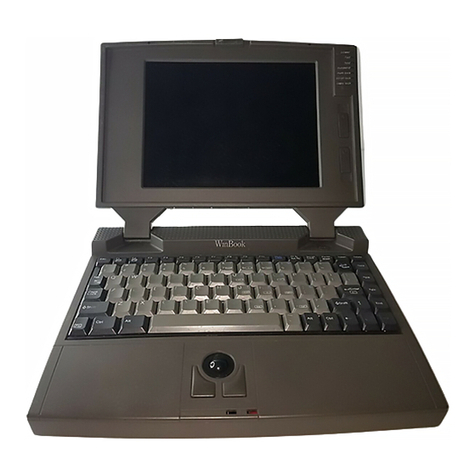
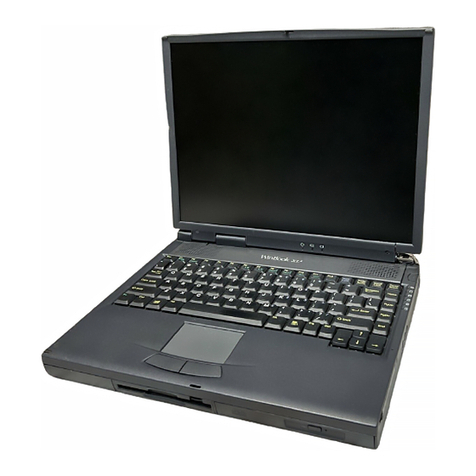
Winbook XP User manual

XP Manual
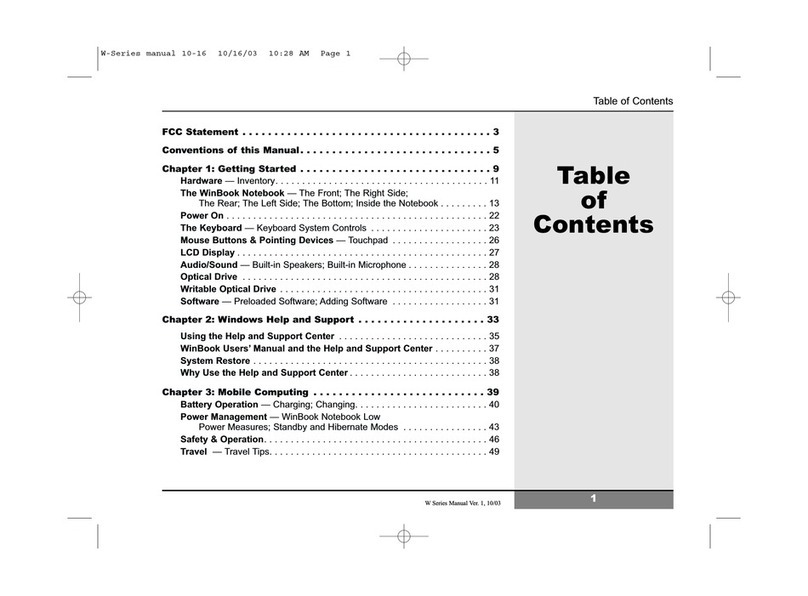
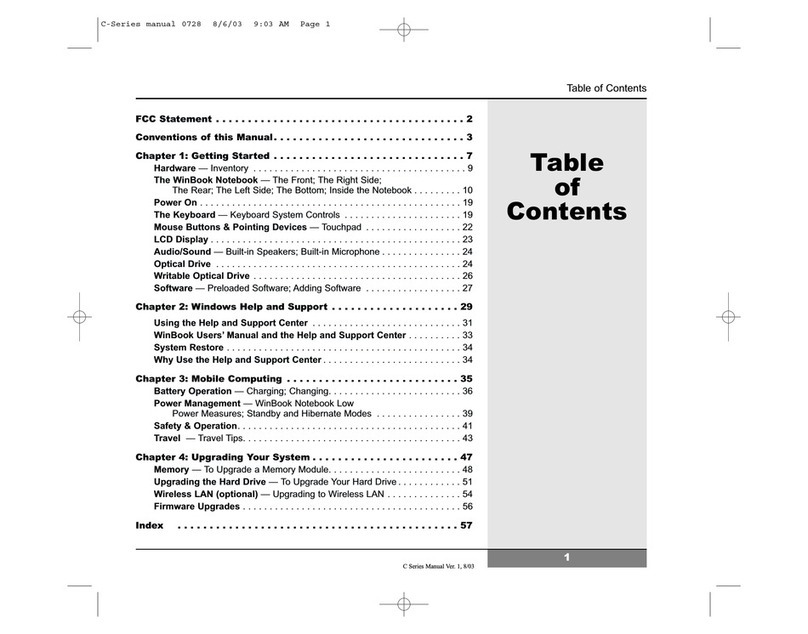
Preface_________________________________________________2
Chapter One: THE GUIDED TOUR__________________________5
Chapter TWO: ON THE ROAD--Battery Use XP________________23
Chapter THREE: SETTING UP BASE CAMP__________________37
Chapter FOUR: GREAT COMMUNICATIONS_________________44
Chapter FIVE: UPGRADES_________________________________49
Chapter SIX: CONFIGURING YOUR SYSTEM________________55
APPENDIX A: TROUBLESHOOTING & MAINTENANCE______64
APPENDIX B: SPECIFICATIONS___________________________81

XP USER'S MANUAL
This manual is copyrighted with all rights reserved. No part of this manual may be copied
without the written consent of the manufacturer.
This publication may include technical inaccuracies or typographical errors. The manufacturers
reserve the right to make improvements or changes to the product described herein at any time.
Any changes will be incorporated into new editions of this publication.
© 1994
Version 1.1
Products mentioned in this manual are mentioned for identification purposes only. Product
names appearing in this manual may be trademarks or registered trademarks of their respective
owners.
WinBook and WinBookXP are registered trademarks of Micro Electronics Inc.
WinBook Computer Corporation is a subsidiary of Micro Electronics Inc.
MS-DOS and Windows are trademarks of Microsoft.

FEDERAL COMMUNICATIONS COMMISSION (FCC) STATEMENT XP
This equipment has been tested and found to comply with the limits for a class B digital device,
pursuant to Part 15 of the FCC Rules. Their limits are designed to provide reasonable protection
against harmful interference when the equipment is operated in a residential installation. This
equipment generates, uses, and can radiate radio frequency energy, and if not installed and used
in accordance with the instruction manual, may cause harmful interference to radio
communications. However, there is no guarantee that interference will not occur in a particular
installation. If this equipment does cause harmful interference to radio or television reception,
which can be determined by turning the equipment off and on, the user is encouraged to try to
correct the interference by one or more of the following measures:
Reorient or relocate the receiving antenna.
Increase the separation between the equipment and receiver.
Connect the equipment into an outlet on a circuit different from that to which the receiver is
connected.
Consult the dealer or an experienced radio TV technician for help.
Notice:
1. ) Any changes or modifications not expressly approved by the party responsible for
compliance could void the user’s authority to operate the equipment.
2. ) Shielded interface cables and AC power cord, if any, must be used in order to comply
with the emission limits.

MANUAL CONVENTIONS
This manual uses the following conventions:
When we refer to key commands, the name of the key is enclosed in single quotes, e.g. ‘Esc’.
If a key command is incorporated into a sentence, where the name of the key has previously been
mentioned (in single quotes, to separate it from non-technical text) we will forgo the quotes.
When you must use several keys to activate a command, the keys have a plus sign between them,
e.g. ‘Ctrl’ + ‘Alt’ + ‘S’.
Command lines you must type in will be enclosed in quotation marks, don’t type the quotes
when you type the command.
Comments in the gray sidebars serve to draw your attention to special procedures, warning, or a
additional information. Especially important information is indicated by this icon:

CHAPTER ONE: THE GUIDED TOUR
[WinBook XP]
This chapter contains everything you need to get started using your WinBookXP. Take a look at
it before you go racing for the power switch and we’ll save you a little time. We’ll go over what
you’ll pull out of the box, what everything is, and how to connect things so you can be up and
running in no time. You can use your WinBookxp right out of the box after you do just a few
things, so, here we go.
Unpacking
When you open your WinBookXP shipping carton you’ll find several items – including this
manual, which of course you looked at before you did anything else, right? The rest of the
goodies are all carefully packed to protect them during shipping – and reshipping – so go easy on
the packing materials in the box and don’t throw anything away. You’ll need the whole setup
later should you ever need to ship your computer for upgrades, service, or anything else. Take
everything out to make sure that what should have come with the compute is there. There’s a
quick visual guide on the next pages, for you to refer to . In addition to the computer and its AC
Adapter and power cords, there should be software packages with manuals and disks. Once
you’re sure everything’s there, go ahead and take a look at the computer. If anything is missing,
contact the number listed on the "Read-Me-First"sheet, which is packed with the WinBookXP.
This sheet has the information you'll need to contact Customer Service for your version of the
WinBookXP.
What’s in the WinBookXP Box?
When you unpack your computer you should find the following things:
•WinBookXP notebook computer
(battery installed).
•AC Adapter
•Power Cord
•PS/2 Port Duplex Adapter
•This Manual
•PCMCIA Reference Manual
•Utility Floppy Disks
•Additional Floppy Disks and manuals for sound card and fax modem options, if installed

Fig. 1: The Basic WinBookXP Package
Anything Missing or Damaged?
Contact the number listed on the “Read-Me-First” instructions packed with your WinBookXP.
Important: Don’t plug the notebook in yet! See pages about preparing the battery first.
A Walk Around the Block
A Walk Around The Block
[WinBook XP]
Now that you’ve got everything unpacked, let’s take a quick look at where things are on the
exterior of the computer. The following illustrations point out what’s what.
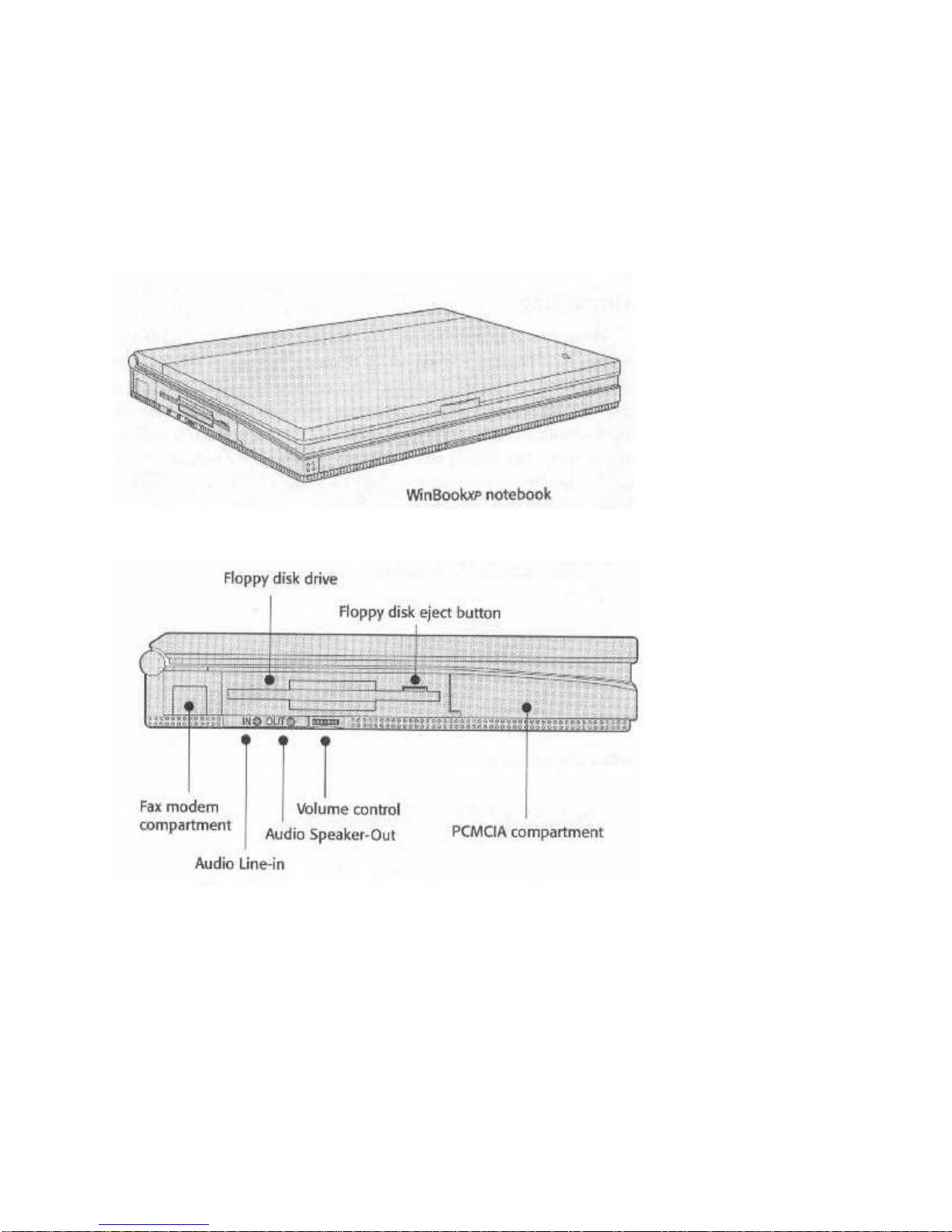
Fig. 2: Front-Left View
Fig. 3: Left View Close Up
Left Side Controls & Ports
The floppy disk drive has an eject button. The button pops out when you put a disk in the drive.
Push it in to eject the disk. When the drive is active, the activity icon on the LCD status panel
flashes.
The audio connectors and volume control work with the optional audio card. A small panel that
slides out from the bottom covers the fax modem port.f
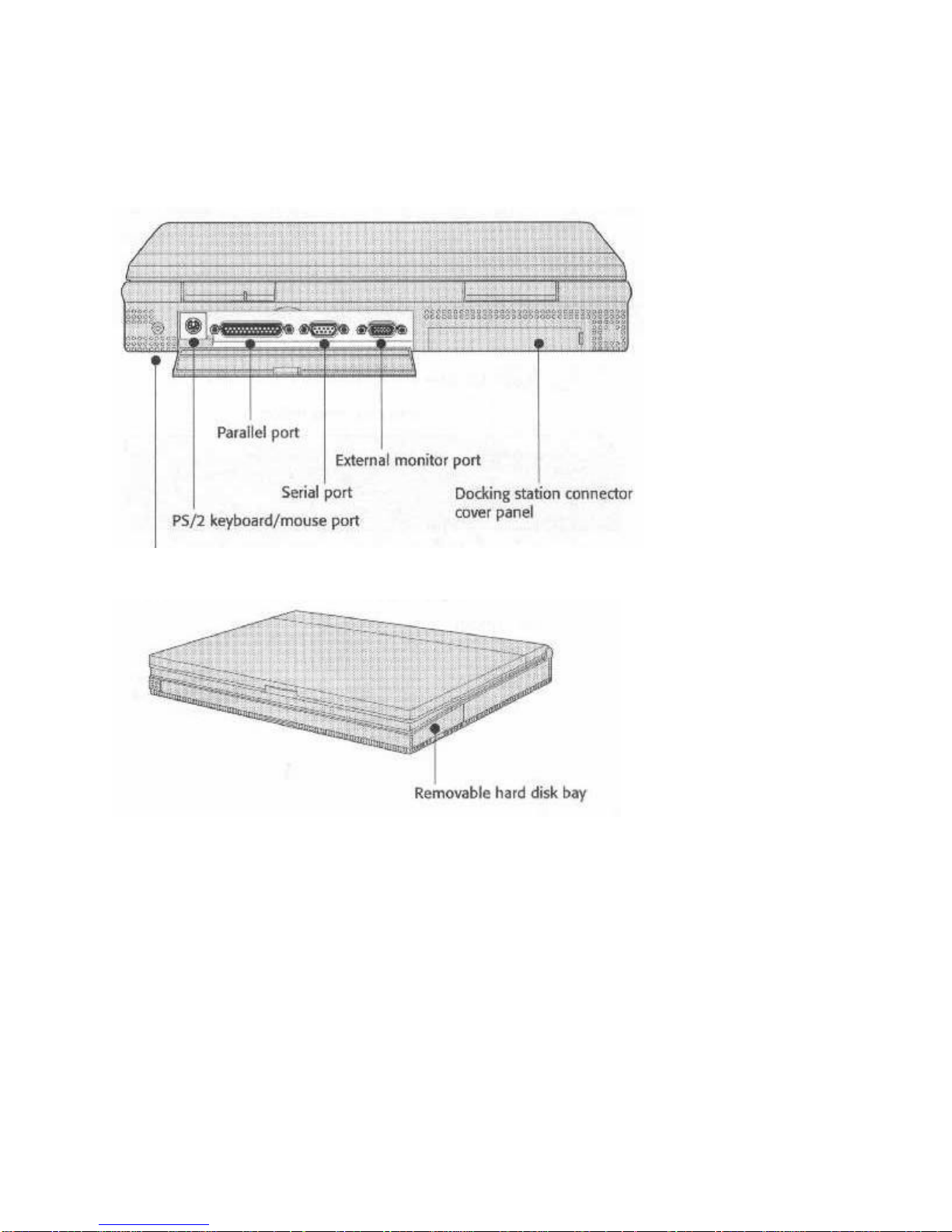
Port Covers
A hinged access panel that drops down covers the rear ports. The Docking Station connector has
a removable cover that pulls off.
Fig. 4: Rear View
Fig. 5: Right Side View

Fig. 6: Underside View
Underside Compartments
The battery, audio card, and memory compartments are on the underside of the computer.
For more information, see Chapter 4 regarding the audio card and Chapter 5 about memory and
hard disk upgrades.
Note
The battery pack has a shipping insert you have to remove before you use the computer:
1. Push the latch slide away from the battery to release it
2. Remove the battery
3. Pull out the insert
4. Replace the battery
The WinBookXP opens like most other notebook computers; there’s a hinge at the back edge
and a latch at the front. Push in on the latch release bar at the front and raise the top half. The
following illustrations show where things are.
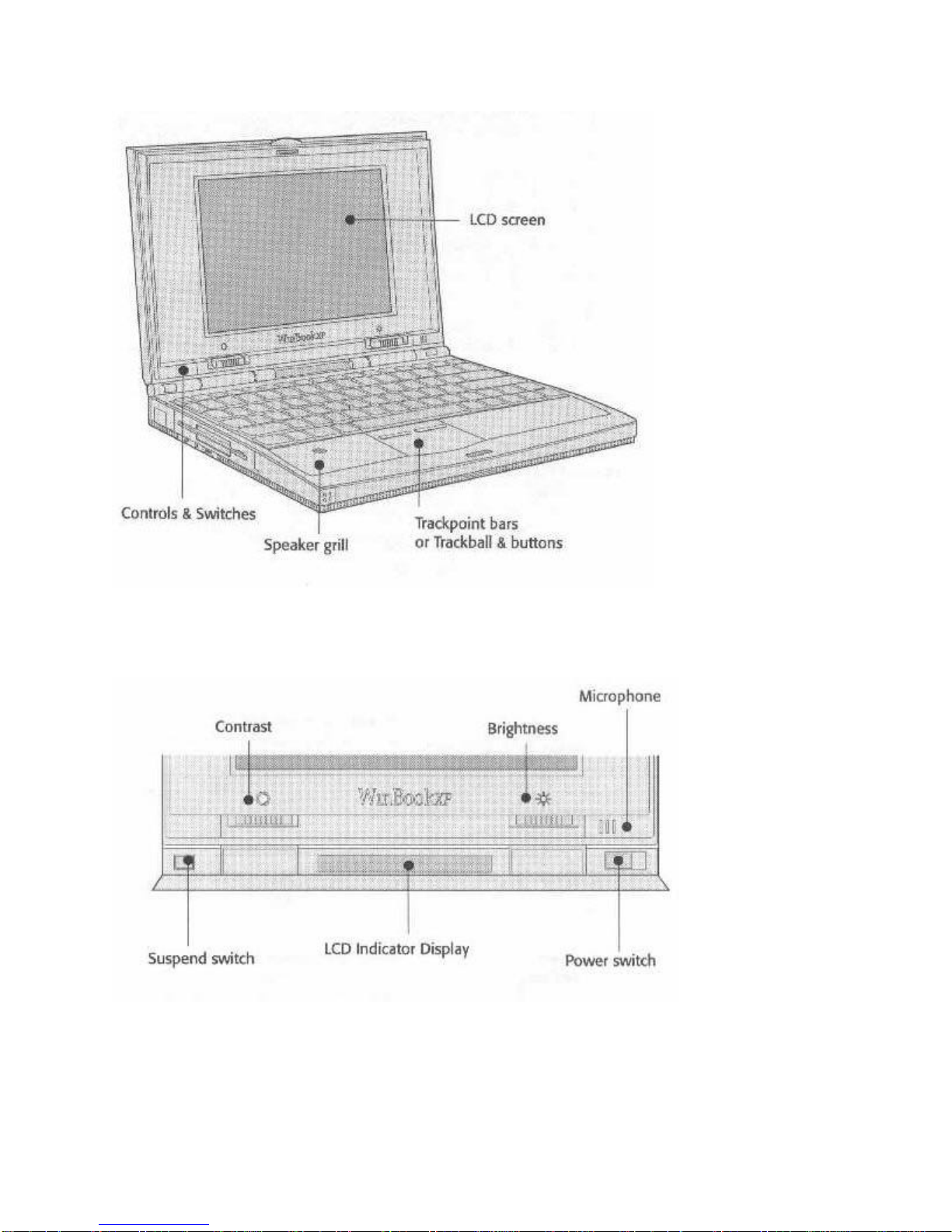
Fig. 7: Open View
The Trackball Model
Fig. 8: Hardware Controls and Indicators
Switch & Control Operation
All the controls and switches except audio volume are at the cover hinge. The power switch and
Table of contents
Other Winbook Laptop manuals
Winbook
Winbook V100 User manual
Winbook
Winbook SI User manual
Winbook
Winbook N4 User manual
Winbook
Winbook C100 User manual
Winbook
Winbook W100 User manual
Winbook
Winbook C100 User manual
Winbook
Winbook X Series X2 User manual
Winbook
Winbook XP5 Pro User manual

Winbook
Winbook N3 Instruction Manual
Winbook
Winbook XLi User manual