PPC3-12-413/Before You Begin
v1.0 www.winsystems.com Page 4
1. Before You Begin
Review the warnings in this section and the best practice
recommendations (see “Best Practices” on page 12) when using and
handling the WINSYSTEMS PPC3-12-413 panel PC. Following these
recommendations provides an optimal user experience and prevents
damage. Read through this document and become familiar with the PPC3-
12-413 before proceeding.
1.1 Warnings
Only qualified personnel should configure and install the PPC3-12-413.
While observing best practices, pay particular attention to the following:
2. Introduction
This manual provides configuration and usage information for the PPC3-
12-413. If you still have questions, contact Technical Support at (817) 274-
7553, Monday through Friday, between 8 AM and 5 PM Central Standard
Time (CST).
Refer to the WINSYSTEMS website at http://www.winsystems.com/ for
other accessories (including cable drawings and pinouts) that can be used
with your PPC3-12-413.
3. Functionality
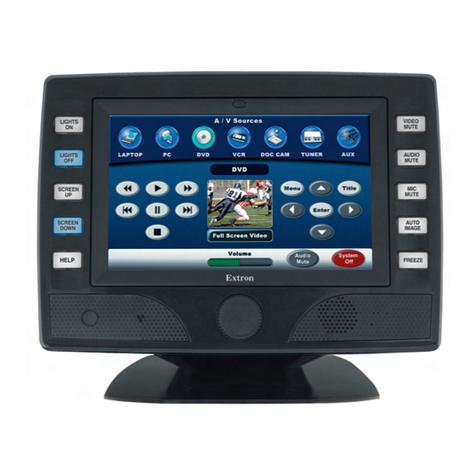
The PPC3-12-413 12-inch resistive touchscreen panel PC utilizing an EBC-
C413 single board computer (SBC). The EBC-C413 is a full-featured, EBX-
compatible, embedded single board computer (SBC) that supports Linux,
Windows® 10 desktop, Windows 10 IoT, and other x86- compatible real-
time operating systems.
FAILING TO COMPLY WITH THESE BEST PRACTICES MAY DAMAGE THE PPC3-12-
413 AND VOID YOUR WARRANTY.
Avoid Electrostatic Discharge (ESD)
Only handle the circuit board and other bare electronics when electrostatic
discharge (ESD) protection is in place. Having a wrist strap and a fully grounded
workstation is the minimum ESD protection required before the ESD seal on
the product bag is broken.