5
EDID Management
The Extended Display Identification Data (EDID) is used by the source device to
match its video resolution with the connected display. By default, the source device
obtains its EDID from the first connected display. Meanwhile, since the displays with
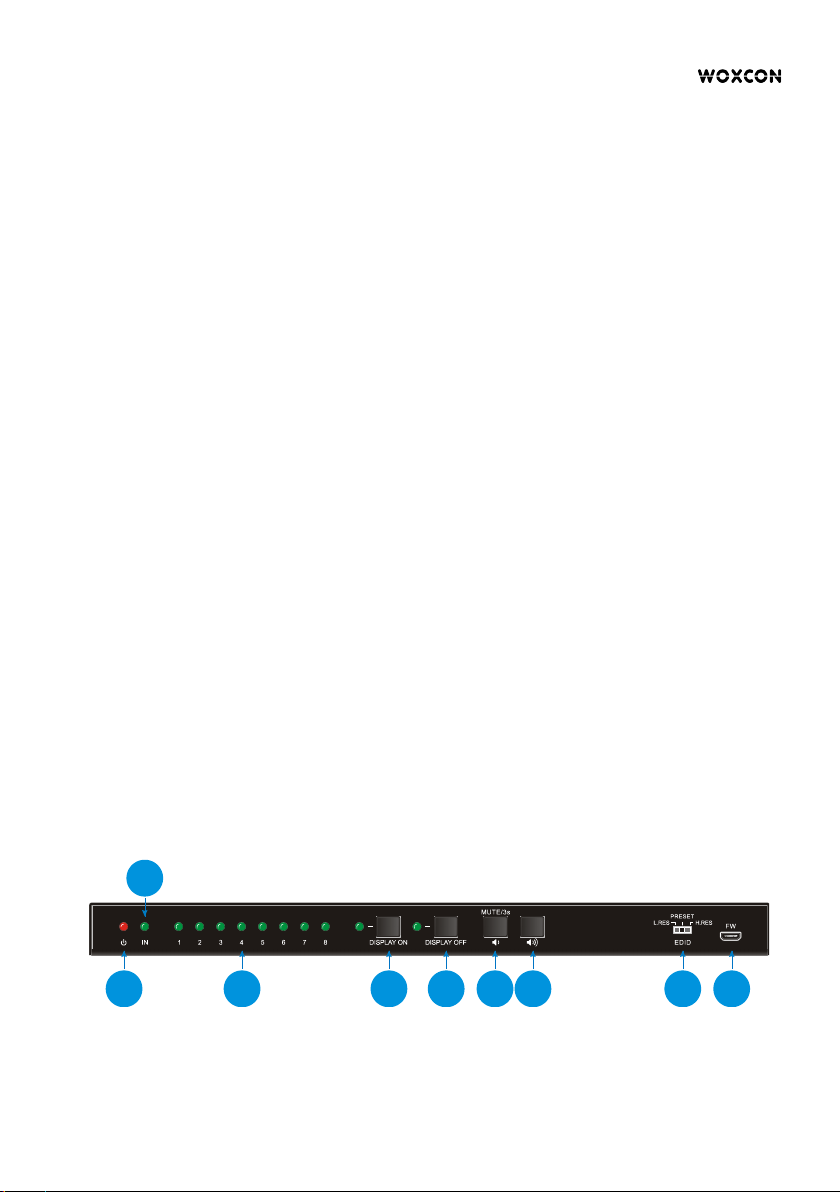
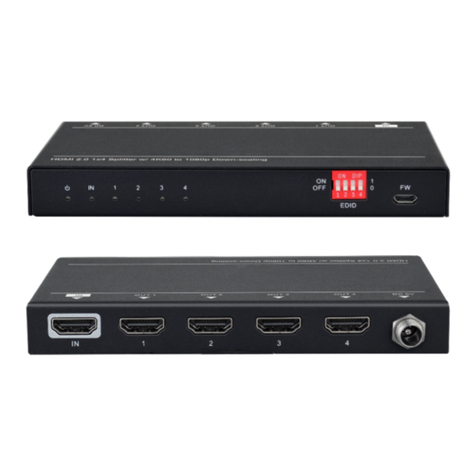
different capabilities are connected to the splitter, the 3-pin DIP switch on the front
panel and the 4-pin DIP switch on the rear panel can be used in combination to set the
EDID to a fixed value to ensure the compatibility in video resolution.
The splitter reads all EDID information from all connected displays,
and choose the one with lowest resolution passing to the source.
In this mode, the 4-pin DIP switch on the rear panel can be used to
select predefined EDID and customize a specific EDID as need.
The splitter reads all EDID information from all connected displays,
and choose the one with highest resolution passing to the source.
l Predefined EDID setting
When the 3-pin DIP switch on the front panel is in PRESET mode, the 4-pin DIP switch
on the rear panel can be used to set the EDID to a built-in fixed value. Use the
following table to determine the settings for the 4-pin DIP switch for specific video
resolution and audio capabilities.
When in the lower position, the switch represents “0”, while putting the switch in the
upper position, it represents “1”.
Obtains EDID from the display connected to the HDMI output port 1.
Obtains EDID from the display connected to the HDMI output port 2.
Obtains EDID from the display connected to the HDMI output port 3.
Obtains EDID from the display connected to the HDMI output port 4.
Obtains EDID from the display connected to the HDMI output port 5.