1111
1111
11
1010
1010
10
In most cases, relocating the Camera or Receiver a few feet is enough to
avoid the source of interference.
Tryunplugging/turning offanyelectromagnetic interference producing devices,
such as a microwave oven, baby monitor, computer, wireless LAN, wireless
speakers, cordless phone, cell phone, etc.
Other 2.4 GHz devices can distort the Camera's picture and/or cause buzzing
in the audio. If you are experiencing interference between X10 Cameras and
some other equipment that uses 2.4 GHz, check the other device's owner's
manual for the frequencies of each channel that it uses. X10 cameras use the
following frequencies: Channel A: 2.411 GHz, Chan B: 2.434 GHz, Chan C:
2.453 GHz, Chan D: 2.473 GHz. We recommend using a frequency on the
other device that is farthest from channel A or D, depending on which side of
theband the other deviceistransmitting. Otherwise you willneed to discontinue
use of the device while using the Cameras.
IFTHE CAMERA IS OUT OF FOCUS:
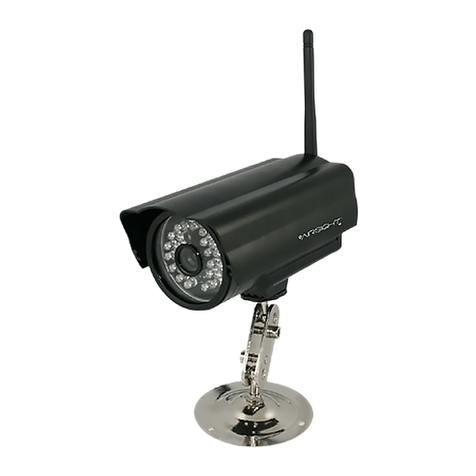
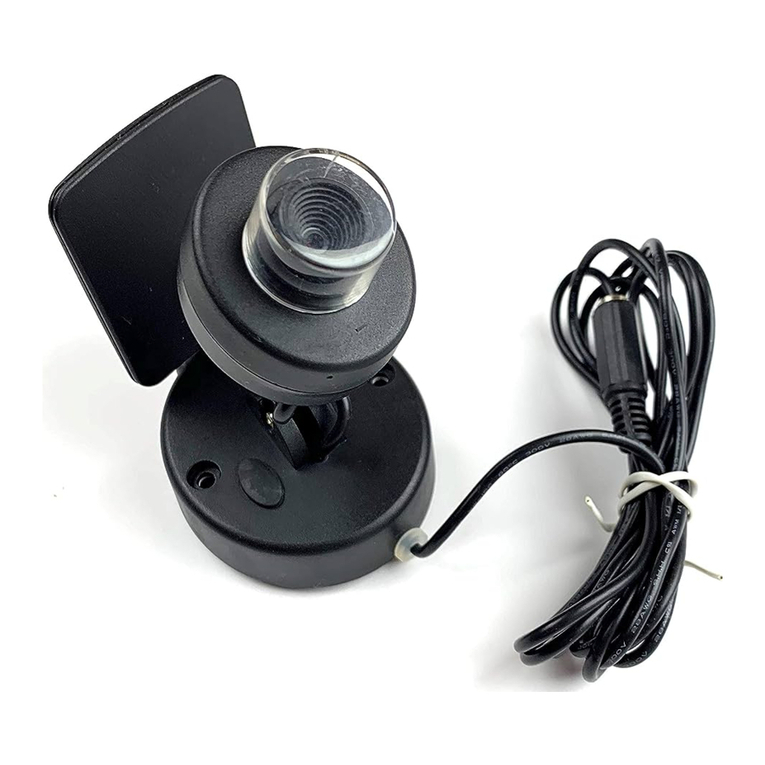
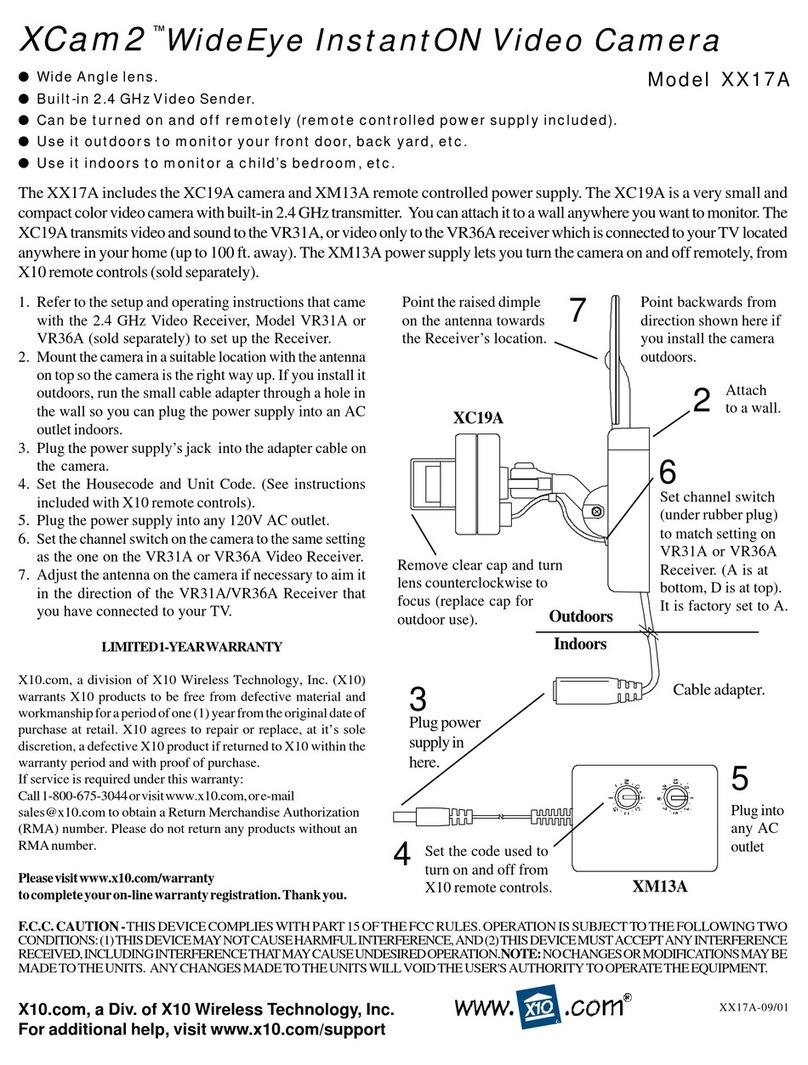
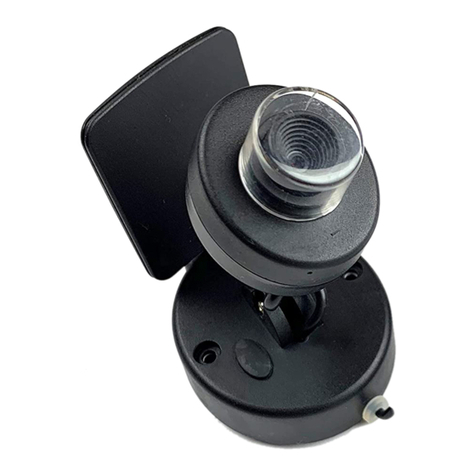
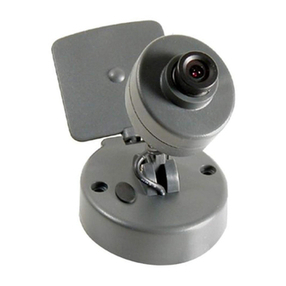
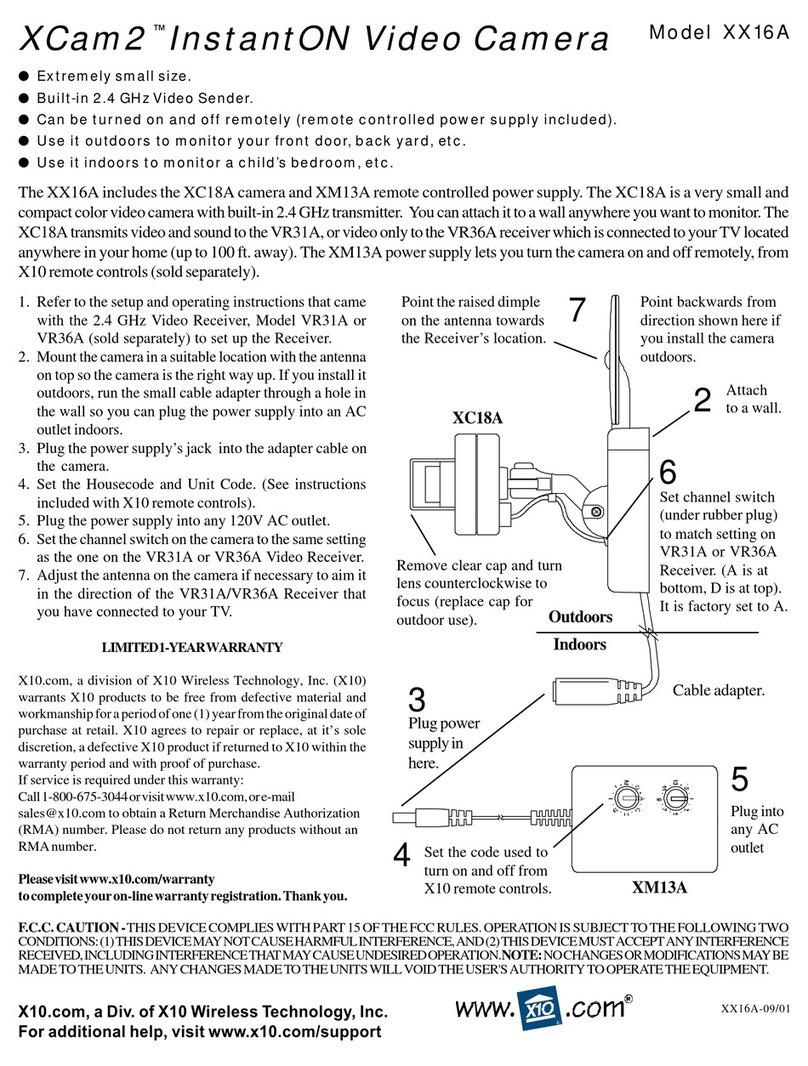
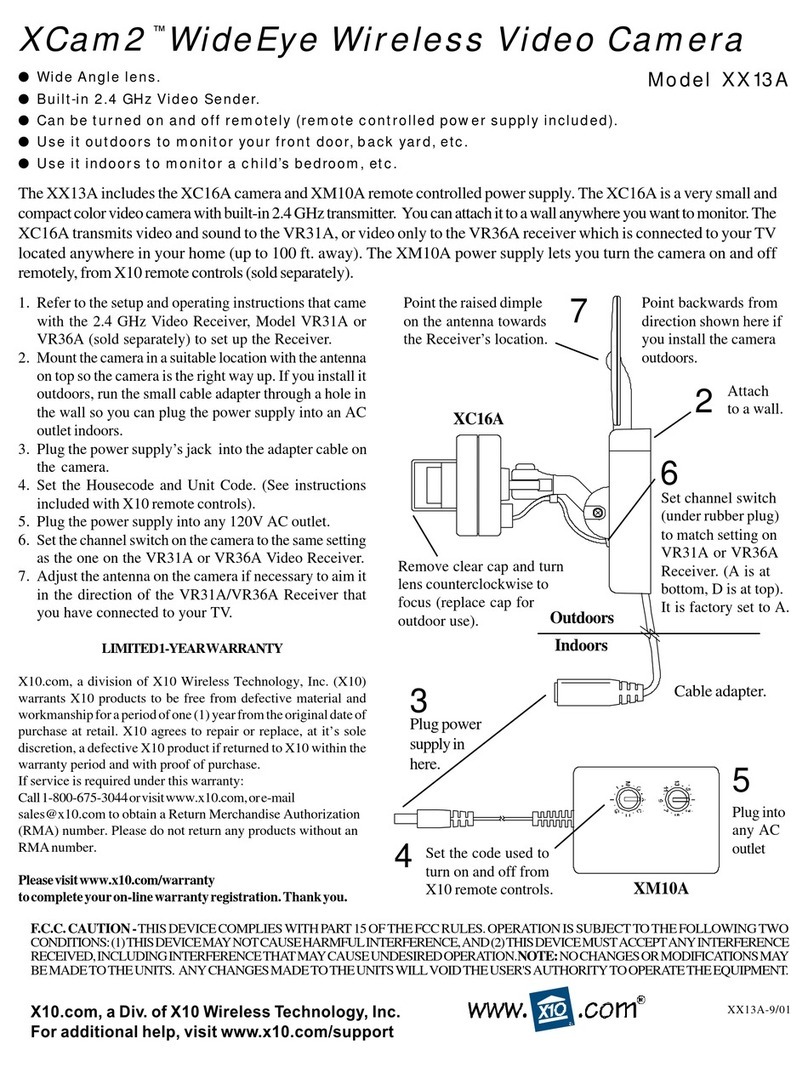
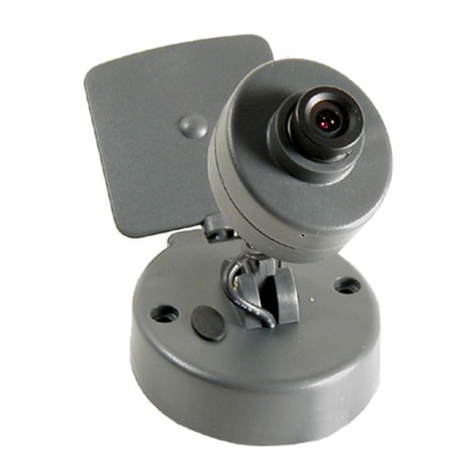
The camera is shipped preset to be in focus for normal use, but if you want to
change the focus you can remove the clear plastic cover and rotate the inner
portion of the lens. It might be a bit tight. Try turning it counterclockwise first.
If you turn it clockwise do not force or over tighten it. For outdoor use, replace
the clear plastic cover to keep the rain out.
IFYOU ARE HAVING DIFFICULTY TURNING THE CAMERA ON/OFF REMOTELY:
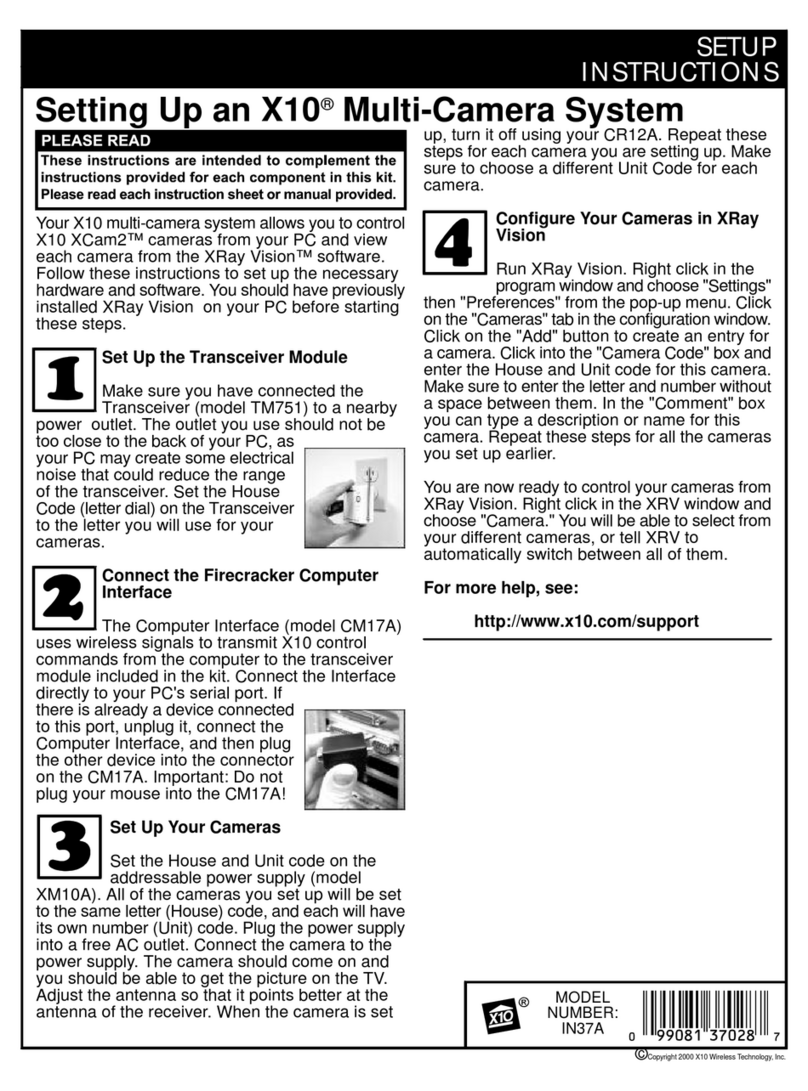
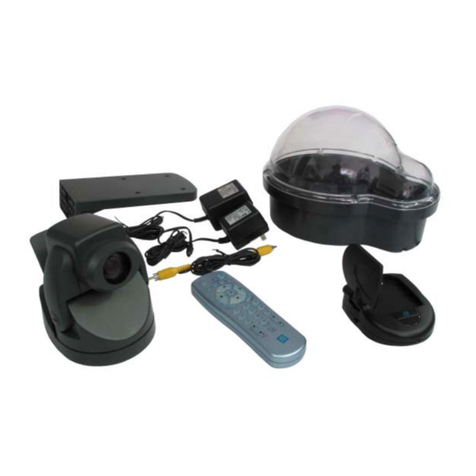
PlugtheTransceiver (the white module with an antenna) into a different outlet.
Notea Transceiver(sold separately) is REQUIREDforMulti-Camera systems.
It is not required if you only have one camera as the camera's power supply
powers up on when you plug it in.
IFTHE REMOTE CONTROL (SOLD SEPARATELY) DOESN'TDO ANYTHING.
Check that the red light on the remote comes on when you press any button.
Check that you have the batteries installed correctly, replace if necessary with
4 AAA alkaline batteries. Try the Transceiver in different outlets (see above).
Formore help withsetup pleasevisit www.x10.com/support
12 MONTH LIMITED WARRANTY
X10.COMA DIV. OF X10 WIRELESS TECHNOLOGY, INC. (X10) WARRANTS ITS
PRODUCTS TO BE FREE FROM DEFECTIVE MATERIAL AND WORKMANSHIP
FOR A PERIOD OF ONE (1) YEAR FROM THE ORIGINAL DATE OF PURCHASE
AT RETAIL. X10 AGREES TO REPAIR OR REPLACE, AT ITS SOLE DISCRETION,
A DEFECTIVE X10 PRODUCT IF RETURNED TO X10 WITHIN THE WARRANTY
PERIOD AND WITH PROOF OF PURCHASE.
IFSERVICE ISREQUIRED UNDER THIS WARRANTY:
1. CALL 1-800-675-3044, OR VISIT WWW.X10.COM, OR E-MAIL
AUTHORIZATION (RMA) NUMBER.
2. RETURNTHE DEFECTIVE UNIT POSTAGE PREPAIDTO THE ADDRESS
BELOW
3. ENCLOSEACHECK FOR $4.00 TO COVERHANDLING AND RETURN
POSTAGE.
4. ENCLOSEA DATED PROOF OF PURCHASE.
5. X10 IS NOT RESPONSIBLE FOR SHIPPING DAMAGE. UNITS TO BE
RETURNEDSHOULDBE PACKEDCAREFULLY.
THIS WARRANTY DOES NOT EXTEND TO ANY X10 PRODUCTS WHICH
HAVE BEENSUBJECT TO MISUSE, NEGLECT, ACCIDENT, INCORRECTWIRING
ORTOUSEIN VIOLATIONOF OPERATINGINSTRUCTIONS FURNISHED BY
US, NOR EXTEND TO ANY UNITS ALTERED OR REPAIRED FOR WARRANTY
DEFECT BY ANYONE OTHER THAN X10. THIS WARRANTY DOES NOT
COVERANY INCIDENTALOR CONSEQUENTIAL DAMAGES AND IS IN LIEU
OF ALL OTHER WARRANTIES EXPRESSED OR IMPLIED AND NO
REPRESENTATIVE OR PERSON IS AUTHORIZED TO ASSUME FOR US ANY
OTHERLIABILITY IN CONNECTION WITH THE SALE OF OUR PRODUCTS.
SOME STATES DO NOT ALLOW LIMITATIONS ON HOW LONG AN IMPLIED
WARRANTY LASTS, AND/OR THE EXCLUSION OR LIMITATION OF
INCIDENTAL OR CONSEQUENTIAL DAMAGES SO THE ABOVE LIMITATIONS
AND EXCLUSIONS MAY NOT APPLY TO THE ORIGINAL CUSTOMER. THIS
WARRANTY GIVES YOU SPECIFIC RIGHTS AND YOU MAY ALSO HAVE
OTHER RIGHTS WHICH VARY FROM STATE TO STATE.
X10.com, a division of X10 Wireless Technology, Inc.
(Returns Depot), 3824 North 5th St., Suite C,
North Las Vegas, NV 89032
www.x10.com