265
Prado
Road,
Suite
1
|
San
Luis
Obispo,
CA
93
401
|
805.541
.0100
|
xpress
fill.com
|
s
[email protected]7| XpressFill Systems LLC
7. Connect the power cord to the IPC inlet on the
lower right side of the filler.
8. The power switch is located on the lower right side
of the filler. Turn the power switch on, it should
illuminate.
Tip: You can, if desired, use the surgical tubing
provided to allow filling from the bottom of the
can. This will help reduce the amount of foam. Hold
the can along side of the spout and cut the tubing to
a length just above the bottom of the can. This
tubing can also be used to make minor adjustments
in the filling level by moving the surgical tubing
higher or lower on the larger liquid fill spout. The
fill will not stop until the fluid has reached the point
where the exposed metal of both the CO2 and
beverage spouts are contacted by the liquid
simultaneously. (This is referred to as “Level
Sensor” in section 2, page 6, step 3.)
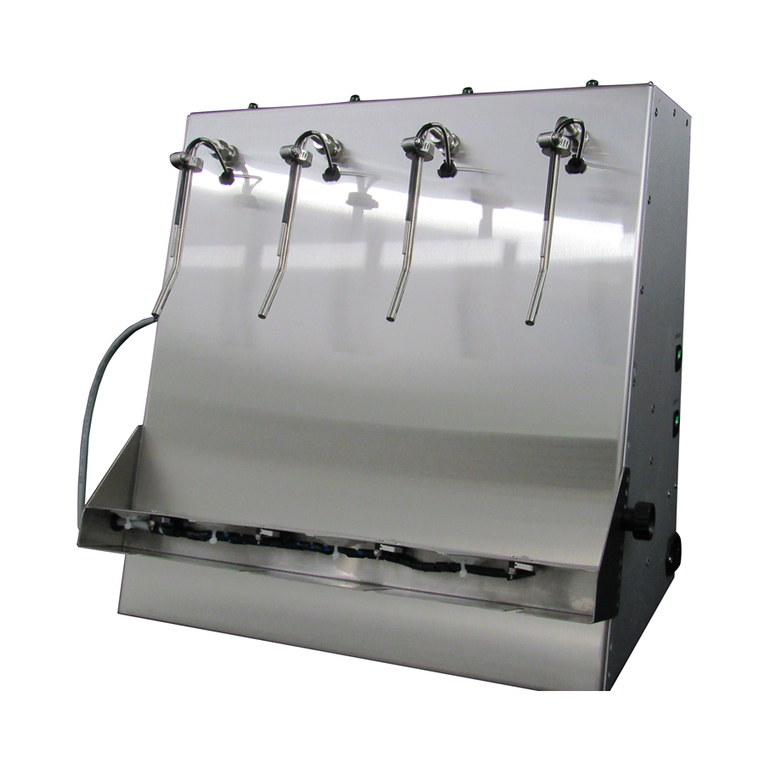
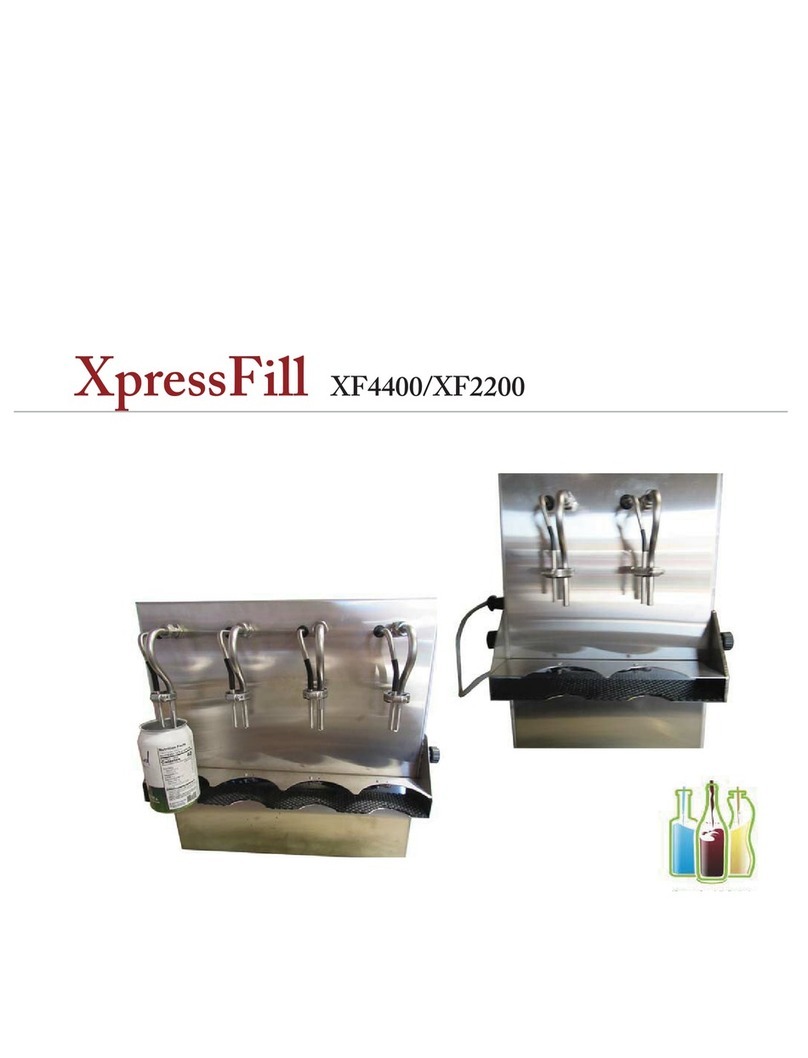
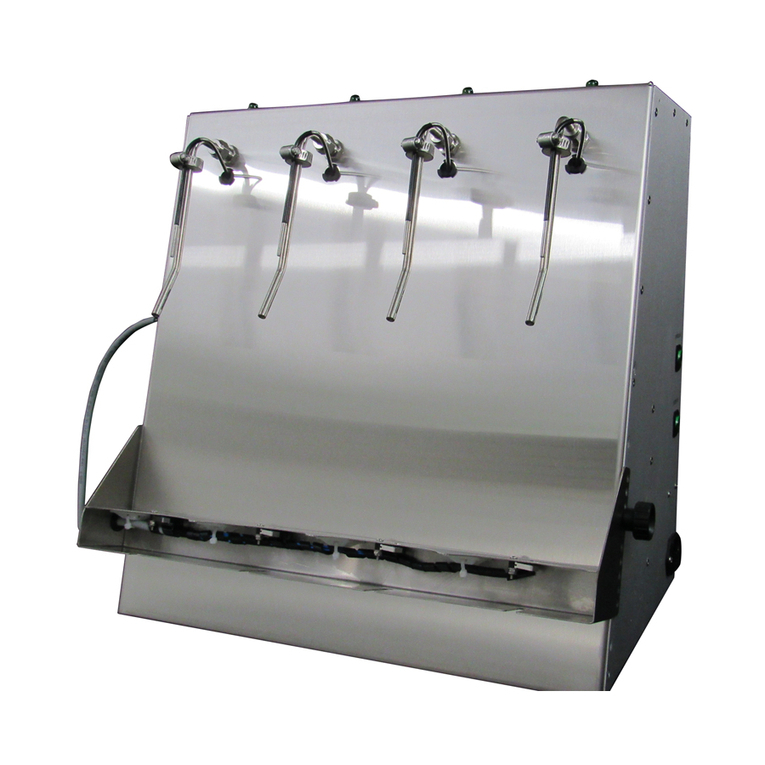
9. With an XF4400, place the cans, two at a time, on
the shelf, centered under the right two or left two
spouts. For spouts 1 and 2, turn on the Fill Switch
located on the left side of the filler. This will begin
the fill cycle for spouts 1 and 2. The fill cycle has
two steps, first the purge with CO2 (about 3
seconds, which can be adjusted) and then the fill
with your product For spouts 2 and 4, turn on the
Fill Switch located on the right side of the filler.
This will begin the fill cycle for spouts 3 and 4. First
purge and then fill. The fill cycle will end
independently per spout when the liquid reaches the
sensor. Turn off the Fill Switch per side.
10. When the cans are full, check the level and make
any adjustments as needed (raise/lower shelf or raise
lower surgical tubing). If the level is satisfactory,
cap, and remove the cans to your seamer.
Pressure Recommendations
Fluid pressure should be set to 2 –4 psi to avoid foaming.
CO2 pressure for gas purge may be set higher if you are using a separate source, to increase fill time.
(Recommended)