Installing Drivers
Installing Keyboard Driver
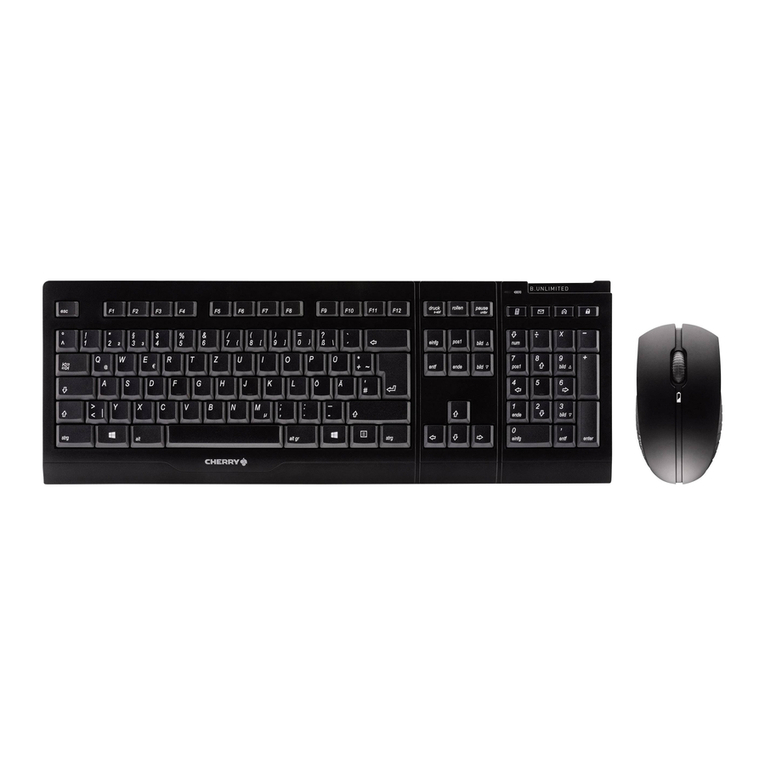
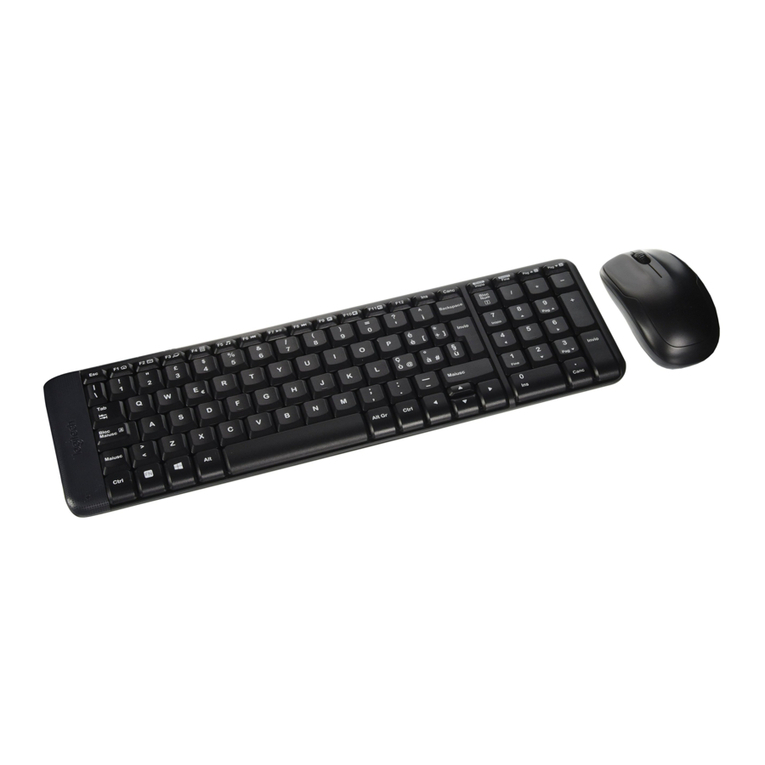
The Cordless Keyboard comes with 16 multimedia keys. All of these hot keys are compatible with Windows ME, 2000, XP.
1. My Favorite: Open my favorite
2. Web Search: Launch your web search function
3. Web Refresh: Update and refresh the web page
4. E-mail: call the email application
5. Media Stop: Stop the media playing
6. Play/Pause: Play or Pause the media playing
7. Mute: Disable the sound
8. Volume Up: Increase the volume
9. Volume Down: Decrease the volume
10. Media Select: Launch the media player
11. Rewind: Changes to the previous media track
12. Forward: Changes to the next media track
13. Web Stop: Stop the web browser
14. Page Back: Back to the previous web page
15. Page Forward: Forward to the next web page
16. Web Home: Go to the home page
If you want to use these hotkeys in Windows, you need to install the keyboard driver.
Step1: Insert the disk driver into CD-ROM of your PC.
Step2: Run keyboard ∀according your computer system ∀setup.exe
Step3: Following the on-screen instruction to finish the setup.
Installing Mouse Driver
Your mouse comes with a programmable buttons driver, in which you can assign the button functions, set the
scroll speed, etc.
Step 1: Insert the CD-ROM to your computer.
Step 2: Double-click “SETUP”.
Step 3: Follow the on screen instruction to finish the setup.
After restart, a small mouse icon will appear at the right side of the windows status bar.
Date: 2004 / 12 / 28 SN-322 4 /4 Edition: 2 Signed by: Alison Approved by: