manuals.online logo
Brands
  1. Home
  2. •
  3. Brands
  4. •
  5. YANXING FIT
  6. •
  7. Fitness Equipment
  8. •
  9. YANXING FIT RC1 Instruction manual

YANXING FIT RC1 Instruction manual

This manual suits for next models

2

Popular Fitness Equipment manuals by other brands

Revitive Arthritis-Knee user manual

Revitive

Revitive Arthritis-Knee user manual

Domyos BM100 operating instructions

Domyos

Domyos BM100 operating instructions

Movement EDGE PUXADA ALTA Assembly manual

Movement

Movement EDGE PUXADA ALTA Assembly manual

Lifeline LLUWB-BLK owner's manual

Lifeline

Lifeline LLUWB-BLK owner's manual

Precor CW-816 Assembly guide

Precor

Precor CW-816 Assembly guide

Balanced Body Precision Rotator Discs manual

Balanced Body

Balanced Body Precision Rotator Discs manual

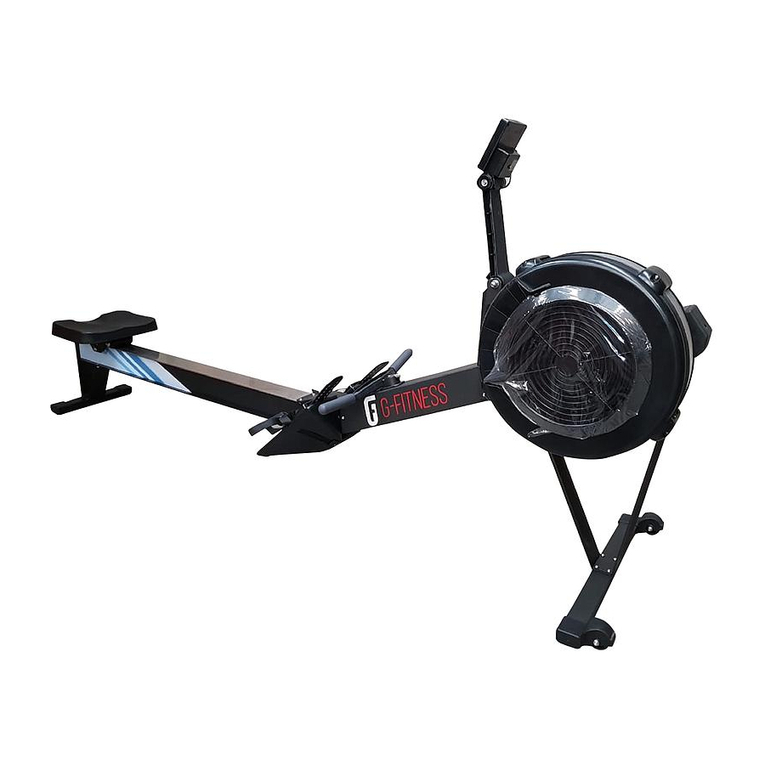
G-FITNESS AIR ROWER user manual

G-FITNESS

G-FITNESS AIR ROWER user manual

CAPITAL SPORTS Dominate Edition 10028796 manual

CAPITAL SPORTS

CAPITAL SPORTS Dominate Edition 10028796 manual

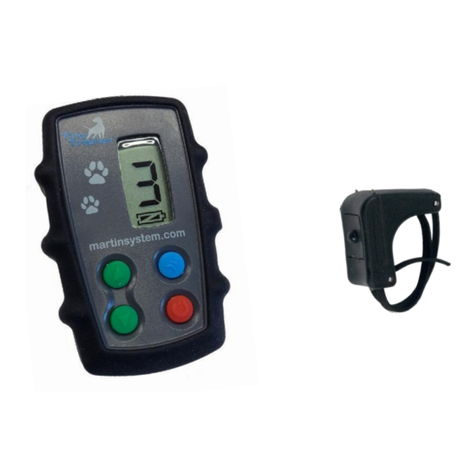
Martin System TT4FK user guide

Martin System

Martin System TT4FK user guide

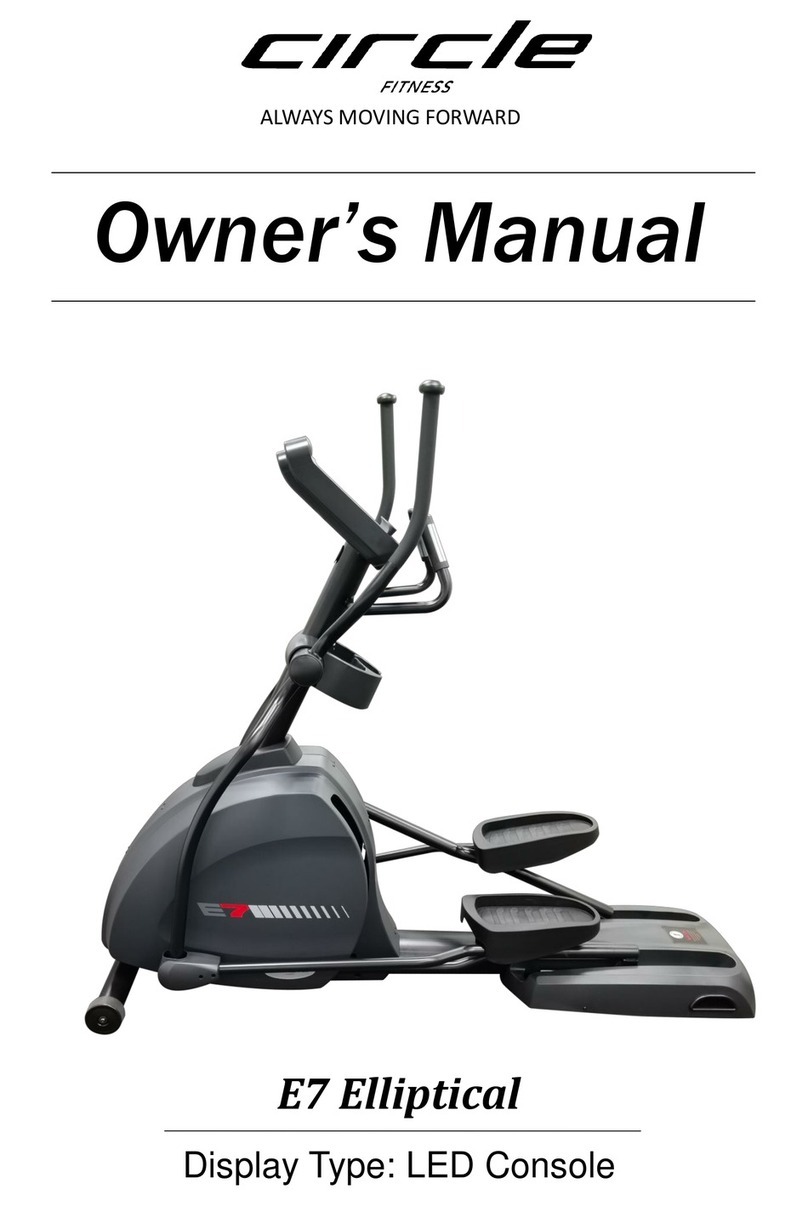
CIRCLE FITNESS E7 owner's manual

CIRCLE FITNESS

CIRCLE FITNESS E7 owner's manual

G-FITNESS TZ-6017 user manual

G-FITNESS

G-FITNESS TZ-6017 user manual

Accelerated Care Plus OMNISTIM FX2 CYCLE/WALK user manual

Accelerated Care Plus

Accelerated Care Plus OMNISTIM FX2 CYCLE/WALK user manual

pedalo 20230165 manual

pedalo

pedalo 20230165 manual

Saebo SaeboStim Pro Instructions for use

Saebo

Saebo SaeboStim Pro Instructions for use

Performance HyperVibe User instructions

Performance

Performance HyperVibe User instructions

Scalamobil S27 Operator's manual

Scalamobil

Scalamobil S27 Operator's manual

Precor Experience Series Service manual

Precor

Precor Experience Series Service manual

FYTTER RedMIUM BENCH BE-T6R manual

FYTTER

FYTTER RedMIUM BENCH BE-T6R manual

manuals.online logo
manuals.online logoBrands
  • About & Mission
  • Contact us
  • Privacy Policy
  • Terms and Conditions

Copyright 2025 Manuals.Online. All Rights Reserved.

Product Introduction
Note: Please read this manual carefully before using the product and keep it properly.

Installation Method
1. Rope passes through the closed round hole of the
buckle first, and then through the hole on the top
cover of the handle.
2. Rotate the rope and pass through the hole on the
other side of the cover on the top of the handle.
3. When rope inserted into or passed through the hole
of the buckle, one handle and rope assembly finish.
The fixed position of the buckle can be adjusted
according to your own usage habits. Just complete
the assembly of the handle and rope on the other side
as instruction.
Basic Parameter
Product Name: Smart Jump Rope
Material: Handle bar ABS, Rope PVC
Rope Size: 3M, diameter 5mm
Maximum record: 9999
Input Voltage: 5V, 200mA
Battery Capacity: 300mAh
Connector Type: Type-C
Power Supply: Rechargeable Li-ion battery
Working Temperature: -10~45°C
④
⑤
③
①
②
Remark:
① Top cover
② Type-C charging port
③ Main housing
④ Power button
⑤ Mode shift button
③① ②
Smart Jump Rope
Quick Start Manual
Caution
This product is not waterproof, please do not use it
outdoors in rain.
To avoid damage, pay attention to plugging and
unplugging when charging.
When wiping the handle, use a dry cloth, do not get
wet.
Please carefully evaluate your own condition
before skipping and do a warm-up exercise.
Keep the product out of reach of infants and young
children.
This product cannot be used while charging. After
charging is complete, unplug the charger. Do not
charge all the time.
When not in use, place it in a dry and ventilated
place, and keep it away from heat sources or liquid
areas.
Operation Instruction
1. Power button
① Hold power button for 2s, display “88:88”means power on
successfully.
② Hold power button for 3s, display “OFF” means power off
successfully.
③ "----" represents full battery, battery reduce every 25%, a
"-" will be reduced, and the low battery will display "Lo".
④ Short press power button 2 times to reset data to 0.
2. Mode Shift button
① Short press shift button to select countdown time, “01:00”,
“02:00”or “03:00”.
3. Button Shift
① Countdown mode: When countdown finish, reset
countdown mode by short press power button 2 times.
② Countdown mode: When countdown not finish, reset
countdown mode by short press power button 2 times.
③ Free exercise mode: When start or finish jumping, change
between exercise time and skipping numbers mode by short
press mode shift button.
Connect Device
1.Connect your mobile phone to home wireless
network.
2.After jump rope power on, it enter Bluetooth pairing
connection mode by default.
3.Click Smart Life App on your phone, when using it
for the first time, please register/log in to your
account according to the app guidelines.
4.Go to the home page of the App, click "+" and select
"Auto Discovery", the App will search for the smart
device to be configured, and add the device according
to the App interface prompts.
Install Smart Life App
Scan the QR code with your mobile phone, or search
for Smart Life in the app market, download and install
the App.
If your mobile phone has downloaded Smart Life App,
please make sure that the App version is the latest.
Smart Life App
If the device is not found, click "Add manually" at the top of
the scan page, and manually add the device according to
the interface prompts.
Note: Please read this manual carefully before using the product and keep it properly.