Operations & Functions
4
When two earphones can’t be paired, please see below methods
to reset .
Delete the corresponding
connection record on the phone.
When powered on,touch 5
times on each of the two
earphones.
Put the earphone into the
charging box and take it out
again, or press and hold the
earphone for 5 seconds to
turn it on.
1-
2-
3-
Wait until both earphones
flash white lights.
4-
The earphones can be used
after reconnecting with the
phone.
5-
Steps Indicator Light
\
The white light and the red
light are on at the same time
for 1 second and then the
earphone turns off after it
goes out.
White light and red light flash
alternately.
Reset:
Charge:
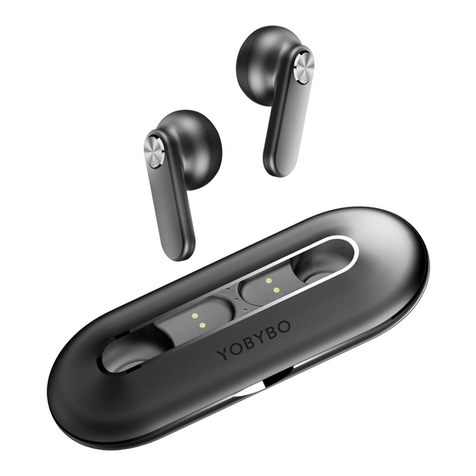
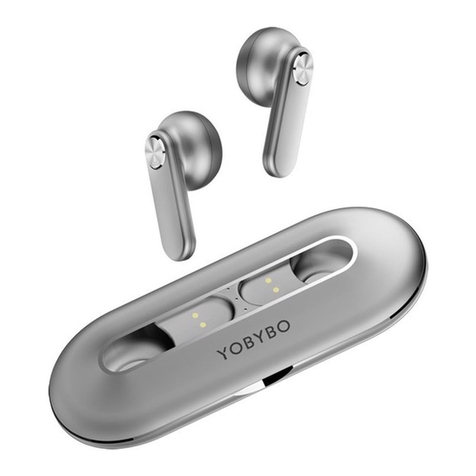
Earphones:Put the earphones into the charging box , the charging case
will automatically charge the earphone, and the earphone will display a
red light when charging.
Charging case:Use the type-c charging cable which is included in the
package to charge the charging case.
White light flashing
The indicator light is off