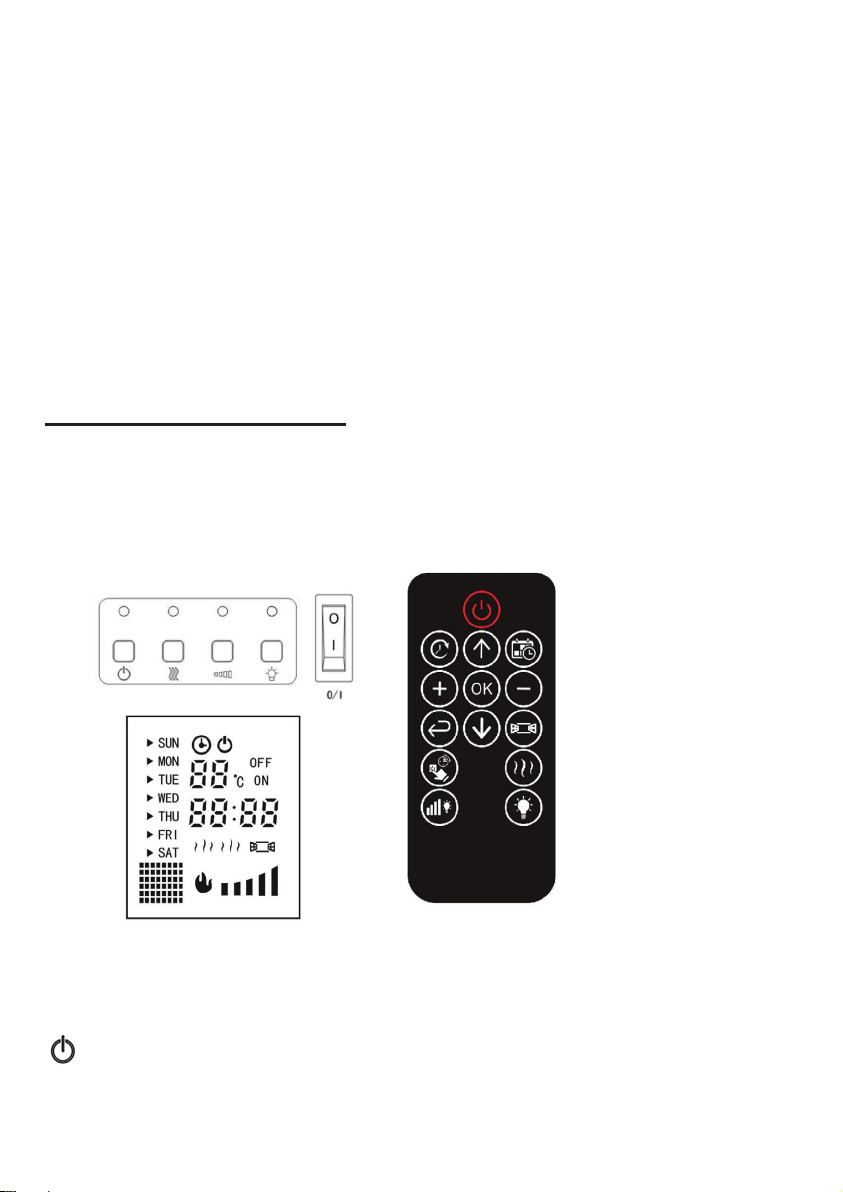
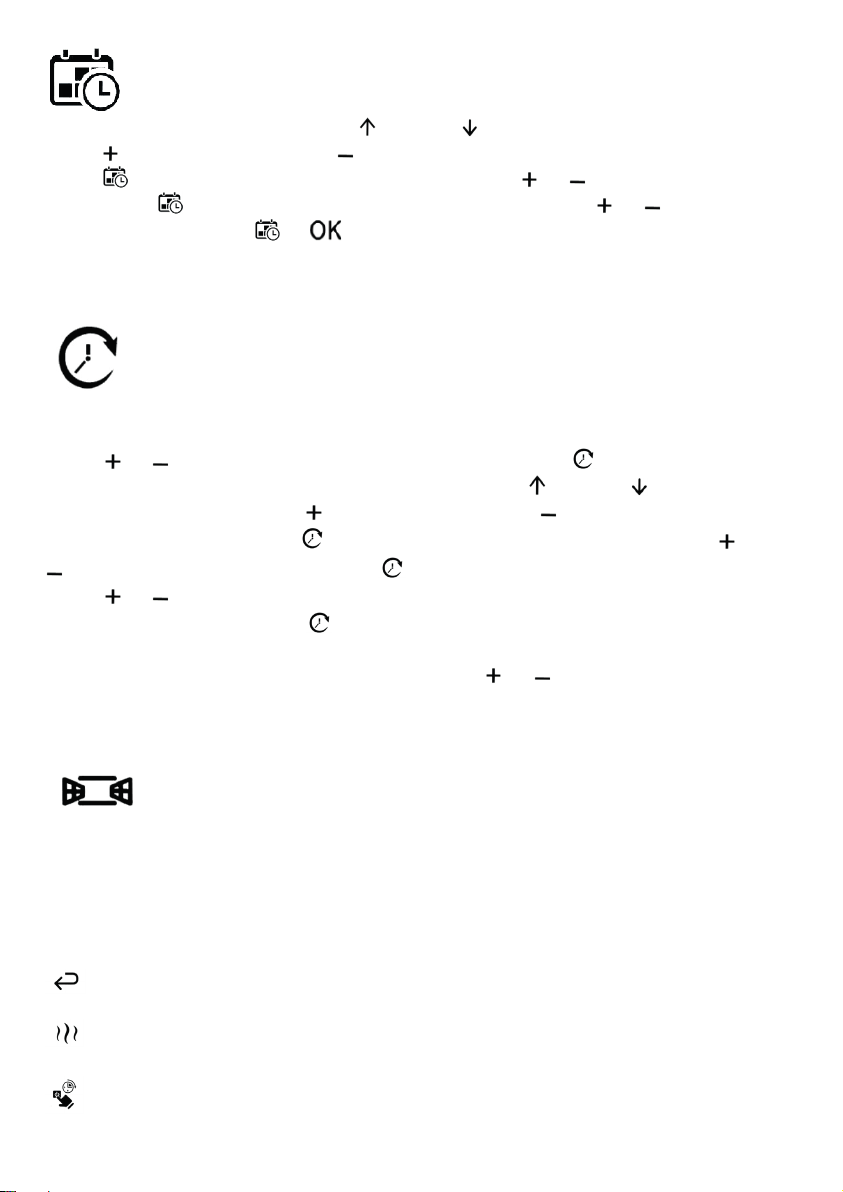
: For modication time function - Press this button, the ‘SUN’ on the LED
screen starts to twinkle. Press up or down button to the desired date, and
press button to select, press button to cancel. After set the desired date,
press button switch to the ‘hour’ position. Press or button to the desired
hour. Press button switch to the ‘minute’ position. Press or button to the
desired minute. Press or button to complet date setting.
NOTE: The date will be reset after power interrupt.
: For automatic working time setting function - There are 10 time
periods you can set to make the unit work automatically. Press this button,
time serial number starts to twinkle. The ‘ON’ on the LED screen lights up.
Press or button to the desired serial number. Press button again, the
‘SUN’ on the LED screen starts to twinkle. Press up or down button to
the desired date, and press button to select, press button to cancel. After
set the desired date, press button switch to the ‘hour’ position. Press or
button to the desired hour. Press button switch to the ‘minute’ position.
Press or button to the desired minute. At this time you have completed
the boot time setting. Press button again, the ‘ON’ extinguished and the
‘OFF’ lights up. Complete the shutdown time in the same way. Finally, you need
to set a temperature which stop heating. Press or button to the desired
temperature. When desired ambient temperature is reached, the heater will
automatically stop heating.
: For Window detection function - Press this button to turn on the
window detection function. During the heating process, if the room temperature
drops obviously caused by the outdoor cold air blowing, such like open windows
or open the door. In order to save energy, the heater will automatically stop
heating. The corresponding icon on the screen will twinkle. Press again to turn
off the window detection function to normally heating.
: For reset function - Press this button to clear the Timing parameters.
: For heat function - Press this button to turn on the heat function.
Press again to turn off.
: For timer function - Press this button to turn on the timer function.
Press again to turn off.