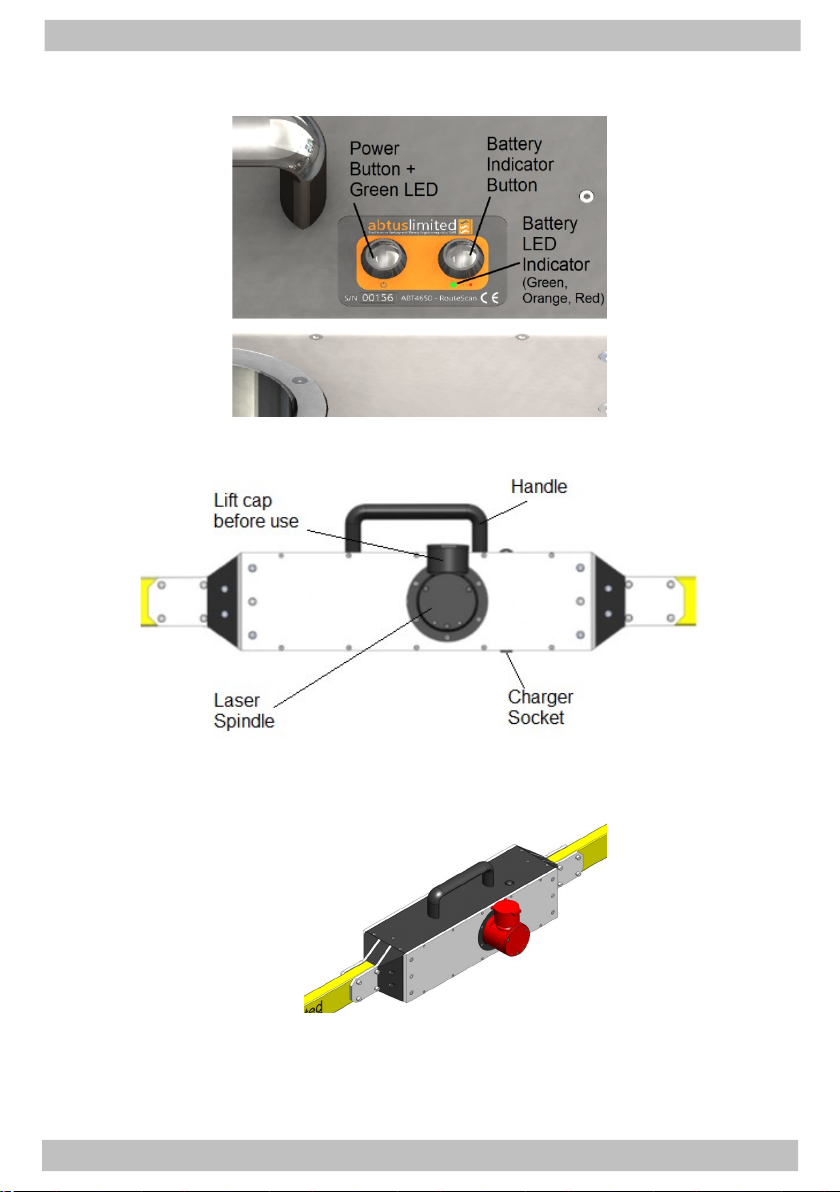
4.0 Getting Started
4.1 Overvie
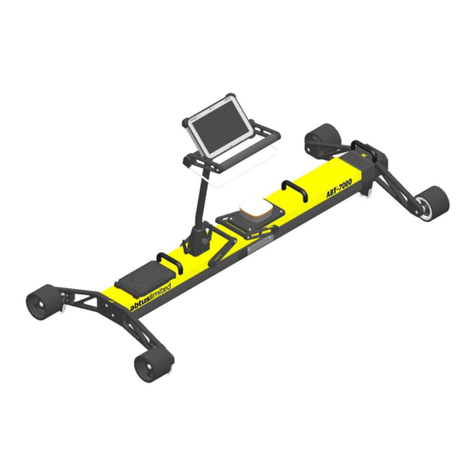
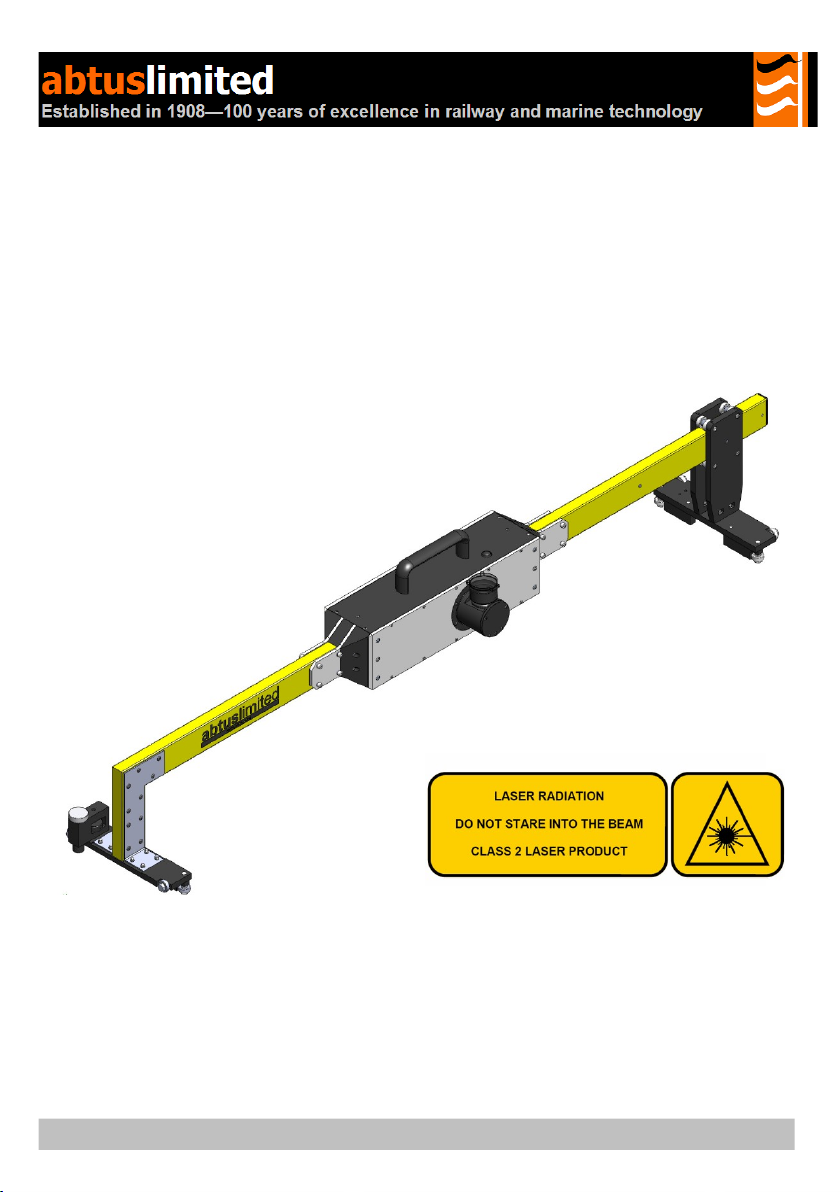
The RouteScan has been developed to provide quick, accurate structure
clearance measurements relative to the Permanent Wa . With the RouteScan in
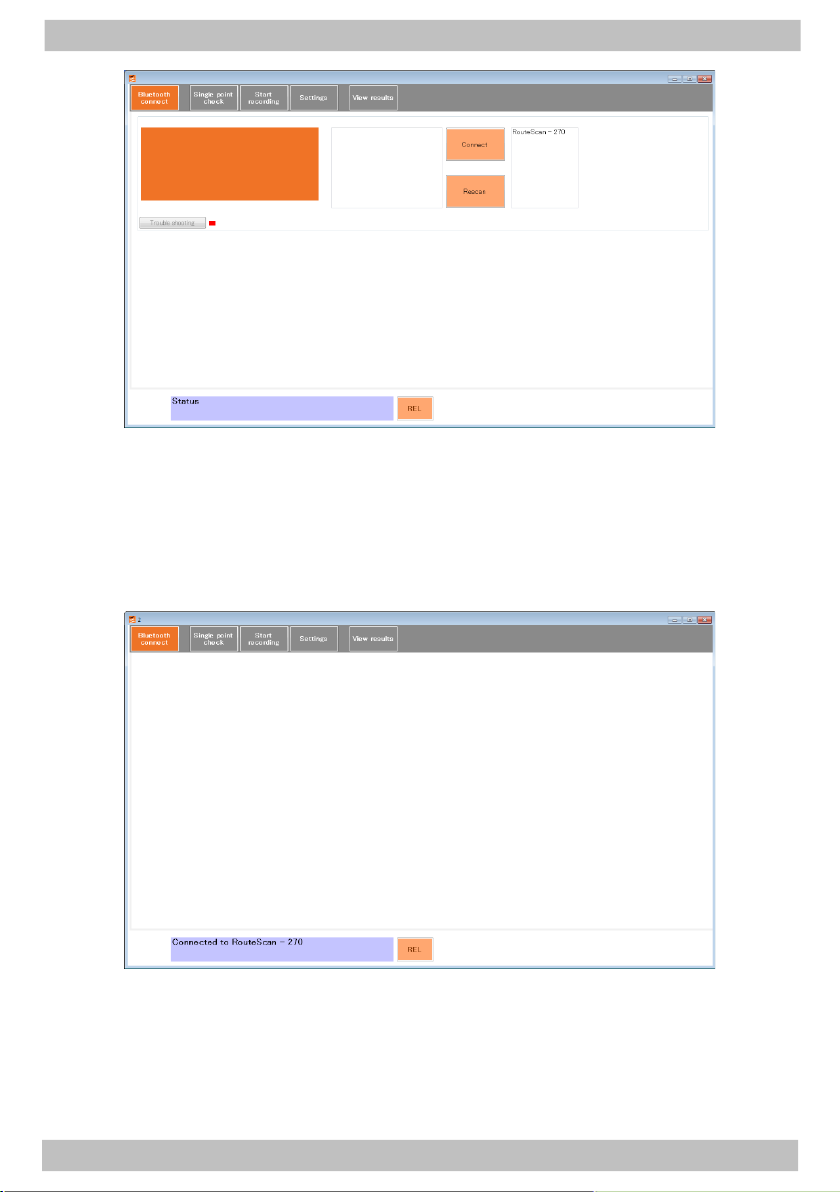
position on the track, the operator is able to control the measurement laser from a
position of safet using the Control Unit, via a Bluetooth connection.
The unit is lightweight (11kg) and is provided with a protective box for eas
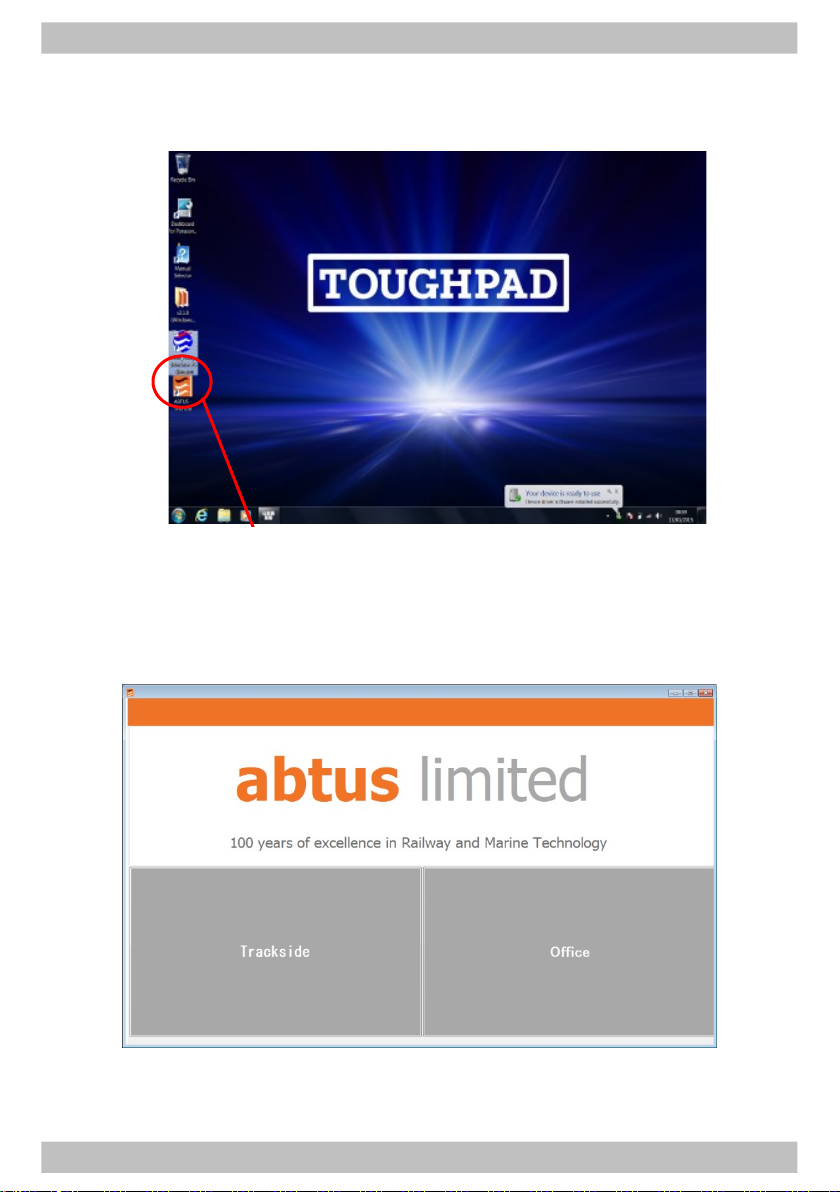
transportation to and from site. All data is displa ed on a colour screen. The files
can be opened and viewed in MS Excel.
The use of wireless technolog in the RouteScan means that there are two
separate batteries in the ABT4650:
RouteScan
Control Unit
The unit has been designed to be user-friendl with onl limited training required.
RouteScan is approved for use in the UK in areas of 3rd rail. The following
guidelines should be adhered to when using RouteScan in an area of live 3rd rail:
1. Never touch an part of RouteScan against the electrified 3rd rail
2. When carr ing RouteScan on the track, take extra care to avoid tripping.
Carr RouteScan on the opposite side of our bod to the 3rd rail
3. When lifting RouteScan on or off the rail, ensure ou have a firm footing
and that ou are standing between the running rails
4. When pointing the laser dot at a specific point, never place ourself or
others in a position of danger. Wherever possible, control the position of
the laser dot using the control unit from a safe position
Before Use:
Make sure there are no stains or marks on the optical window and
that the optical window is NEVER touched directly.
For cleaning instructions see Section 7.1
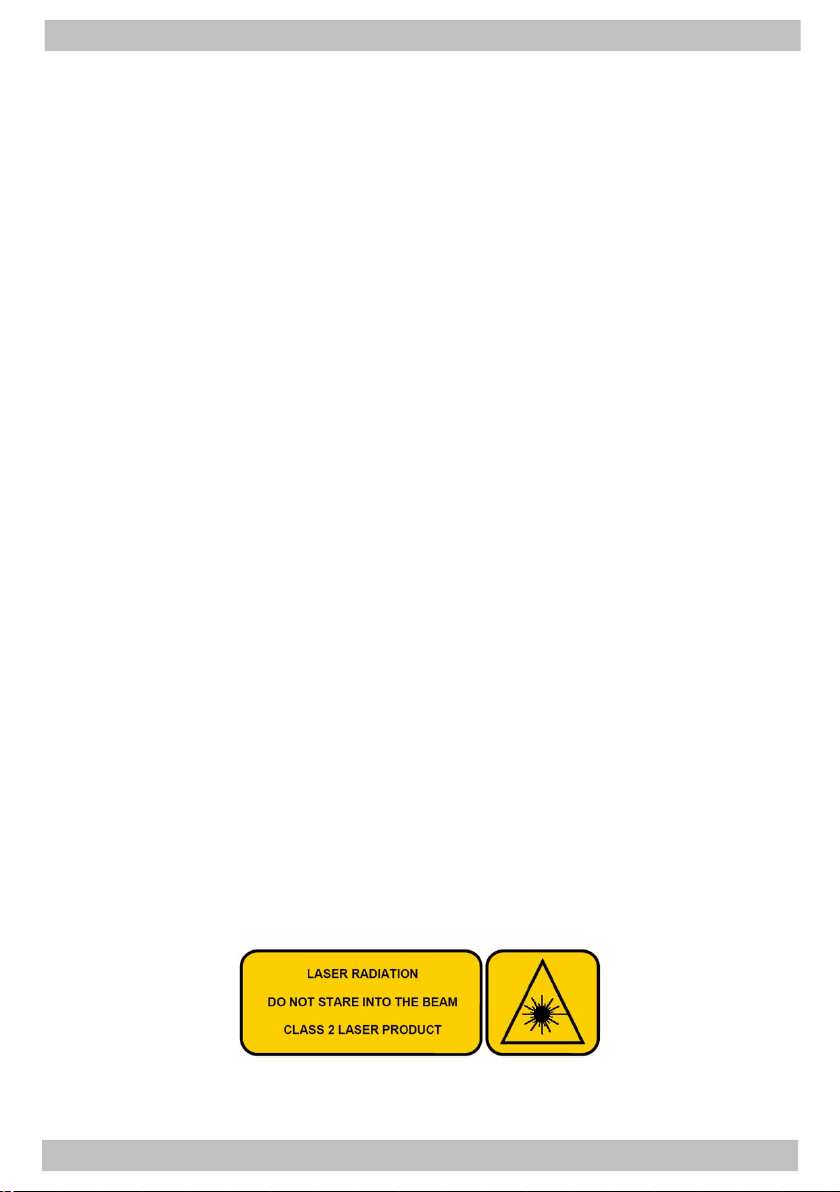
RouteScan produces a visible (635nm wavelength) laser beam which emerges
from the Laser Housing.