manuals.online logo
Brands
  1. Home
  2. •
  3. Brands
  4. •
  5. Accusplit
  6. •
  7. Pedometer
  8. •
  9. Accusplit AE2720 User manual

Accusplit AE2720 User manual

Other Accusplit Pedometer manuals

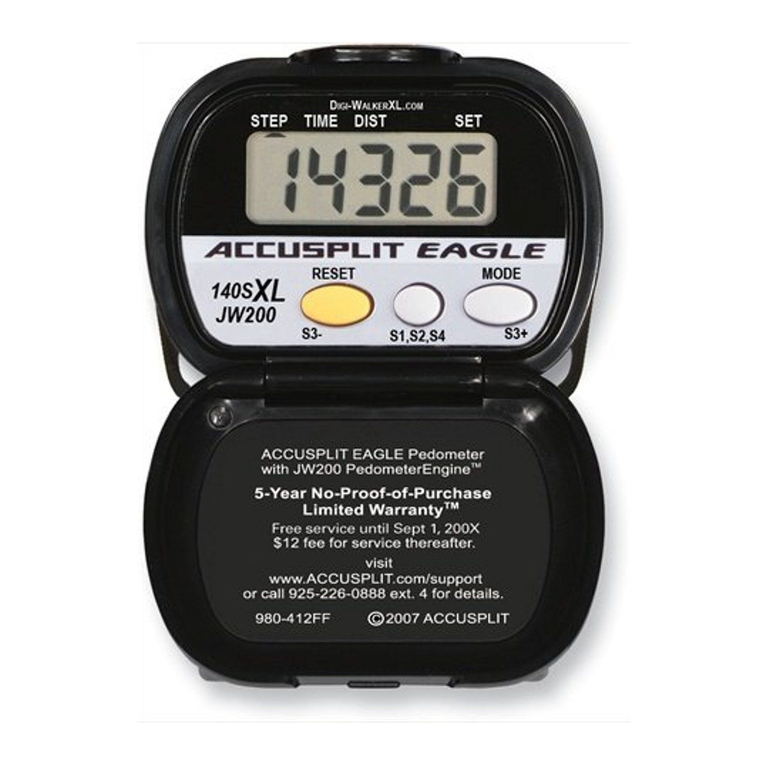
Accusplit Eagle AE140SXL User manual

Accusplit

Accusplit Eagle AE140SXL User manual

Accusplit EAGLE™ 1120 User manual

Accusplit

Accusplit EAGLE™ 1120 User manual

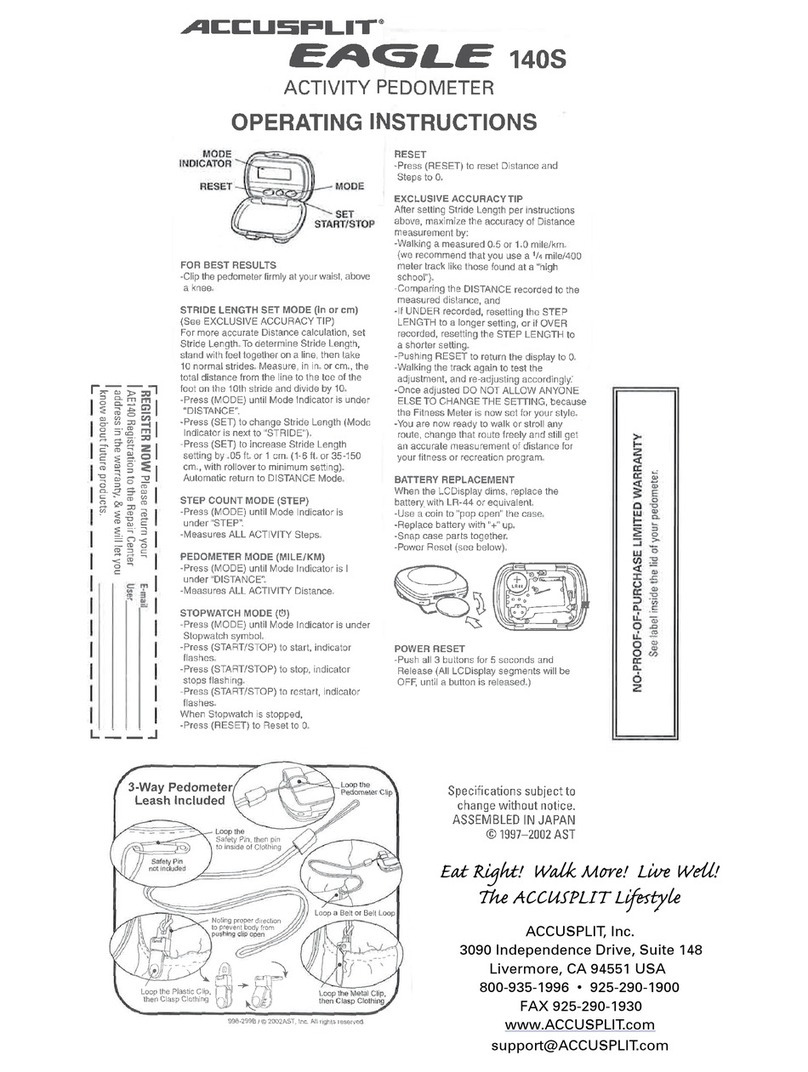
Accusplit Eagle 998-299B User manual

Accusplit

Accusplit Eagle 998-299B User manual

Accusplit AE1622M4 User manual

Accusplit

Accusplit AE1622M4 User manual

Accusplit Eagle AE190XLM User manual

Accusplit

Accusplit Eagle AE190XLM User manual

Accusplit Eagle AE120XL User manual

Accusplit

Accusplit Eagle AE120XL User manual

Accusplit Eagle 120XL User manual

Accusplit

Accusplit Eagle 120XL User manual

Accusplit Eagle AE180XL User manual

Accusplit

Accusplit Eagle AE180XL User manual

Accusplit Eagle 1540M2 User manual

Accusplit

Accusplit Eagle 1540M2 User manual

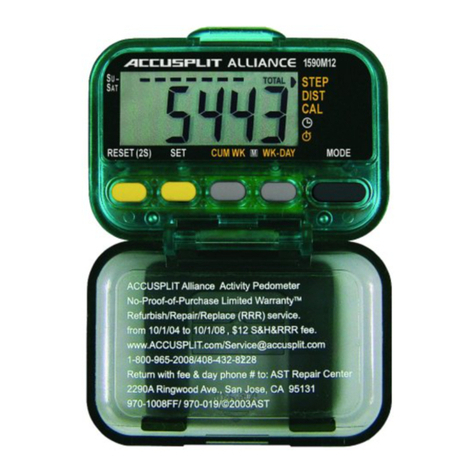
Accusplit Alliance AL1590M12 User manual

Accusplit

Accusplit Alliance AL1590M12 User manual

Accusplit Eagle AE120XLE User manual

Accusplit

Accusplit Eagle AE120XLE User manual

Accusplit AE2740 User manual

Accusplit

Accusplit AE2740 User manual

Accusplit Eagle 1640M4 User manual

Accusplit

Accusplit Eagle 1640M4 User manual

Accusplit Eagle AE140XL User manual

Accusplit

Accusplit Eagle AE140XL User manual

Accusplit Eagle AE140SXL User manual

Accusplit

Accusplit Eagle AE140SXL User manual

Accusplit Eagle AE170XL User manual

Accusplit

Accusplit Eagle AE170XL User manual

Accusplit AE1691M17 User manual

Accusplit

Accusplit AE1691M17 User manual

Accusplit Eagle 970-069 User manual

Accusplit

Accusplit Eagle 970-069 User manual

Accusplit AE2790 User manual

Accusplit

Accusplit AE2790 User manual

Accusplit AE1700 SERIES User manual

Accusplit

Accusplit AE1700 SERIES User manual

Accusplit AE2720STEP User manual

Accusplit

Accusplit AE2720STEP User manual

Accusplit AE2700 User manual

Accusplit

Accusplit AE2700 User manual

Accusplit AE1120M2 User manual

Accusplit

Accusplit AE1120M2 User manual

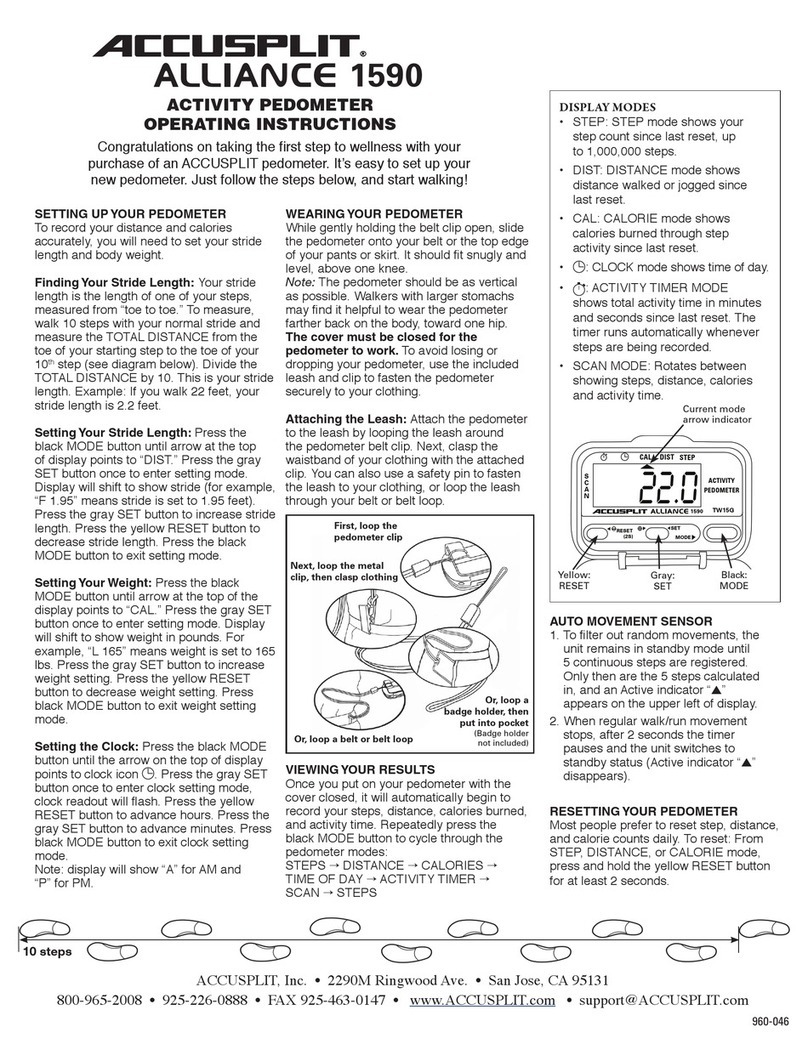
Accusplit Alliance AL1590 User manual

Accusplit

Accusplit Alliance AL1590 User manual

Popular Pedometer manuals by other brands

Rubicson 47981 manual

Rubicson

Rubicson 47981 manual

Trojan JS-208B manual

Trojan

Trojan JS-208B manual

OZO Fitness SC2 manual

OZO Fitness

OZO Fitness SC2 manual

Franklin Electric 3673-WHF-SF10 Operation manual

Franklin Electric

Franklin Electric 3673-WHF-SF10 Operation manual

Sportline 370 instruction manual

Sportline

Sportline 370 instruction manual

A-rival sQip user manual

A-rival

A-rival sQip user manual

Crivit KH 260 operating instructions

Crivit

Crivit KH 260 operating instructions

Oregon Scientific PE829A user manual

Oregon Scientific

Oregon Scientific PE829A user manual

Ultima UT-608 user guide

Ultima

Ultima UT-608 user guide

HighGear BodyFat user guide

HighGear

HighGear BodyFat user guide

Hama PM-Pro 3 Operating	 instruction

Hama

Hama PM-Pro 3 Operating instruction

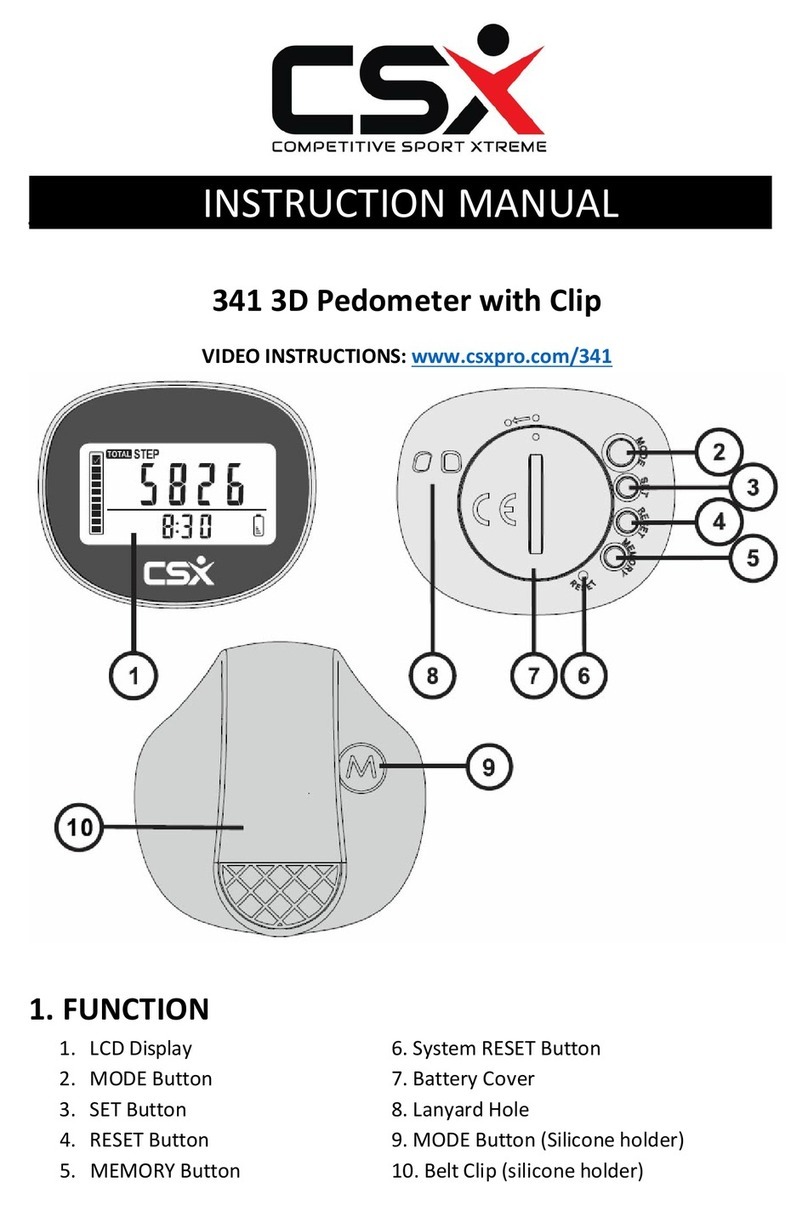
CSX 341 instruction manual

CSX

CSX 341 instruction manual

iSport W227 Instructions for use

iSport

iSport W227 Instructions for use

Sportline 345 user guide

Sportline

Sportline 345 user guide

HighGear FitWare user guide

HighGear

HighGear FitWare user guide

Sportline Solo 960 manual 

Sportline

Sportline Solo 960 manual 

Freestyle Tracer 593 instructions

Freestyle

Freestyle Tracer 593 instructions

Omron HJ-320 instruction manual

Omron

Omron HJ-320 instruction manual

manuals.online logo
manuals.online logoBrands
  • About & Mission
  • Contact us
  • Privacy Policy
  • Terms and Conditions

Copyright 2025 Manuals.Online. All Rights Reserved.

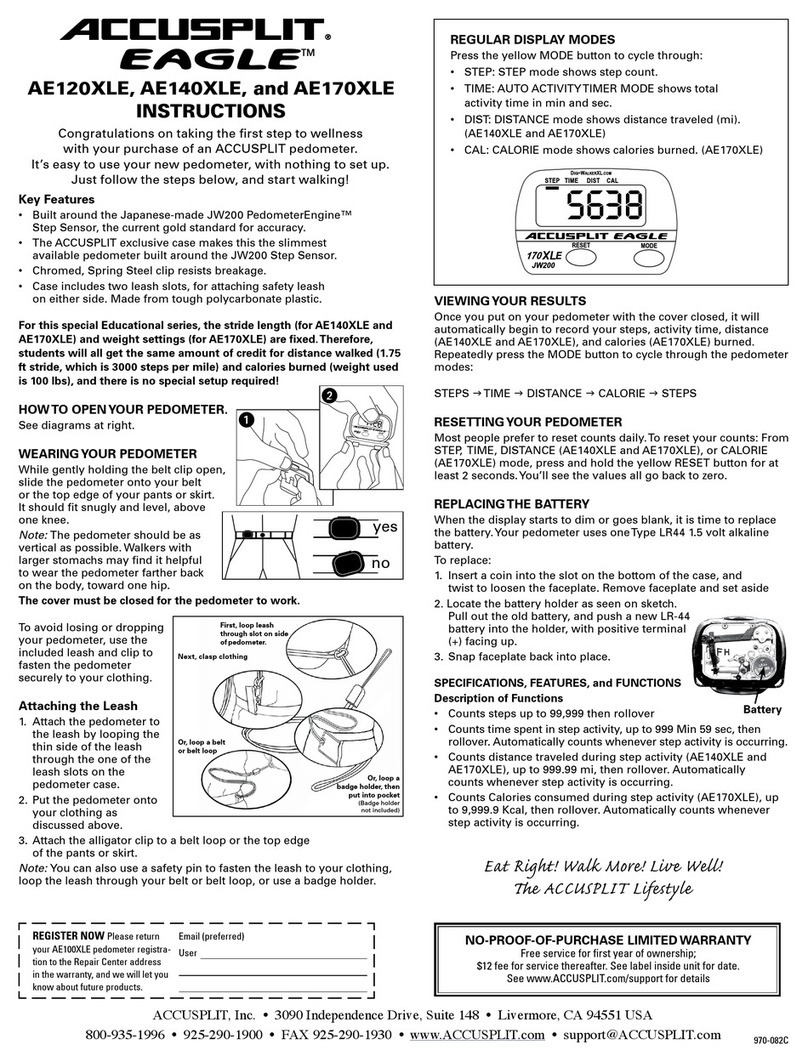
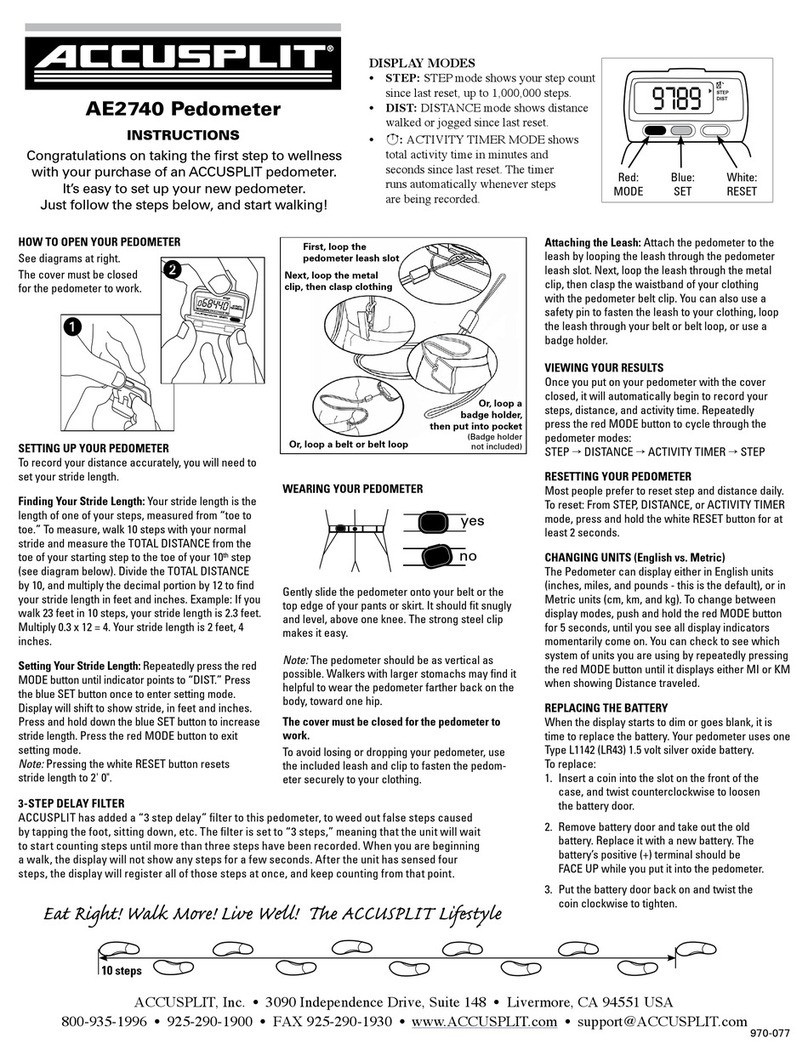
VIEWING YOUR RESULTS
Once you put on your pedometer with the cover closed,
it will automatically begin to record your steps, and
activity time. Repeatedly press the red MODE button to
cycle through the pedometer modes:
STEP →ACTIVITY TIMER →STEP
2-STEP DELAY FILTER
ACCUSPLIT has added a “2 step delay” filter to this
pedometer, to weed out false steps caused by tapping
the foot, sitting down, etc. The filter is set to “2 steps,”
meaning that the unit will wait to start counting steps
until more than two steps have been recorded. When
you are beginning a walk, the display will not show any
steps for a few seconds. After the unit has sensed three
steps, the display will register all of those steps at once,
and keep counting from that point.
RESETTING YOUR PEDOMETER
Most people prefer to reset step counts daily. To reset:
press and hold the white RESET button for at least 2
seconds.
REPLACING THE BATTERY
When the display starts to dim or goes blank, it is time to
replace the battery. Your pedometer uses one Type L1142
(LR43) 1.5 volt silver oxide battery.
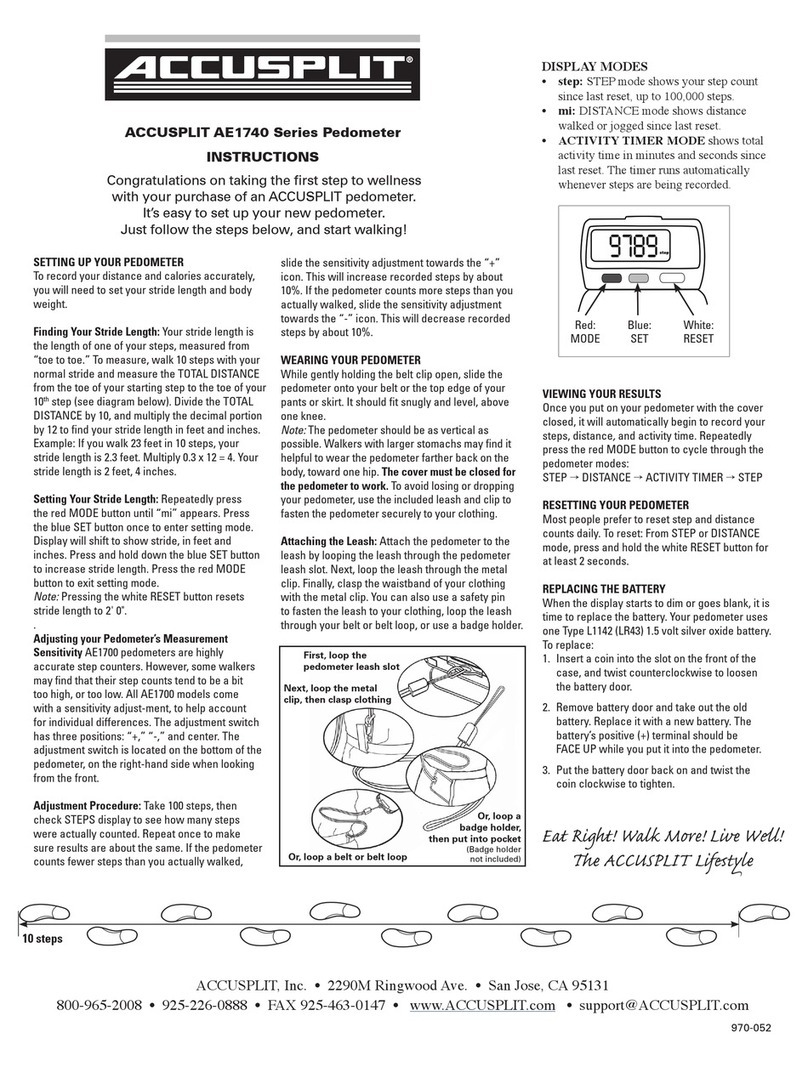
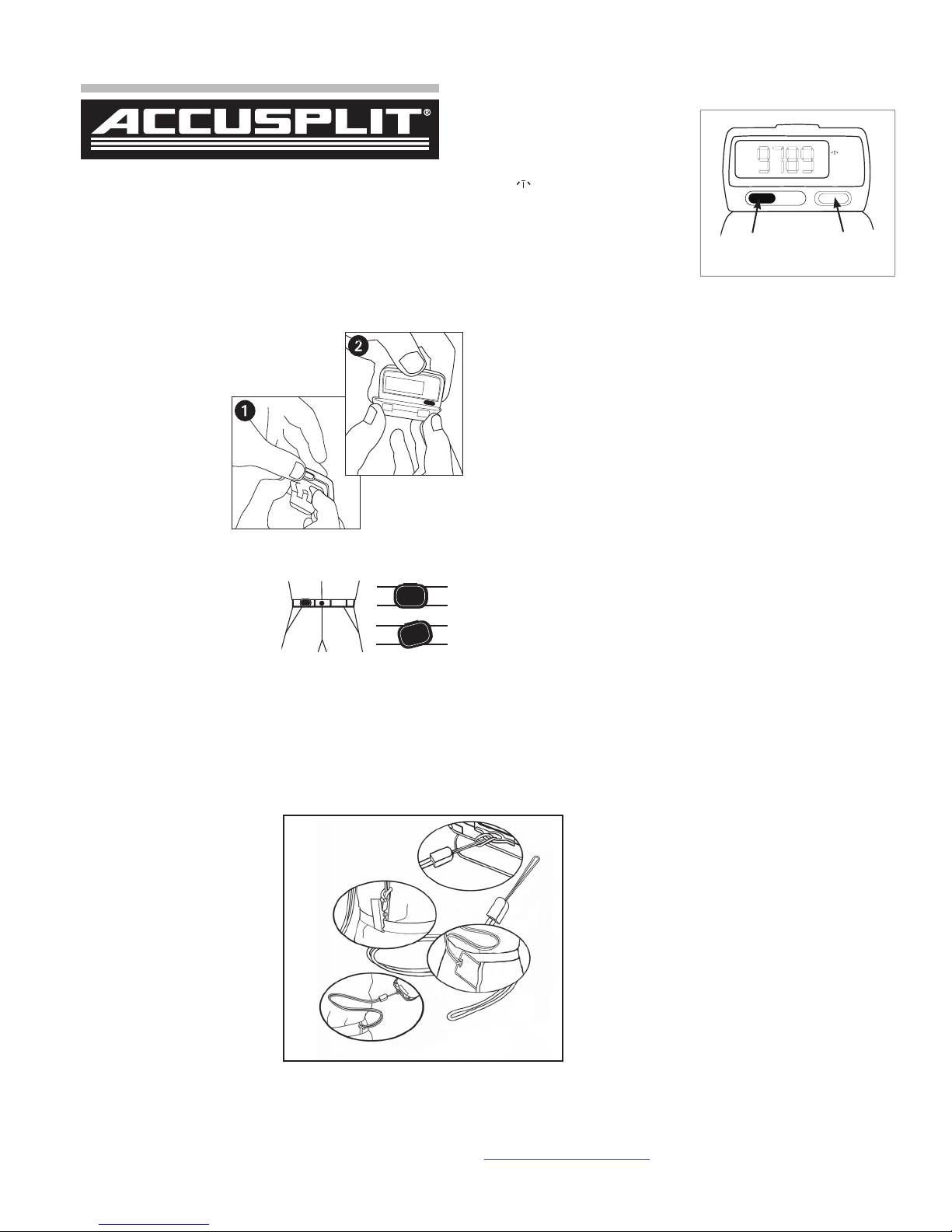
ATTACHING THE LEASH
Attach the pedometer to the
leash by looping the leash
through the pedometer leash
slot. Next, loop the leash
through the metal clip, then
clasp the waistband of your
clothing with the pedometer
belt clip.
Note: You can also use a safety
pin to fasten the leash to
your clothing, loop the leash
through your belt or belt loop,
or use a badge holder.
AE2720 Pedometer
INSTRUCTIONS
ACCUSPLIT, Inc. • 6120 Stoneridge Mall Rd., Suite 210 • Pleasanton, CA 94588 USA
800-965-2008 • 925-226-0888 • FAX 925-463-0147 • www.ACCUSPLIT.com • support@ACCUSPLIT.com
Congratulations on taking the first step to wellness
with your purchase of an ACCUSPLIT pedometer.
It’s easy to set up your new pedometer.
Just follow the steps below, and start walking!
Red:
MODE
9789
ACCUSPLIT EAGLE
�
STEP
▶
White:
RESET
970-076B
10/08
DISPLAY MODES
• STEP: STEP mode shows
your step count since last reset,
up to 1,000,000 steps.
• ◯: ACTIVITY TIMER
MODE shows total activity
time in minutes and seconds
since last reset. The timer runs
automatically whenever steps
are being recorded.
HOW TO OPEN YOUR PEDOMETER
See diagrams at right.
The cover must be closed for the
pedometer to work.
ACCUSPLITALLIANCE1520
A
CCU
STEP10000.ORG
RESET�
ACTIVITY
PEDOMETER
STEP
0
68440
WEARING YOUR PEDOMETER
Gently slide the pedometer onto
your belt or the top edge of your
pants or skirt. It should fit snugly
and level, above one knee. The
strong polycarbonate clip makes
it easy.
Note: The pedometer should be as vertical as possible.
Walkers with larger stomachs may find it helpful to wear
the pedometer farther back on the body, toward one hip.
The cover must be closed for the pedometer to work.
To avoid losing or dropping your pedometer, use the
included leash and clip to fasten the pedometer securely
to your clothing.
yes
no
First, loop the
pedometer leash slot
Next, loop the metal
clip, then clasp clothing
Or, loop a
badge holder,
then put into pocket
(Badge holder
not included)
Or, loop a belt or belt loop
To replace:
1. Insert a coin into the slot on the front of the
case, and twist counterclock-wise to loosen
the battery door.
2. Remove battery door and take out the old
battery. Replace it with a new battery. The
battery’s positive (+) terminal should be
FACE UP while you put it into the
pedometer.
3. Put the battery door back on and twist the
coin clockwise to tighten.
E Rig! W Mr!
Lv W!
 ACCUSPLIT Lftl