manuals.online logo
Brands
  1. Home
  2. •
  3. Brands
  4. •
  5. Airpura
  6. •
  7. Air Cleaner
  8. •
  9. Airpura R400 User manual

Airpura R400 User manual

Other Airpura Air Cleaner manuals

Airpura T600 Use and care manual

Airpura

Airpura T600 Use and care manual
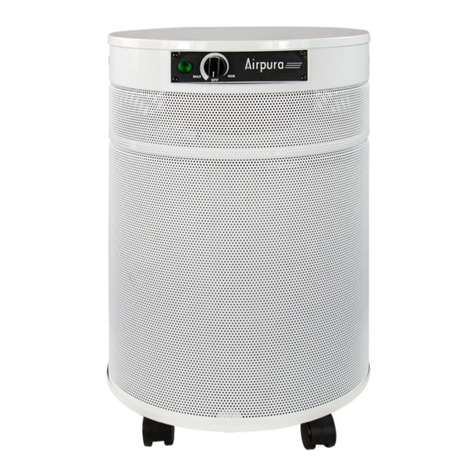
Airpura C600 Use and care manual

Airpura

Airpura C600 Use and care manual
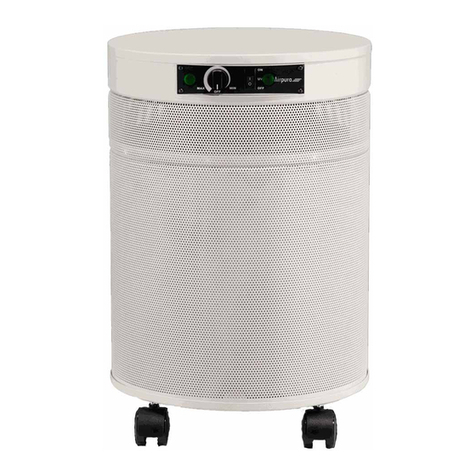
Airpura P600 Use and care manual

Airpura

Airpura P600 Use and care manual

Airpura C600 Use and care manual

Airpura

Airpura C600 Use and care manual
Airpura I-600 Use and care manual

Airpura

Airpura I-600 Use and care manual
Airpura UV700 User manual

Airpura

Airpura UV700 User manual
Airpura H600-W User manual

Airpura

Airpura H600-W User manual
Airpura G600 Use and care manual

Airpura

Airpura G600 Use and care manual

Airpura H600 Use and care manual

Airpura

Airpura H600 Use and care manual

Airpura V600 User manual

Airpura

Airpura V600 User manual
Airpura I-600 User manual

Airpura

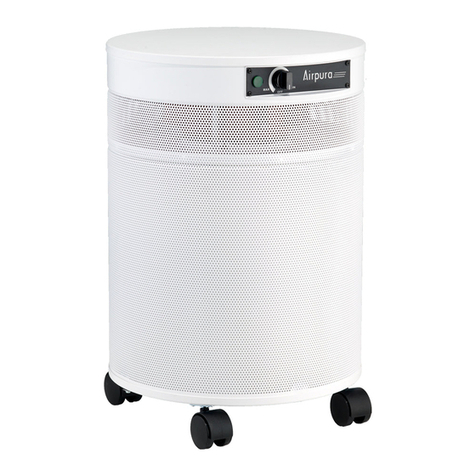
Airpura I-600 User manual

Airpura UV600-W Use and care manual

Airpura

Airpura UV600-W Use and care manual

Airpura F600 User manual

Airpura

Airpura F600 User manual

Airpura H600 User manual

Airpura

Airpura H600 User manual

Airpura T600 Use and care manual

Airpura

Airpura T600 Use and care manual
Airpura T600 User manual

Airpura

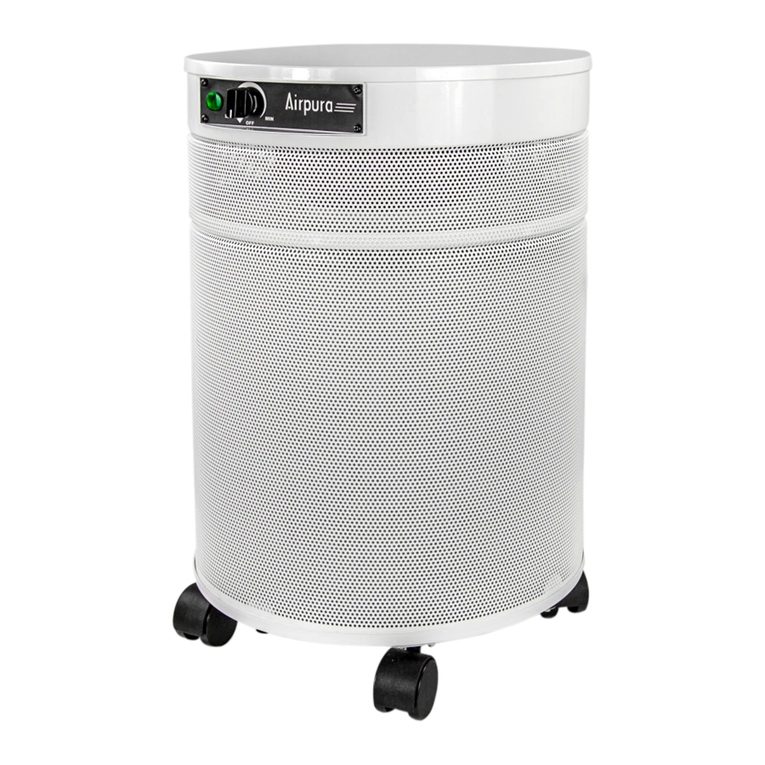
Airpura T600 User manual

Airpura C600 User manual

Airpura

Airpura C600 User manual
Airpura H614 User manual

Airpura

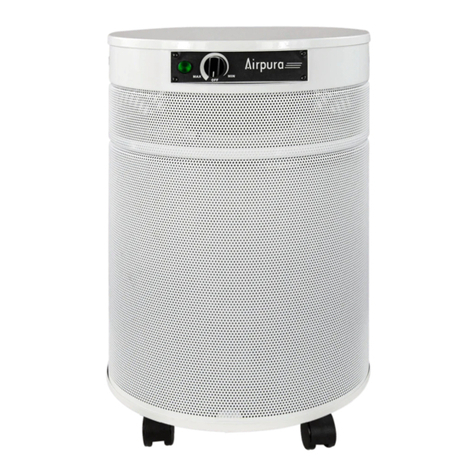
Airpura H614 User manual

Airpura I-600 User manual

Airpura

Airpura I-600 User manual
Airpura 600-W Series User manual

Airpura

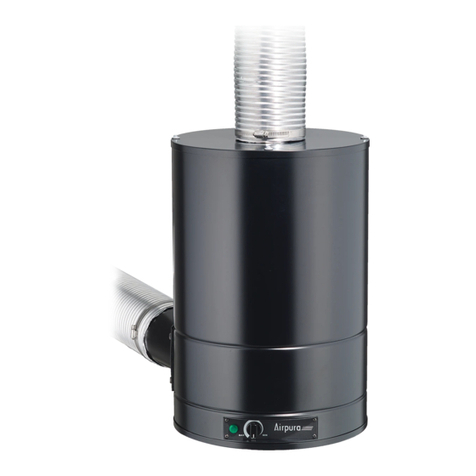
Airpura 600-W Series User manual
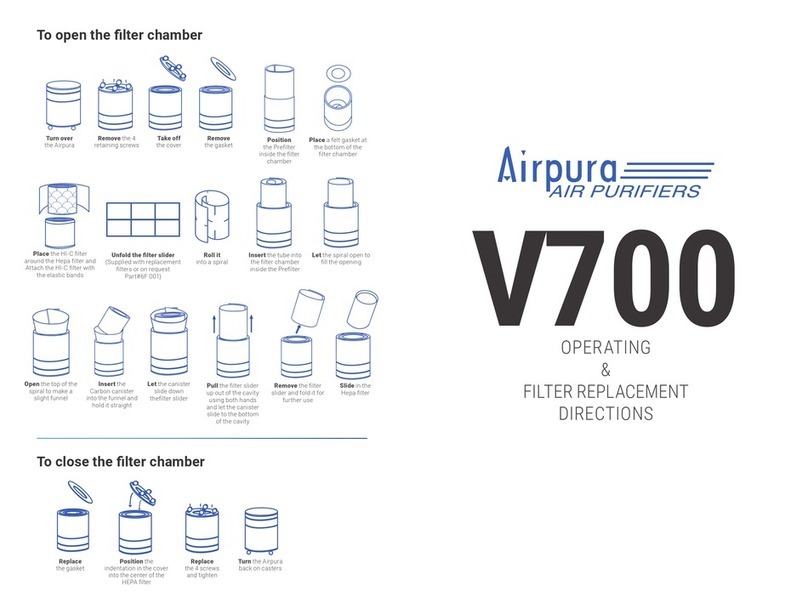
Airpura V700 Use and care manual

Airpura

Airpura V700 Use and care manual

Airpura V600 User manual

Airpura

Airpura V600 User manual

Airpura V400 User manual

Airpura

Airpura V400 User manual

Airpura P600 Use and care manual

Airpura

Airpura P600 Use and care manual

Popular Air Cleaner manuals by other brands

Steel City 65120 user manual

Steel City

Steel City 65120 user manual

CFM CX1000 user guide

CFM

CFM CX1000 user guide

Amana Media MAC1 Series installation instructions

Amana

Amana Media MAC1 Series installation instructions

Glaziar PUR50 Instructions for use

Glaziar

Glaziar PUR50 Instructions for use

Panasonic F-PXR40H operating instructions

Panasonic

Panasonic F-PXR40H operating instructions

Lightair IonFlow 50 manual

Lightair

Lightair IonFlow 50 manual

Lennox Healthy Climate PMAC-12C brochure

Lennox

Lennox Healthy Climate PMAC-12C brochure

IKEA UPPÅTVIND quick start guide

IKEA

IKEA UPPÅTVIND quick start guide

Nash AP-1 PureSmart instruction manual

Nash

Nash AP-1 PureSmart instruction manual

Aktobis WDH-220B manual

Aktobis

Aktobis WDH-220B manual

Honeywell HHT-013-HD user guide

Honeywell

Honeywell HHT-013-HD user guide

LG PH-U450 Series owner's manual

LG

LG PH-U450 Series owner's manual

Sharp FU-40SE Operation manual

Sharp

Sharp FU-40SE Operation manual

Philips AC2721 user manual

Philips

Philips AC2721 user manual

Filtrete FAP-T02 manual

Filtrete

Filtrete FAP-T02 manual

DeLonghi DDSX 220WFA manual

DeLonghi

DeLonghi DDSX 220WFA manual

TruSens Z-2000 manual

TruSens

TruSens Z-2000 manual

Motorola MBP87SN quick start guide

Motorola

Motorola MBP87SN quick start guide

manuals.online logo
manuals.online logoBrands
  • About & Mission
  • Contact us
  • Privacy Policy
  • Terms and Conditions

Copyright 2025 Manuals.Online. All Rights Reserved.

R400
AIR PURIFIER
USER MANUAL
Congratulations on your purchase of
the Airpura
R400
air purifier. Please
read this user manual carefully
before operating to familiarize
yourself with the unit and the proper
usage of it. Keep this user manual
ina safe place for future reference.
CONTENTS
IMPORTANT
SAFEGUARDS
3
DIRECTIONS FOR USE 4
TECHNICAL SPECS 5
WARRANTY
10
2
IMPORTANT SAFEGUARDS
•Inspect the exterior of your Airpura to verify that there is no damage from
shipping.
•If any damage is noted, please follow the instructions from the
distributor returns policy.
•Wipe the unit with a damp cloth to remove any dust from packaging.
•Please ensure air purifier is turned OFF when plugging into a power source.
Failure to do so may result in motor potentially stalling and/or burning.
•Plug the unit into a regular grounded 110-volt outlet.
•Cleaning and user maintenance should not be made by children without adult
supervision.
•Appliances that are obviously damaged must not be operated.
•Do not run cord under carpeting. Do not cover cord with throw rugs, runners, or similar
coverings.
•Do not route cord under furniture or appliances. Arrange cord away from traffic area and
where it will not be tripped over.
•Do not operate product with a damaged cord or plug. Discard product or return to an
authorized service facility for examination and/or repair.
3
DIRECTIONS FOR USE
You have taken the first step in creating a healthy environment. It should
be noted that this purifier is not intended to be the main protection against
pollutants. The source of your pollution should always be eliminated or
reduced. The purifier will sustain clean air in your space. This air purifier is not
intendedfor industrial use.
GETTING STARTED
1- Plug the unit into a regular grounded 110-volt outlet.
2- Turn on the air purifier.
When you receive your unit, turn on the unit to the MAX level and allow it to
run for at least 30 minutes to burn off any residuals from transport and allow
filters to settle in.
4
TECHNICAL
SPECS
Particle removal
Over 40 sq ft true HEPA
(Measured only 1 side) with
close ended metal caps. 10
pleats per inch. Warm
rolled with separators
Activated carbon filter
* 8 lbs carbon filter
9.5"H X 8.5"OD X 6"ID
Carbon
Bed
1” deep
Air Flow 353 cfm
600 m³/hr
More cfm than any other
comparable home unit
available
Prefilter
355 sq. in.
Size
15.5 in x 12 in
Weight
23 lbs total (10.4 Kg)
Watts
77 on high / 18 on low
Sound
Level
32 db on low
52 db on high (Room
level 30 db)
Voltage options
110V-120V
60 Hz
ETL Certified
no 3067330/ UL 507
CSA C22.2#113
*± 8 oz
5
6
FILTER REPLACEMENT IN 400 UNIT
2. LAY THE UNIT UPSIDE
DOWN ON A FLAT AND
CLEAN SURFACE
3. USING A SCREWDRIVER
REMOVE THE 4 SCREWS
4. REMOVE THE
BOTTOM COVER
AND THE FOAM
GASKET
1. UNPLUG THE UNIT
5. REMOVE THE
HEPA FILTER
6. REMOVE THE CARBON
FILTER BYFIRMLY PULLING
IT OUT. THE PREFILTER
CAN BE ADHERED TO
CARBON FILTER SO YOU
HAVE TO PIVOT WITH
BOTH HANDS IN ORDER
TO RELEASE IT.
7
7. REMOVE THE PREFILTER AND THE FILTER OVERCLOTH GENTLY AND PUT
THEM IN A PLASTIC BAG. THEY MIGHT BE VERY DIRTY
8. CLEAN THE INSIDE OF THE UNIT BEFORE INSTALLING THE NEW
FILTERS.
DISCARD THE USED FILTERS IN ACCORDANCE WITH
LOCAL REGULATIONS
3. IN ORDER TO INSTALL THE CARBON
FILTER, YOU NEED TO USE A CARDBOARD
THE PROVIDED SLIDER. PUT THE SLIDER
INSIDE THE FILTER COMPARTMENT AND
GENTLY SPREAD IT AGAINST THE
PREFILTER
4. INSTALL THE CARBON FILTER.
BE CAREFUL NOT TO CATCH
THE EDGES OF THE SLIDER.
MAKE SURE THE CARBON
FILTER IS ALL THE WAY IN AND
SITS ON THE FOAM GASKET
INSTALLING FILTERS IN A 400 UNIT
8
2. INSTALL THE FOAM GASKET
GENTLY TO THE BOTTOM OF
THE FILTER COMPARTMENT.
MAKE SURE THE GASKET SITS
FLAT TO THE BOTTOM.
1. INSTALL THE FILTER OVERCLOTH
AND THE PREFILTER IN THE UNIT.
MAKE SURE THE FILTER OVERCLOTH
IS ON THE OUTSIDE TOWARDS THE
CYLINDER WALL. MAKE SURE THE
PREFITER IS PROPERLY SITUATED
AND THE EDGES DOES NOT OVERLAP.
9
5. GENTLY PULL OUT
THE SLIDER USING
BOTH HANDS
6. INSTALL THE HEPA FILTER. MAKE
SURE THE PREFILTER AND THE FILTER
OVERCLOTH ARE NOT COVERING THE
BOTTOM BRACKETS. ADD THE UPPER
GASKET AND THE BOTTOM COVER AND
REPLACE AND REFASTEN THE 4 SCREWS