manuals.online logo
Brands
  1. Home
  2. •
  3. Brands
  4. •
  5. Aiyima
  6. •
  7. Amplifier
  8. •
  9. Aiyima A01 PRO Installation and operation manual

Aiyima A01 PRO Installation and operation manual

Other Aiyima Amplifier manuals

Aiyima A08 PRO User manual

Aiyima

Aiyima A08 PRO User manual

Aiyima H1 Installation and operation manual

Aiyima

Aiyima H1 Installation and operation manual

Aiyima T9 PRO Installation and operation manual

Aiyima

Aiyima T9 PRO Installation and operation manual

Aiyima A04 Installation and operation manual

Aiyima

Aiyima A04 Installation and operation manual

Aiyima TUBE-T5 Installation and operation manual

Aiyima

Aiyima TUBE-T5 Installation and operation manual

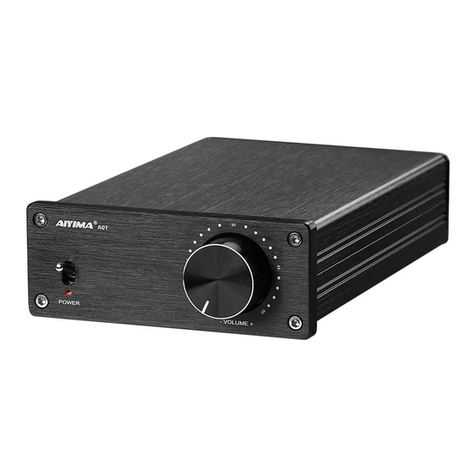
Aiyima A07 Installation and operation manual

Aiyima

Aiyima A07 Installation and operation manual

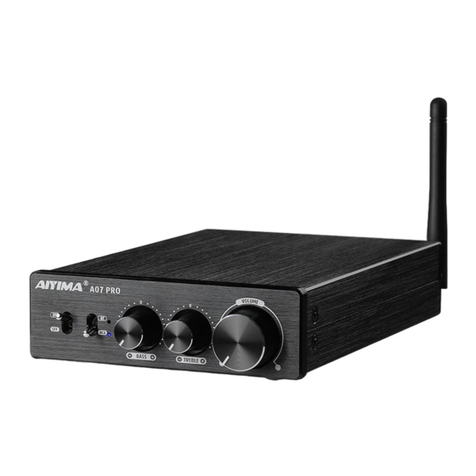
Aiyima A07 PRO Installation and operation manual

Aiyima

Aiyima A07 PRO Installation and operation manual

Aiyima A03 Installation and operation manual

Aiyima

Aiyima A03 Installation and operation manual

Aiyima DAC-A3 Installation and operation manual

Aiyima

Aiyima DAC-A3 Installation and operation manual

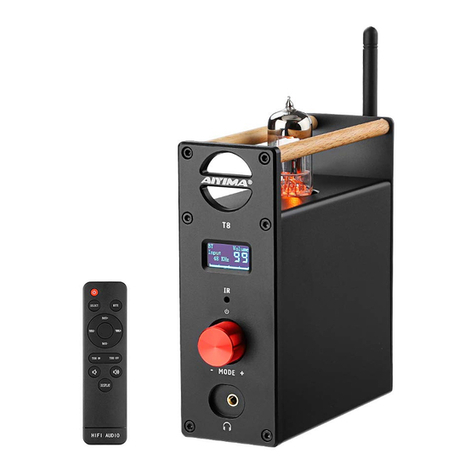
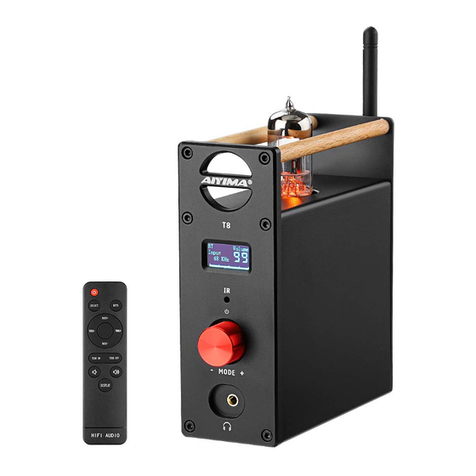
Aiyima T8 Installation and operation manual

Aiyima

Aiyima T8 Installation and operation manual

Aiyima AUDIO A07 MAX User manual

Aiyima

Aiyima AUDIO A07 MAX User manual

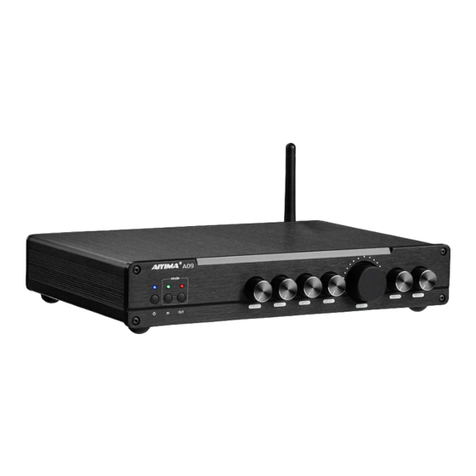
Aiyima A9 Installation and operation manual

Aiyima

Aiyima A9 Installation and operation manual

Aiyima A8 Installation and operation manual

Aiyima

Aiyima A8 Installation and operation manual

Aiyima A08 Installation and operation manual

Aiyima

Aiyima A08 Installation and operation manual

Aiyima T8 Installation and operation manual

Aiyima

Aiyima T8 Installation and operation manual

Aiyima AUDIO A07 Installation and operation manual

Aiyima

Aiyima AUDIO A07 Installation and operation manual

Popular Amplifier manuals by other brands

Magnat Audio EDITION FOUR Owner's manual/warranty document

Magnat Audio

Magnat Audio EDITION FOUR Owner's manual/warranty document

Inter-m PA-2000A Operation manual

Inter-m

Inter-m PA-2000A Operation manual

Yamaha TX6n owner's manual

Yamaha

Yamaha TX6n owner's manual

Peavey TNT 150 user guide

Peavey

Peavey TNT 150 user guide

Bosch LBB 1903/10 Installation and user instructions

Bosch

Bosch LBB 1903/10 Installation and user instructions

Avocent Emerge DA1200D Installer/user guide

Avocent

Avocent Emerge DA1200D Installer/user guide

Redgum RGi35 operating instructions

Redgum

Redgum RGi35 operating instructions

Cambridge Audio AXA25 user manual

Cambridge Audio

Cambridge Audio AXA25 user manual

Alpine MRP-M200 owner's manual

Alpine

Alpine MRP-M200 owner's manual

Technical Pro H1502UrBT user manual

Technical Pro

Technical Pro H1502UrBT user manual

FMS EMGZ307 operating manual

FMS

FMS EMGZ307 operating manual

Racal Instruments 5601 user manual

Racal Instruments

Racal Instruments 5601 user manual

Valcom V-1094A Technical specifications

Valcom

Valcom V-1094A Technical specifications

Cambridge Audio 851D user manual

Cambridge Audio

Cambridge Audio 851D user manual

QSC 3800 Specifications

QSC

QSC 3800 Specifications

NAD C300 owner's manual

NAD

NAD C300 owner's manual

Rotel RMB-1077 owner's manual

Rotel

Rotel RMB-1077 owner's manual

Peavey Monitor 300 Series operating guide

Peavey

Peavey Monitor 300 Series operating guide

manuals.online logo
manuals.online logoBrands
  • About & Mission
  • Contact us
  • Privacy Policy
  • Terms and Conditions

Copyright 2025 Manuals.Online. All Rights Reserved.

Website:www.aiyima.com Email: [email protected]
Telephone: 86-0755-28268551 VK: https://vk.com/aiyima
Location: 4F, Building 7 Hekan industrial park. Wuhe south road 41. Long-Gang district.
ShenZhen. CHINA. 518000
Shenzhen Yima Technology Co.,Ltd
Bluetooth 5.1
2.0 Channel Amplifier
USER MANUALS
Model A01 PRO:
2
1
Front And Rear Panel Description Operation Steps
Specification Parameters
FQA
Power switch /RCA/BT input switch
Working Indicator
Bass control knob
Treble adjustment knob
Master volume control knob
Bluetooth input
RCA input
9
8
7
6
5
4
3
2
1
10
3.5mm Signal output
Speaker interface (red/positive, black/negative; R connected to
right speaker, L connected to left speaker)
11 Power interface (DC voltage range 15-24V)
Middle adjustment knob
1.Connect the passive speaker to the speaker interface.
2.Connect the audio source to be used to the corresponding input interface.
3.Connect the power supply (DC voltage range 15-24V).
4.Start the machine and switch to the corresponding input channel.
5.Turn the knob to the right to adjust the appropriate volume and sound effect.
Maximum
Output Power
Adjustment range
of treble,
midrange and bass
Working Voltage
Input Sensitivity
Frequency Response
Speaker Impedance
Range
Bluetooth Version
3.5 Maximum
output level
100W*2(4Ω)
±6dB
DC15-24V
0.775V
20Hz-20KHz(±1.5dB)
4~8Ω
5.1
1.8V
THD
SNR
0.03%
≥100dB
0.88kg
Package Size
Net weight
L260*W230*H70mm
A: 1.Check whether the machine is started and switched to the corresponding input channel.
2.Check whether the volume knob pointer is in the leftmost state. If it is in the leftmost
state, turn the volume knob to the right.
3.If the above two points are normal, check whether the playback device of the input sound
source is paused, muted, or the volume is at the minimum.
Q: All my cables are connected, but there is no sound output?
A: The input level may be too large. If the volume of the sound source equipment is adjusted
to the maximum, and the volume of the machine is also adjusted to the maximum, it is easy
to be distorted. At this time, turn down the volume of the sound source input device or
machine.
Q: Why is the sound distorted?

1. Please do not open the shell. Improper operation may cause electric shock.
2. Please use the switching power supply of the formal manufacturer, otherwise the machine
may be damaged.
3. Do not use the machine in a hot or humid environment.
A: The amplitude of electrical signals output by different playback devices is different. For
example, mobile phones are usually 0.35V, while CDs are 1V. The natural sound size is
different.
Q: Why does the volume of the machine remain the same, but the sound
level is different when connecting to different audio sources (for example,
connect a CD first, then a mobile phone)?
A: If you use a power supply other than the original standard, please replace the power
supply before testing. Many power sources on the market have large interference
coefficient of the text wave, which will cause a large current sound.
Q: Why does the horn make a loud current sound?
A: When the unshielded signal line is unloaded, the interference signal will enter the power
amplifier for amplification. It is recommended to replace it with shielded signal wire or
unplug the signal wire.
Q: Why does the speaker make a loud buzzing sound when I plug in the
input cable and do not connect the playback source?
A: When using Bluetooth to test the distance, it is normal that the sound is not stuck or
disconnected (without any obstacles) within 10 meters.(Note: The router will interfere with
the Bluetooth signal. Don't get too close!)
Q: Why does Bluetooth sound intermittent?
3
Warning!