Aiyima DAC-A3 Installation and operation manual

Telephone: 86-0755-28268551 VK: https://vk.com/aiyima
Location: 4F, Building 7 Hekan industrial park. Wuhe south road 41. Long-Gang district.
ShenZhen. CHINA. 518000
Shenzhen Yima Technology Co.,Ltd
6.35MM Headphone Amplifier
DAC Decoder
USER MANUALS
Model DAC-A3:

2
1
Front Panel Description
Rear panel introduction
Specification
Package Contents
2
1
5
6
3
4
Signal status indicator - Red: power on; Green: lock
Coaxial input channel indicator
Optical input channel indicator
Line output indicator
Headphone output indicator
PC-USB input channel indicator
8
9
7
1# key, long press on/off, short press to select input channels
2# key, Short press to switch between headset output and line output
*Please consult customer service for Win7/Win8/DSD driver package
10 Volume knob
Headphone output jack
2
1
5
3
4
PC-USB input jack
Optical input jack
Coaxial input jack
Left channel output jack
6 Power input jack(DC:V=12V,I≥1A )
Right channel output jack
Dimensions
Inputs
Outputs
Frequency response
Main chipset
101mmx98mmx33mm
OS : Windows7/8 / 8.1 /10/11, Mac OS X
Resolution/Sampling rate:PCM16/24bit,
44.1/48/88.2/96/192kHz;DSD64/128/256
Resolution/Sampling rate:
16/24bit,44.1/48/88.2/96/176.4/192kHz
SNR:110dB,THD+N:0.002%,
Output level:3.5VRMS(MAX)
SNR:108dB 830mw@32Ω,139mW@300Ω
±1dB,20-20kHz
±1dB,20-20kHz
USB
RCA
Headphone(unbalance)
RCA
Headphone(unbalance)
ES9038Q2Mx2,TPA6120A2,SA9227,LM4562
Optical/Coaxial
• DAC-A3 body
• USB cable (USB A to B Type)
• Headset adapter 6.35-3.5
• User's Guide

4
3
Tips
Product Question
A: A. The power input is insufficientconfirm the wiring is correct firstand the supply current is
sufficient,
B. The speaker itself has poor performance or damage and the speaker power is toc small
or too large.
C. left and right channel speakers(+)(-) output are independent can not be connected to
each other
·Install this unit in a well ventilatedcool,dry,clean place-away from direct sunlight, heat
sources,vibration,dustmoisture, or cold.
·On the top of this unit,do NOT place:
-Other components, as they may cause damage or discoloration on the surface of this unit.
-Combustible(i.e. candles), as they may cause firedamage to this unit,or personal injury.
-Containers with liquid in them, as they may fall and the liquid may cause electrical shock
to the user or damage to this unit.
·Do not cover this unit with a newspaper,tablecloth,curtainetc. in order not to obstruct
heat radiation.If the temperature inside this unit rises, it may cause fire, damage to this
unit,or personal injury.
·Use the voltage specified on this unit Only.Using this unit with a higher voltage than
specified is dangerous and may cause fire,damage to this unit, on personal injury.
AIYIMA will not be held responsible for any damage resulting from the use of this unit
with a voltage other than that specified.
· When not planning to use this unit for long periods of time(i.e.when going on
vacation),disconnect the power cable from the AC wall outlet.
·For added protection for this product during a lightning storm,or when it is left
unattended and unused for long periods of time,unplugit from the wall outlet. This
will prevent damage to the product due to lightning and power-line surges.
Q: 3.Volume broken and breaking sound when turn loud?
A: Most of our amplifier board use DC power supply. The board itself does not produce
current sound and noise.
The main causes of current acoustic noise are:
A. The power supply filter used is not good;the current sound is caused by wrong input by
the power or audio input.
B. The input signal quality is poor; the output of the device connected to the input is
improper and the noise is caused by the abnormal input of the audio source.
C. The input cable is of poor quality:the line is in poor connect;the wiring is damaged the
wiring is suspended
D. The input connection has other playback devices,and some devices share the power
supply to cause noise
Q: 1. Amplifier board has current sound and noise?
A: A.The speaker is broken. or the speaker cable is not connect well.
B.The input cable is not in good connect;the wiring is damaged; the output of the device
connected to the input is improper
Q: 2. No sound output no sound in 1 channel?
A: A.The nower innut is insufficient. first confirm the wirinn is correct. the sunnly current is
enough
B.Whether the power of the speaker itself is too large or too smallor the bass performance
of the speak it self is poor: the structure of the speaker box these abnormalities will cause
breaks
Q: 4. Speaker broken sound when subwoofer amplifier volume turn loud?
A: Power and power supply voltage. the amplitude of the sound source sianal the size of the
speaker impedance are all relatedany kind of deficiencywill affect the power
Q: 5. The volume power is not enough?
A: A. The positive and negative poles of the power supply are connected reversely; the power
supply voltage is too high,exceeding the limit operating voltage of the board
B. If the board requires a DC power supply, it is not allowed to connect directly the AC
transformer power supply (this can be rectified and converted to DC power before it can
be used)
C.To confirm that the wiring is correct,then connect with the power supply. The wrong line
connected or the short circuit both will cause damage to key parts!
Q: 6. Will the amplifier be burnt?
Other Aiyima Amplifier manuals
Aiyima
Aiyima T9 PRO Installation and operation manual

Aiyima
Aiyima A04 Installation and operation manual
Aiyima
Aiyima TUBE-T5 Installation and operation manual
Aiyima
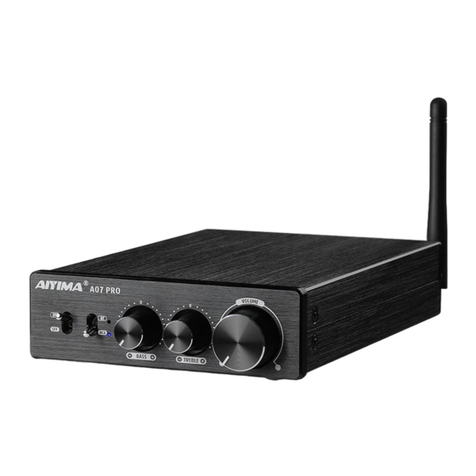
Aiyima A07 PRO Installation and operation manual
Aiyima
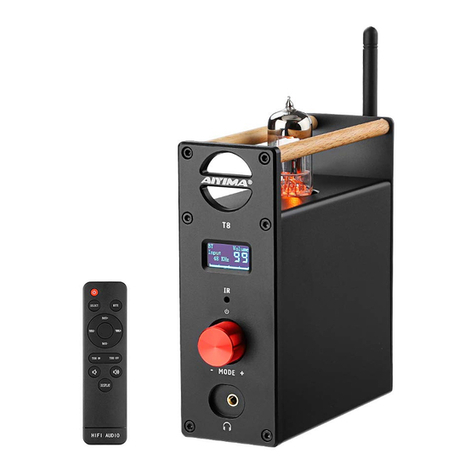
Aiyima T8 Installation and operation manual

Aiyima
Aiyima A03 Installation and operation manual

Aiyima
Aiyima A08 PRO User manual
Aiyima
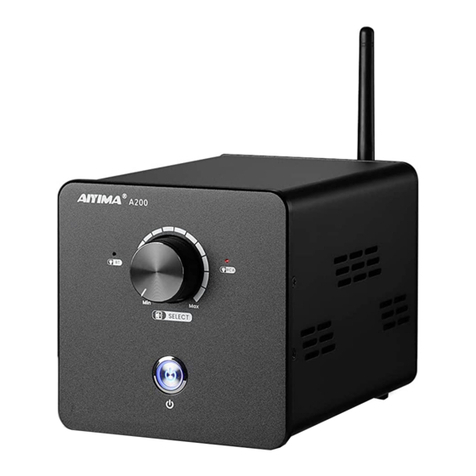
Aiyima A08 Installation and operation manual
Aiyima
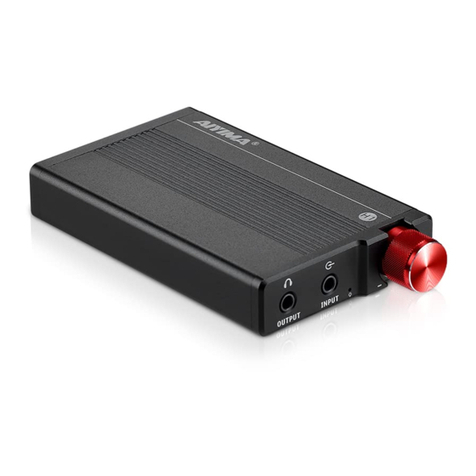
Aiyima H1 Installation and operation manual

Aiyima
Aiyima A8 Installation and operation manual