9
If the VDI of the CD differs from these values, then in auto GB click OK (to enter manual GB) and
adjust the phase of the ground balance in the desired direction. When the VDI of the CD is at 0 (+1 or
– 1) your device is ready for air testing.
BALANCING PROCEDURE.
We would like to bring your attention to the automatic balancing procedure developed by
experienced users.
1. Find a metal-free area. You can find it by the threshold tone response in RT mode. On an
unbalanced device there will be a response to the clean ground, however the sound will be soft and
"diffused", without a strong localization. While the sound would be sharp and with a strong increase
in sound above a metal object. Select an area with no localized sharp threshold tone increase while
swinging the search coil 5-10 cm to the left and to the right above the ground. If there is no localized
sharp threshold tone increase then the area is suitable for balancing.
2. Having found the metal-free area, raise the coil 30-40 cm above the ground press GROUND wait
for 3 seconds, and move the coil to the ground smoothly but not too slow.
Warning! Do not move the coil to the ground closer than 10% of the search coil diameter (for the
searchcoilØ26 cm – 2-3 cm). This is related to the change in the pattern of the search coils physical
interaction with the ground in what is called the "Close Zone" and it may impact balancing accuracy
resulting in false responses in clean areas with high levels of sensitivity.
A short tone (Hum) means the completed balancing procedure. If there is no tone or it does not
sound during lowering, but sounds when moving up, repeat the procedure with the same formula:
30-40 cm above the ground, 3 seconds, and then lower the coil to the ground. Follow the ground
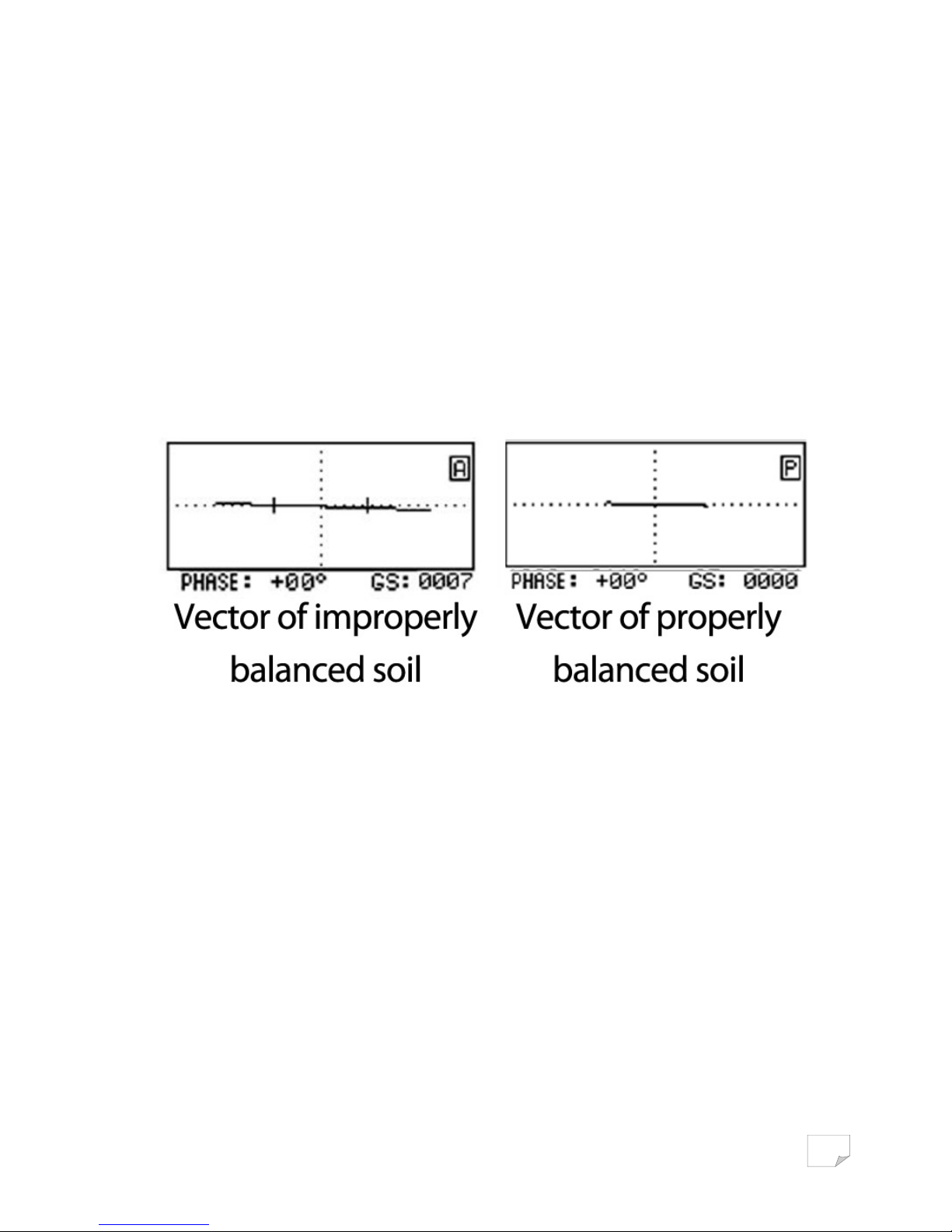
vector on the screen during the process. Its shape should be a strait, slightly trembling line, on the
horizontal axis of the ground scale.
If it makes sharp angles or is “chaotic” on the screen, this means that you are trying to balance near a
metal object in the ground. In this case, the device may perform a ground balance, however it will be
incorrect and you will notice multiple false signals from the ground. If this occurs, simply re-balance
the detector in an area clear of any metal targets.
Once you have chosen a clean location to balance the detector and have done so, note the value in
the lower left hand corner of the ground balance screen. Now, should you chose to ground balance
again later on and there is a sharp difference between this value now, as compared to the previous
ground balance, there is good reason to suspect that there was metal close by and you will need to
ground balance again.
If the coil all the same was a metal object, giving an automatic balance (items with VDI close to 0, e.g.
foil), the device will give two consecutive tones, similar in tone to that of iron in the search mode,
while at the same time the screen will display an exclamation point within a triangle. Accordingly,
you will need to ground balance again on a clean spot of land.
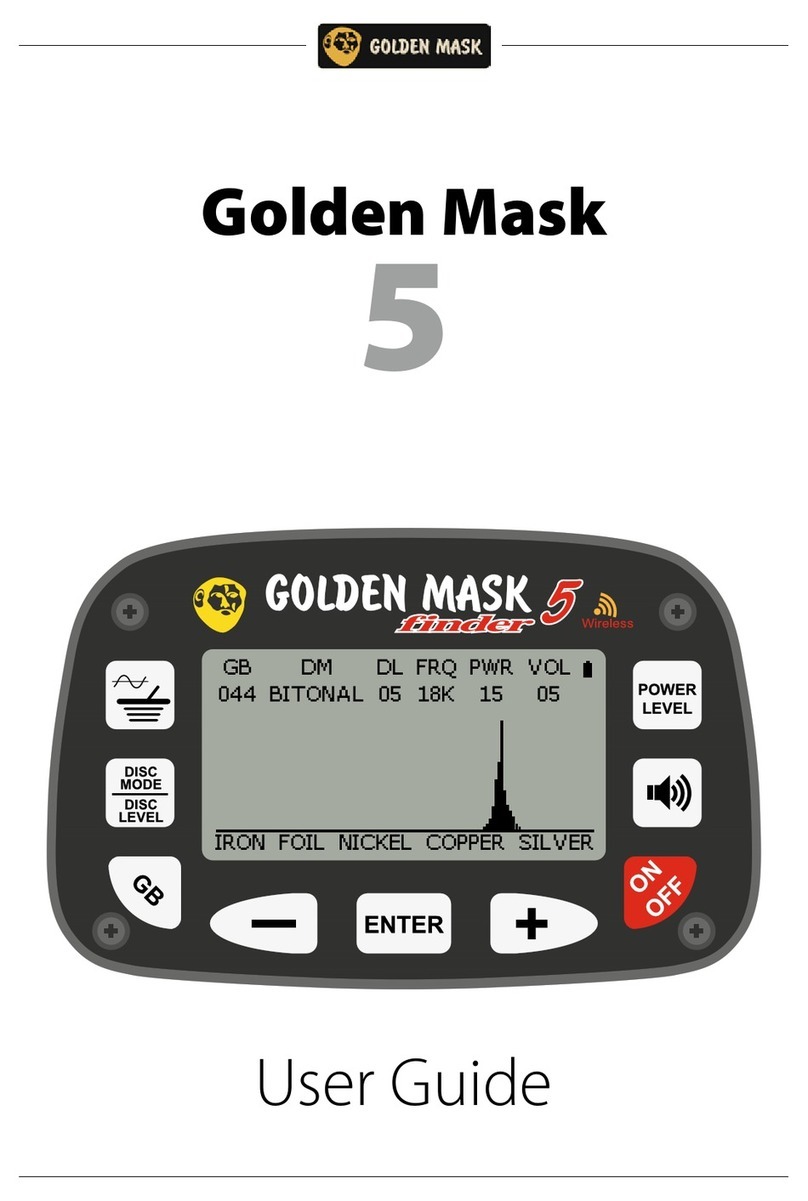
After balancing, in the lower left corner of the screen will display a numerical value of balance
(phase), this is the amount by which the device will adjust the VDI, excluding the effect of the soil.