Installing the Switch
3
Mounting the Switch
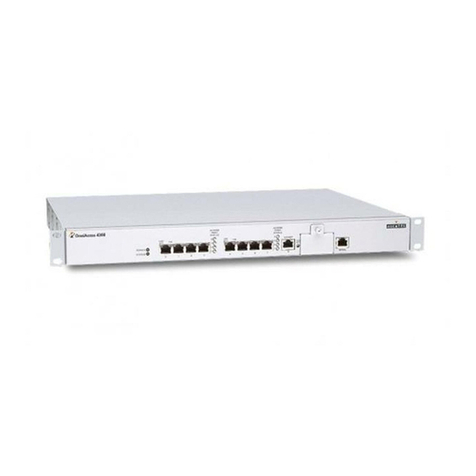
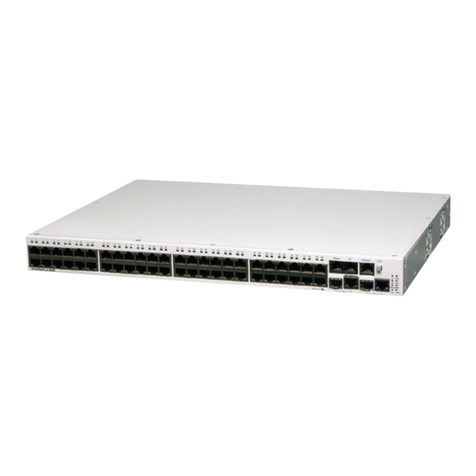
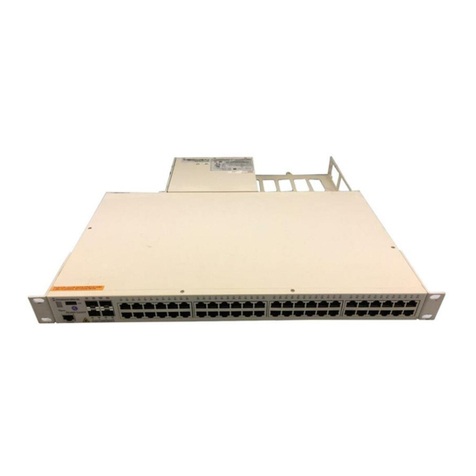
This switch can be placed directly on your desktop, or mounted in a rack.
Before you start installing the switch, make sure you can provide the right operating
environment, including power requirements, sufficient physical space, and proximity to
other devices that are to be connected. Verify the following requirements:
• Power requirements: 100 to 240 VAC (± 10%) at 50 to 60 Hz (± 3Hz). The switch's
power supply automatically adjusts to the input voltage level.
• The switch should be located in a cool dry place, with at least 10 cm (4 in.) of space on
the sides for ventilation.
• Place the switch out of direct sunlight, and away from heat sources or areas with a high
amount of electromagnetic interference.
• If you intend to mount the switch in a rack, make sure you have all the necessary
mounting screws, brackets, bolts and nuts, and the right tools.
• Check if network cables and connectors needed for installation are available.
Stacking Switches on a Flat Surface
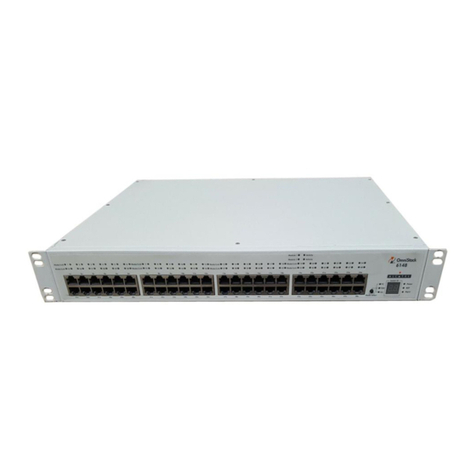
The Omnistack®8008 can be stacked
anywhere there is enough flat space, such as
on a table or desktop.
1. Stick the self-adhesive rubber foot pads
(that come with this package) on each of
the 4 concave spaces located on the
bottom of the switch.
2. Place the first switch on a firm flat surface where you want to install the stack.
3. Repeat step 1 for each switch before stacking them. The rubber foot pads cushion
the switch against shock/vibrations and provide space between each switch for
ventilation.
Mounting Switches in a Rack
Please comply with the following instructions to ensure
that your switch is securely mounted in the rack.
1. Use a standard EIA 19-inch rack.
2. Use the brackets and screws supplied in the rack
mounting kit.
3. Use a Philips screwdriver to attach the brackets to
the side of the switch.
4. Position the switch in the rack by lining up the holes in the brackets with the
appropriate holes on the rack, and then use the rack-mount screws to mount the
switch in the rack.