Document 90-00082 Algo Communication Products Ltd (604) 454-3792
Page 4 www.algosolutions.com
Getting Started - Quick Configure & Test
This guide provides important safety information which should be
read thoroughly before permanent setup.
1. If using an 8180/8186/8188, first configure the device via the web
interface, as per the instructions in this guide. Next, test that the
configuration is correct by shorting a pair of wires to the input on the
back of the device. (The 8128 does not require any web
configuration.)
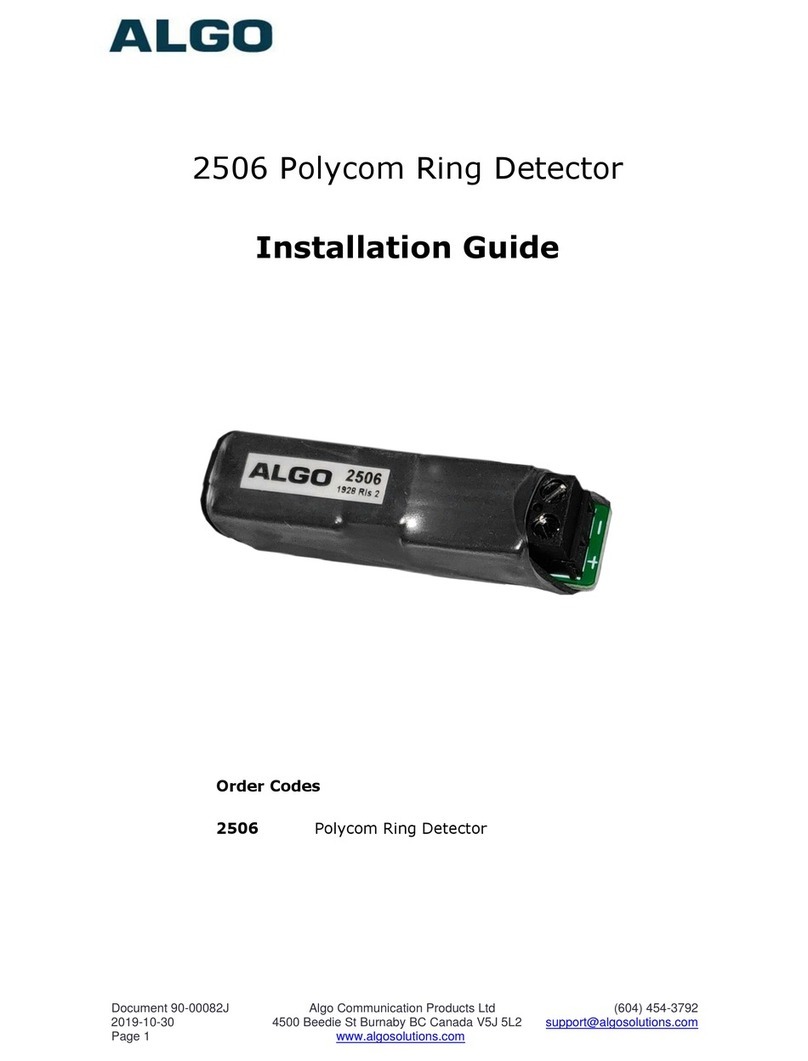
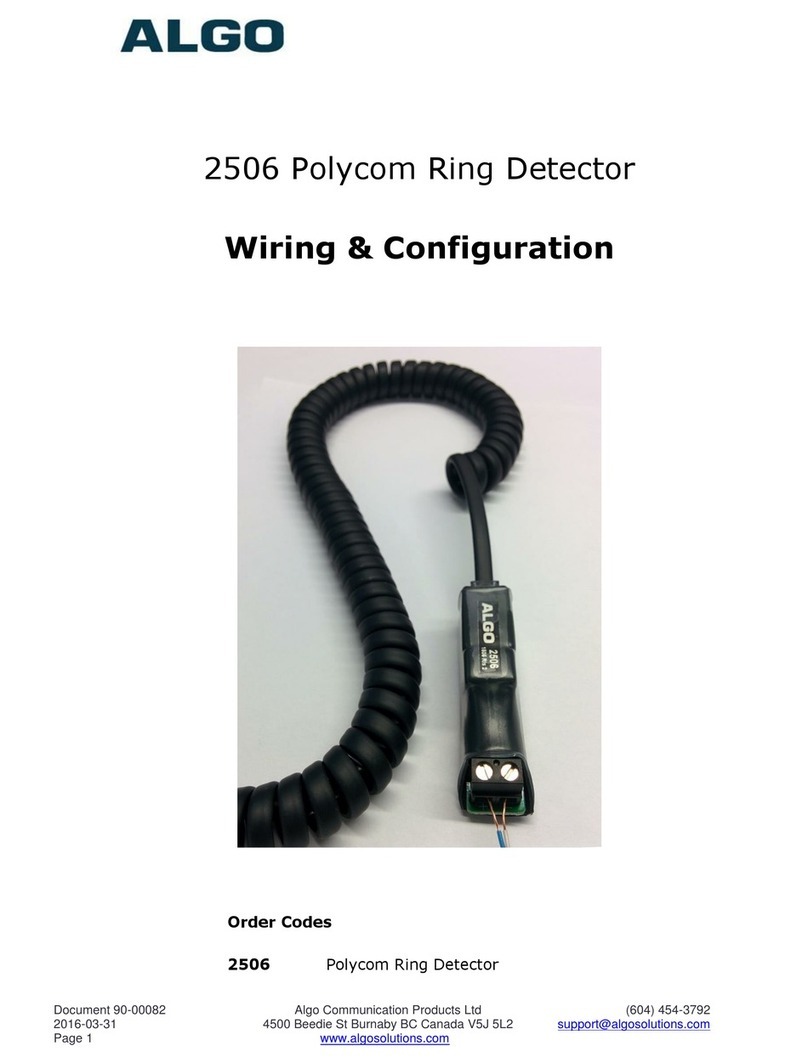
2. Connect one end of a wire pair (maximum length of 20 feet) to the
“+” and “-” screw input terminals on the 2506 and the other end to
the relay terminals on the Algo alerting device. The pin polarity and
placement varies between devices. Refer to the guide for more
information.
3. Connect the Algo alerting device to the network via an Ethernet cable
at the back of the device. Ensure that a PoE port is used for power.
4. Plug one end of the coiled handset cord into the RJ jack on the 2506
and the other end into the HEADSET jack on the Polycom phone.
5. Set the ring signal on the phone to be sent to the headset jack.
6. Set the VVX Polycom phone ringing volume to maximum.
(Ensure that the headset is set up before the ring volume is
configured.)
7. When an incoming call is received by the Polycom VVX phone, an
audio/visual alert will be triggered.