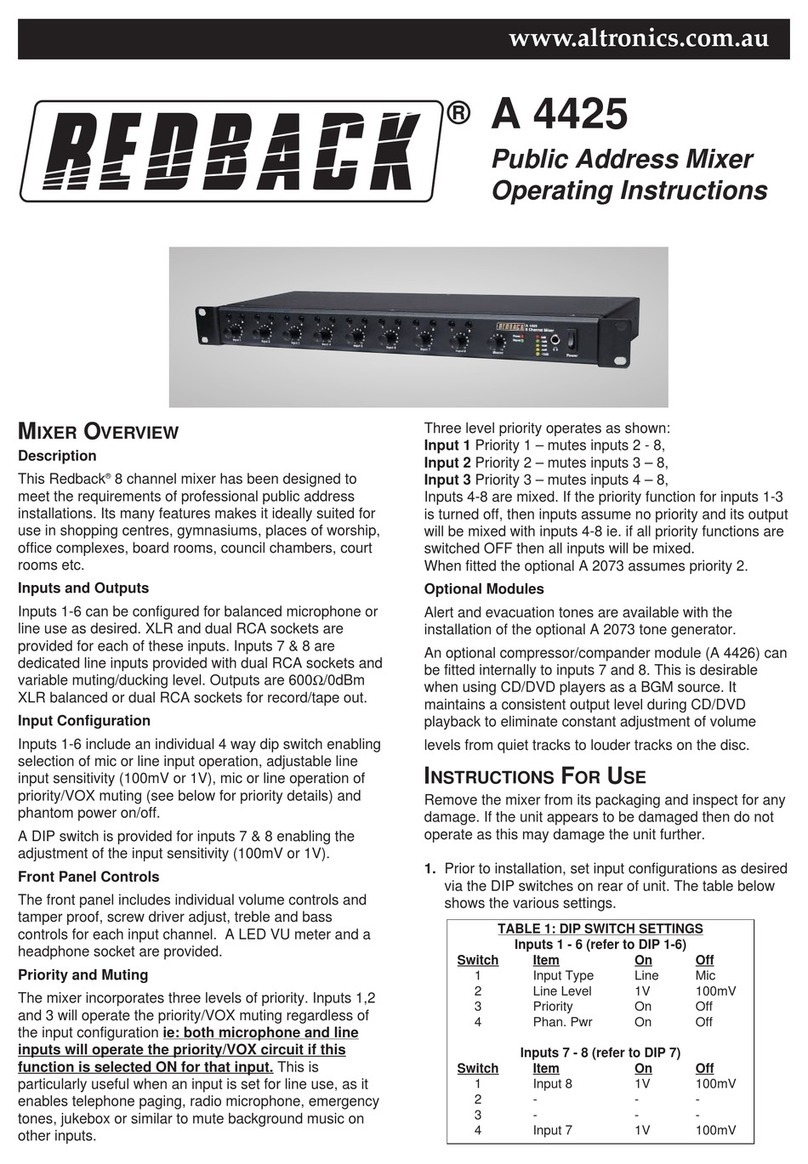
REDBACK A 4420A Mixer
Congratulations on purchasing the A 4420A REDBACK
8 Input Mixer.
This mixer has been designed to meet the requirements
of today’s high performance PA Systems.
The input section features I.C. balancing techniques to
reduce hum and noise to very low levels while maintain-
ing excellent balancing and input sensitivity. Naturally, if
you want to use unbalanced microphones then it is sim-
ply a matter of connecting one of the input signal lines to
earth (see figure 2).
THE MIXER FEATURES
• Phantom Powering available (individually selectable
on each channel) on all microphone inputs if desired
(internally selected). This function is factory set “OFF”
• VOX (Voice activated) muting of the auxiliary music
inputs (internally selectable on or off) when any of the
microphone inputs are used. This function is factory
set “OFF”.
• The microphones have a Bass cut switch to reduce
feedback and improve vocal clarity (internally selec-
table on or off). This function is factory set “OFF”.
• Bass and Treble Controls for the Auxiliary inputs.
• The microphone inputs can be selected to either chan-
nel through, or bypass the tone controls (internally
selectable on or off). This is factory set in the
“BYPASS” position.
• Internationally accepted IEC socket for mains power
connection. Note this unit is designed for 240V AC
50Hz operation only.
• Supplied with Industry standard 3 pin XLR connec-
tors for microphone inputs and stereo RCA’s for
Auxiliary inputs.
• The output of the mixer has been designed to operate
with power amplifiers equipped with a balanced
input . If you wish to drive an unbalanced amplifier,
then simply connect one of the output signal lines of
the mixer to Earth, and use the other output (see fig-
ure 2).
INSTRUCTIONS FOR USE
Remove the mixer from its packaging and inspect for any
damage. If the unit appears to be damaged then do not
operate as this may damage the unit further.
1. Prior to installation, set the internal jumpers. These
are located as per figure 1. WARNING Do not open
unit when connected to the mains voltage.
2. Plug in a low impedance microphone into the micro-
phone input, or a music source (tape or Compact Disc
or similar) into the auxiliary input.
3. Connect the mixer to an amplifier using a suitable
cable. See figure 2, Connection Details.
4. Turn all controls fully down and then switch the
mixer and amplifier on.
5. Turn up the level control associated with the input
that you are using to about half way. Talk into the
microphone (or play some music) and adjust the
Master level to achieve the required level.
For the best noise performance turn the input level con-
trol to a high setting and use the Master as the volume
control. Use the other input level controls to set the
required mixing ratios. If you are using the auxiliary
inputs, adjust the bass and treble controls to get the
desired sound. If you have the tone routing jumper set
to “TONE”, you may also adjust the Bass and Treble con-
trols when using microphone(s) to get the desired sound.
For best performance when using long lines between
microphones/mixer and or amplifier use balanced lines.
These have the effect of cancelling out any noise or hum
that may be induced into the cables. Note that a balanced
line uses three wires (two signal wires and one earth wire
or shield) where an unbalanced cable uses only one sig-
nal wire and an earth. See the connection details (figure
2) for wiring up plugs etc.
Do not tamper with the unit. Warning Mains Voltage is
Present Inside. Leave servicing to qualified personnel.
Page 2