manuals.online logo
Brands
  1. Home
  2. •
  3. Brands
  4. •
  5. AMG
  6. •
  7. Media Converter
  8. •
  9. AMG AMG210C Series User manual

AMG AMG210C Series User manual

Other AMG Media Converter manuals

AMG AMG150-1G-S60-PD User manual

AMG

AMG AMG150-1G-S60-PD User manual

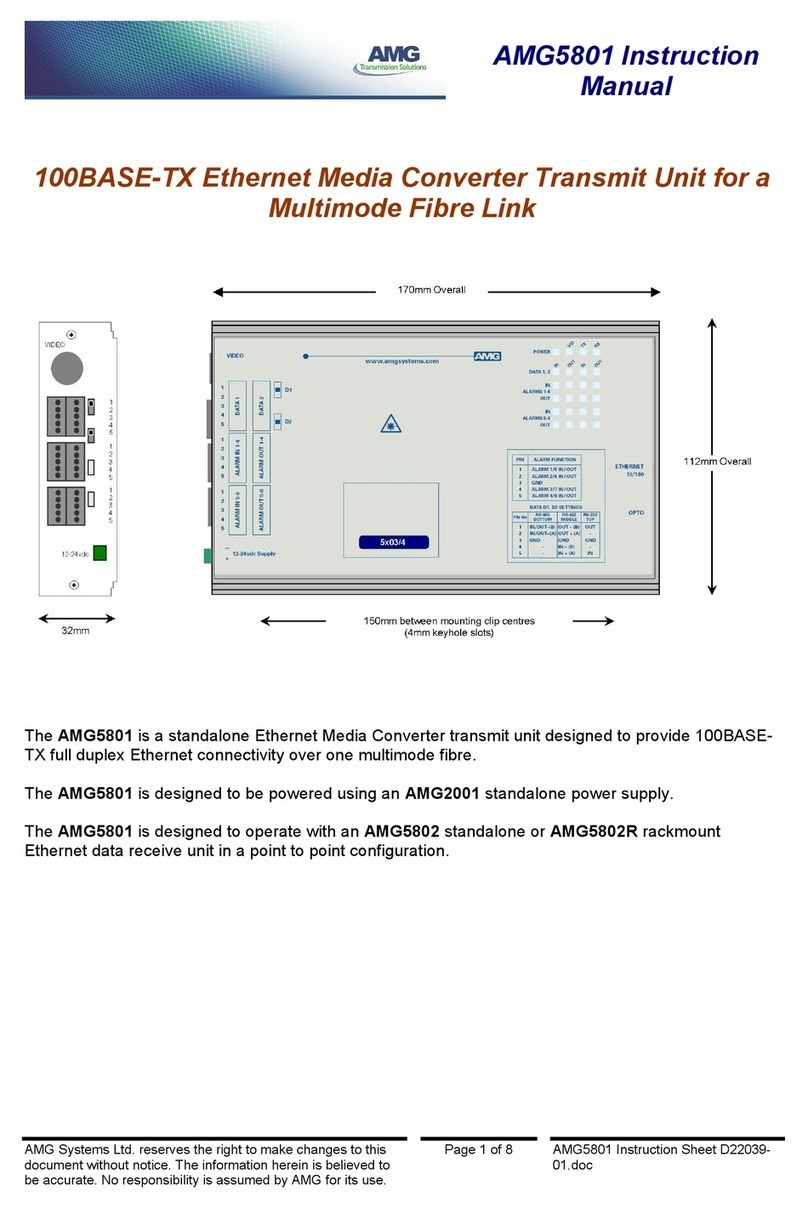
AMG AMG5801-DF User manual

AMG

AMG AMG5801-DF User manual

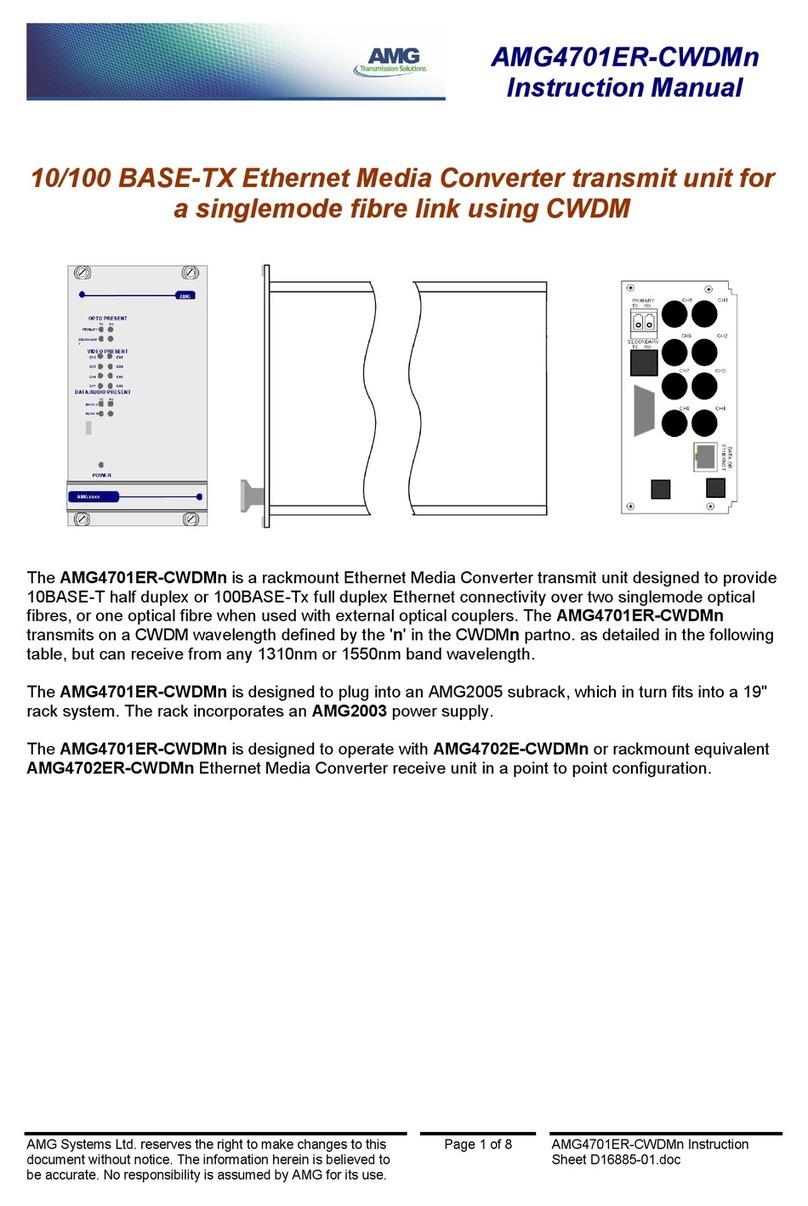
AMG 4701ER-CWDMn User manual

AMG

AMG 4701ER-CWDMn User manual

AMG AMG4701E-CWDMn User manual

AMG

AMG AMG4701E-CWDMn User manual

AMG AMG5801 User manual

AMG

AMG AMG5801 User manual

AMG AMG4701ER-CWDMn User manual

AMG

AMG AMG4701ER-CWDMn User manual

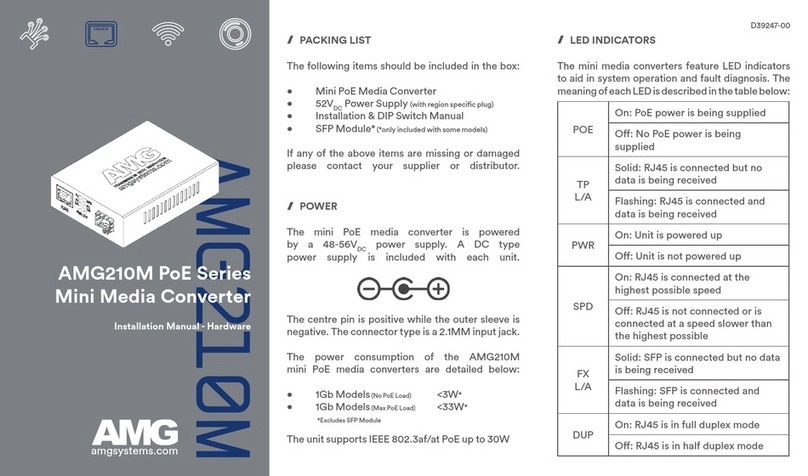
AMG AMG210M Series User manual

AMG

AMG AMG210M Series User manual

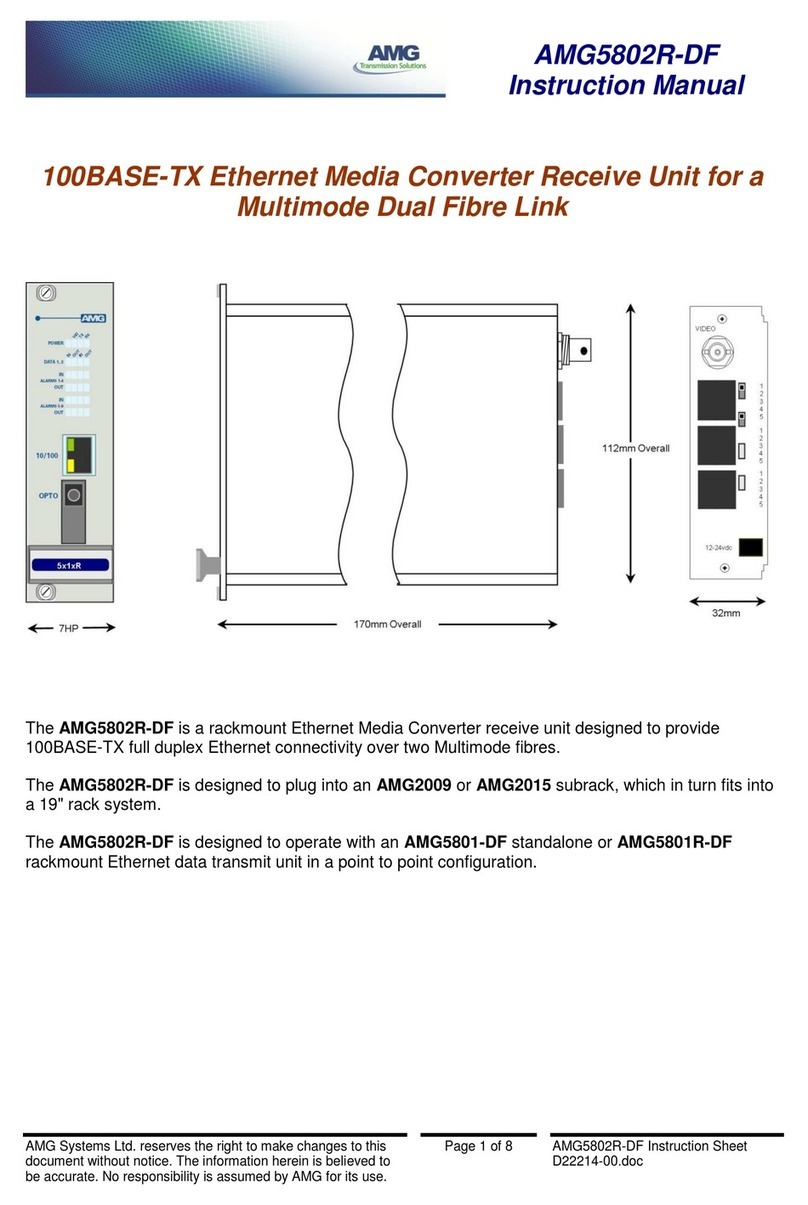
AMG AMG5802R-DF User manual

AMG

AMG AMG5802R-DF User manual

Popular Media Converter manuals by other brands

TR-Electronic CMS582M-4096/4096 IOL DMS 14H7 KRF Assembly instructions

TR-Electronic

TR-Electronic CMS582M-4096/4096 IOL DMS 14H7 KRF Assembly instructions

Korenix JetCon 2301S user manual

Korenix

Korenix JetCon 2301S user manual

StarTech.com ET91000LCOAM manual

StarTech.com

StarTech.com ET91000LCOAM manual

Alesis AI-3 Reference manual

Alesis

Alesis AI-3 Reference manual

Caton Vpro 5100 user guide

Caton

Caton Vpro 5100 user guide

Cypress CSC-5500 Operation manual

Cypress

Cypress CSC-5500 Operation manual

H&B TX-100 Installation and instruction manual

H&B

H&B TX-100 Installation and instruction manual

Bolin Technology D Series user manual

Bolin Technology

Bolin Technology D Series user manual

IFM Electronic Efector 400 RN30 Series Device manual

IFM Electronic

IFM Electronic Efector 400 RN30 Series Device manual

GRASS VALLEY KUDOSPRO ULC2000 user manual

GRASS VALLEY

GRASS VALLEY KUDOSPRO ULC2000 user manual

Linear Technology DC1523A Demo Manual

Linear Technology

Linear Technology DC1523A Demo Manual

Lika ROTAPULS I28 Series quick start guide

Lika

Lika ROTAPULS I28 Series quick start guide

Weidmuller IE-MC-VL Series Hardware installation guide

Weidmuller

Weidmuller IE-MC-VL Series Hardware installation guide

Optical Systems Design OSD2139 Series Operator's manual

Optical Systems Design

Optical Systems Design OSD2139 Series Operator's manual

Tema Telecomunicazioni AD615/S product manual

Tema Telecomunicazioni

Tema Telecomunicazioni AD615/S product manual

KTI Networks KGC-352 Series installation guide

KTI Networks

KTI Networks KGC-352 Series installation guide

Gira 0588 Series operating instructions

Gira

Gira 0588 Series operating instructions

Lika SFA-5000-FD user guide

Lika

Lika SFA-5000-FD user guide

manuals.online logo
manuals.online logoBrands
  • About & Mission
  • Contact us
  • Privacy Policy
  • Terms and Conditions

Copyright 2025 Manuals.Online. All Rights Reserved.

AMG210C
amgsystems.com
AMG Systems Ltd. 3 The Omega Centre, Stratton Business Park, Biggleswade, Bedfordshire, SG18 8QB, UK
T :: +44 (0) 1767 600 777 E :: [email protected]
D39122-01
The media converters should be installed on the lower level rst before using
-the upper level as shown in the image below:

3. Fix the rack chassis into the 19inch rack using 4 screws and cage nuts (not
provided) as shown in the image below:
DIMENSIONS
The dimensions of the AMG210C Rack Chassis can be found in the image below: AMG210C Series
Media Converter Rack
Installation Manual - Hardware
OVERVIEW
The AMG210C Rack supports all models from the AMG210M Commerical
Mini Media Converter range including 100Mb, 1Gb and 10Gb models.
Each rack supports up to 12 mini media converters and occupies only 1U
of rack space within the equipment cabinet oering the highest media
converter rack denisty within the industry for space restricted installations.
The rack ships as standard with dual power supplies to provide redundancy and
supports hot-swappable replacement of Media Converters and Power Supplies.
The included dual redundant power supplies support full range 90-264VAC input
for international operation and are provided with two region specic line cords.
PACKING LIST
The following items should be included within the product shipping box:
• 12 Slot Rack Chassis with Dual Integrated Power Supplies
• 2 x IEC Line Cords (with region specic plug type UK / EU / US)
• Installation Manual
• 12 Media Converter Fixing Brackets (with 4 screws per bracket)
• Screwdriver
If any of the above items are missing or damaged please contact your supplier.
POWER
The AMG210C Mini Media Converter Rack Chassis is powered by dual 90-
264VAC power supplies which each provide a maximum of 60W output.
The current consumption of the AMG210C with a fully loaded rack chassis is:
• 1.8A @ 110VAC
• 1A @ 230VAC
Power Input 1
Power Input 2
LED INDICATORS
The AMG210C Mini Media Converter Rack Chassis features both front
and rear mounted LED indicators to aid in system operation and fault
diagnosis. The meaning of each LED is described in the table below:
LED Colour Description
PWR1 Green On: Power Input 1 Active
O: Power Input 1 Fault or Inactive
PWR2 Green On: Power Input 2 Active
O: Power Input 2 Fault or Inactive
FAN1 Green On: Fan 1 Active
O: Fan 1 Fault or Power 1 Inactive
FAN2 Green On: Fan 2 Active
O: Fan 2 Fault or Power 2 Inactive
MEDIA CONVERTER INSTALLATION
The AMG210C Mini Media Converter Rack supports up to 12 converters per
rack which are hot swappable and can be installed or removed without the
need to power down the complete rack. The installation steps are listed below:
1. Fix one of the supplied mounting ears to the left side of the media converter
using 2 of the provided screws as shown in the image below:

2. Plug the media converter into the rack and x in place using two of the
provided screws and magnetic screwdriver as shown in the image below: