manuals.online logo
Brands
  1. Home
  2. •
  3. Brands
  4. •
  5. aperta
  6. •
  7. Keypad
  8. •
  9. aperta EZTAG3PRO User manual

aperta EZTAG3PRO User manual

Popular Keypad manuals by other brands

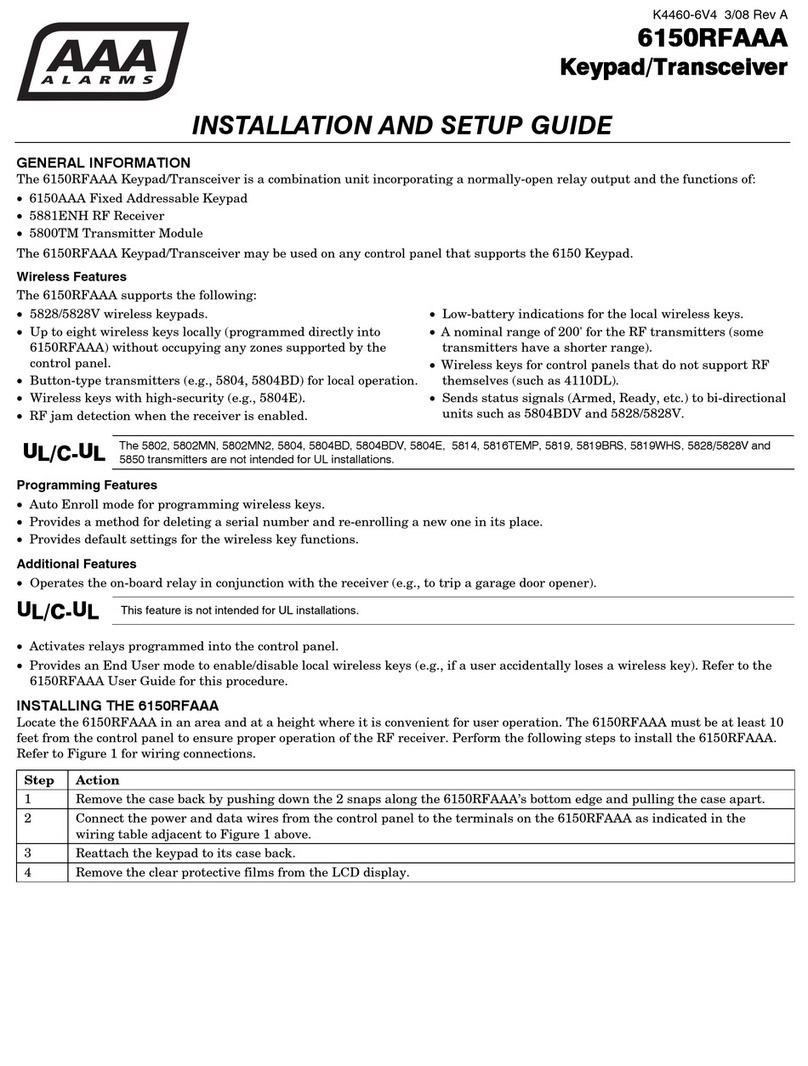
AAA 6150RFAAA Installation and setup guide

AAA

AAA 6150RFAAA Installation and setup guide

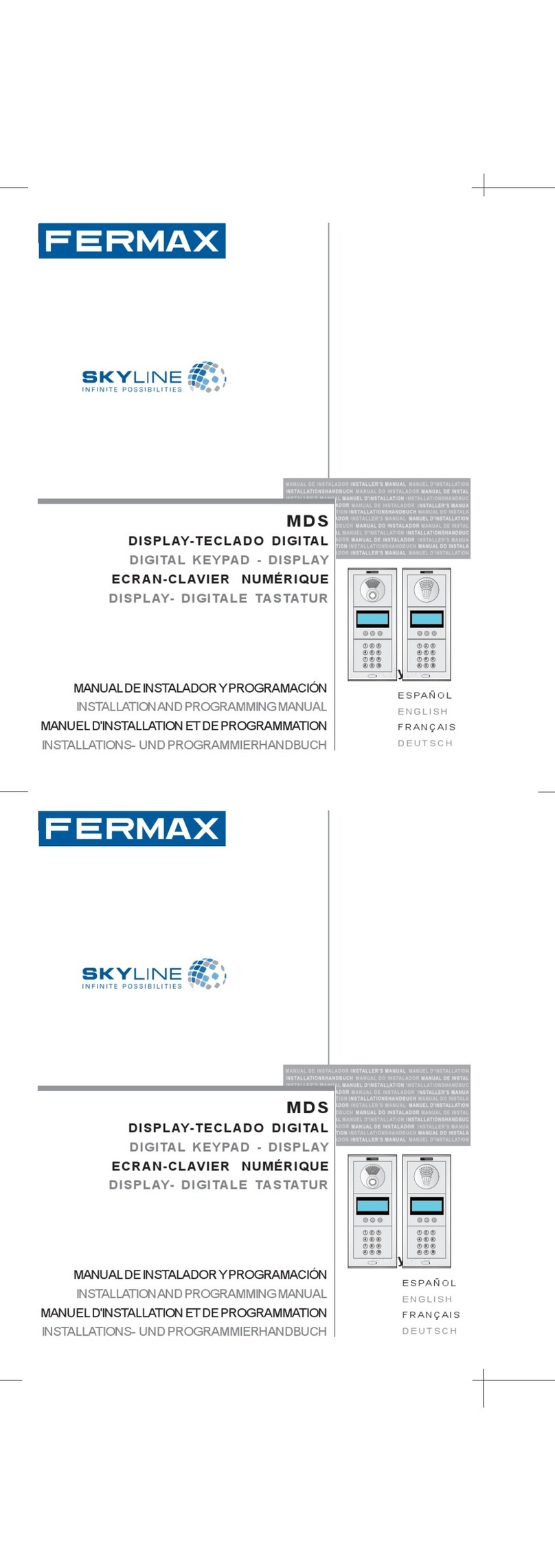
Fermax MDS Installation and programming manual

Fermax

Fermax MDS Installation and programming manual

ACT ACT PRO 1030 manual

ACT

ACT ACT PRO 1030 manual

Cardin SSB Series manual

Cardin

Cardin SSB Series manual

Harman Kardon KP 1 Specifications

Harman Kardon

Harman Kardon KP 1 Specifications

CYP CR-KP1 Operation manual

CYP

CYP CR-KP1 Operation manual

Aeware k-35 Series Quick reference card

Aeware

Aeware k-35 Series Quick reference card

Aritech CS-175 Series user guide

Aritech

Aritech CS-175 Series user guide

Lenze AC Tech MC SERIES installation instructions

Lenze AC Tech

Lenze AC Tech MC SERIES installation instructions

Burg Wächter secuENTRY 7711 operating instructions

Burg Wächter

Burg Wächter secuENTRY 7711 operating instructions

Aeware in.k450 Tech book

Aeware

Aeware in.k450 Tech book

Lenze EPM-H410 operating instructions

Lenze

Lenze EPM-H410 operating instructions

Toshiba RKP007Z user manual

Toshiba

Toshiba RKP007Z user manual

Elmes Electronic KB1 quick start guide

Elmes Electronic

Elmes Electronic KB1 quick start guide

Clare Controls ClareOne CLR-C1-PNC Installation sheet

Clare Controls

Clare Controls ClareOne CLR-C1-PNC Installation sheet

FM Electronics 4180 quick start guide

FM Electronics

FM Electronics 4180 quick start guide

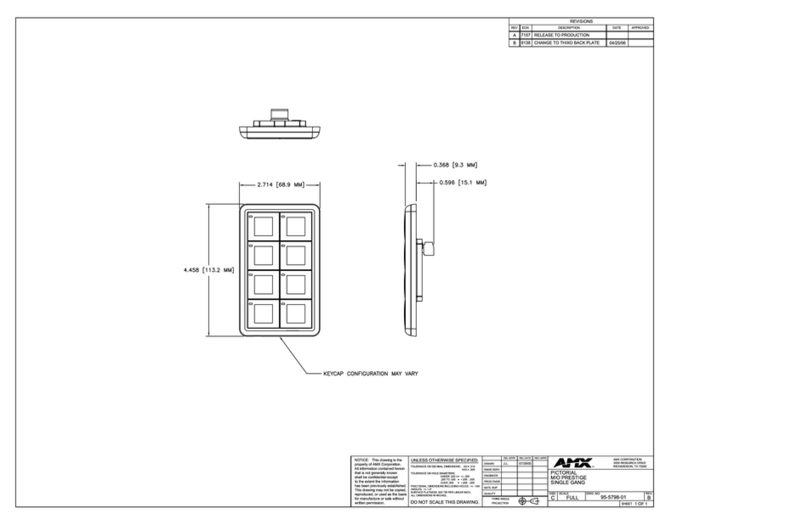
AMX MIO-PRESTIGE-S Dimensional drawing

AMX

AMX MIO-PRESTIGE-S Dimensional drawing

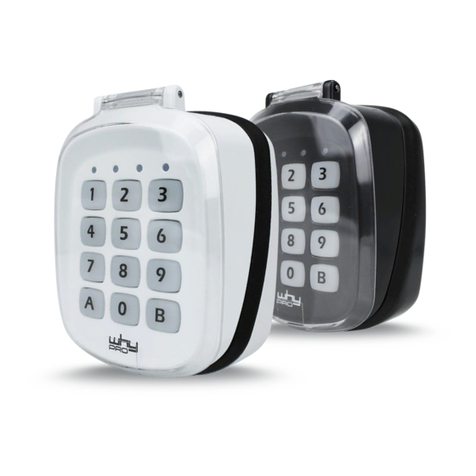
why pro WHY-KP user manual

why pro

why pro WHY-KP user manual

manuals.online logo
manuals.online logoBrands
  • About & Mission
  • Contact us
  • Privacy Policy
  • Terms and Conditions

Copyright 2025 Manuals.Online. All Rights Reserved.

Action
Step Number Keypad Indication
1 2 3 4 1 2 3 4
0 0 0
0 2
9
? ? ? ?
Long
Tone
# #
1
2
3
4
5
6
Long
Tone
Double
Tone
Long
Tone
Enter a 4 digit pin
(1234 not to be used)
To end programming
Step 2 - Setting Access Pin Number
Step 1 - Wiring
EZTAG3PRO QUICK GUIDE SETUP
4
3
+
+
+
_
_
_
Red
NC
Black
Green
Purple
Electro-magnetic lock Electronic lock
Tag Reader
Indication LEDs
Keypad
Lock -release time
N.C for Electro-
magnetic lock
N.O for
Electronic lock
Grey
Pink
Capacitor for
Electro-magnetic lock
Diode for
Electronic Lock
C
M
Y
CM
MY
CY
CMY
K
EZTAG3PRO_Quick.pdf 1 11/03/2016 12:43
ActionStep Number Keypad Indication
1 2 3 4 1 2 3 4
0 0 1
0 5
9
Long
Tone
1
2
3
4
5
6
Long
Tone
Long
Tone
Tone
0 1 0
7
Tone
Present the tag with the lowest
serial number
# # To end
programming
All other batch tags
will auto register
Step 3 - Registering 10 Tags
Step 4 - Release Lock
(A) Enter a programmed Access Pin number (B) Present a registered Tag
E&OE - Errors and omissions excepted. C16
C
M
Y
CM
MY
CY
CMY
K
EZTAG3PRO_Quick.pdf 2 11/03/2016 12:43