manuals.online logo
Brands
  1. Home
  2. •
  3. Brands
  4. •
  5. Harman Kardon
  6. •
  7. Keypad
  8. •
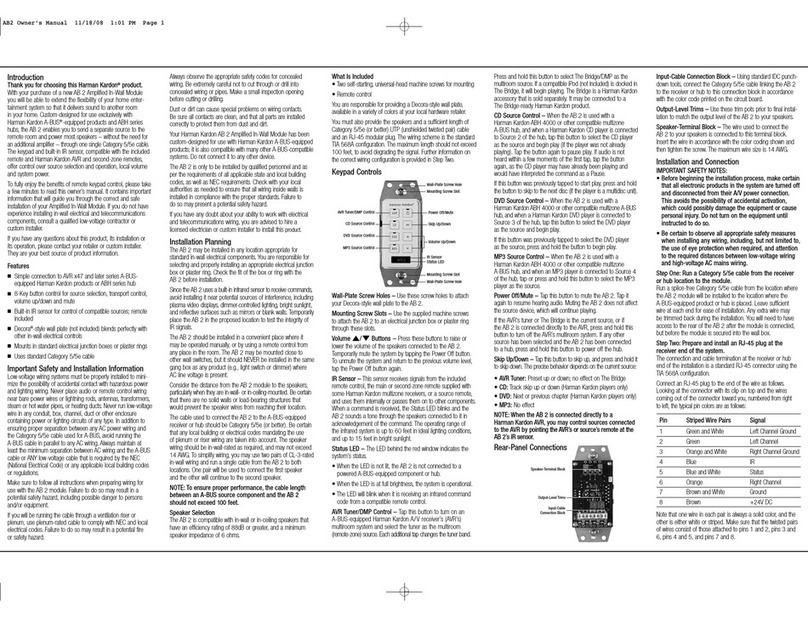
  9. Harman Kardon KP 1 User manual

Harman Kardon KP 1 User manual

Other manuals for KP 1

1

Other Harman Kardon Keypad manuals

Harman Kardon KP 1 User manual

Harman Kardon

Harman Kardon KP 1 User manual

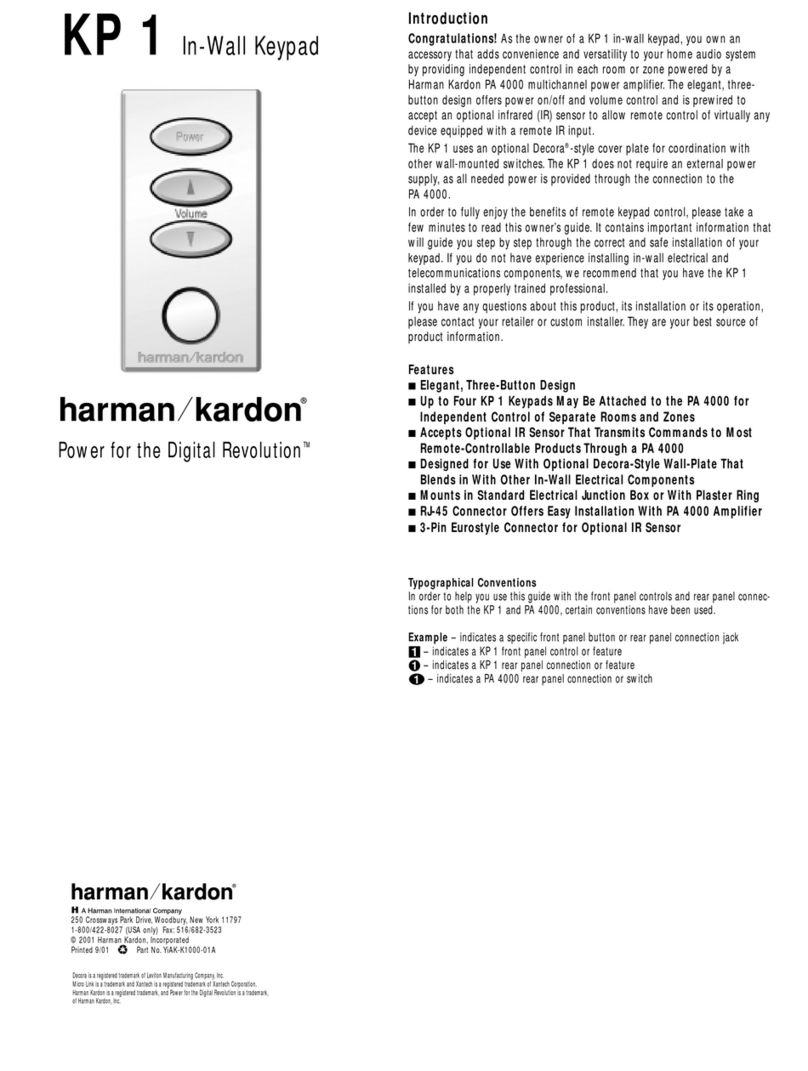
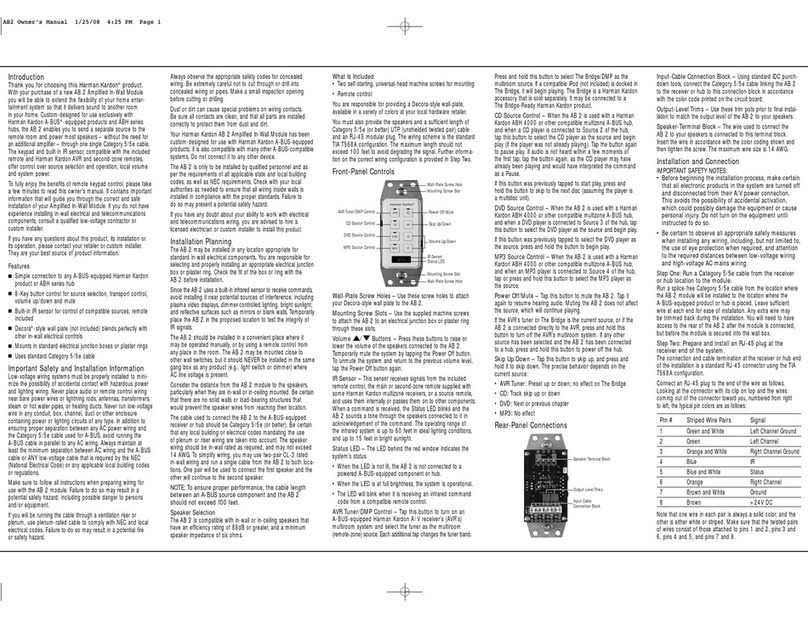
Harman Kardon AB 2 User manual

Harman Kardon

Harman Kardon AB 2 User manual

Harman Kardon AB 2 User manual

Harman Kardon

Harman Kardon AB 2 User manual

Harman Kardon AVR 325 User manual

Harman Kardon

Harman Kardon AVR 325 User manual

Harman Kardon AB 2 User manual

Harman Kardon

Harman Kardon AB 2 User manual

Popular Keypad manuals by other brands

AAA 6150RFAAA Installation and setup guide

AAA

AAA 6150RFAAA Installation and setup guide

Fermax MDS Installation and programming manual

Fermax

Fermax MDS Installation and programming manual

ACT ACT PRO 1030 manual

ACT

ACT ACT PRO 1030 manual

Cardin SSB Series manual

Cardin

Cardin SSB Series manual

CYP CR-KP1 Operation manual

CYP

CYP CR-KP1 Operation manual

Aeware k-35 Series Quick reference card

Aeware

Aeware k-35 Series Quick reference card

Aritech CS-175 Series user guide

Aritech

Aritech CS-175 Series user guide

Lenze AC Tech MC SERIES installation instructions

Lenze AC Tech

Lenze AC Tech MC SERIES installation instructions

Burg Wächter secuENTRY 7711 operating instructions

Burg Wächter

Burg Wächter secuENTRY 7711 operating instructions

Aeware in.k450 Tech book

Aeware

Aeware in.k450 Tech book

Lenze EPM-H410 operating instructions

Lenze

Lenze EPM-H410 operating instructions

Toshiba RKP007Z user manual

Toshiba

Toshiba RKP007Z user manual

Elmes Electronic KB1 quick start guide

Elmes Electronic

Elmes Electronic KB1 quick start guide

Clare Controls ClareOne CLR-C1-PNC Installation sheet

Clare Controls

Clare Controls ClareOne CLR-C1-PNC Installation sheet

FM Electronics 4180 quick start guide

FM Electronics

FM Electronics 4180 quick start guide

AMX MIO-PRESTIGE-S Dimensional drawing

AMX

AMX MIO-PRESTIGE-S Dimensional drawing

why pro WHY-KP user manual

why pro

why pro WHY-KP user manual

GE NetworX NX-1500E user manual

GE

GE NetworX NX-1500E user manual

manuals.online logo
manuals.online logoBrands
  • About & Mission
  • Contact us
  • Privacy Policy
  • Terms and Conditions

Copyright 2025 Manuals.Online. All Rights Reserved.

KP 1
IN-WALL KEYPAD
Whole-house audio control. The
Harman Kardon KP 1. Designed for
use with the Harman Kardon PA 4000
multiroom power amplifier, the KP 1 is a
convenient in-wall keypad that allows you
to power up the system and control the
volume independently for each room or
zone. It’s styled to match standard Decora®
wall plates, and may be used with an
optional IR sensor and third-party remotes.
The Harman Kardon KP 1. The simple
control solution for multiroom systems.
remote control capability
optional IR sensor
in-wall keypad
use with PA 4000
3-button power/volume control
whole-house audio system
RJ-45 connection
KP 1
IN-WALL KEYPAD
Specifications
• Mounting System: Compatible
With Most Standard Electrical
Junction Boxes
•Connections: 8P8C (RJ-45)
Straight-Through (Standard T568B)
System Connection to PA 4000
Amplifier; Three-Pin Eurostyle
Terminal Block Connector for Use
With Optional Third-Party IR Sensor
(+12 Volts, Signal, Ground)
•Dimensions (H x W x D): 4"x 1-5/8" x
1- 9/16"(103mm x 41.2mm x 40.1mm)
•Recommended Third-Party
Optional Infrared Sensor: Xantech®
Micro Link™Model 490-00
•Dimensions of Cutout for
Third-Party Optional IR Sensor:
1/2" (12.7mm)
[NOTE: Dimensions include buttons and
chassis, but not optional infrared sensor.]
All features and specifications are subject
to change without notice.
Features
Remotely Controls Power On/Off
and Volume Up/Down When Used
With PA 4000 Amplifier •Simple
Three-Button Design Is Easy to Use
•May Be Used With Optional
Third-Party Infrared Sensor to
Control Harman Kardon or Other
Products Equipped With IR Remote
Input Jacks •Easy Installation in
Standard Electrical In-Wall Junction
Box Using Single-Cable Connection
to PA 4000 •Three-Pin Connector
Provides Connection for Power
When Using Third-Party Sensor •
Decora-Style In-Wall Mounting
System Blends In With Room Décor
(Wall Plate Not Included)
Decora is a registered trademark of Leviton Manufacturing Company, Inc. Micro LInk is a trademark and Xantech is a registered trademark of Xantech Corporation. Harman Kardon is a registered
trademark, and Power for the Digital Revolution is a trademark, of Harman Kardon, Inc. Part No.: KP1PI10/01REV1
250 Crossways Park Drive
Woodbury, NY 11797
800-422-8027 FAX 516-682-3523
www.harmankardon.com