Installation General Use F.A.Q. Warranty
Troubleshooting
AppendixSafety
V1.2 [2013-1-14] 1
ASE Docking Station for Iridium 9555 Handsets
Contacts
Table of Contents
For additional information about this Product warranty, please contact your Service Provider or Point-of-
Sale. For additional information about ASE products and services, please contact ASE as follows:
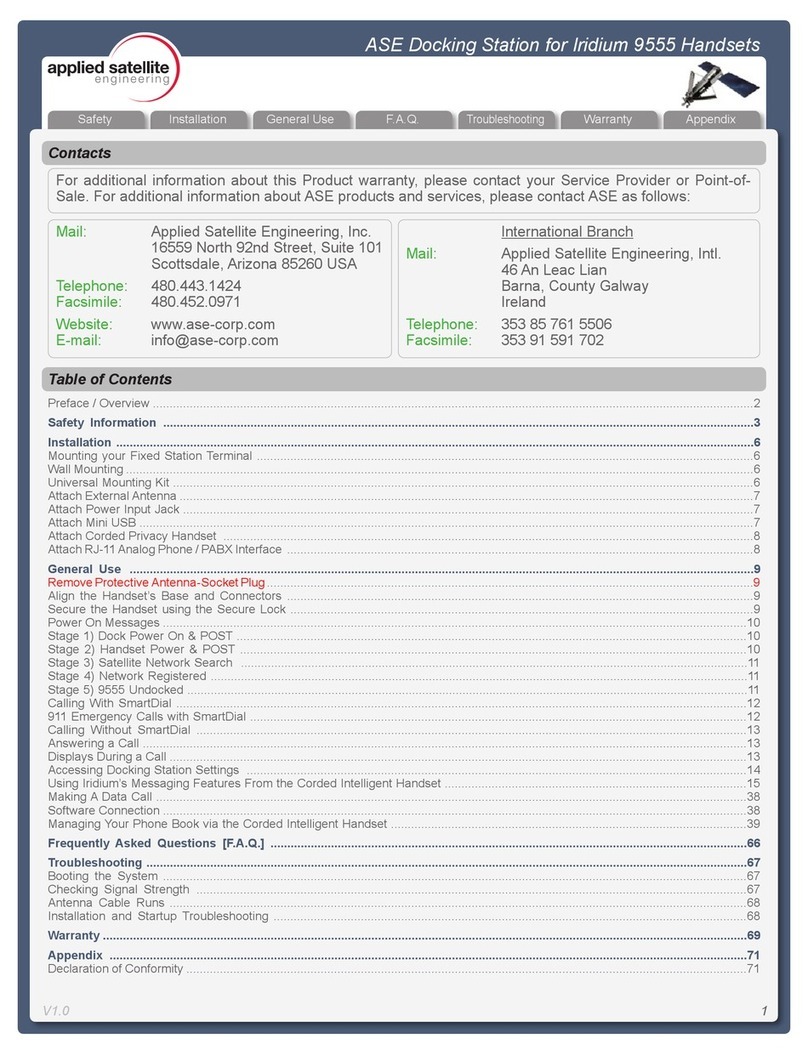
Preface / Overview ...................................................................................................................................................................................2
Safety Information ................................................................................................................................................................................3
Installation ..............................................................................................................................................................................................6
Mounting your Fixed Station Terminal ....................................................................................................................................................6
Wall Mounting ...........................................................................................................................................................................................6
Universal Mounting Kit .............................................................................................................................................................................6
Attach External Antenna ...........................................................................................................................................................................7
Attach Power Input Jack ..........................................................................................................................................................................7
Attach Mini USB .......................................................................................................................................................................................7
Attach Corded Privacy Handset ..............................................................................................................................................................8
Attach RJ-11 Analog Phone / PABX Interface ...........................................................................................................................................8
General Use ..........................................................................................................................................................................................9
Remove Protective Antenna-Socket Plug .................................................................................................................................................9
Align the Handset’s Base and Connectors ...........................................................................................................................................9
Secure the Handset using the Secure Lock ..........................................................................................................................................9
Power On Messages ..............................................................................................................................................................................10
Stage 1) Dock Power On & POST ........................................................................................................................................................10
Stage 2) Handset Power & POST .......................................................................................................................................................10
Stage 3) Satellite Network Search .......................................................................................................................................................11
Stage 4) Network Registered ................................................................................................................................................................11
Stage 5) 9555 Undocked .......................................................................................................................................................................11
Calling With SmartDial ..........................................................................................................................................................................12
911 Emergency Calls with SmartDial ....................................................................................................................................................12
Calling Without SmartDial ....................................................................................................................................................................13
Answering a Call ....................................................................................................................................................................................13
Displays During a Call ............................................................................................................................................................................13
Power Loss Warning ...............................................................................................................................................................................13
Accessing Docking Station Settings .....................................................................................................................................................14
Using Iridium’s Messaging Features From the Corded Intelligent Handset ..........................................................................................15
Making A Data Call ................................................................................................................................................................................38
Software Connection ..............................................................................................................................................................................38
Managing Your Phone Book via the Corded Intelligent Handset ..........................................................................................................39
Frequently Asked Questions [F.A.Q.] ..............................................................................................................................................66
Troubleshooting ...................................................................................................................................................................................67
Booting the System ..............................................................................................................................................................................67
Checking Signal Strength ....................................................................................................................................................................67
Antenna Cable Runs ............................................................................................................................................................................68
Installation and Startup Troubleshooting .............................................................................................................................................68
Warranty ................................................................................................................................................................................................69
Appendix ..............................................................................................................................................................................................71
Declaration of Conformity .......................................................................................................................................................................71
Mail: Applied Satellite Engineering, Inc.
16559 North 92nd Street, Suite 101
Scottsdale, Arizona 85260 USA
Telephone: 480.443.1424
Facsimile: 480.452.0971
Website: www.ase-corp.com
International Branch
Mail: Applied Satellite Engineering, Intl.
46 An Leac Lian
Barna, County Galway
Ireland
Telephone: 353 85 761 5506
Facsimile: 353 91 591 702