Page - 4
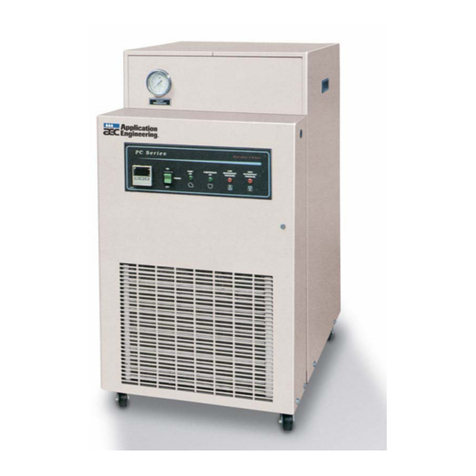
1.4.a Buttons
Buttons Description
Display Lock Sliding your finger across the buttons from left to right will
temporarily disable the display lock.
Pool / Spa Select either the pool or the spa thermostat.
Up Arrow Used to increase temperature set point and navigate
though menu options.
Down Arrow Used to decrease temperature set point and navigate
though menu options.
Mode Select chiller's operating mode.
1.4.b Display
Display Description
75 The chiller is on and displaying the current water
temperature. In this example 75° F is displayed.
FLO No water flow is detected. The filter pump is off or chiller
is not receiving correct water flow.
OFF
The chiller has been turned off via the mode selector
button or the temperature set point has been lowered
below 45° F.
888 The control program is initializing. This displays only as
power is applied to the chiller.
CF1 Select water temperature format (in either Celsius or
Fahrenheit).
ULC Enable chiller lockout feature.
ELC Select pass code to lock the keyboard.
LOC
This is a Service Entry Point (not intended for use by the
owner). The LOC code permits service personnel to enter a
factory pass code to access adjustable calibration and site
dependent setup parameters. Service adjustments are
available to authorized installation and service personnel,
only.
1.4.c Indicator Lights
Indicators Description
Pool The Chiller is referencing the pool thermostat.
Spa The Chiller is referencing the spa thermostat.
Cooling
Indicates the unit is cooling the water.
Please note - the compressor must be operating before this
light will illuminate.
Water Temp Indicates current water temperature.
Desired Temp Indicates temperature set point is displayed. This is
displayed when "UP" or "DOWN" is selected.