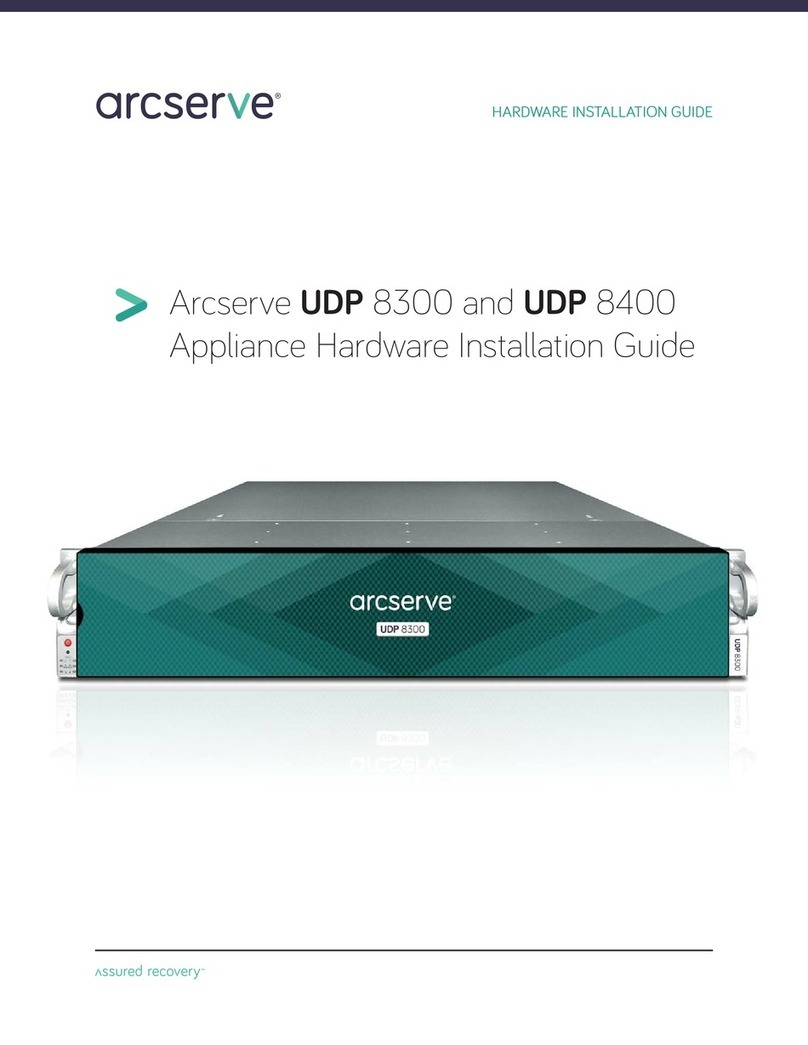
Arcserve UDP 8100 and UDP 8200 Appliance Hardware Installation Guide 8
Adjustable rack rail assemblies
4-post rack
Empty
hole
Empty
hole
Empty
hole
Rear section of
the adjustable
rack rail assembly
Rack bracket tab
Rack bracket tabs
Front section of
the adjustable
rack rail assembly
6A. 4-Post Rack Installation with Standard Rails
Locate the mounting hardware and rack rail assemblies shown below
Step 2
nInsert a cage nut into each of the square
holes in the rack you will be using as
shown (three in the front and two in
the rear). They click into place.
nAttach the rack /rail assemblies to the
rack using two M5 x 12 flat head screws
cone washers in the front and back.
The
convex side of the cone washers face toward
the rack.
nMake sure the rack / rail assemblies and
screws are aligned in the rack not only in
the front and back, but are level in height
on the left and right sides for proper
alignment for appliance installation.
Step 1
Locate the two adjustable standard
rack rail assemblies.
nInsert the tabs on the front section of the
adjustable rack rail assembly through the
openings in the rear sections of the
assemblies.
nCheck to make sure the adjustable rack rail
assemblies are connected correctly, then
slide the front section forward and the rear
section back to keep themfromcoming
apart. These assemblies adjust to
accommodate different rack depths.
NOTE: The installation procedures
for Sections 6A and 6B, 4-Post
Rack, below and on page 9 are for
use with the rails and hardware
provided in your ship kit. If different
style rails are being used, or if your
rack requires different hardware,
refer to the instructions provided
with your rail’s or rack’s ship kit.