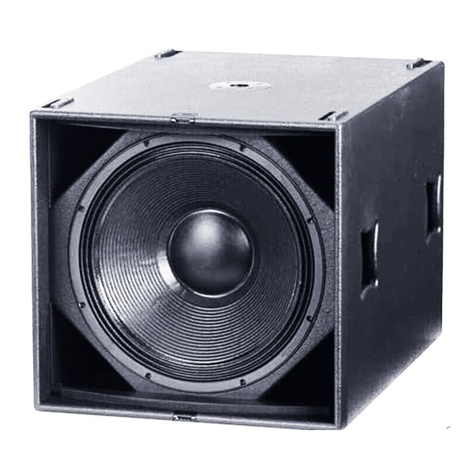
1. Switch on S113 BT speaker by sliding the power switch.
2. Insert one end of the 3.5mm audio cable into the speaker and
the other end into your mobile device headphone's output.
3. Play music!
C. Connect via Cable
Ÿ
Ÿ Volume down: one short press of the
Ÿ Next track: while music is playing, press and hold the
until the track moves to the next track.
Ÿ Previous track: while the music is playing, press and hold
the until the start of the track replays. Quickly press and
hold the again to go to the previous track.
Ÿ Pause / Play: one short press and release of the
multifunction button
Volume up: one short press of the
Music Operations
If the mobile device that is paired with the S113 BT speaker is a
cellular phone you can:
Ÿ Answer Call: one quick press of the multifunction button .
Ÿ End Call: one quick press of the multifunction button .
Ÿ Reject Call: pressing and holding the multifunction button
for three seconds or until you hear a tone that indicates this
function has been completed.
Ÿ Voice Recognition: If supported by your mobile device, turn
the voice recognition feature on, in standby mode press and
hold the multifunction button for three seconds; a tone will
sound to indicate activation. Say the name of who you would
like to call and wait for the dial tone.
Phone Operations
The S113 BT can be charged while switched on or off.
1. Insert the micro USB cable into the S113 BT and the USB side
into a power source. (We recommend the Home Charger 4500).
2. When the red LED light is off the S113 BT is fully charged.
It is recommended to fully charge before initial use.
Charging
To restore your speaker to factory settings:
1. Switch the S113 BT on.
2. Then press the and buttons simultaneously for 10
seconds until a low key beep is emitted.
3. Switch the speaker off.
Restore to Factory Settings